
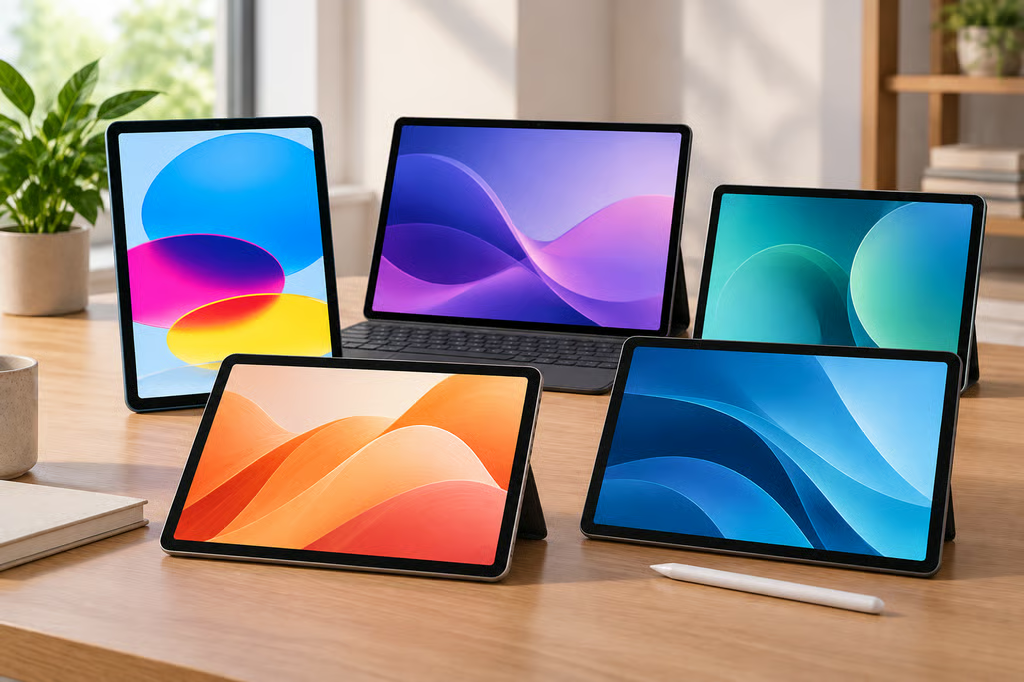


A $500 tablet budget now covers fast everyday iPads, large-screen Android models, bundled styluses, expandable storage, and tablets built specifically for media.
The five picks below are all currently available in the US and stay within the $500 limit before trade-ins or carrier promotions. Each leads in a different area, from all-around performance to note-taking, entertainment, and budget 5G.
- Best tablets under $500 at a glance
- How we chose the best tablets under $500
- 1. Apple iPad 11-inch (A16): Best overall
- 2. Lenovo Idea Tab Pro Gen 2: Best for performance and a large screen
- 3. Samsung Galaxy Tab S10 Lite: Best for notes and software support
- 4. Lenovo Tab Plus Gen 2: Best for entertainment
- 5. Motorola moto pad (2026): Best budget Android tablet
- Which tablet under $500 should you buy?
Best tablets under $500 at a glance
| Tablet | Price | Display | Storage |
|---|---|---|---|
| Apple iPad 11-inch (A16) | $449 | 11-inch, 2360 x 1640 | 128GB |
| Lenovo Idea Tab Pro Gen 2 | $349.99 sale; $499.99 est. value | 13-inch, 3.5K | 128GB |
| Samsung Galaxy Tab S10 Lite | $329.99 sale; $399.99 list | 10.9-inch, up to 90Hz | 128GB |
| Lenovo Tab Plus Gen 2 | $289.99 sale; $399.99 est. value | 12.1-inch, 2560 x 1600, 120Hz | 128GB |
| Motorola moto pad (2026) | $249.99 | 11-inch, 2.5K, 90Hz | 128GB |
Prices checked September 23, 2026. Sale prices can change. Lenovo uses an estimated value rather than an MSRP for the configurations above.
How we chose the best tablets under $500
To qualify, a tablet had to be available to US buyers with a normal list price or manufacturer-listed estimated value of $500 or less. A temporary discount could improve its value, but a tablet that normally costs more than $500 was not included simply because a retailer briefly marked it down.
The $500 ceiling applies to the tablet itself. Optional keyboards, cases, styluses, higher storage capacities, cellular service, and extended warranties can push the total cost higher.
We compared:
- Performance: Processor, memory, responsiveness, graphics performance, and whether the hardware is suited to basic apps, multitasking, or heavier workloads.
- Display: Size, resolution, refresh rate, measured brightness, and how comfortable the screen is for documents, reading, video, and creative work.
- Battery life: Tested runtime where available, plus battery capacity and charging speed.
- Storage: Base storage, available upgrades, microSD expansion, and the cost of getting more space.
- Productivity: Keyboard support, stylus compatibility, multitasking tools, USB capabilities, and features for documents, meetings, and note-taking.
- Software support: Promised operating-system upgrades and security patches, particularly for Android tablets that may remain in use for several years.
- Portability: Weight, screen size, cellular options, speakers, and how comfortable the device is to carry or hold.
- Value: The combination of hardware, software, accessories, support, and tested performance available within the $500 limit.
Battery results below come from the cited reviews. Test methods differ between publications, so small runtime differences should not be treated as direct head-to-head results.
1. Apple iPad 11-inch (A16): Best overall
The Apple iPad 11-inch starts at $449 for the 128GB Wi-Fi model. It uses Apple’s A16 chip and an 11-inch Liquid Retina display with a 2360-by-1640 resolution.
Tom’s Guide recorded 11 hours and 25 minutes in its continuous Wi-Fi browsing test at 150 nits. Its testing also produced Geekbench 6 scores of 2,589 single-core and 6,176 multi-core, giving the iPad plenty of speed for everyday apps, games, video editing, and multitasking.
The same review measured 506 nits of brightness. The screen works well indoors but can be harder to see in bright outdoor conditions.
Apple supports the USB-C Apple Pencil and first-generation Apple Pencil, but not Apple Pencil Pro. The A16 iPad also lacks Apple Intelligence, which is available on Apple’s more expensive tablets.
The iPad’s combination of performance, app support, accessories, and integration with Macs and iPhones makes it the strongest all-around option in this group.
If portability is more important than screen size, the iPad mini provides a much smaller 8.3-inch form factor and Pencil Pro support, although it now sits above this guide’s $500 limit.
2. Lenovo Idea Tab Pro Gen 2: Best for performance and a large screen
The Lenovo Idea Tab Pro Gen 2 has a $499.99 estimated value and was selling for $349.99 when checked.
It combines a Snapdragon 8s Gen 4 processor and 8GB of memory with a 13-inch 3.5K display. That gives it considerably more screen space than the iPad, Samsung, or Motorola while still staying within the price limit.
The current 128GB configuration uses UFS 3.1 storage and includes a microSD slot for expansion. Buyers who regularly keep large media libraries or project files locally have more flexibility here than on the fixed-storage iPad.
Notebookcheck measured 14 hours and 11 minutes of Wi-Fi browsing and average display brightness around 599 nits. Its testing also found some throttling during sustained workloads, although performance was substantially higher than the previous Idea Tab Pro.
Lenovo ships the tablet with Android 16 and promises upgrades through Android 18, with security patches through 2030.
The Idea Tab Pro Gen 2 is the strongest pick here for buyers who want Android, a large high-resolution screen, and faster hardware. Lenovo’s Yoga Tab Gen 2 models add 4K displays, longer software support, and higher-end specifications for buyers with larger budgets.
3. Samsung Galaxy Tab S10 Lite: Best for notes and software support
The Samsung Galaxy Tab S10 Lite has a $399.99 list price for 128GB, with Samsung selling it for $329.99 when checked.
Its 10.9-inch display supports refresh rates up to 90Hz, and the S Pen is included in the box. Handwritten notes, annotations, drawing, and document markup therefore do not require another accessory purchase.
Notebookcheck measured 15 hours and 19 minutes of Wi-Fi browsing with the display set to 150 cd/m². The tablet also includes an 8,000mAh battery and microSD expansion.
The Exynos 1380 is suited to web browsing, office apps, video calls, streaming, and note-taking. Buyers focused on demanding games or heavier creative applications will get more performance from the iPad or Idea Tab Pro Gen 2.
Samsung promises up to seven generations of Android upgrades and seven years of security updates from the tablet’s global launch. That is the longest stated support period among the Android tablets in this guide.
The included S Pen and long update window make the Galaxy Tab S10 Lite especially attractive for students, annotation-heavy work, and buyers planning to keep the same tablet for several years.
A device such as the reMarkable Paper Pure takes note-taking further by stripping away most traditional tablet features, but Samsung is the more flexible choice when the same device also needs apps, video, browsing, and general work.
4. Lenovo Tab Plus Gen 2: Best for entertainment
The Lenovo Tab Plus Gen 2 has a $399.99 estimated value and was selling for $289.99 when checked.
Its 12.1-inch display has a 2560-by-1600 resolution and a refresh rate up to 120Hz. The tablet also has a built-in rotating kickstand, making it easy to prop up on a desk, tray, or table.
Audio is the feature that separates it from the other picks. Lenovo uses a nine-speaker JBL system with four tweeters, three woofers, and two passive radiators.
Tom’s Guide recorded 16 hours of battery life with the display at 60Hz and 13 hours and 39 minutes at 120Hz. The 10,200mAh battery supports charging up to 45W.
The MediaTek Dimensity 7400 is suited to streaming, browsing, video calls, and general apps, but the Idea Tab Pro Gen 2 provides more processing headroom.
Portability is also weaker. The Tab Plus Gen 2 weighs about 1.69 pounds, and its large speaker section makes it less comfortable to hold for extended periods.
For movies, music, streaming, video calls, and desk-based use, the large screen, kickstand, speakers, and long tested battery life give it the clearest entertainment focus here.
5. Motorola moto pad (2026): Best budget Android tablet
The Motorola moto pad (2026) has a $249.99 MSRP and is available through Motorola, T-Mobile, and Metro by T-Mobile.
It includes an 11-inch 2560-by-1600 display with a 90Hz refresh rate, 8GB of memory, 128GB of storage, and microSD expansion.
Tom’s Guide measured 10 hours and 31 minutes of Wi-Fi browsing and average display brightness of about 430 nits. Its testing found the MediaTek Dimensity 6300 adequate for everyday tasks but substantially weaker than more expensive tablets in graphics performance.
The moto pad also includes quad speakers with Dolby Atmos and built-in 5G. That cellular connection is unusual at this price, although using it requires compatible service.
Its aluminum body weighs about 1.06 pounds, making it easier to carry than Lenovo’s larger models.
For browsing, email, meetings, streaming, schoolwork, and travel, the moto pad provides a useful set of features without moving into the $300 to $500 range.
Which tablet under $500 should you buy?
| Best for | Pick | Reason |
|---|---|---|
| Best overall | Apple iPad 11-inch | Fast A16 performance, broad app support, and strong accessory ecosystem |
| Performance and large screen | Lenovo Idea Tab Pro Gen 2 | Snapdragon 8s Gen 4 and a 13-inch 3.5K display |
| Notes and long support | Samsung Galaxy Tab S10 Lite | Included S Pen and seven years of software support |
| Entertainment | Lenovo Tab Plus Gen 2 | Large 120Hz display, nine-speaker system, and built-in kickstand |
| Budget Android tablet | Motorola moto pad (2026) | 2.5K display, 5G, and 128GB storage for $249.99 |
The Apple iPad 11-inch offers the strongest overall balance of performance, apps, portability, and accessories. Its $449 price is close to the top of the budget, however, and several Android alternatives offer more screen space or extra hardware for less.
The Idea Tab Pro Gen 2 is the better fit for buyers prioritizing Android performance and a large display. Samsung combines note-taking with the longest software-support commitment, while the Tab Plus Gen 2 is built around media use. Motorola covers the basics for roughly half the price of the iPad.
Buyers who expect to spend most of the day typing, using desktop-class web apps, or running traditional PC software may be better served by a laptop instead.
Also read: The best budget laptops under $800 include five options for work, school, and travel.