802.11 abg Intel PROSet/Wireless installation - TechRepublic

802.11 abg Intel PROSet/Wireless installation

  • 31839.png

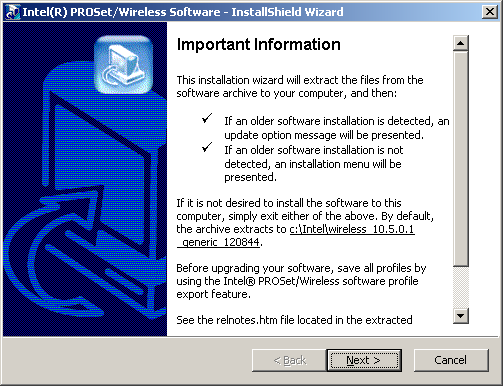
    Starting the installation wizard

    Intel provides one of the cheapest ways to upgrade your existing laptop to 802.11 a/b/g with the Intel PRO/Wireless 2915ABG miniPCI adapter at $30 which is almost half the price of other solutions. In his TechRepublic blog, George Ou explains how to upgrade a laptop to 802.11 abg for $30 using and Intel card and the Intel ProSet/Wireless software. This gallery walks you through the Intel driver software installation.

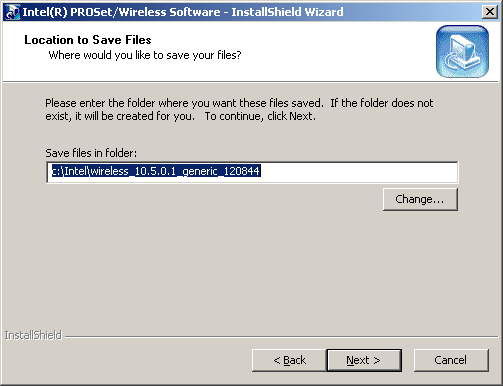
  • Location to Save Files

    I’ve left the default file location.

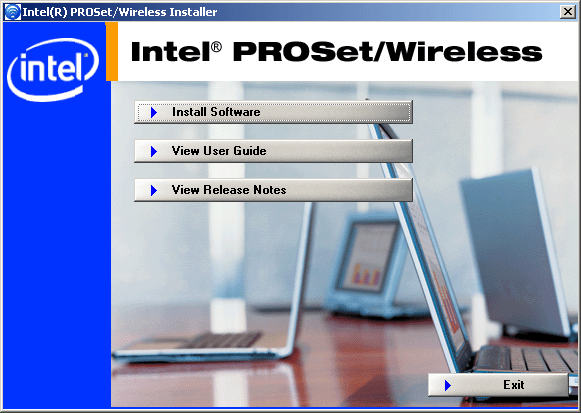
  • Actual PROSet/Wireless Installer

    Click Install Software to begin.

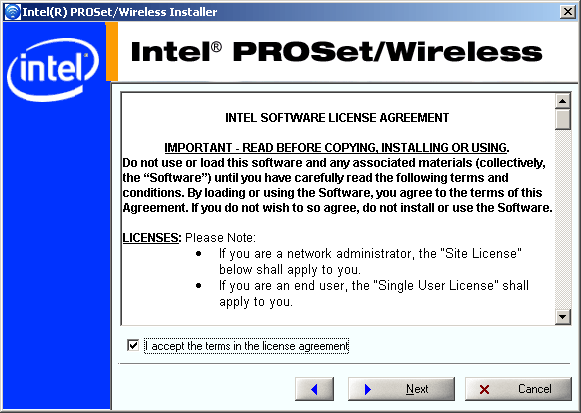
  • Another license agreement

    Again, accept the terms of the EULA and click Next.

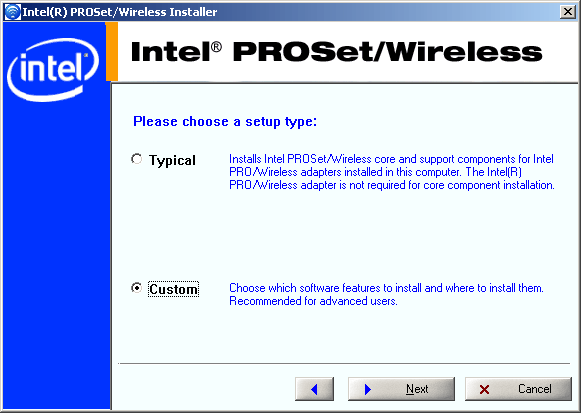
  • Select Typical or Custom setup

    Select custom and click Next to specify your setup options.

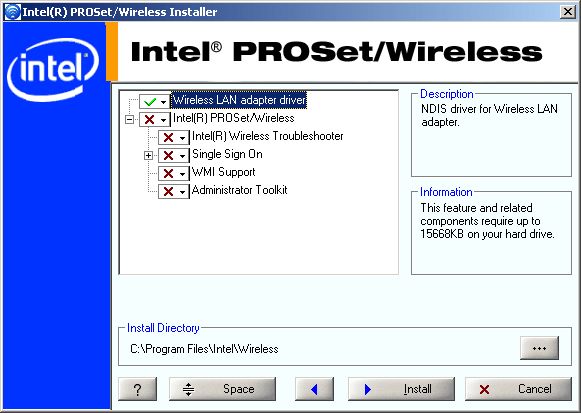
  • Wireless LAN adapter driver

    You don’t need all the extra stuff included with the PROSet/Wireless software, just the driver. Select the Wireless LAN adapter driver and click Install to continue.

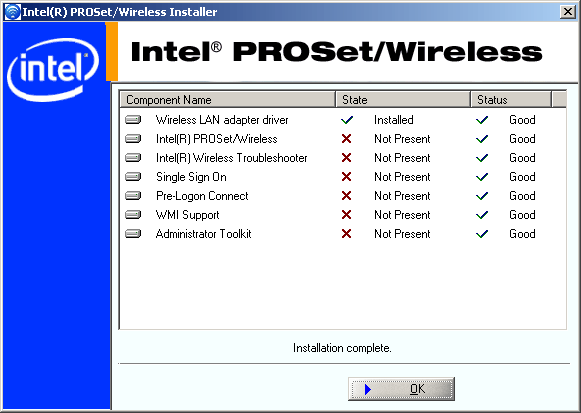
  • Finished installation

    The installation is complete and you’re ready to begin.

1 of 7
BD

Bill Detwiler is the Editor for Technical Content and Ecosystem at Celonis. He is the former Editor in Chief of TechRepublic and previous host of TechRepublic's Dynamic Developer podcast and Cracking Open, CNET and TechRepublic's popular online show. Previously, Bill was an IT manager in the social research and energy industries. He has bachelor's and master's degrees from the University of Louisville, where he has also lectured on computer crime and crime prevention.