Enjoy safer browsing with these five handy apps - TechRepublic

Enjoy safer browsing with these five handy apps

  • 00securityistock000044193646small.jpg

    Introduction

    It’s no secret that the internet can be a dangerous place. Even\r\nsavvy users can accidentally mistype a URL for a common website and land on a\r\nmalicious site instead. Of course, internet malware isn’t the only concern. Many\r\nperfectly legitimate sites go to great lengths to track your behavior.

    This gallery looks at five apps that are designed to help\r\nimprove browser security. I’ve focused primarily on Internet Explorer (with one\r\nexception), but similar apps are available for other browsers.

    Note: This gallery is also available as an article.

  • Adblock Plus for Internet Explorer

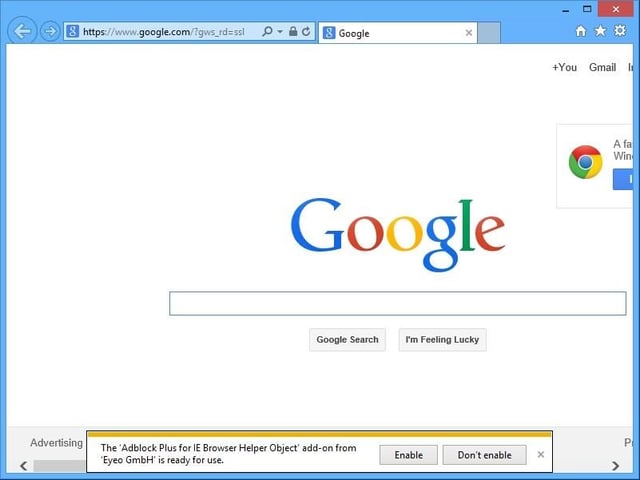
    Adblock Plus for Internet Explorer might not be what you would think of\r\nas a browser security app. After all, its job is to block annoying ads on websites.\r\nSo what does this have to do with security? It has become increasingly common\r\nfor dubious websites to run ads that if clicked, take you to malicious sites.

  • History Sweeper

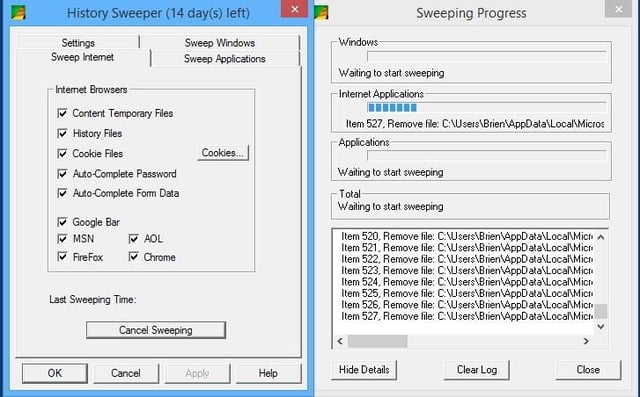
    The program has separate tabs for Windows, internet, and\r\napplications, and can remove a variety of history items from each. In the case\r\nof the browser, History Sweeper goes above and beyond clearing cookies and the\r\nbrowser cache. It has built-in support for removing history from everything\r\nfrom the Google Bar to MSN and AOL. Firefox and Chrome are also supported.

    History Sweeper sells for $29.95, but a free trial is\r\navailable for download.

  • Sandboxie

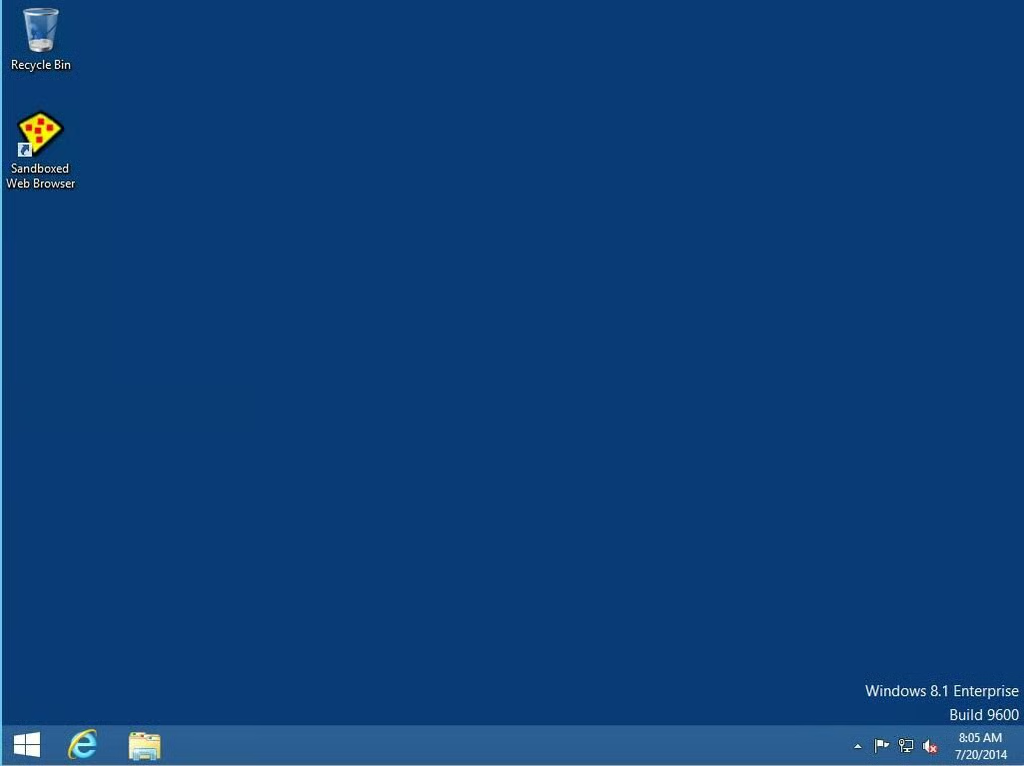
    Sandboxie is simple to\r\ninstall and there are no intrusive interfaces to worry about. Just launch the\r\nbrowser through the Sandboxed Web Browser icon and you’re in business.

  • DoNotTrackMe for IE

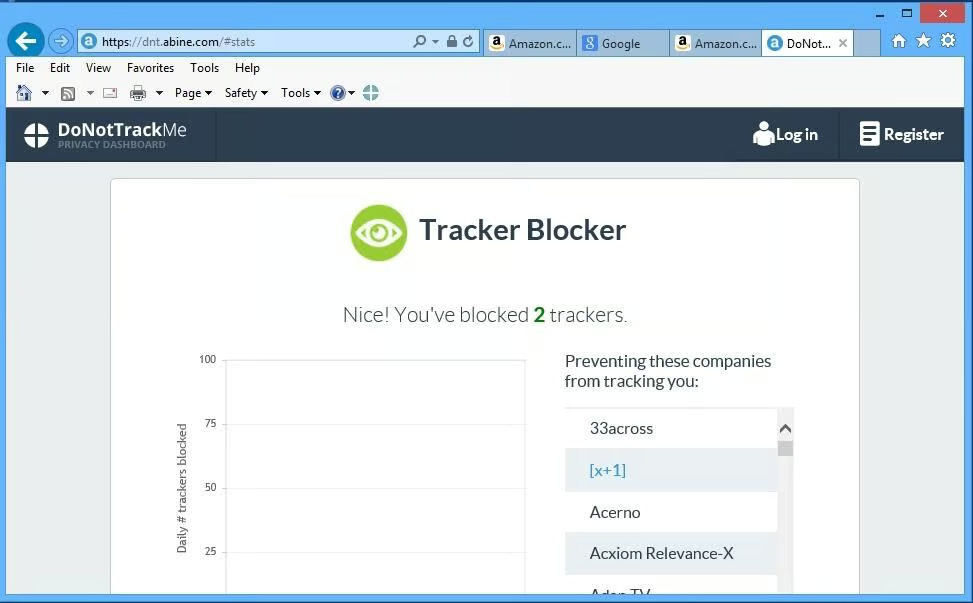
    DoNotTrackMe is simple to deploy, and you don’t have to do\r\nanything special to use it once it’s been installed. It alerts\r\nyou when it has blocked trackers, so it’s easy to tell that the software is\r\nworking.

    DoNotTrackMe is also available for other popular browsers,\r\nincluding Safari, Firefox, and Chrome.

1 of 5
Brien Posey

* 1988 - Started teaching myself about computers \ * 1992 - Mainframe programmer for an insurance company \ * 1993 - Network Administrator for a different insurance company \ * 1996 - Author for The Cobb Group \ * 1998 - Network Administrator for Fort Knox \ * 1999 - CIO for chain of hospitals \ * 2000 - Gave up the corporate rat race to work out of my home. I have been a full time technical author ever since. Visit my Web sites at http://www.brienposey.com and http://www.relevanttechnologies.com \