Five Apps: Tools for building timelines - TechRepublic

Five Apps: Tools for building timelines

  • 00skid-mark-567668640.jpg

    Introduction

    There are many reasons to keep a timeline. You might want to\r\ncreate a chronological map of how a project or company developed, track a\r\nfamily history, or follow your career progress or trajectory. But whatever the\r\nreason, you need the right tool to make the timeline easy to work with. You can’t\r\njust use a spreadsheet or text document to create a helpful, interactive tool.\r\nInstead, you need the right software to do the job.

    I’ve found five apps/services that do a great job of creating\r\ntimelines, whatever the purpose. Some are mobile apps, some are website\r\nservices. No matter your need, this list should have it covered.

    Note: This gallery is also available as an article.

  • Timeglider

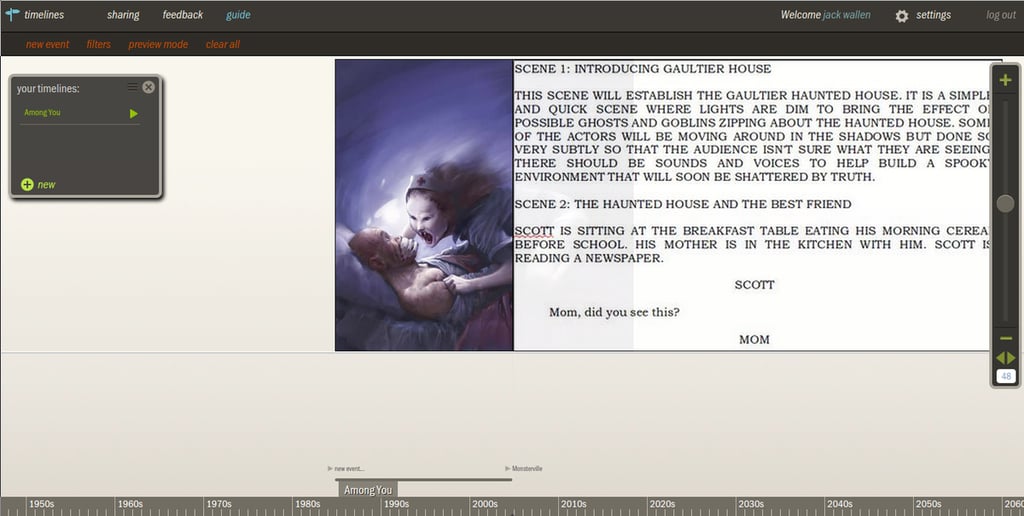
    Timeglider allows you to zoom in and out of your timeline\r\nand change the importance of events. With a paid account, you can collaborate\r\non a timeline. Once you’ve completed the timeline, you can share it and embed\r\nit. Another handy feature of the paid versions is the ability to generate a\r\nlegend that aids in timeline navigation. Paid accounts range from a basic plan\r\nat $5.00 USD/month to a group account starting at $24.00 USD/month for five\r\nusers. For more information on pricing, check out the Timeglider price matrix.

  • RWT Timeline

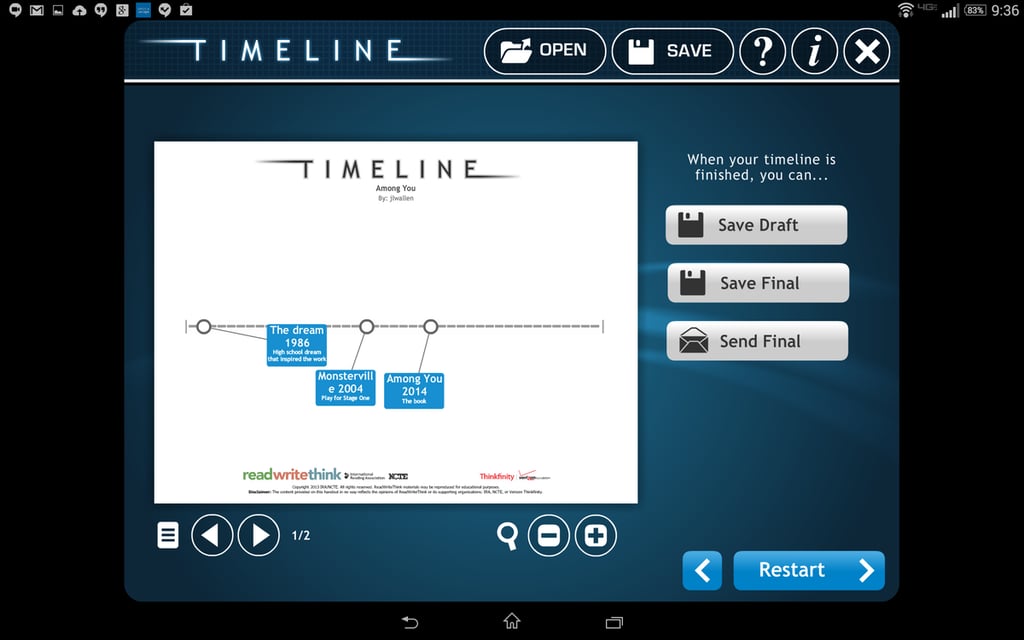
    With RWT Timeline, you can’t automatically add dates to\r\nevents. Instead, you must add dates into the description. But because events\r\naren’t locked to a particular time, the timeline becomes quite flexible. RWT\r\nTimeline allows you to save the timeline (and edit later) in an .rwt format.\r\nWhen completed, the timeline is exported as a JPG image, so you can share it\r\nout to whomever you need.

  • Tiki-Toki

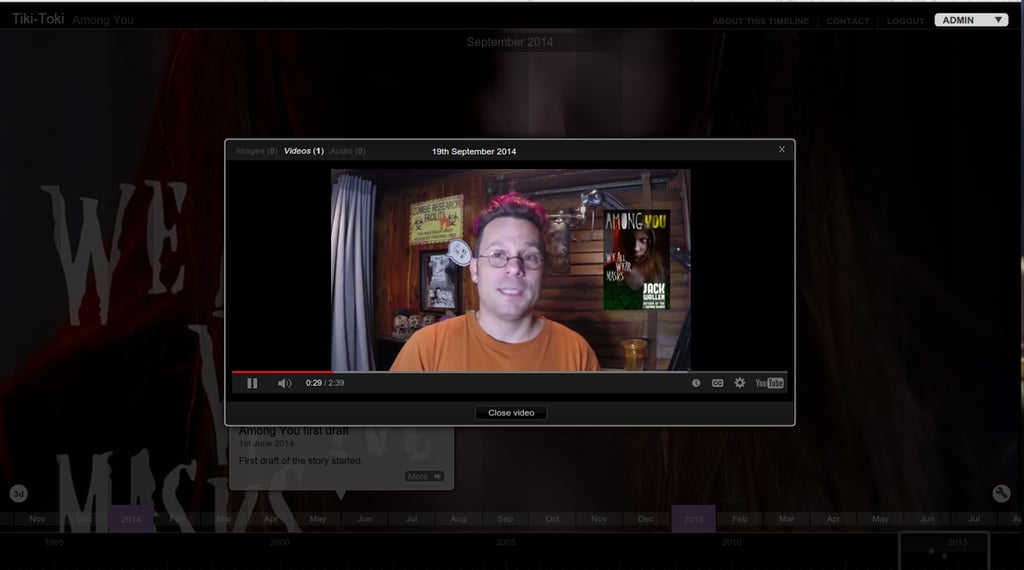
    There are free accounts as well as paid accounts. With a\r\npaid account you can embed timelines on your site and collaborate with others.\r\nThe paid accounts are Teacher ($125.00/year, which includes 50 student accounts,\r\nembedded timelines, and no ads and is available only to teachers) and Bronze\r\nAccounts ($7.50/month, which includes five timelines, group editing, embedding,\r\n5,000 monthly embed views, and no ads).

  • Capzles

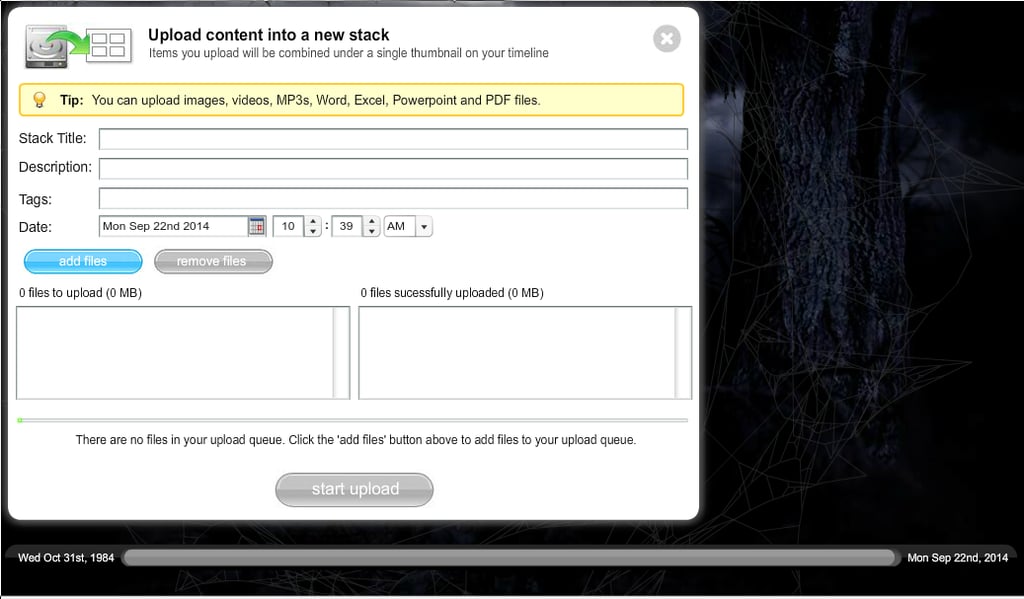
    One caveat about adding multimedia: You must upload directly\r\nfrom your computer; you can’t embed video or link it. What you can do is add\r\nlinks to a text (or blog) post, which can then be clicked on. When you’ve\r\nfinished your Capzle, you can share the timeline via link, email, embedding, or\r\nRSS feed. Capzles is a free service and does not offer advanced features like\r\ncollaboration.

  • myHistro

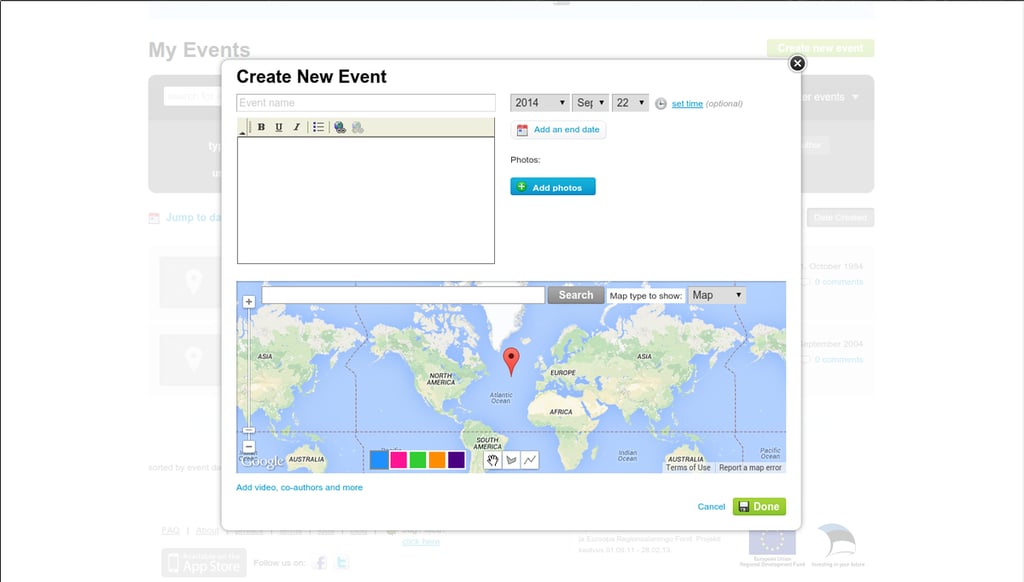
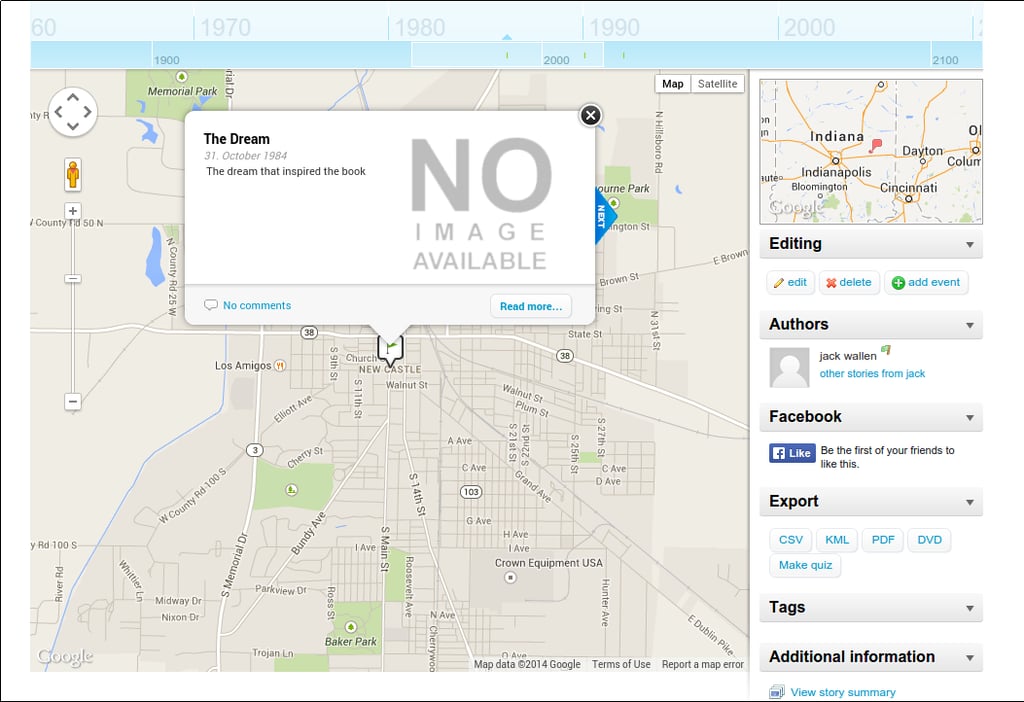
    myHistro is a unique take on the timeline, in that it focuses on location as\r\nmuch as time. You create a story and add events that are tagged with location.\r\nWhen the story is played back, a graphical map of the event’s location is\r\ndisplayed along with the information about the event. With myHistro you can\r\nalso link events to Facebook, add quizzes, export as CSV/PDF/DVD, add Google\r\nMaps, and more.

  • myHistro

    You can embed a story in a website, and users can make\r\ncomments on events in your story. myHistro should be thought of more as an\r\neducational tool than just a timeline app. Through myHistro, you can also\r\nbrowse plenty of public timelines.

1 of 7
Jack Wallen

Jack Wallen is an award-winning writer for TechRepublic, The New Stack, and Linux New Media. He's covered a variety of topics for over twenty years and is an avid promoter of open source. For more news about Jack Wallen, visit his website jackwallen.com.