Five free tools for managing your wireless network - TechRepublic

Five free tools for managing your wireless network

  • 00Wireless_Wizard_3.jpg

    Introduction

    \n\tWi-Fi is relatively easy to configure, but optimizing, securing, and diagnosing problems with a wireless network can be a challenge. Here are five free tools that can help.

    \n

    \n\tNote: If you’d prefer to view this information as a blog post, check out this entry in our Five Apps blog.

    \n

    \n\tPhoto: Wireless Wizard

  • CommView for WiFi

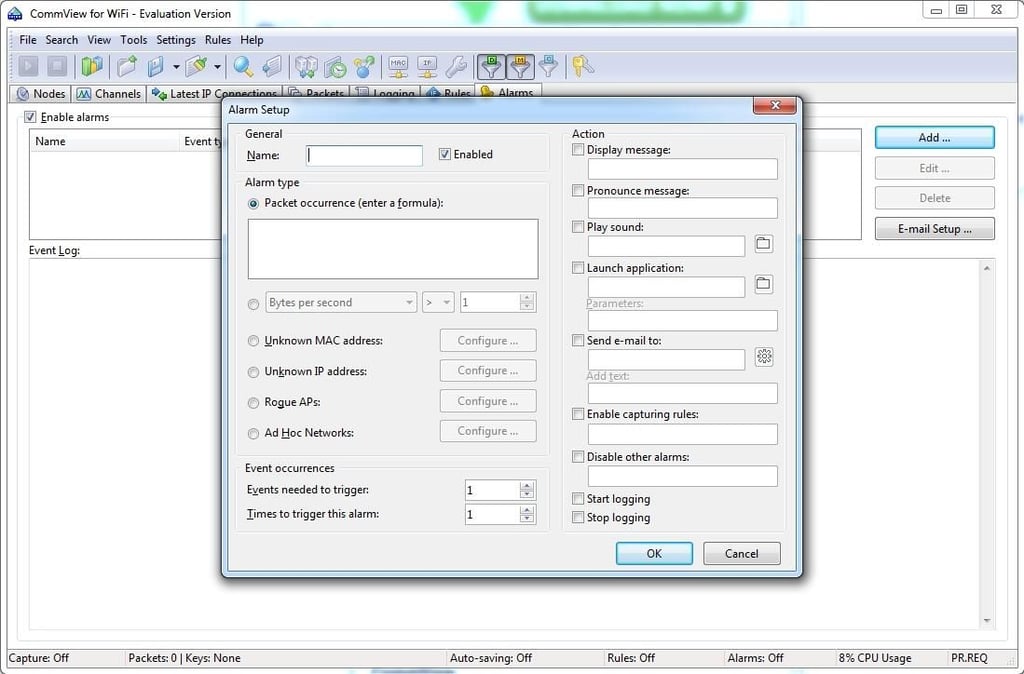
    \n\tCommView for WiFi also offers an alarm that can alert you whenever certain types of traffic are detected. Such a feature could go a long way toward improving Wi-Fi security.

  • inSSIDer

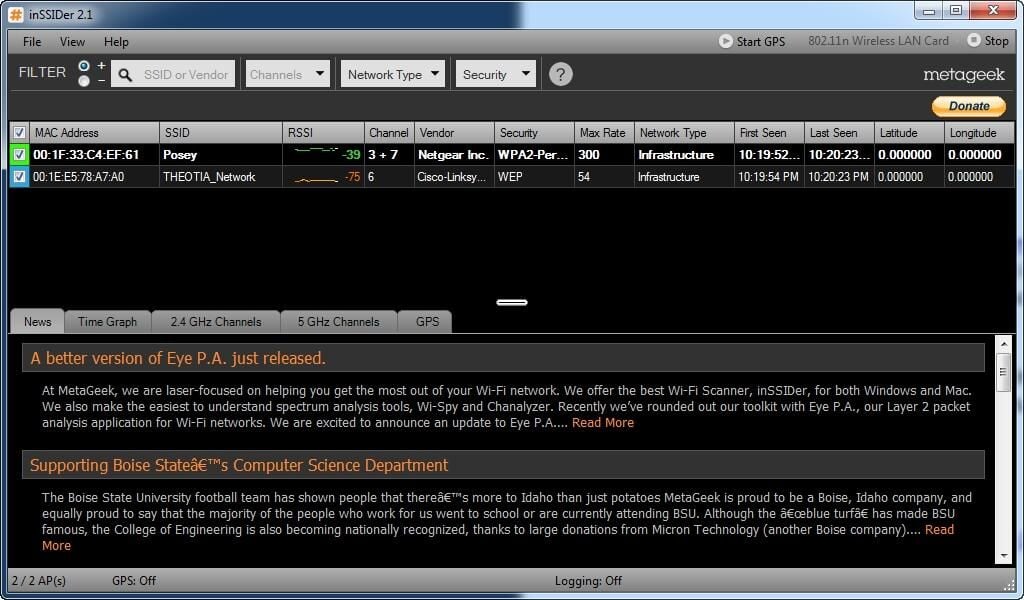
    \n\tinSSIDer is similar to the old Net Stumbler application, except that it has been modernized and it works with operating systems such as Windows XP, Vista, and Windows 7.

  • inSSIDer

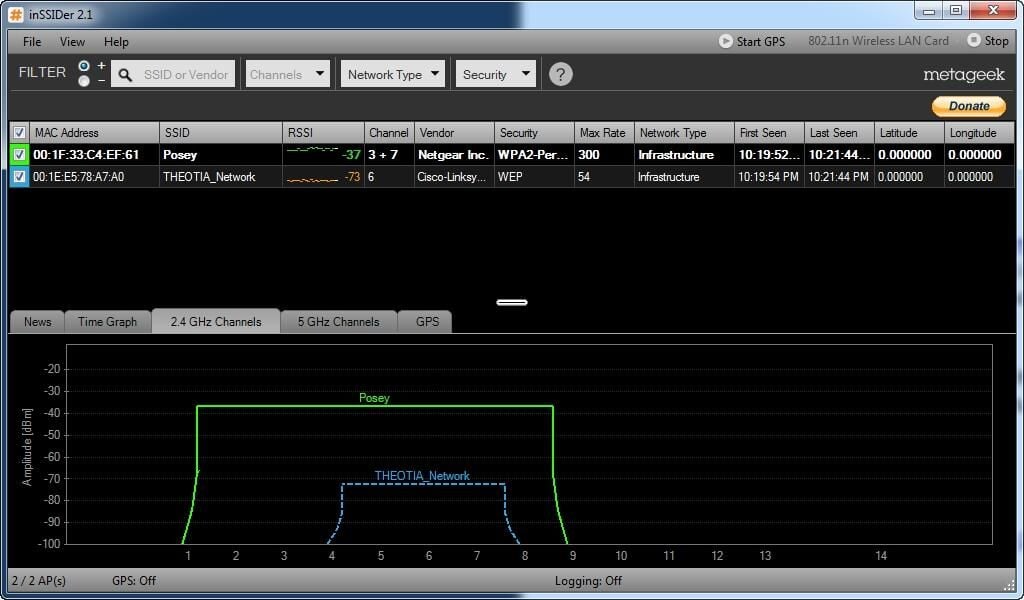
    \n\tinSSIDer is designed to detect wireless networks and report on their type, maximum transfer rate, and channel usage. There is even a graphical representation of each wireless network’s amplitude and channel usage.

  • Wireless Wizard

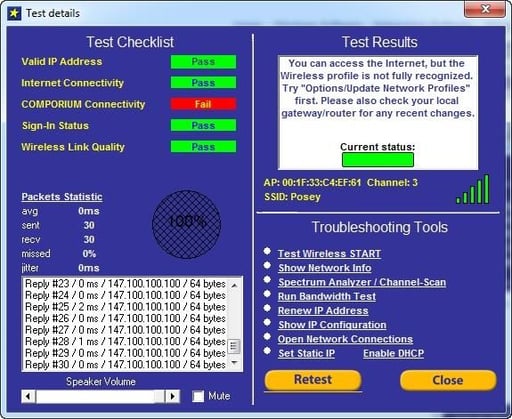
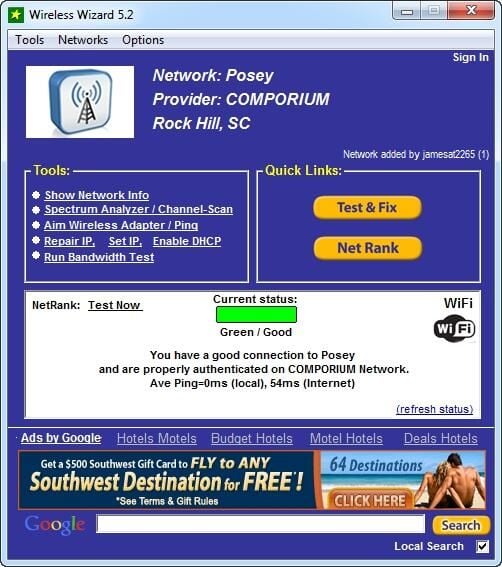
    \n\tWireless Wizard is designed to help you to get the best possible performance from your wireless network connection. In addition to providing all manner of statistics about your wireless network, the software offers a series of diagnostic tests you can use to see how well your wireless network is performing.

  • Wireless Wizard

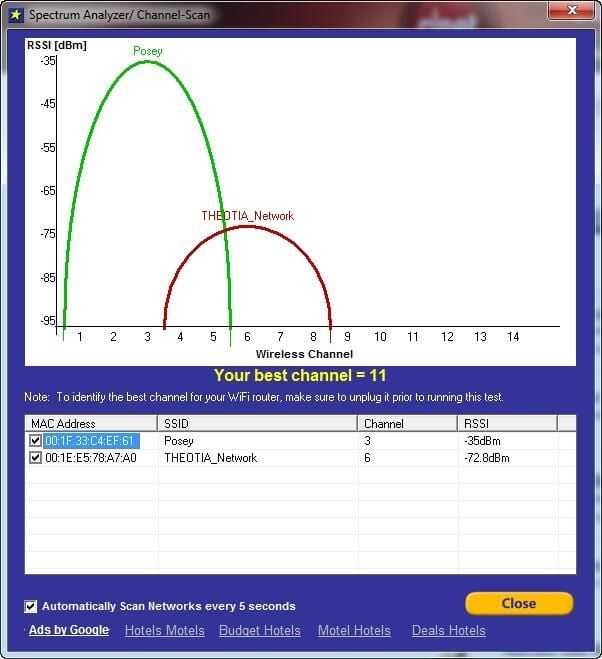
    \n\tWireless Wizard also includes a spectrum analyzer that recommends the best wireless channel for you to use.

  • Wireless Key Generator

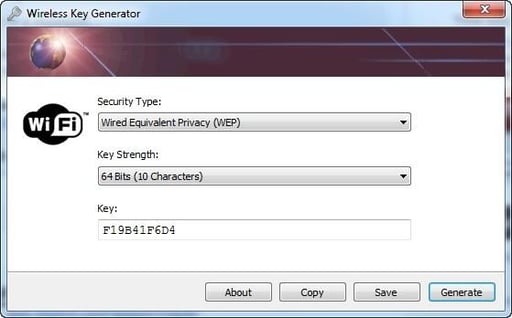
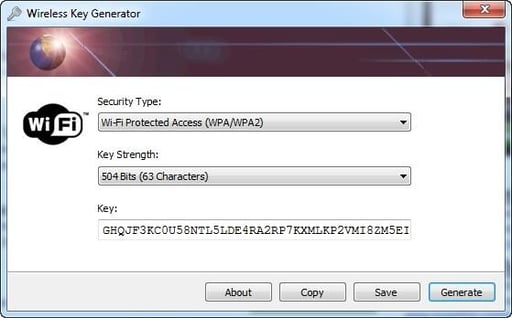
    \n\tWireless Key Generator is a simple application that helps improve wireless network security. It prompts you to specify the type of security you are using on your wireless network and the key strength. It then generates a random encryption key for you to use.

  • Wireless Key Generator

    \n\tThe use of random keys helps to reduce the temptation to use simple keys that might be easy to guess.

  • WeFi

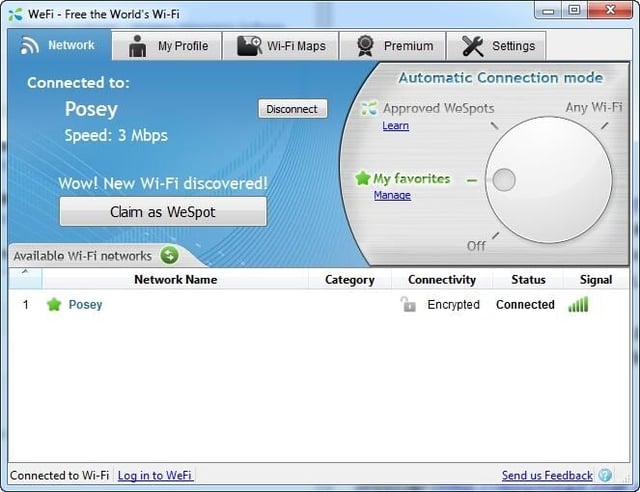
    \n\tWeFi helps you locate free wireless hotspots throughout the world. The application’s initial screen displays statistics related to your current connectivity.

  • WeFi

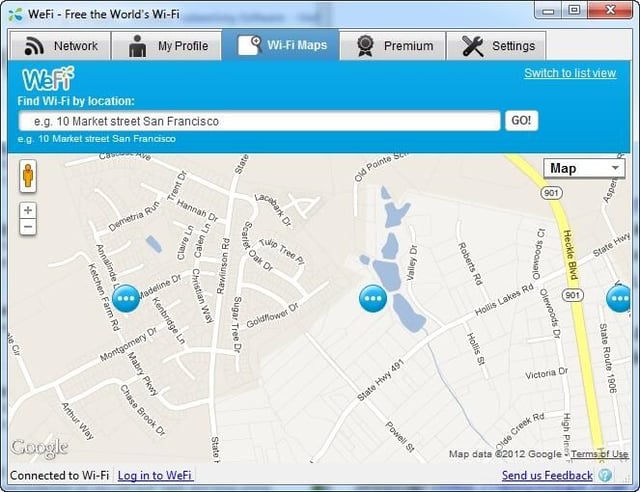
    \n\tWeFi also lets you see a filtered view of available hotspots. You can choose to see your favorite hotspots, approved WeSpots, or any available Wi-Fi. WeFi’s best feature is the Wi-Fi maps, which show you the locations of public Wi-Fi hotspots.

1 of 10
Brien Posey

* 1988 - Started teaching myself about computers \ * 1992 - Mainframe programmer for an insurance company \ * 1993 - Network Administrator for a different insurance company \ * 1996 - Author for The Cobb Group \ * 1998 - Network Administrator for Fort Knox \ * 1999 - CIO for chain of hospitals \ * 2000 - Gave up the corporate rat race to work out of my home. I have been a full time technical author ever since. Visit my Web sites at http://www.brienposey.com and http://www.relevanttechnologies.com \