
Things happen… especially when you’re not prepared. Out of\r\nnowhere your network can go five shades of wonky and you are at the other end\r\nof your campus—and the only tool you have on hand is your Android device. A\r\nnetwork scan is a must and, fortunately, Android can comply.
The Android ecosystem offers plenty of tools for network\r\nadministrators. But which ones you should be using? I’ve dug into the realm of\r\nnetwork scanners to find five that could easily wind up as your go-to mobile\r\nscanners. Read on and see if any of these particular apps meet your needs.
Note: This gallery is also available as an article.
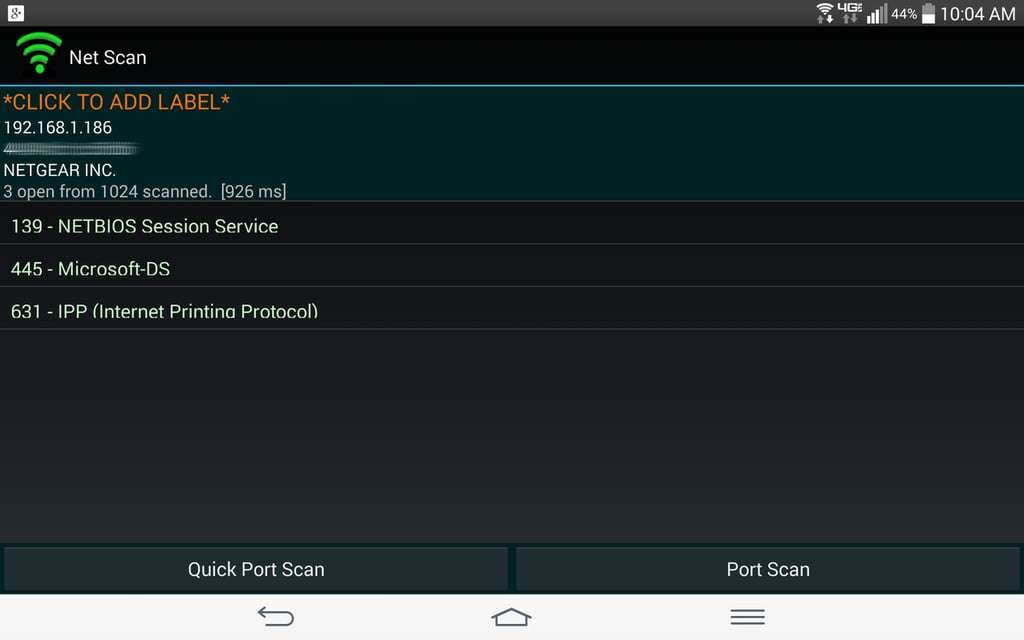
Net Scan doesn’t include any other tools, but for a quick\r\nnetwork and port scan, this app is hard to beat. Net Scan is free, doesn’t have\r\nany ads, and the only in-app purchase is for donations to the developer.
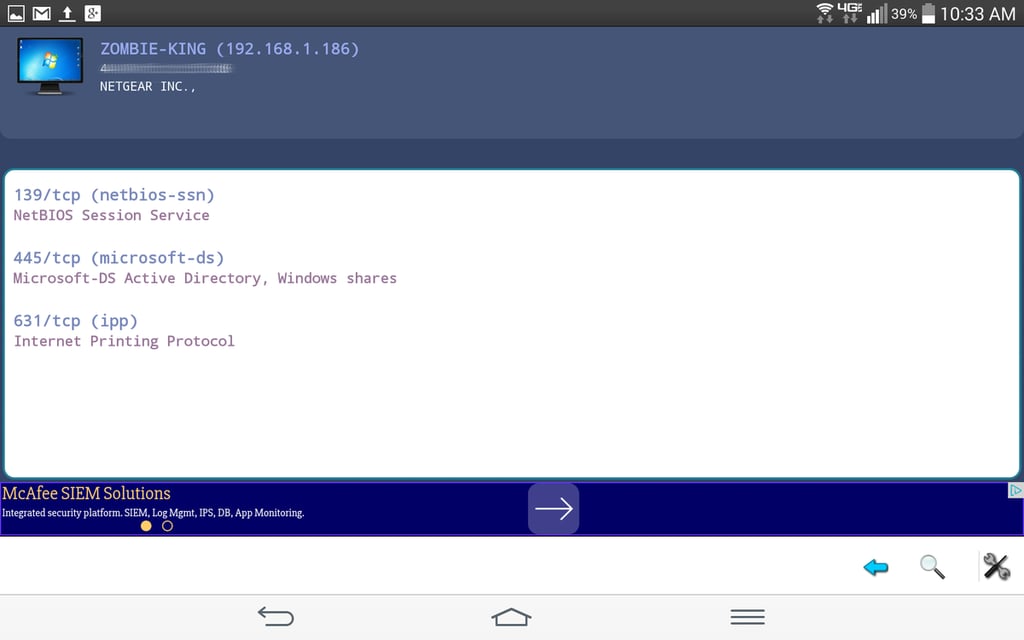
A quick scan will reveal IP address, hostname, vendor name,\r\nand MAC address. Once the scan is complete, tap on a host and then select Scan Opened\r\nPorts to run a quick port scan on the device. Network Scanner is free and\r\noffers an in-app purchase to remove the unobtrusive ads.
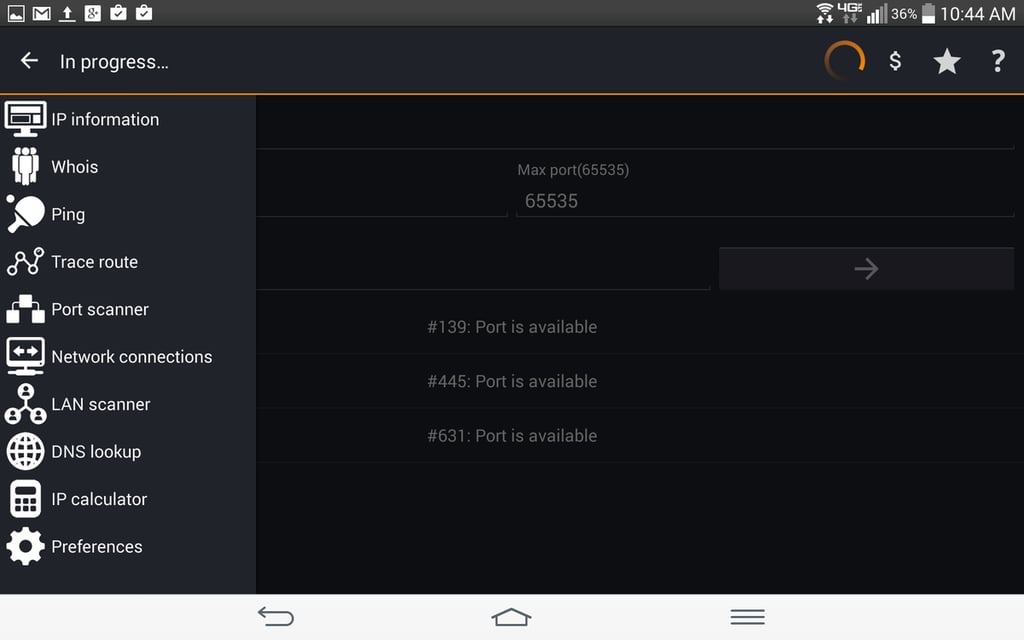
The only caveat is that IP Tools is a bit slower than some\r\nof the other apps. But if you need an all-in-one toolbox for testing your LAN,\r\nyou would be remiss in not trying IP Tools. IP Tools is free but you can\r\npurchase to remove ads or purchase the Premium version of the app (which\r\nremoves the ads and gains you access to their development program). The premium\r\nversion is $2.99 USD.
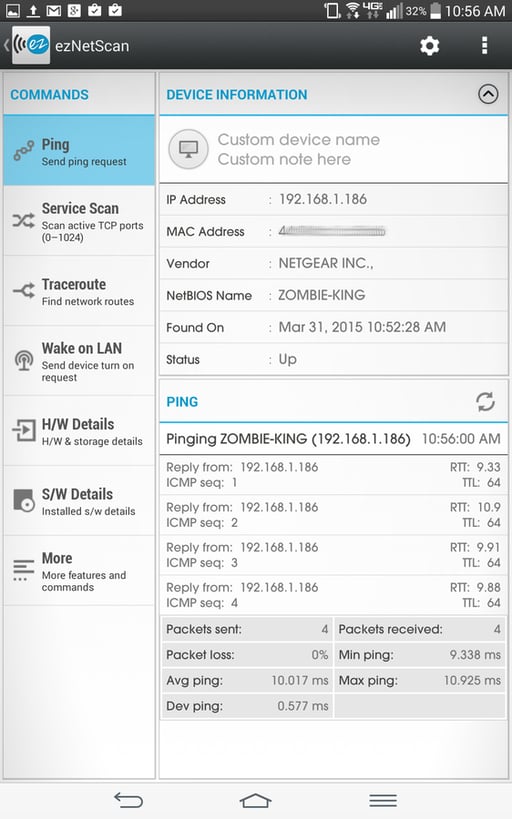
Once a scan is complete, ezNetScan allows you to email the\r\nresults of the scan as well as the results from any commands run. You will be\r\nhard-pressed to find a better network scanner for Android than ezNetScan. And\r\nif the free version doesn’t offer enough features, the plus version adds configurable network\r\nparameters, widgets, and the ability to export data in .csv format, manage/filter\r\nresults, and view easy-to-read graphs. The plus version will set you back $1.99\r\nUSD.

Jack Wallen is an award-winning writer for TechRepublic, The New Stack, and Linux New Media. He's covered a variety of topics for over twenty years and is an avid promoter of open source. For more news about Jack Wallen, visit his website jackwallen.com.


