Five low-cost video chat apps - TechRepublic

Five low-cost video chat apps

  • a_Camfrog_1.jpg

    Camfrog 1

    \n\tThis gallery is also available as a post in the TechRepublic Five Apps Blog.

    \n

    \n\tAs someone who travels almost constantly, I depend on video conferencing software to keep in touch with friends, family, and clients. Although video conferencing has long had a reputation for being expensive, there are actually a lot of free or low cost video chat applications available. This article lists five such applications.

    \n

    \n\t\n\n

    \n

    \n\tFive Apps

    \n

    \n\t1. Camfrog Video Chat

    \n

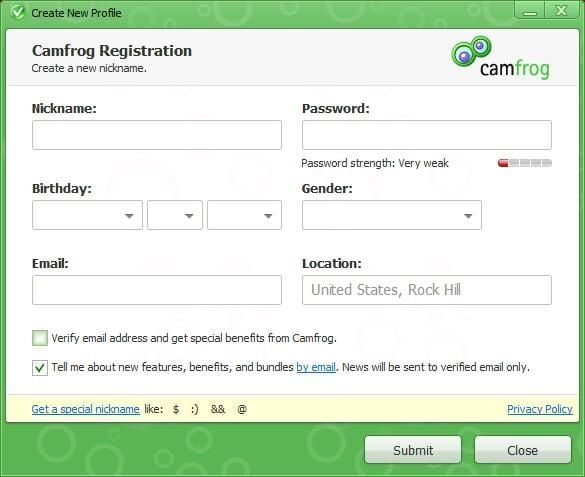
    \n\tCamfrog Video Chat is a free video chat application that can also be used for audio, text chat, and even for transferring files. The software is simple to install. However, after doing so, you must complete a quick and easy online registration that consists of supplying a nickname, password, and e-mail address.

    \n

    \n\tCredit: Images by Brien Posey for TechRepublic

  • Camfrog 2

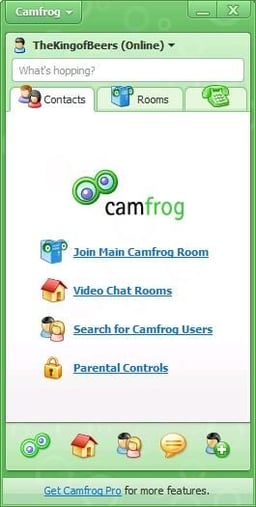
    \n\tAfter completing that process, you then have access to the Camfrog network.

    \n

    \n\tCredit: Images by Brien Posey for TechRepublic

  • Camfrog 3

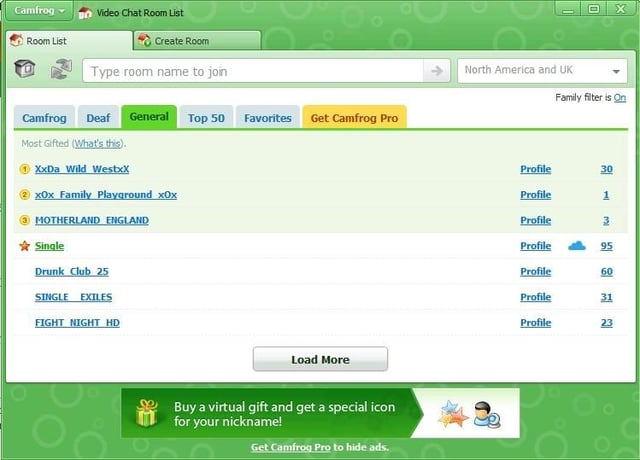
    \n\tThe Camfrog network consists of numerous chat rooms dedicated to all manner of chats ranging from kid friendly to some that are rather dubious.

    \n

    \n\tCredit: Images by Brien Posey for TechRepublic

  • Camfrog 4

    \n\tXXXX

    \n

    \n\tCredit: Images by Brien Posey for TechRepublic

  • Eyball Chat 1

    \n\t2. Eyeball Chat

    \n

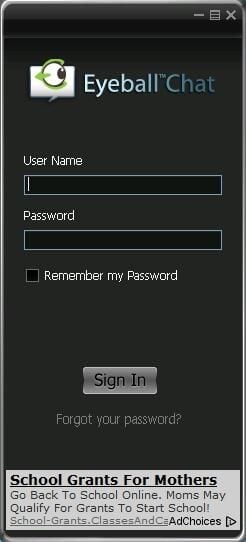
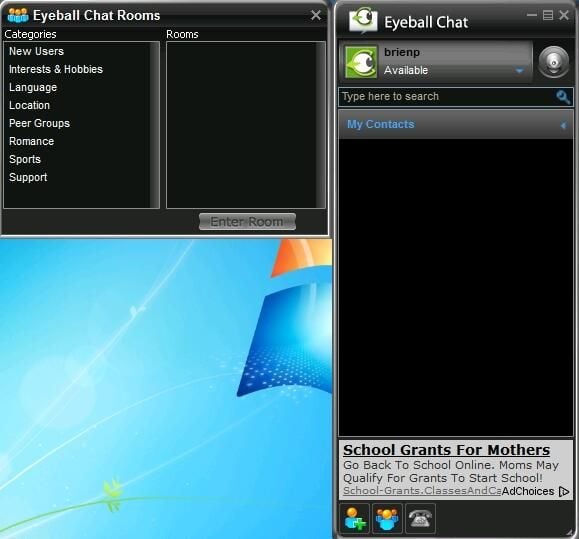
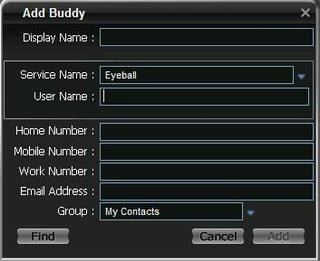
    \n\tEyeball Chat is another free video chat application. Like Camfrog Video Chat, Eyeball Chat lets you communicate through voice, video, and text, and also allows for file sharing.

    \n

    \n\tXXXX

    \n

    \n\tCredit: Images by Brien Posey for TechRepublic

  • Eyball Chat 2

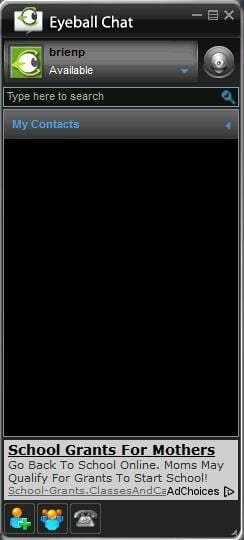
    \n\tEyeball chat also features the ability to place calls. You can make PC to PC calls for free, but you can also use the software to place calls to cell phones or to land lines.

    \n

    \n\tCredit: Images by Brien Posey for TechRepublic

  • Eyball Chat 3

    \n\t 

    \n

    \n\tCredit: Images by Brien Posey for TechRepublic

  • Eyball Chat 4

    \n\t 

    \n

    \n\tCredit: Images by Brien Posey for TechRepublic

  • inSpeak 1

    \n\t3. inSpeak \u2013 The Voice Chat Communicator

    \n

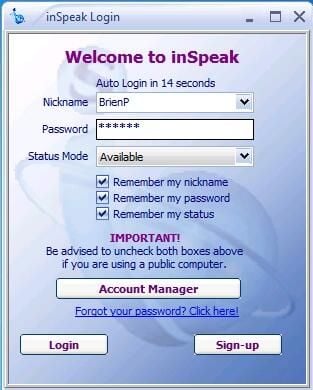
    \n\tIn spite of its name, inSpeak \u2013 The Voice Chat Communicator supports video as well as voice. This free application lets you view up to six Web cams at a time. Like the other applications discussed in this article, InSpeak \u2013 The Voice Chat Communicator requires you to complete a simple registration process. Upon doing so, the service e-mails you a random password, which you use to log into the service.

    \n

    \n\tCredit: Images by Brien Posey for TechRepublic

  • inSpeak 2

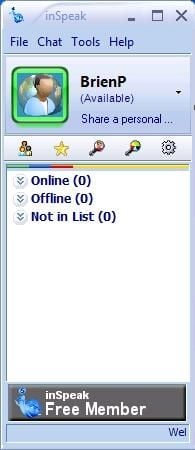
    \n\tThe InSpeak software offers all of the basics that you would typically expect from a video chat application, but it also contains one noteworthy feature. The service actually allows you to create and administer your own chat rooms. That way you can build special purpose chat rooms that are under your full control.

    \n

    \n\tCredit: Images by Brien Posey for TechRepublic

  • Nimbuzz Messenger 1

    \n\t4. Nimbuzz Messenger

    \n

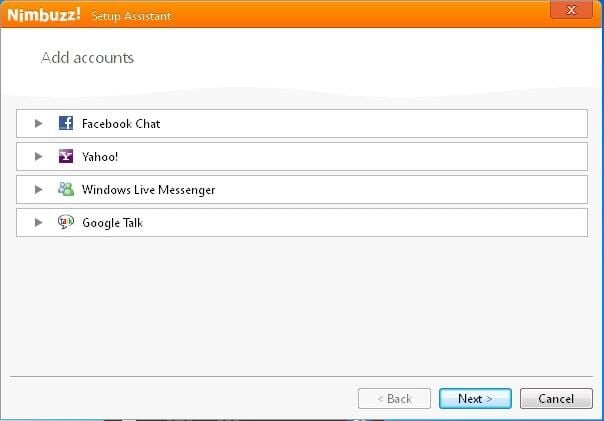
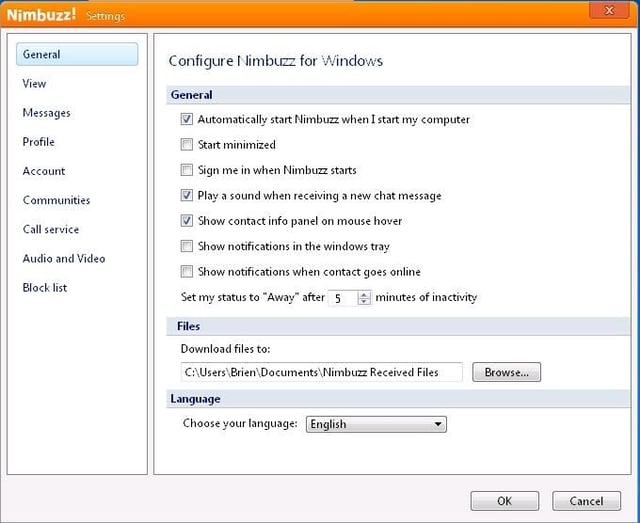
    \n\tNimbuzz Messenger is a free video chat application. The biggest thing that makes Nimbuzz Messenger stand out from the other chat applications is that the Nimbuzz Messenger could best be described as a chat client. This means that Nimbuzz Messenger can be used with things like Facebook, Windows Live, and Yahoo.

    \n

    \n\tCredit: Images by Brien Posey for TechRepublic

  • Nimbuzz Messenger 2

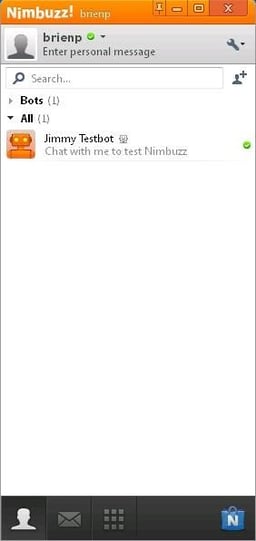
    \n\tIn addition, Nimbuzz Manager also has its own chat environment that you can use even if you don’t belong to any of the supported third-party messaging environments.

    \n

    \n\tCredit: Images by Brien Posey for TechRepublic

  • Nimbuzz Messenger 3

    \n\tCredit: Images by Brien Posey for TechRepublic

  • VZ0chat 1

    \n\t5. VZ0chat

    \n

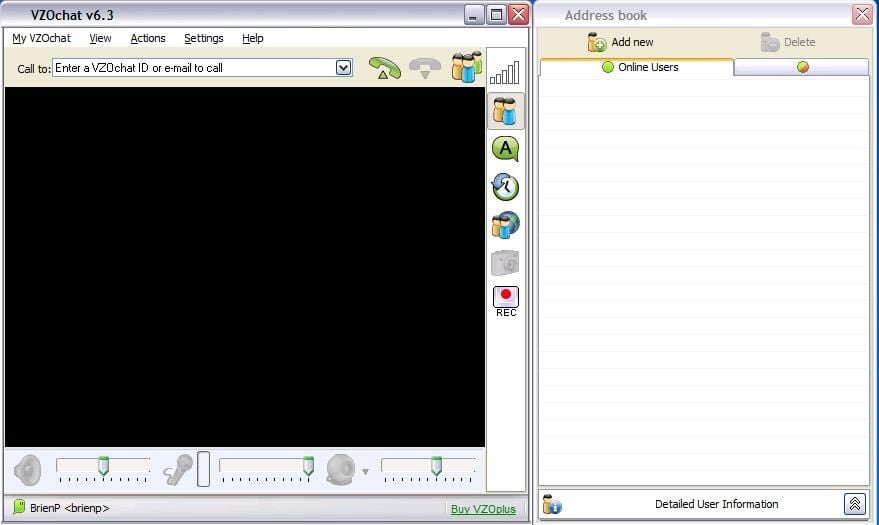
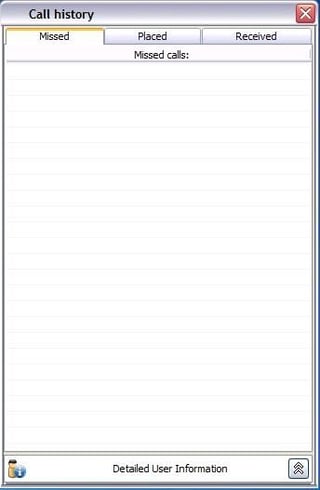
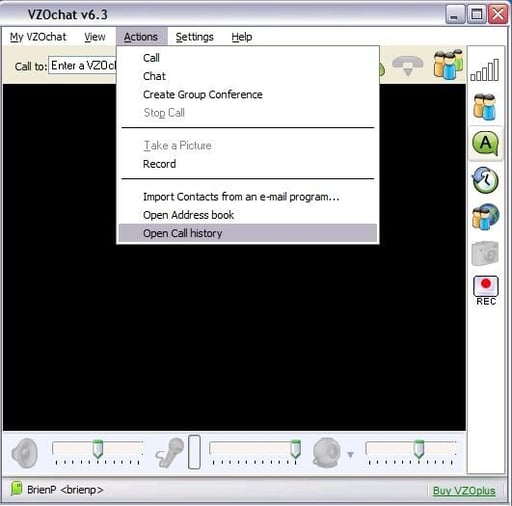
    \n\tVZ0chat is yet another free video chat application. VZ0chat has a number of different things going for it. First, it supports up to 120 users in a chat at a time. Another nice feature is call-history tracking. The software even maintains a list of missed calls. The icing on the cake is that unlike some chat applications, VZ0chat works from behind a firewall.

    \n

    \n\tCredit: Images by Brien Posey for TechRepublic

  • VZ0chat 2

    \n\tVZ0chat does an especially nice job with user management. The software allows you to import contacts from your e-mail software, and there is also a way to block calls from people who are not on your contacts list.

    \n

    \n\tCredit: Images by Brien Posey for TechRepublic

  • VZ0chat 3

    \n\tAlso read:

    \n

    \n

    \n\tCredit: Images by Brien Posey for TechRepublic

1 of 16
Brien Posey

* 1988 - Started teaching myself about computers \ * 1992 - Mainframe programmer for an insurance company \ * 1993 - Network Administrator for a different insurance company \ * 1996 - Author for The Cobb Group \ * 1998 - Network Administrator for Fort Knox \ * 1999 - CIO for chain of hospitals \ * 2000 - Gave up the corporate rat race to work out of my home. I have been a full time technical author ever since. Visit my Web sites at http://www.brienposey.com and http://www.relevanttechnologies.com \