The Windows 10 Fall Creators Update (FCU) is the second to bear the name, and it’s adding a bunch of new features to Microsoft’s latest OS. Some are immediately noticeable, and others are simple tweaks or background changes that you’d need to dig around to know about.
That said, there are a lot of new bits and bobs in the Fall Creators Update that are sure to please those who want more Linux options, built-in protection from ransomware, easier access to frequent contacts, bandwidth control, cross-device continuity, and more.
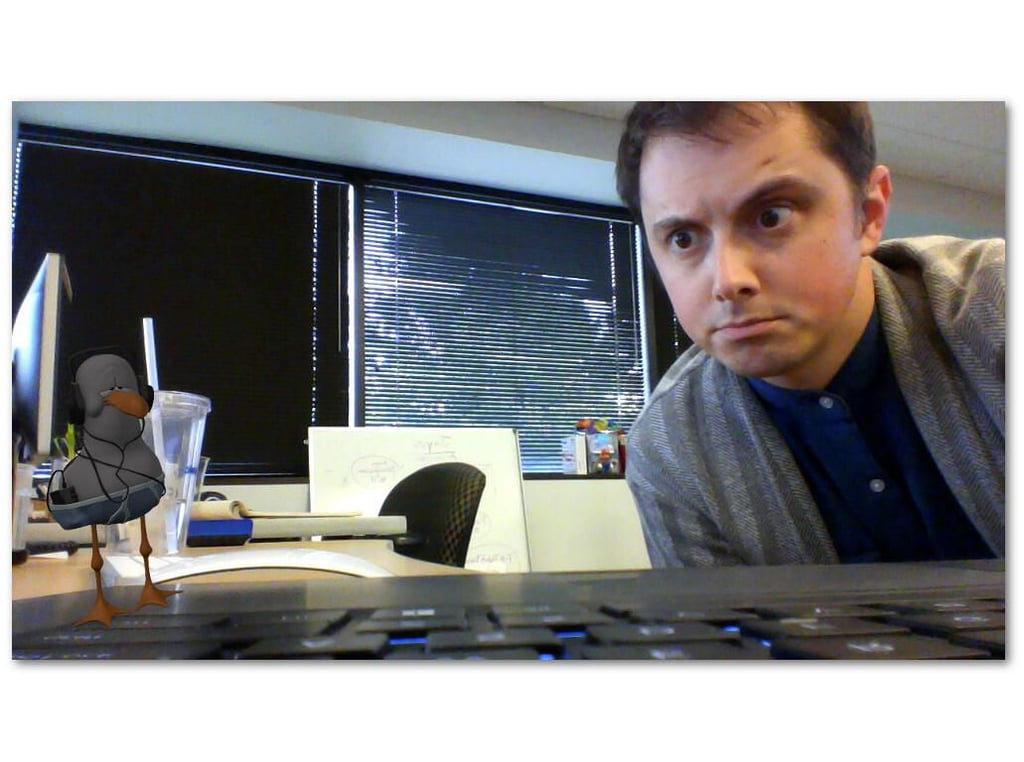
Microsoft has been all-in on its version of augmented reality, called “mixed reality.” The HoloLens is Microsoft’s premier mixed reality headset, but Windows 10 users don’t need to spend multiple thousands of dollars to get in on the experience.
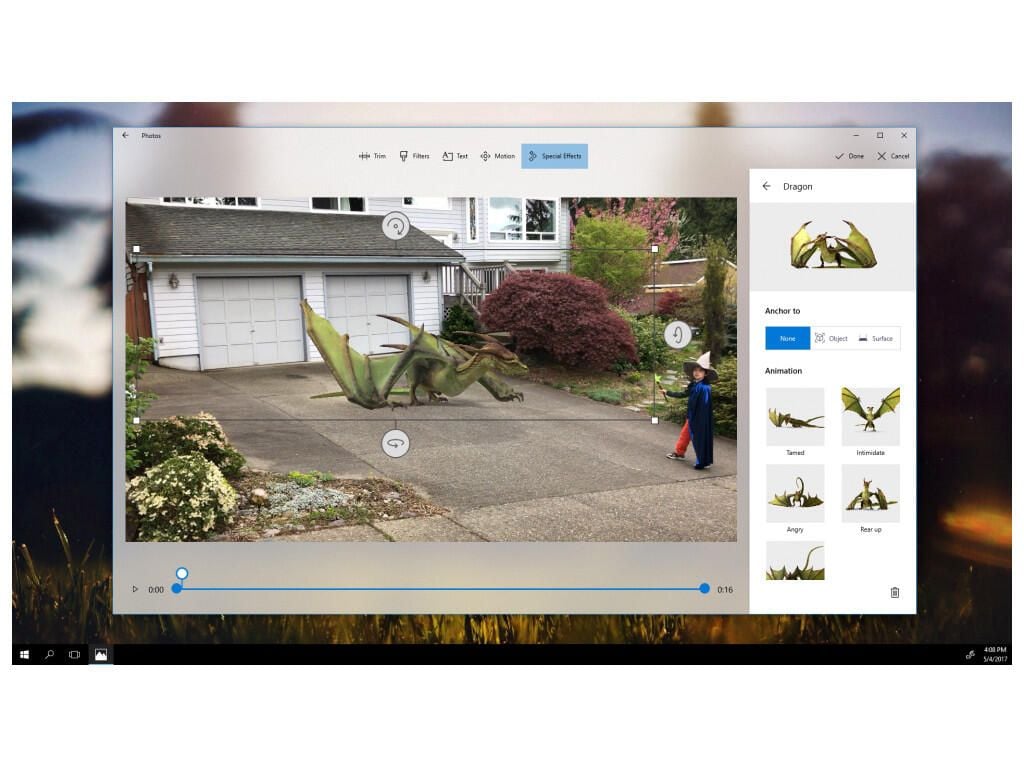
Every Windows 10 machine that has the FCU and a camera can experience mixed reality with the Mixed Reality Viewer app. You can add 3D objects to images, manipulate them, and move the camera around to see all the different angles of the virtual object.
Along with the Mixed Reality Viewer app, several hardware manufacturers are launching mixed reality headsets to accompany the new features of Windows 10. Lenovo, Dell, Acer, HP, and Samsung will all have units available along with the October 17 release of the FCU (some won’t be released until later).
SEE: Samsung HMD Odyssey: A $500 Windows Mixed Reality headset that could make waves in business
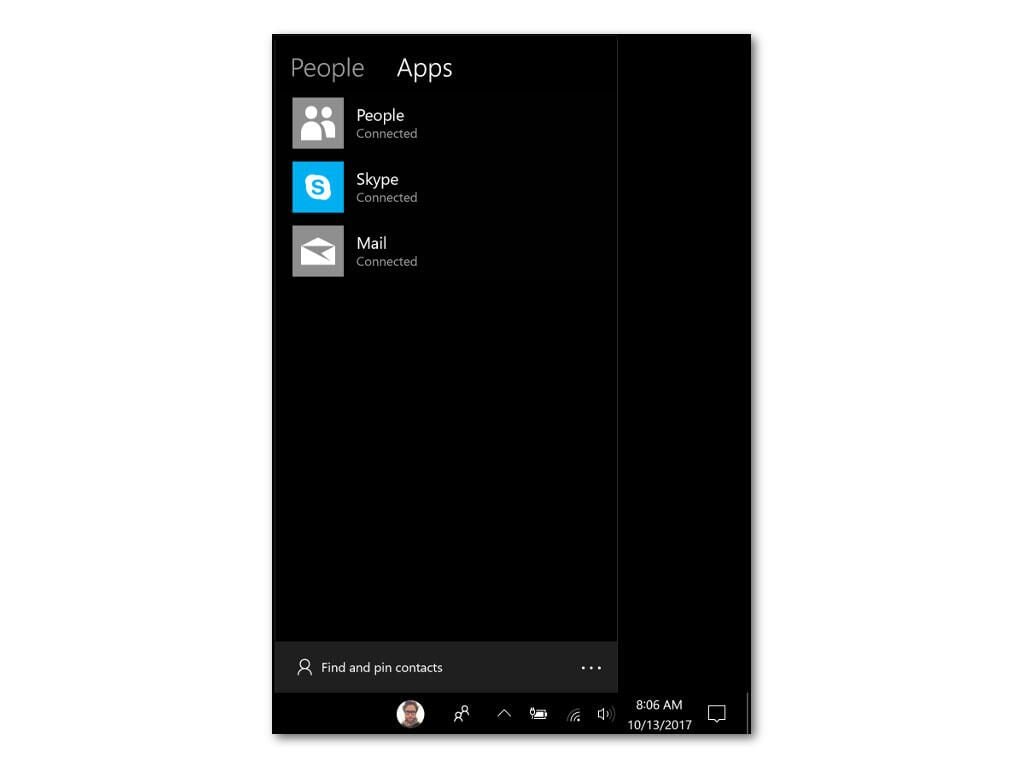
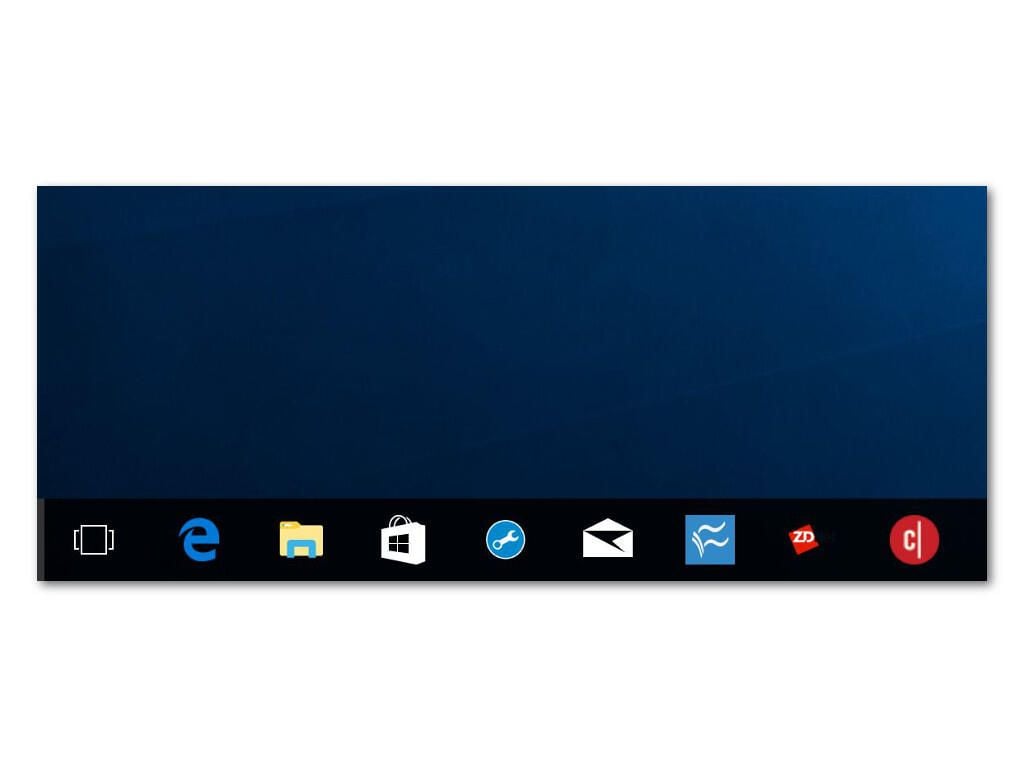
Windows wants to save you some clicks to get to the people you talk to most (on your PC), and it’s doing that by adding the People Bar. You can add common contacts from several different apps right to your taskbar, and Windows will even notify you when they come online.
SEE: How to turn on One-click Communication in the Windows 10 Fall Creators Update
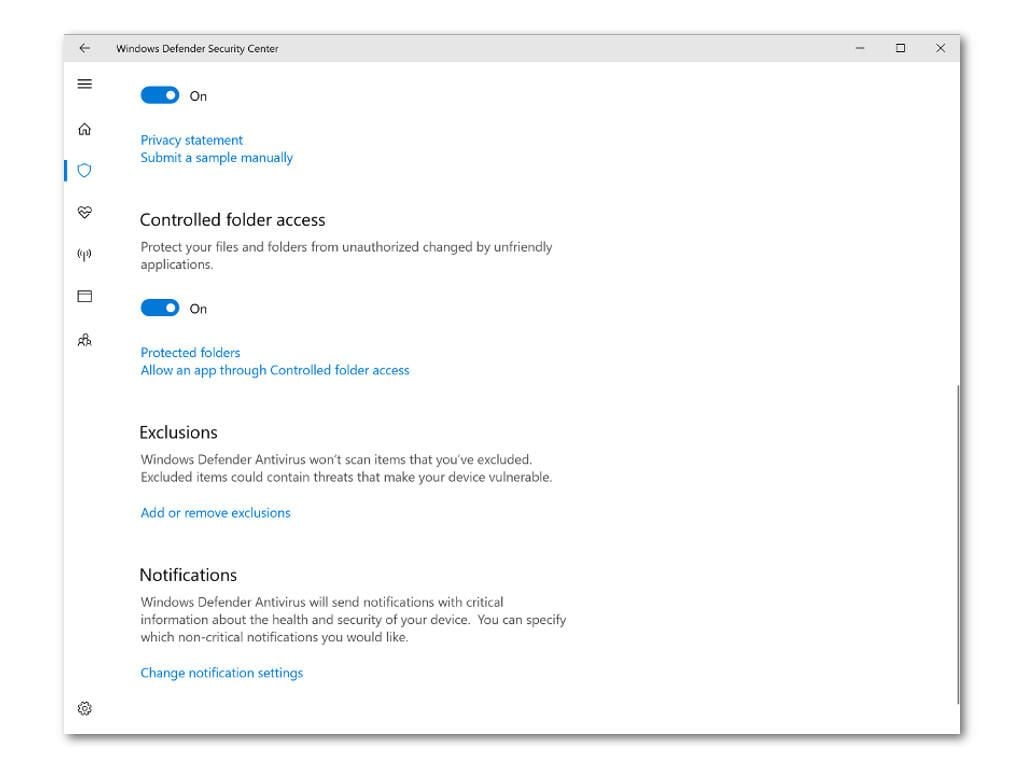
Potentially one of the most valuable features in the Fall Creators Update is Controlled Folder Access, which prevents legitimate and malicious applications from making any changes to files and folders in locations you specify.
By default this includes all the directories in a user profile, like Documents, Pictures, Videos, Music, and Desktop, but any location can be added.
If an application tries to make changes, it will be stopped and you’ll be notified. This could be a major turning point in the war against ransomware.
SEE: How to protect your Windows 10 PC from ransomware with the Fall Creators Update
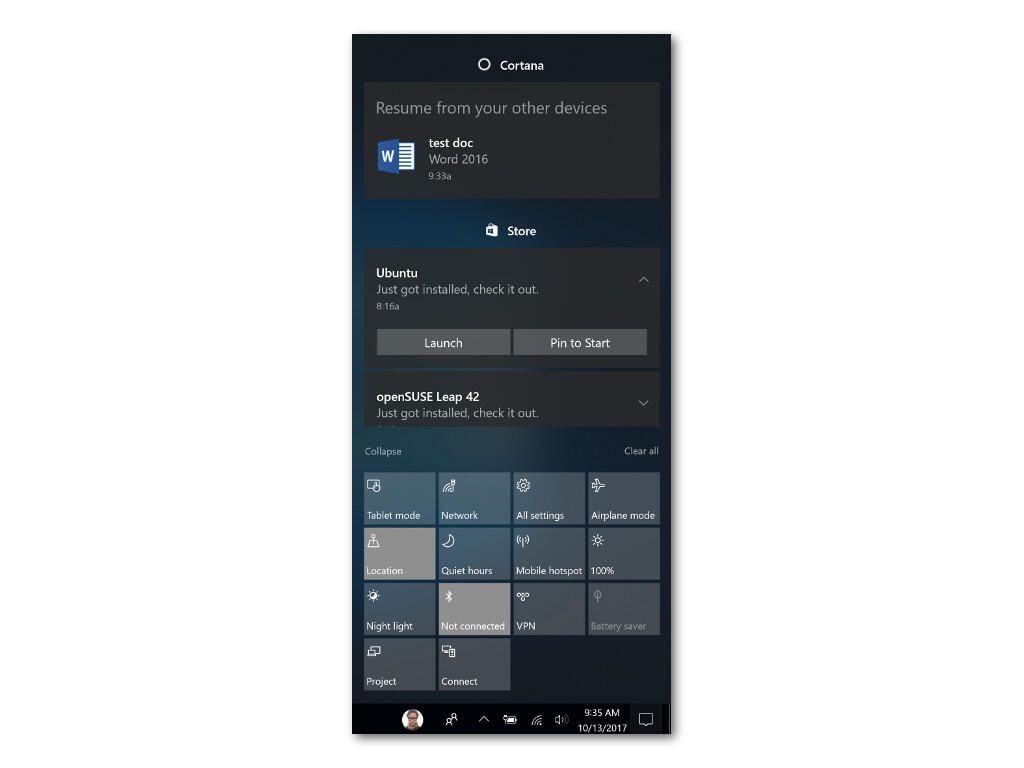
If you use Microsoft applications (such as the Office suite) on multiple machines, it can be cumbersome to move from one machine to another. Windows 10 makes it easier now, provided you’re signed in with the same Microsoft ID you’re using on your other devices.
Now when you edit a Word doc on your iPhone, Android device, Mac, or other Windows PC, you’ll be able to instantly pick up where you were. Just log in to Windows, and you’ll get a notification asking you if you want to resume your work. Click the notification, and the app will open exactly as you left it on your other machine.
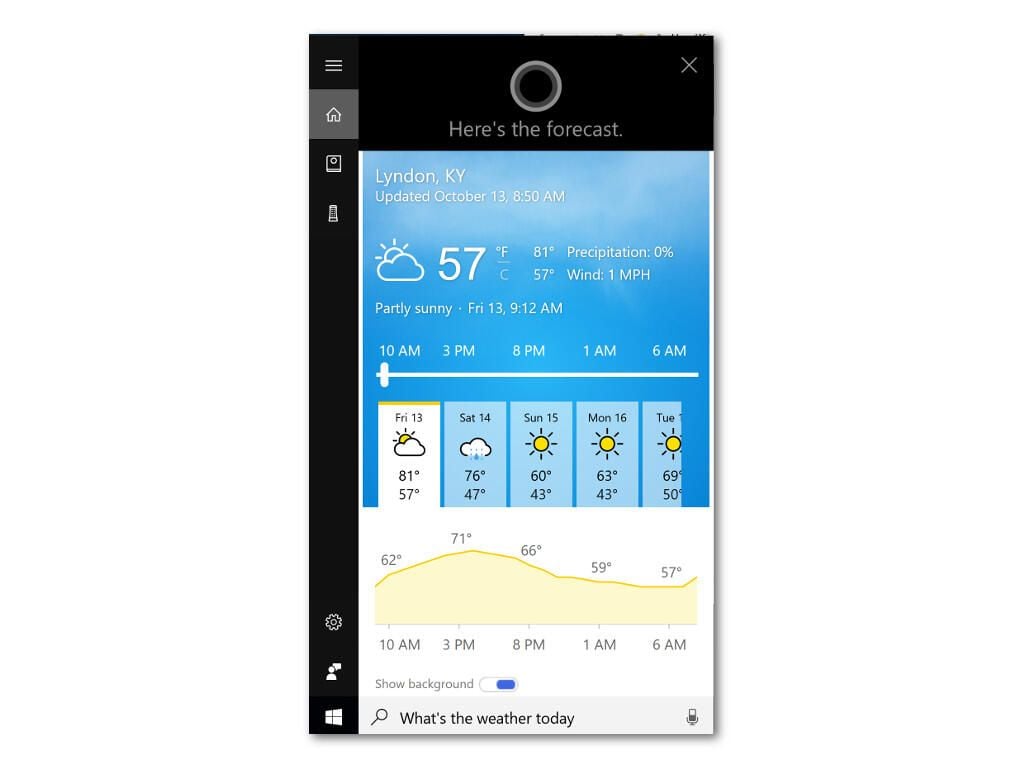
Microsoft arguably has a long uphill battle ahead of it to get Cortana into the digital assistant race, but the Fall Creators Update does a lot to remedy its shortcomings.
Cortana can now:
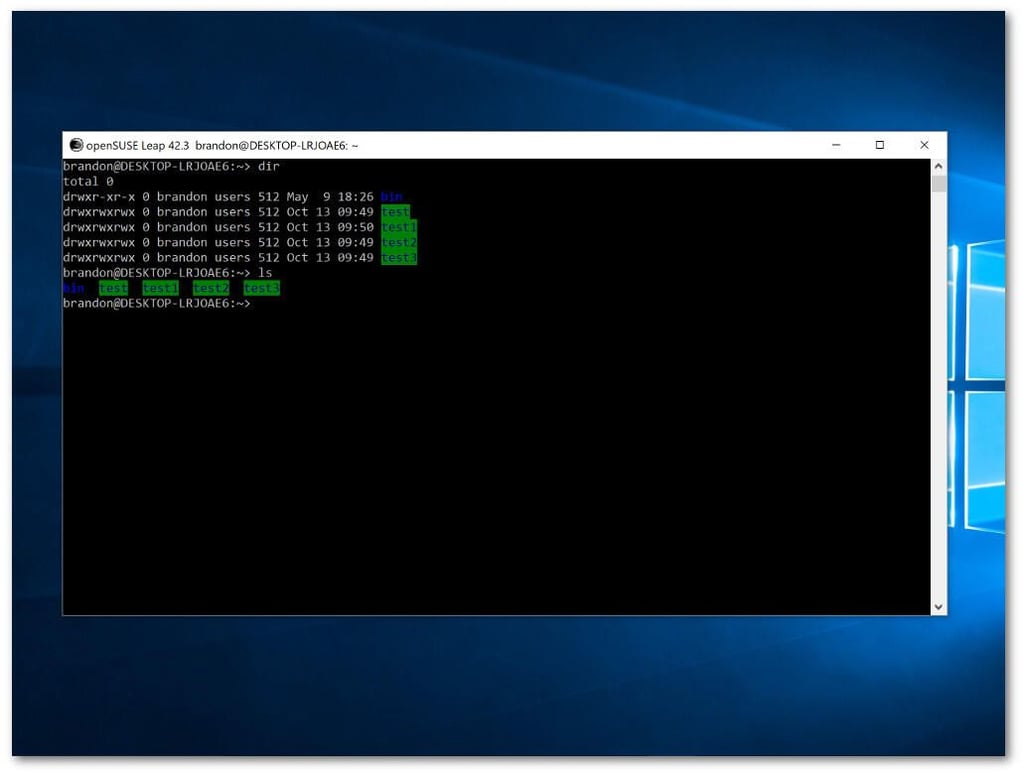
Linux developers rejoice: SUSE and Fedora have joined Ubuntu on Windows 10. All three Linux flavors can be downloaded from the Windows Store.
A couple new features of the Edge browser make it more convenient to use. You can now pin Edge bookmarks to the taskbar and enter fullscreen mode, which surprisingly wasn’t possible before in Edge.
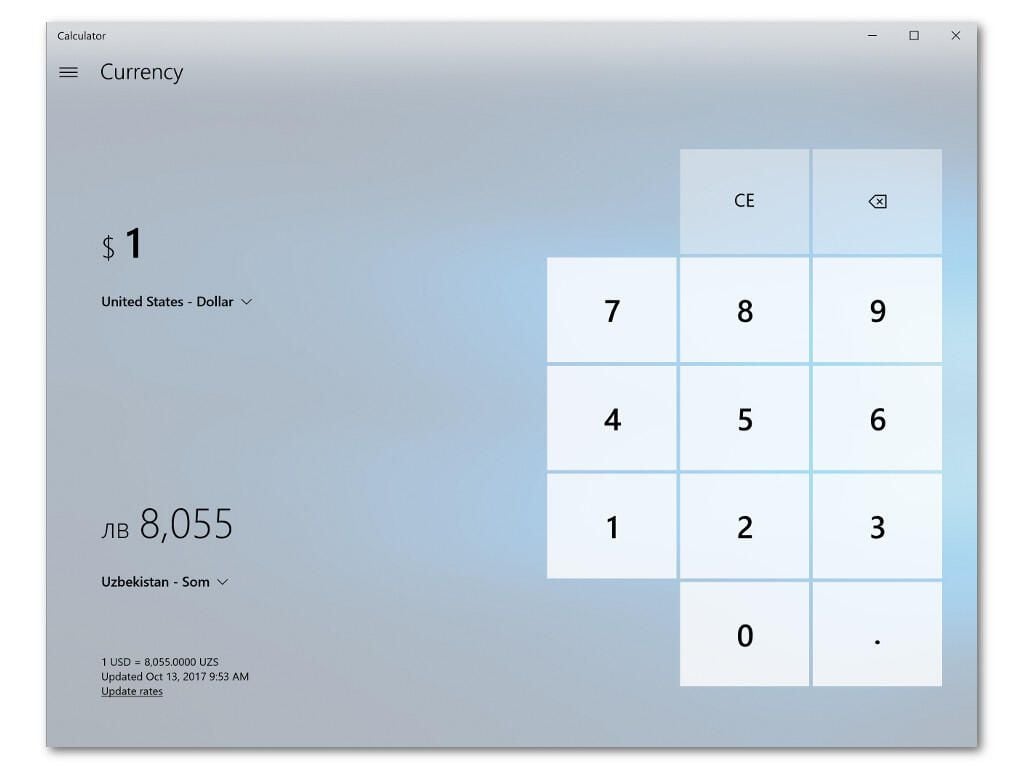
Microsoft reports that currency conversion is one of the most requested additions to its Calculator app, and with the Fall Creators Update it’s now available alongside all the other conversion options the calculator has.
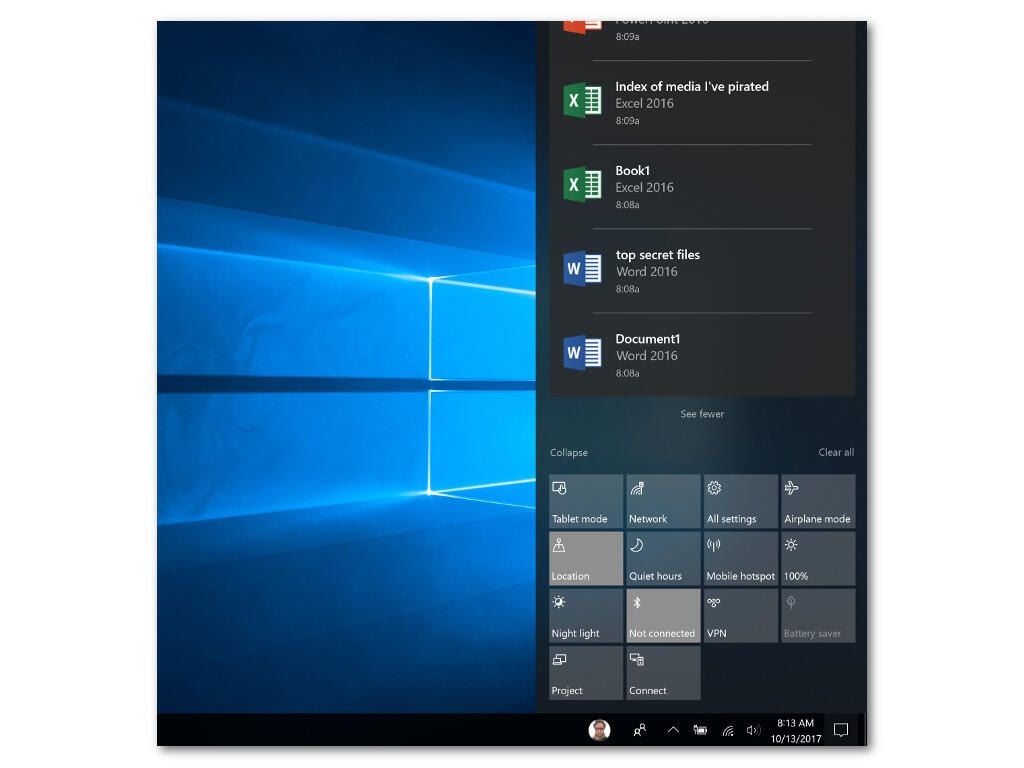
Microsoft is pushing its new Fluent Design System to Windows 10, and the first place you’ll notice it is in the Start Menu and the Action Center, which is also getting a compact new design to make it a bit more usable.
Fluent is all about transparency, depth, and a material style that mimics real-world things like acrylics and glass. Fluent is going to be slowly rolled out to various parts of Windows and Microsoft’s mobile apps, and it’s starting with these small UI elements.
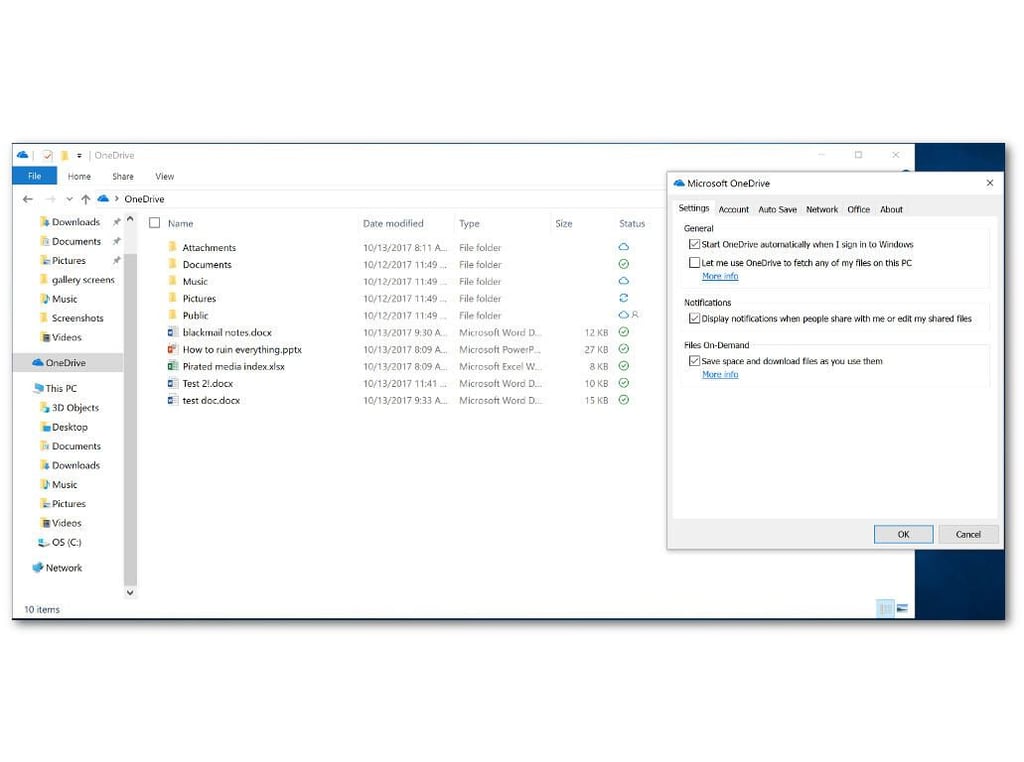
Syncing a Microsoft OneDrive account on your Windows 10 machine won’t result in multiple gigabytes of downloads–you can now toggle an option to only download files on demand.
Make sure you enable the option by right-clicking on the OneDrive icon in Explorer, selecting Settings, and then ticking the box as seen above. If you don’t, you’ll be downloading everything.
SEE: Windows 10 Fall Creators Update: How to use OneDrive Files On-Demand
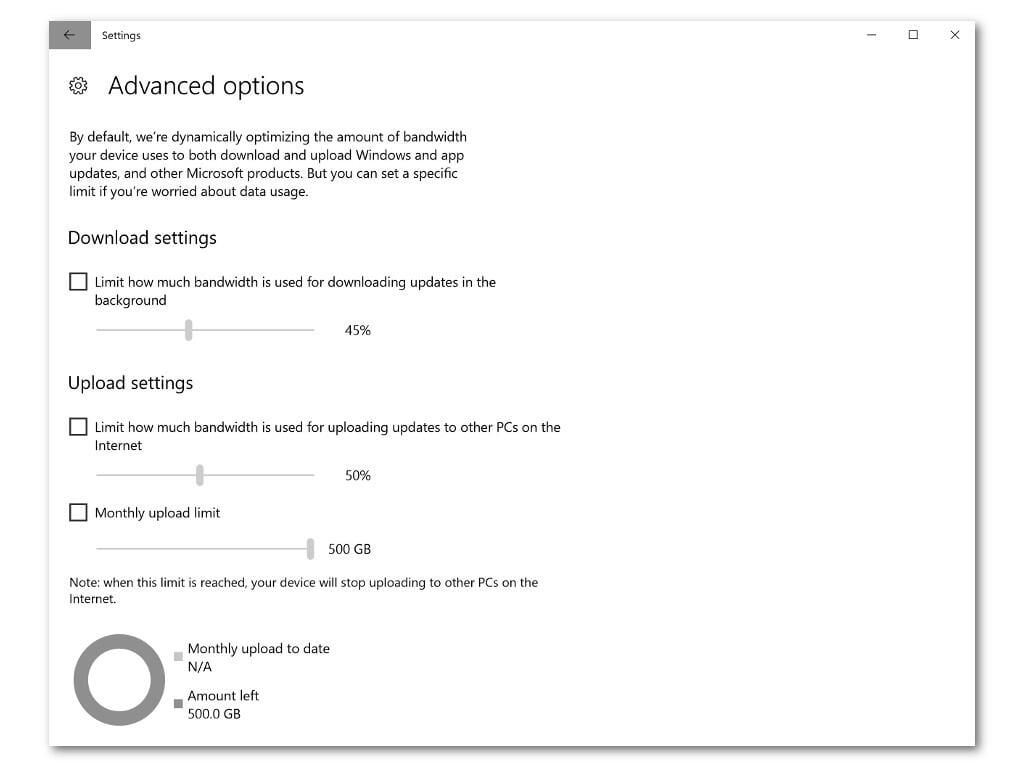
Thanks to a new feature called Update Delivery Optimization Options, Windows 10 will let you optimize your internet usage by throttling update downloads, as well as setting a limit on uploading update material, which Windows now does to speed the update process.
Finding these options is tricky, however: Microsoft has buried them deep in the Settings application. You can find them by opening Settings, clicking Update & Security > Advanced Options > Delivery Optimization > Advanced Options.
SEE: How to throttle peer-to-peer updating bandwidth use in the Windows 10 Fall Creators Update
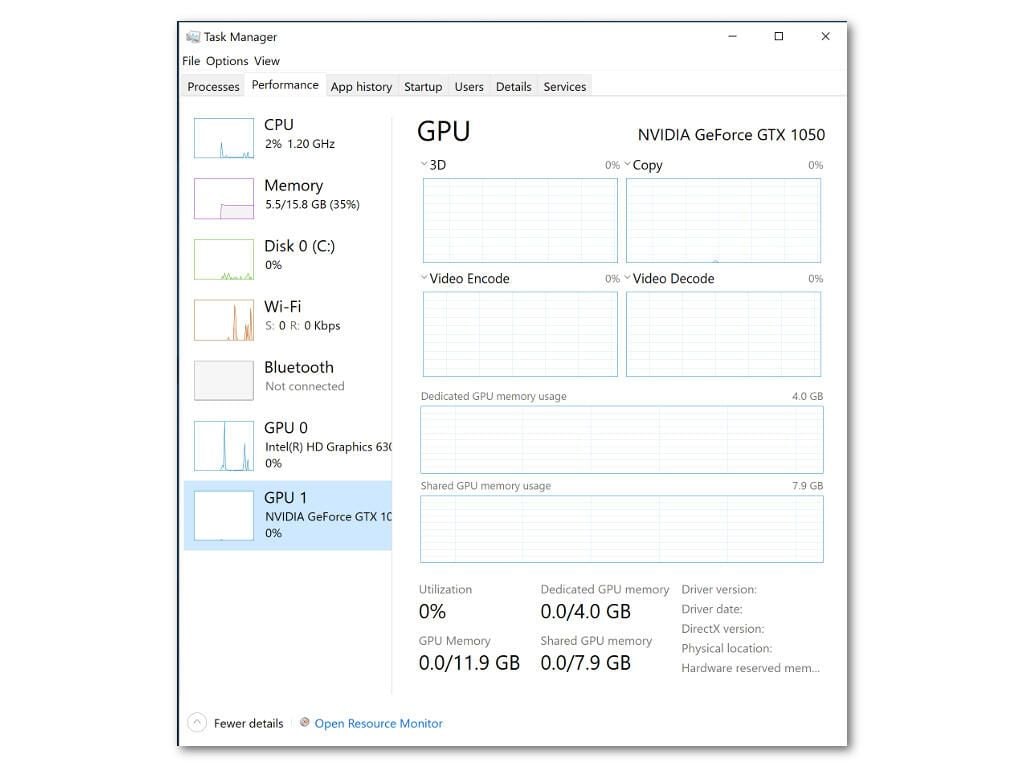
Heavy processors, rejoice! You can now monitor the strain on your GPU in the Performance tab of the Task Manager.
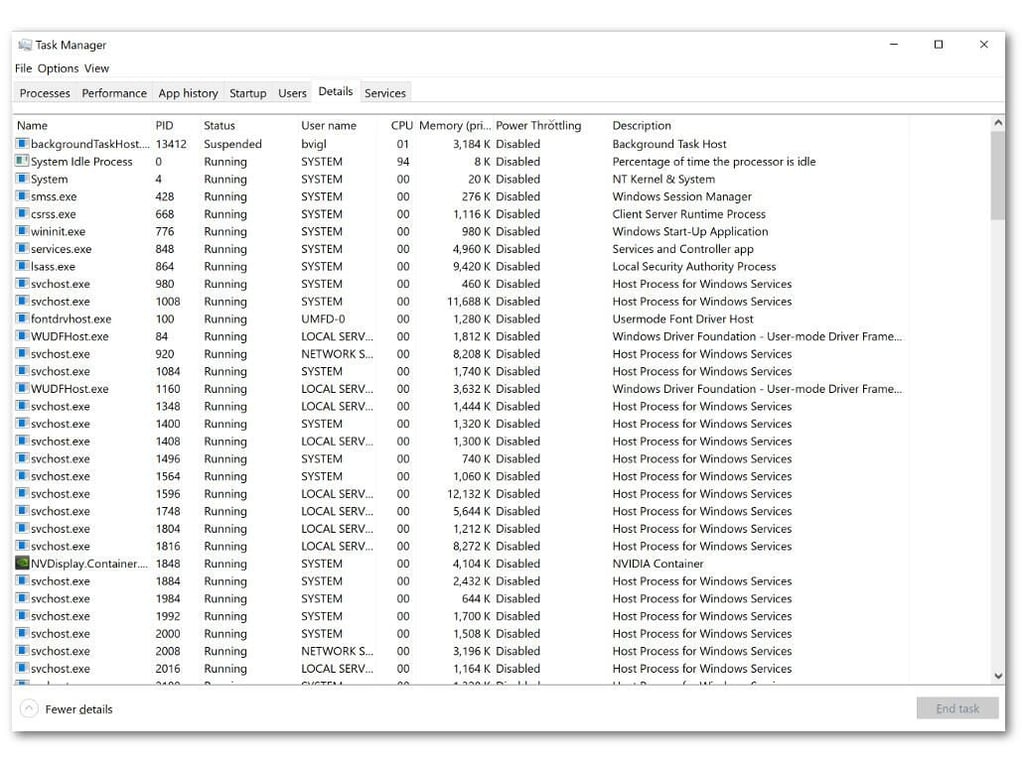
Background apps eating up too much processor power? You can take care of that with Power Throttling, but only if you have a Skylake chip.
Power throttling can be found under the Details tab of the Task Manager (you may have to add the column). Throttling will allow an app less resources to operate, freeing up your PC to perform more important tasks.
If you don’t have a Skylake chip, though, you’re out of luck since power throttling utilizes Intel Speed Shift technology only found in that generation of processors. Wikipedia’s entry on Skylake processors has a good list–if your machine’s CPU isn’t on there, you won’t be able to take advantage of this feature.
Windows 10 FCU features Story Remix, a new app for creating movies and slideshows with music, added graphics, drawings, mixed reality assets, and more.
It was unavailable in the test build, but it looks to be a lot like other moviemaking apps, albeit with a simpler interface for non video editing professionals.
The volume mixer now shows Windows Universal Apps (Media Player, Edge, etc.) when they’re playing sound, allowing you to turn just the app up or down without messing with the volume of your entire computer.
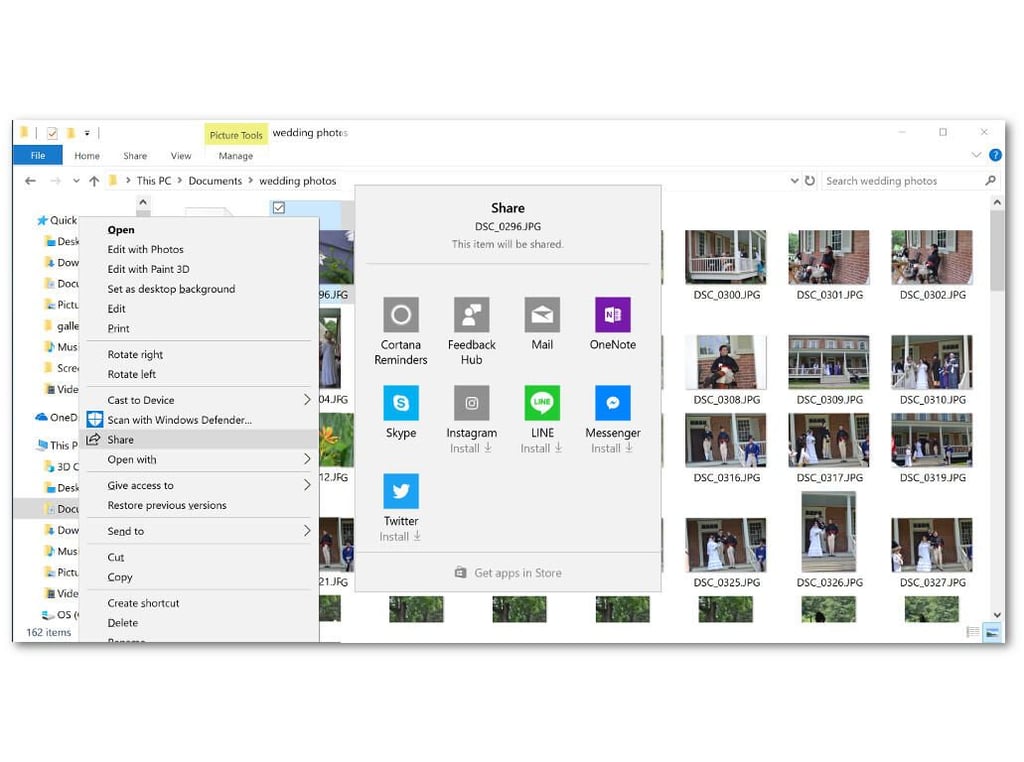
Open a file on any mobile device and you’ll probably find an option to share it. The same goes for macOS, but not Windows, at least until now.
The context menu on files now includes a share option that includes Mail, Skype, Twitter, Instagram, Facebook Messenger, and other apps. The app of choice must be installed on your Windows 10 PC.
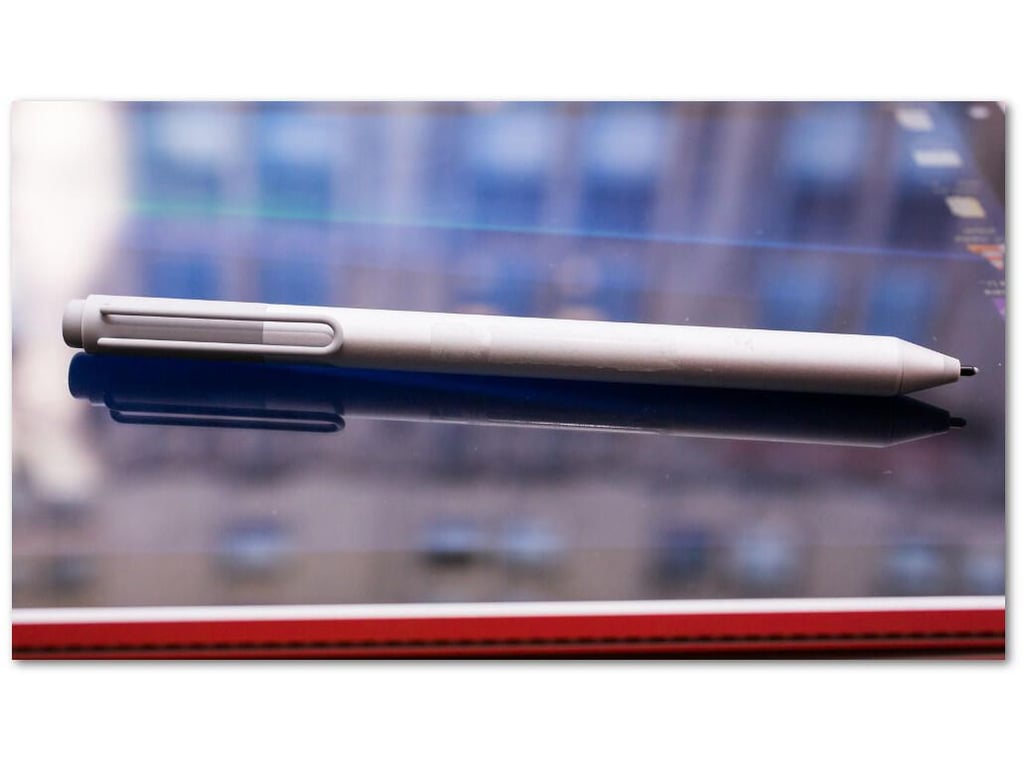
Do you worry about losing your Windows Ink pen? Now you don’t have to: Windows 10 will keep track of a connected pen in the Find My Device page so you’ll always know where you were when you last used it.