Google Presentations - TechRepublic

Google Presentations

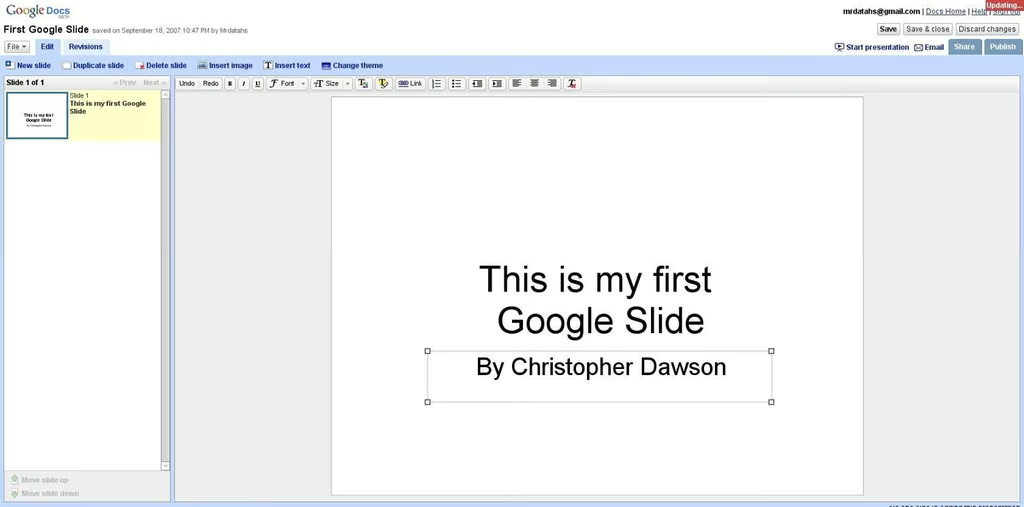
  • Title slide

    Just like Office? Not exactly, but the familiar “Click to enter text” text boxes are ready and waiting.

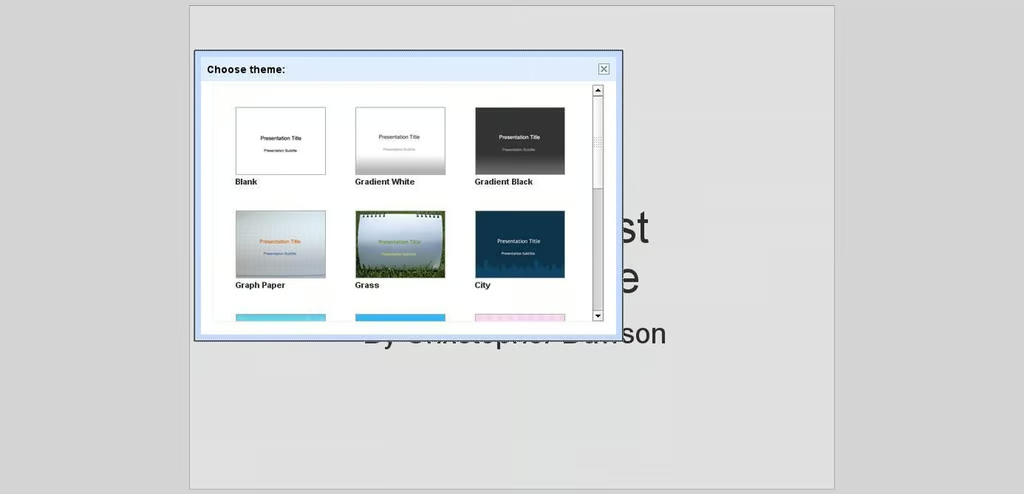
  • Available themes

    Not too many themes available, but they are clear, load quickly, and look sharp on the Web.

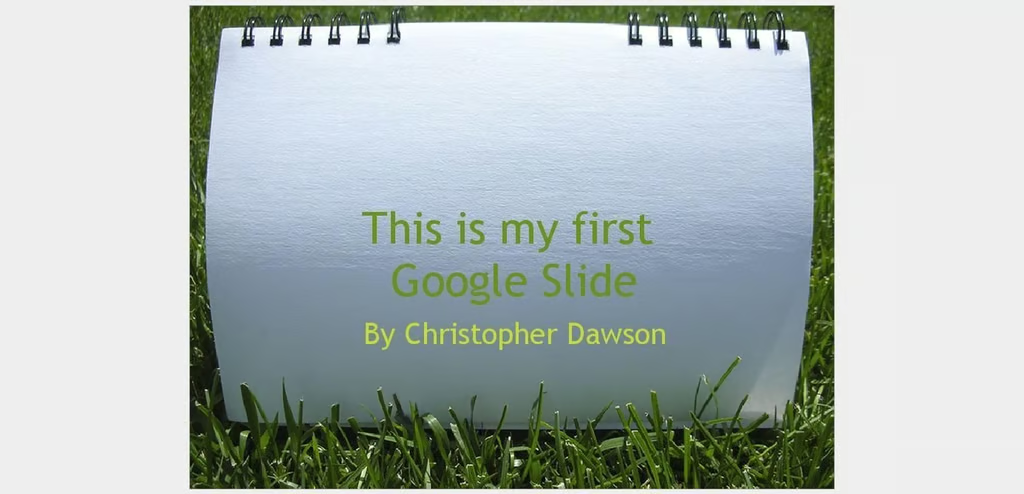
  • My personal favorite

    I’m a tree-hugger at heart. I had to go green here with the “Grass Theme”.

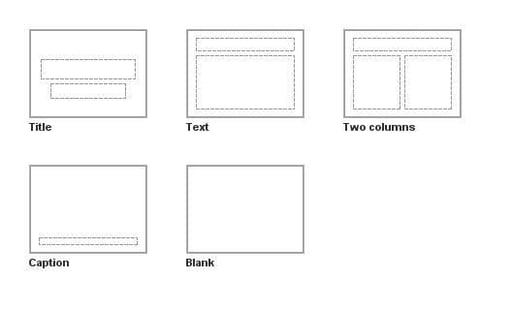
  • New slide dialog

    Title slides, blanks, standard text/title, two columns, but no charts yet.

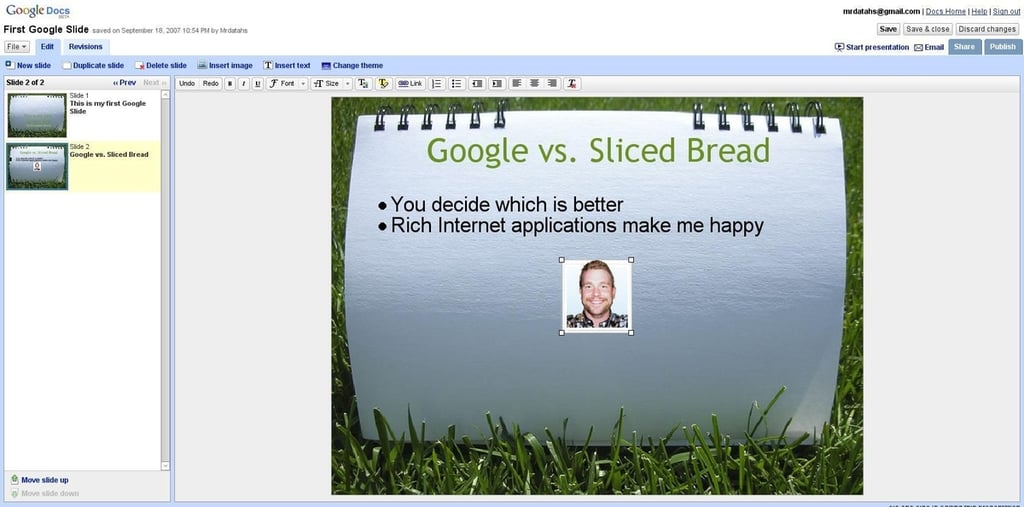
  • Second slide

    Slides can be manipulated in the left frame and edited in the right.

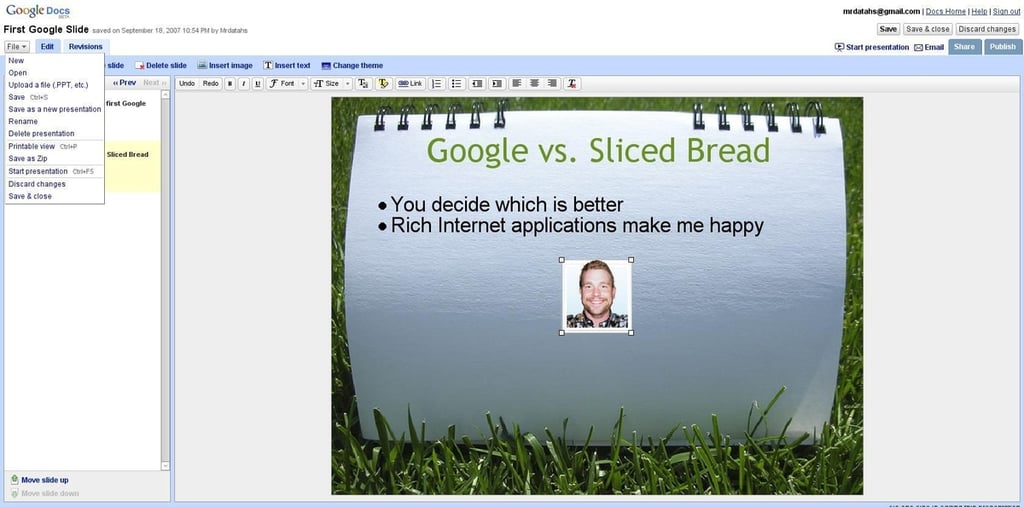
  • File menu

    The file menu has quite a few options, including importing PowerPoint files.

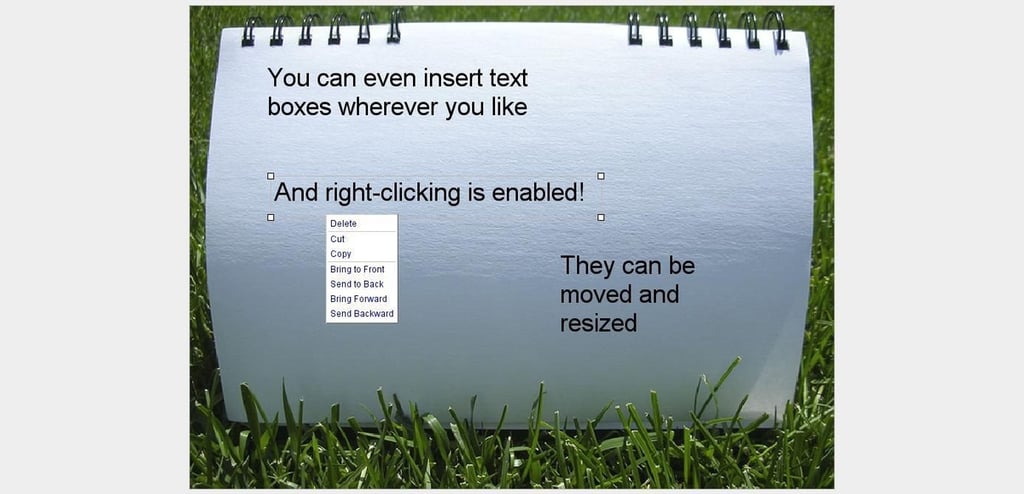
  • Text boxes

    Text boxes can be dragged around onscreen, resized, and otherwise manipulated in standard PowerPoint fashion. Right-clicking also provides a context-sensitive menu, but no copy and paste for the elements yet.

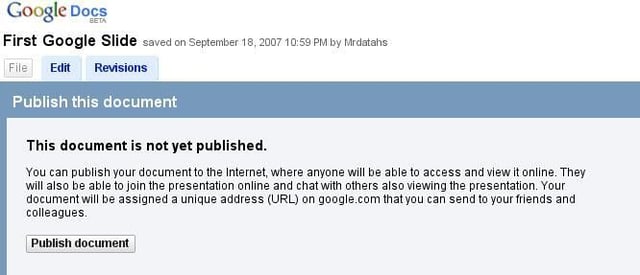
  • Publishing

    Slide shows can be published to the web so that you can conduct an online slide show or just allow others to view asynchronously.

  • Sharing

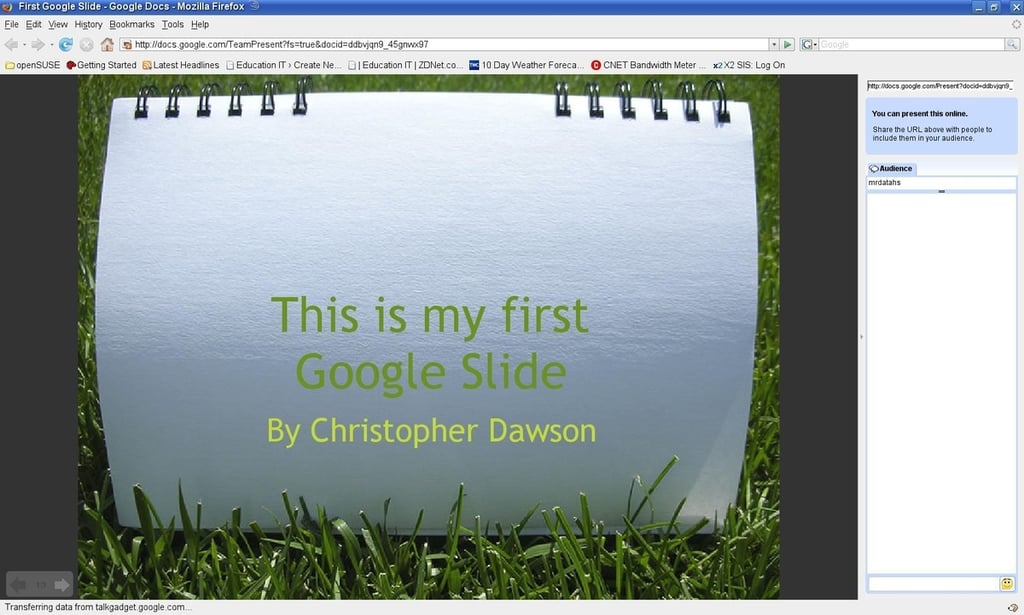
    Here’s how it looks shared; others can join in and view simultaneously.

  • Presentation mode

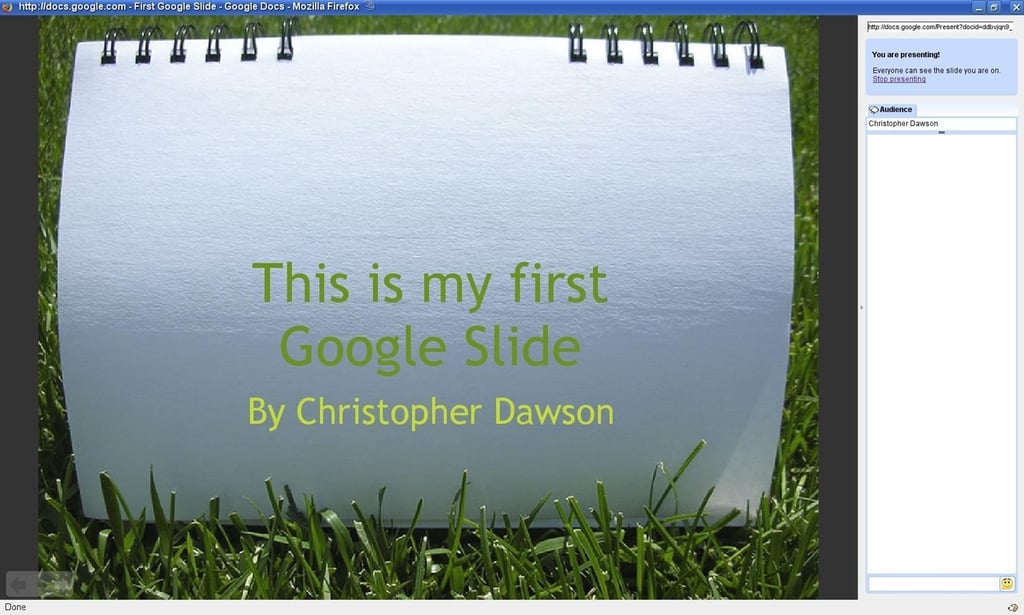
    While this is very similar to the shared slide view, it is controlled from within Google Docs instead of from the URL to which you publish. It also has a nearly full-screen appearance.

1 of 10