Screenshots: Build your website with one of these five free apps - TechRepublic

Screenshots: Build your website with one of these five free apps

  • Intro

    Introduction

    Without a web presence, your business–be it small, medium,\r\nor large–is missing out. But you probably already know that. What you may not\r\nknow is where to begin or even how to build the site you need. Most people new\r\nto the idea of a web presence assume they’ll have to dig into some cryptic coding\r\nlanguage to build their site. Fortunately, that’s not the case: There are\r\nplenty of tools out there ready to do that job for you.

    Before I get into the tools, I should mention that, yes,\r\nthere are lots of web services that will build a site for you. If you can\r\nconnect with a reputable developer or service, and you can afford it, that\r\ncould well be your best bet. However, if you can’t afford it, and you have the\r\ntime to build a site of your own, these five tools will do a great job of\r\nhelping you to easily create a site for your business.

    With one exception, these tools are skeleton frameworks that\r\ncan be hosted on your own server or on a third-party server. Some hosted\r\nservices even offer tools like Softaculous,\r\nwhich can install the framework with just a couple of clicks.

    Note: This gallery is also available as an article.

    image: iStockphoto.com/SvetaVo
  • Drupal

    Drupal

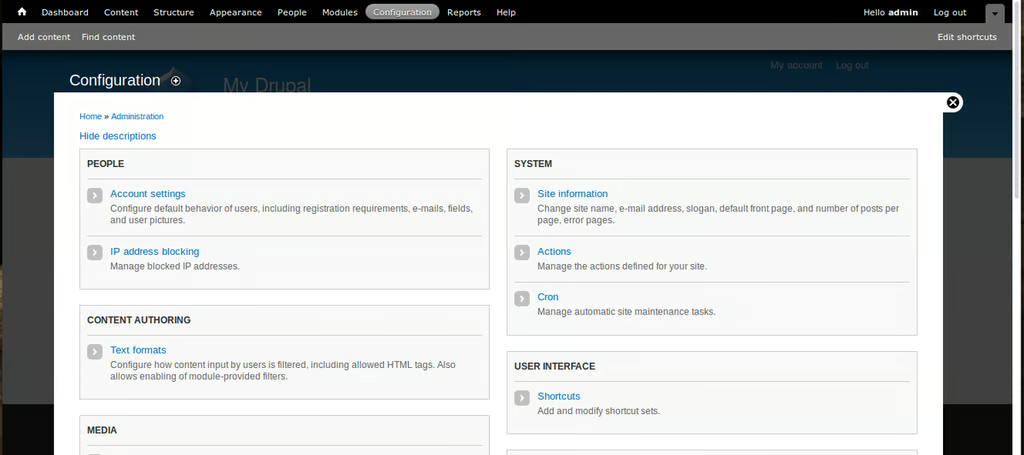
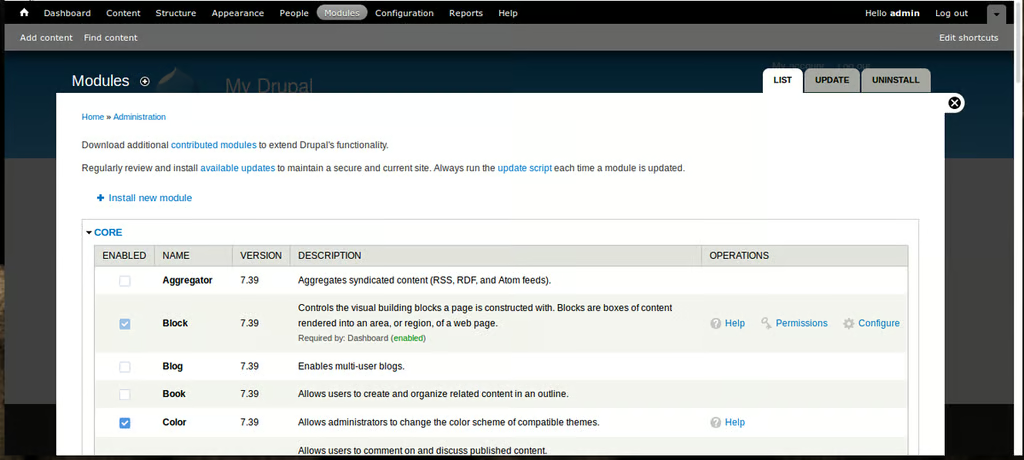
    Drupal is to content\r\nmanagement what WordPress is to blogging. But don’t think you can only build a\r\nCMS with Drupal. You can build both a back office and a front-facing store with\r\nthis single tool. Before you dive into Drupal, understand that it does take a\r\nlittle bit more work than WordPress. It’s still an easy point-and-click tool.\r\nBut to get what you want out of it, you’ll need to put a bit more time and\r\nplanning into the process. The result will be a powerful one-two punch for your\r\nbusiness.

  • Drupal

    Drupal

    What’s best about Drupal is that you’ll not only wind up with\r\na powerful, flexible web presence, your site will also include a highly useable\r\ncontent management system that can help boost your workflow. Drupal is an open\r\nsource tool and is free to download, install, and use.

  • Joomla

    Joomla

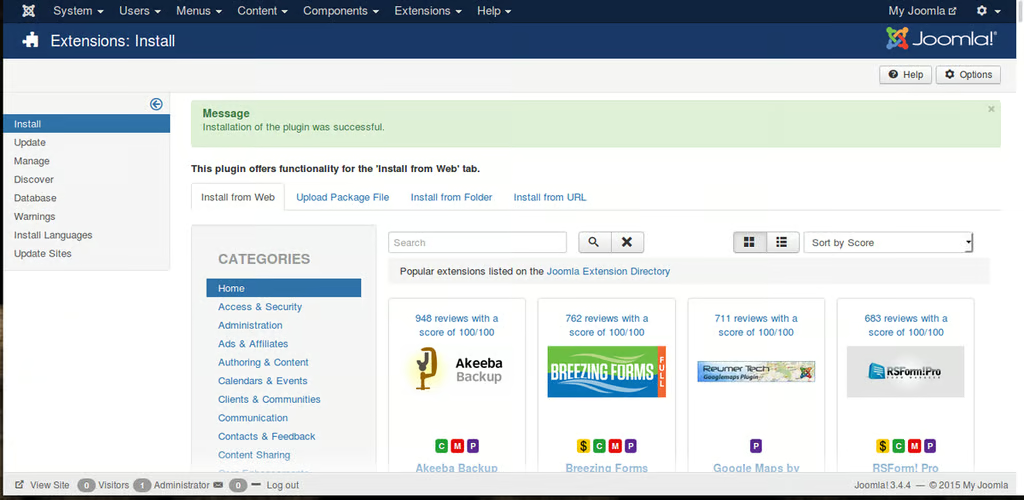
    If you’re looking to add functionality, Joomla has an\r\nextension library with more than 8,000 entries, so you’re sure to find what you\r\nneed. This tool does require a few more skills than does Drupal, but it’s still\r\ndo-able. Joomla is open source and is readily available to install for free.

  • XOOPS

    XOOPS

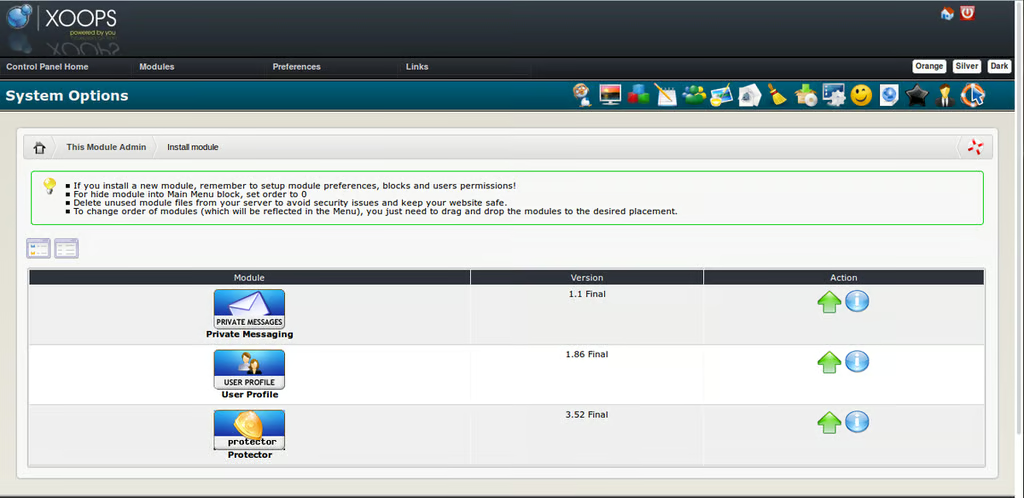
    XOOPS also offers the ability to expand the site, with the\r\nhelp of installable modules. Out of the box, only three modules are ready to\r\ninstall (Private Messaging, User Profile, and Protector). If you want more,\r\nhead over to the XOOPS Module Repository and search for what you need. XOOPS is also open source\r\nand free to download and install.

  • Bluefish

    Bluefish

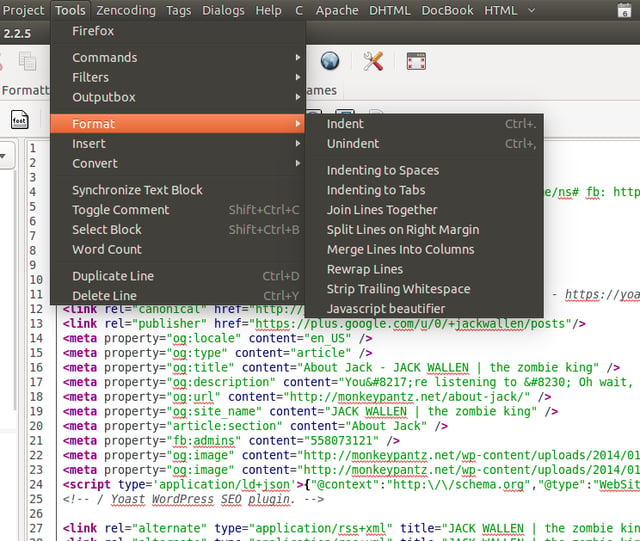
    Bluefish also offers multi-threaded support, multi-document\r\nsupport (it can open 500+ documents), powerful search, project support, a\r\nsnippets sidebar, unlimited undo/redo, a spell checker, syntax highlighting and\r\nindenting, customizable programming language support, and much more. Bluefish\r\nis open source and available to install and use free of charge.

1 of 6
Jack Wallen

Jack Wallen is an award-winning writer for TechRepublic, The New Stack, and Linux New Media. He's covered a variety of topics for over twenty years and is an avid promoter of open source. For more news about Jack Wallen, visit his website jackwallen.com.