
The Windows Task Manager has long been a handy resource for monitoring\r\nrunning processes and for terminating applications that refuse to close through\r\nnormal means. As helpful as the Windows Task Manager is, however, a number of other\r\napplications are available that can act as Task Manager replacements and\r\nperform various Task Manager related services. This gallery highlights five such\r\napplications.
Note: This gallery is also available as an article.
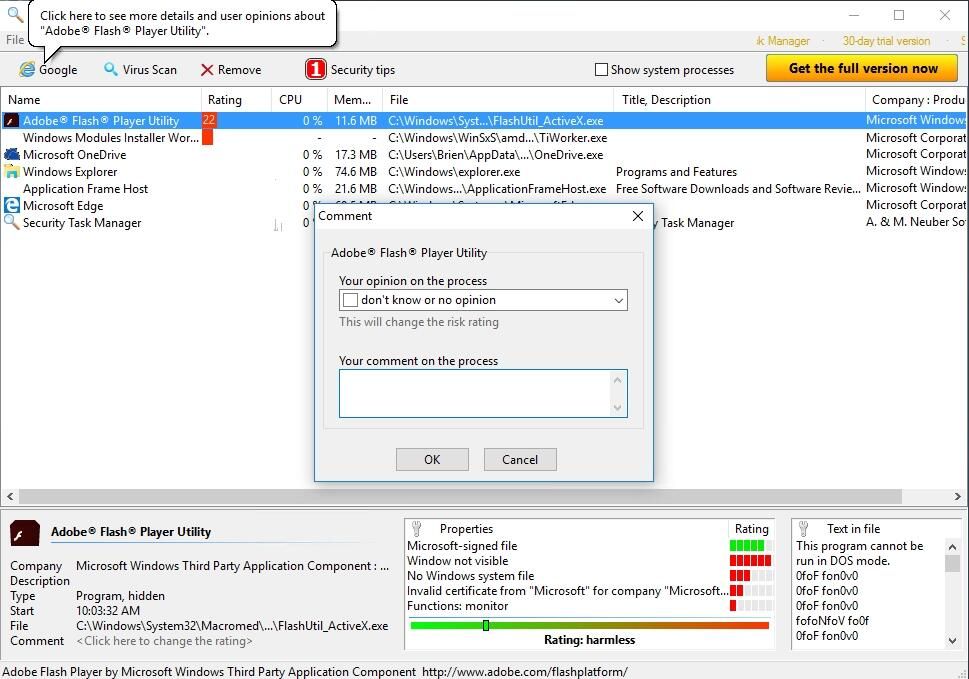
Right-clicking on a process opens a menu that lets you go to\r\nthe process’ folder. You can also Google the process, check it for viruses,\r\ncomment on it, and view its properties. Commenting on a process allows you to\r\nflag it as being dangerous or safe and to add notes documenting your reasoning.
Security Task Manager sells for $29, but a free\r\ntrial version is available for download.
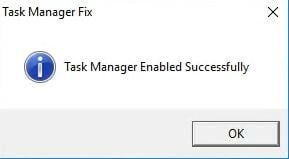
Over the years, I have encountered several malware\r\ninfections that have disabled the Task Manager. Some malware attacks the Task\r\nManager so the victim can’t use it to terminate malware-related processes. This\r\nsimple app repairs the Task Manager following such a situation. It contains one\r\nbutton. Clicking this button restores the Task Manager to a functional state.
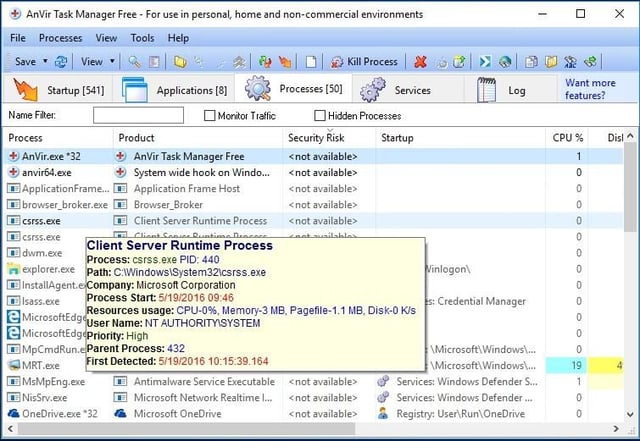
AnVir Task Manager Pro sells for $49.95, but a free trial is\r\navailable for download. There is also a free\r\nversion of this app.
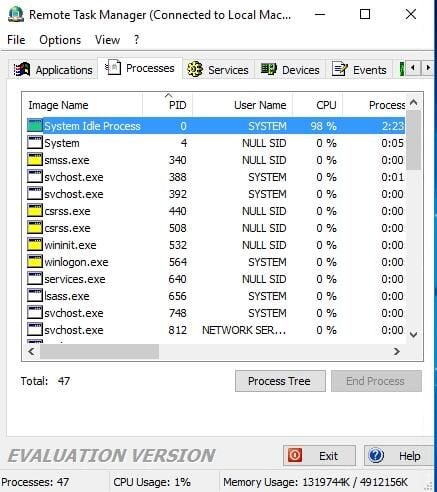
Remote Task Manager sells for $40, but a free version is available\r\nfor download.
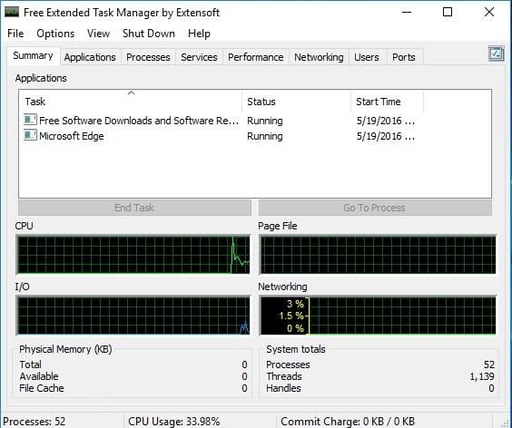
Pretty much all this\r\ninformation can be displayed by the built-in Windows tools, but it’s handy to\r\nhave all the information in one place. Like the native Task Manager, this tool\r\ncan terminate processes and launch applications.

* 1988 - Started teaching myself about computers \ * 1992 - Mainframe programmer for an insurance company \ * 1993 - Network Administrator for a different insurance company \ * 1996 - Author for The Cobb Group \ * 1998 - Network Administrator for Fort Knox \ * 1999 - CIO for chain of hospitals \ * 2000 - Gave up the corporate rat race to work out of my home. I have been a full time technical author ever since. Visit my Web sites at http://www.brienposey.com and http://www.relevanttechnologies.com \


