Screenshots: Five apps for creating presentations for a mobile workforce
Introduction
Unfortunately for many of us plying our trade in\r\nlarge enterprises, the presentation is something we often deride for being\r\nlackluster, all too familiar, and downright boring. That’s a shame for two\r\nreasons: First, because effective communication is vital to a successful\r\nenterprise, and second, because it doesn’t have to be that way.
Further complicating matters, enterprise structure\r\nis increasingly marked by a mobile and distant workforce, which can’t always be\r\nexpected to physically attend a meeting where a presentation is on the agenda.\r\nThe tools used to create and display a presentation must be able to cope with and\r\nadapt to this mobile environment.
Here is a list of five presentation apps that give\r\nyou more and better tools to create an effective presentation for a mobile and distributed\r\nworkforce. In fact, with some practice, you may find yourself creating\r\nsomething that is actually interesting.
If your enterprise uses Microsoft Office as its\r\npreferred productivity suite, you are probably familiar with the standard presentation\r\ntool PowerPoint.\r\nBut if you operate under an Office 365 subscription, you also have access to an\r\nalternative presentation tool from Microsoft called Sway.
Sway
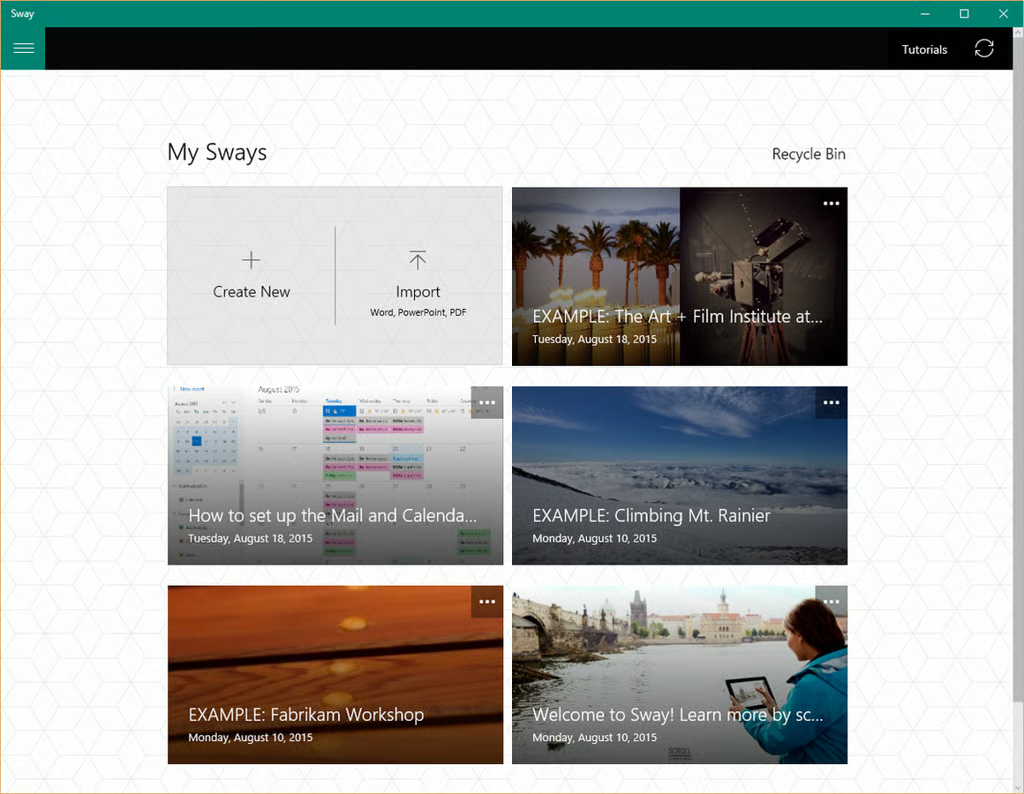
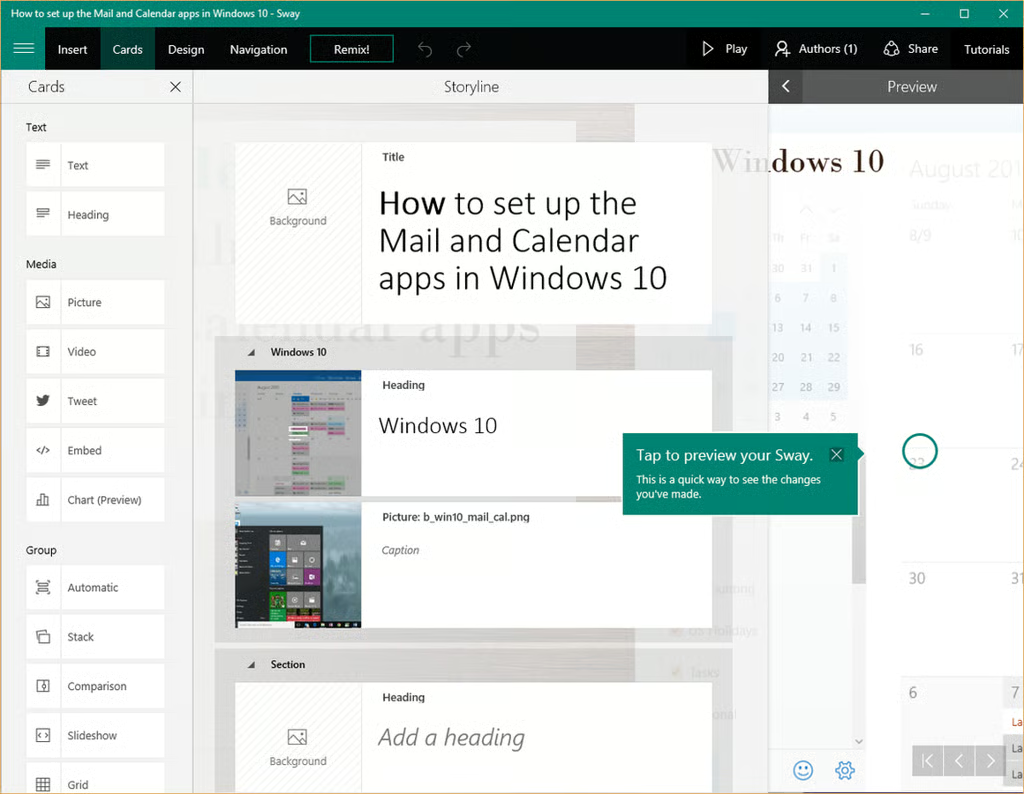
Microsoft designed Sway to be used as a\r\ncollaboration tool where a team, not necessarily located in the same building,\r\ncan develop a presentation together. The app allows content beyond the mere\r\nslideshow, with support for video, animation, and links to other websites,\r\nincluding social media.
Sway offers hundreds of templates to help you get\r\nstarted. There is also a YouTube\r\nchannel full of tutorials for Sway. The app is available when\r\nyou purchase an Office 365 subscription.
Visme
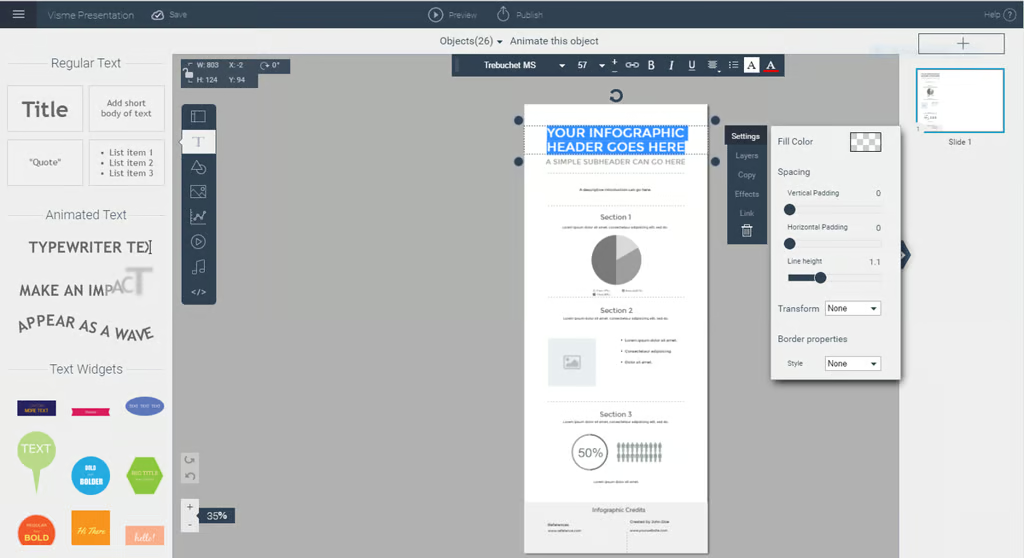
Visme is available in trial form for free, but the\r\nnumber of templates and tools will be limited. For $16/month you can upgrade to\r\nthe Premium version and get access to hundreds of professionally developed\r\ntemplates.
There is an extensive set of helpful tutorials\r\navailable that should answer just about any question you have about how to use\r\nVisme.
Mark W. Kaelin has been writing and editing stories about the information technology industry, software, hardware, gaming, finance, accounting, and technology geekdom for more than 30 years.