Screenshots: Five tools to make you a smarter shopper - TechRepublic

Screenshots: Five tools to make you a smarter shopper

  • Intro

    Introduction

    We all shop. There’s no way around it. Sometimes we shop to\r\nfill our personal needs and sometimes we shop to take care of our businesses.\r\nNo matter the reason, you want to shop responsibly and save as much money as\r\nyou can.

    Prior to smartphone technology, comparison shopping meant\r\nflipping through advertisements and making note of prices for the goods you\r\nwanted. Now? You can simply open an app, scan an item, and find the best\r\navailable price.

    Let’s take a look at five great apps that can streamline\r\nyour shopping chores and help you save money.

    Note:\r\nThis gallery is also available as an article.

    Image: iStockphoto.com elwynn1130
  • RedLaser

    RedLaser

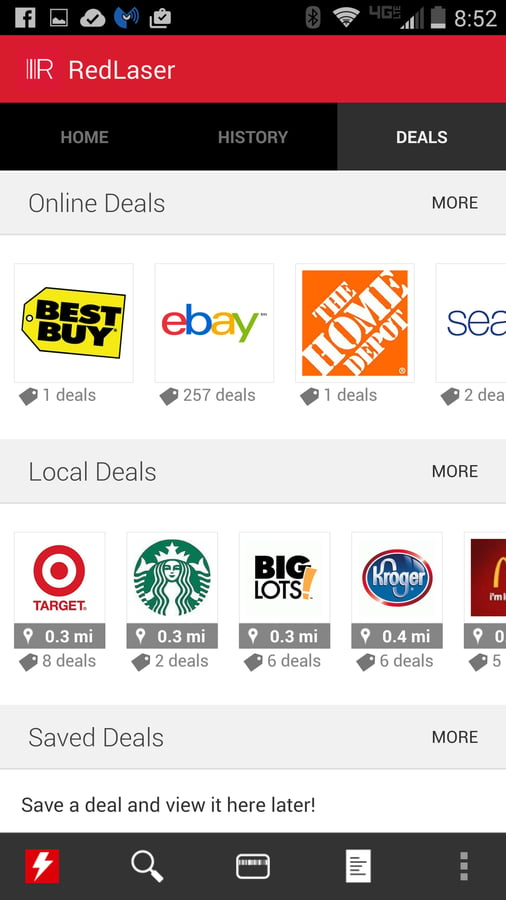
    The latest iteration of the app includes a beta version of\r\nthe Store Alerts feature, which allows you to get alerts when a store is\r\nfeaturing a great deal. RedLaser is free and available for Android, iOS, and Windows Phone.

  • ShopSavvy

    ShopSavvy

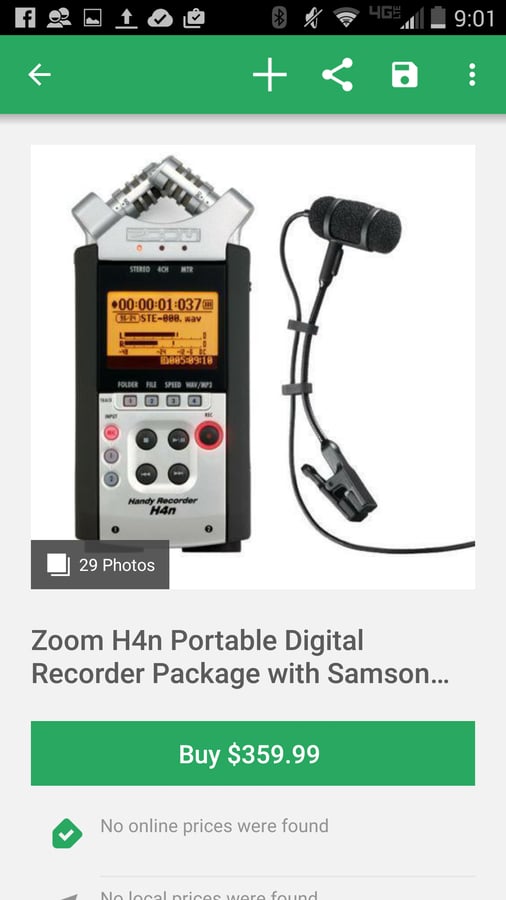
    The only caveat here is that you aren’t presented with\r\nnearly the results returned by RedLaser, and sometimes (especially with specialized\r\nitems) the deals aren’t as good as you’d expect. But on standard items, ShopSavvy\r\nis fairly, well, savvy. It’s available free for Android, iOS, and Windows Phone.

  • ScanLife Barcode & QR Reader

    ScanLife Barcode & QR Reader

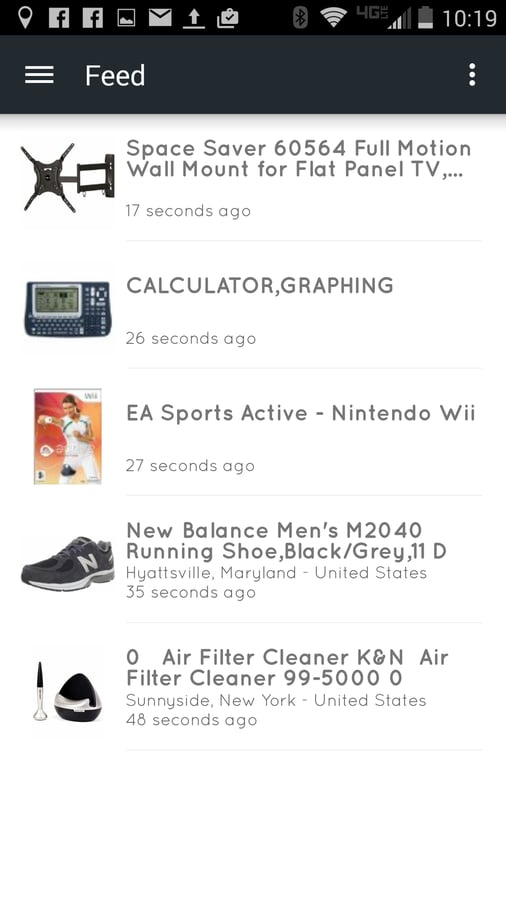
    Configuring interests requires you to rate categories\r\n(Health and Beauty, Lifestyle and Home, Going Out, Sport, Food and Drink, etc.).\r\nOnce you’ve updated your interests, the feed will automatically change to reflect\r\nthe personalization. It works well but doesn’t always guarantee you’ll find a\r\ndeal on something you want. For that, stick with the scanner. Scanlife is free\r\nfor Android and iOS.

  • ShopAdviser

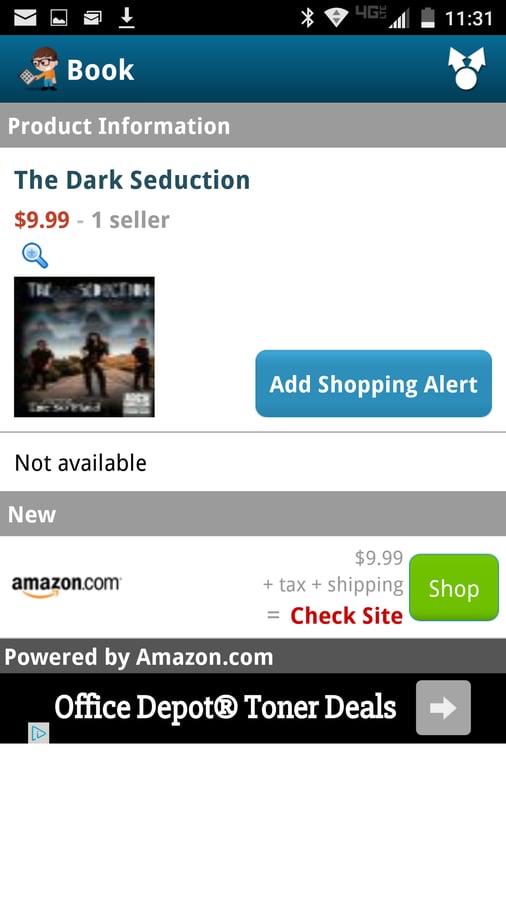
    ShopAdviser

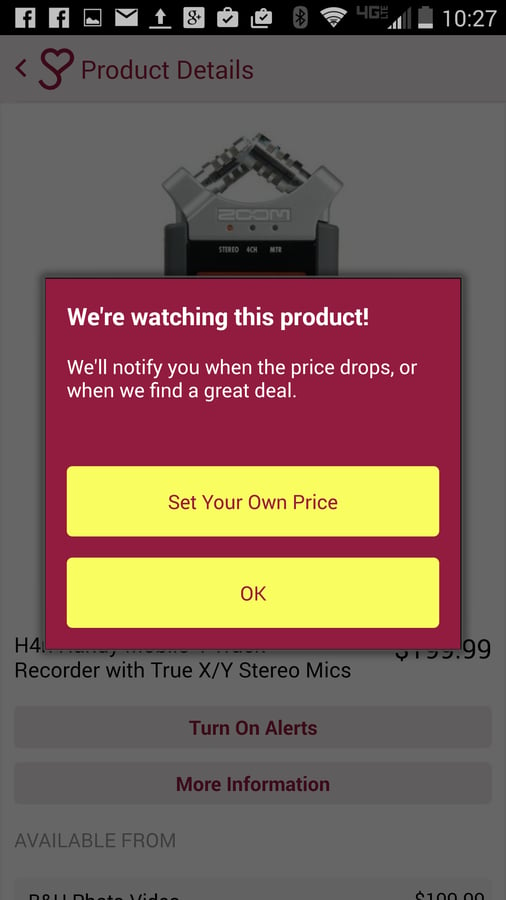
    From your results, you can tap on an item and then tap Turn\r\nOn Alerts to get pinged when a deal for the item becomes available. When you\r\nturn on an alert, you can either go with the default (an alert when the price\r\ndrops) or set your own price threshold for an item. This last feature makes\r\nShopAdviser one of the best comparison-shopping tools on the market. ShopAdviser\r\nis available free for Android and iOS.

  • BuyVia

    BuyVia

    BuyVia\r\nalso does a great job of easing up on the tech lingo to make shopping for tech\r\nhardware much easier for the average user. Get BuyVia for Androidor iOS.

1 of 6
Jack Wallen

Jack Wallen is an award-winning writer for TechRepublic, The New Stack, and Linux New Media. He's covered a variety of topics for over twenty years and is an avid promoter of open source. For more news about Jack Wallen, visit his website jackwallen.com.