Spotlight: Gootodo Web-based task list - TechRepublic

Spotlight: Gootodo Web-based task list

  • New task

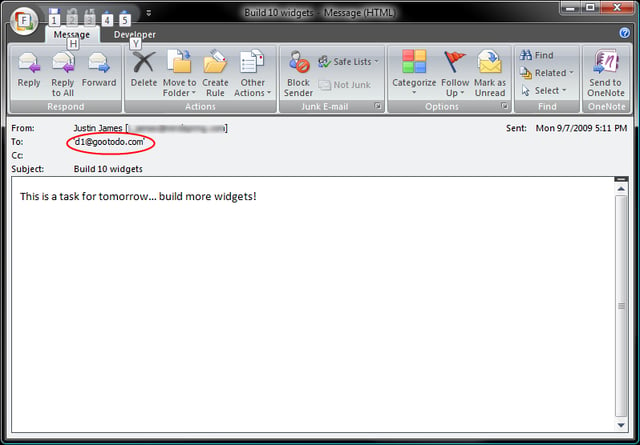
    This is how a new task gets created through email. Note the highlighted “to” address. There are a variety of ways to “date” a task through the email address, in this case, “d1” means “a day from today.”

    Image by Justin James for TechRepublic.

  • Assigned email

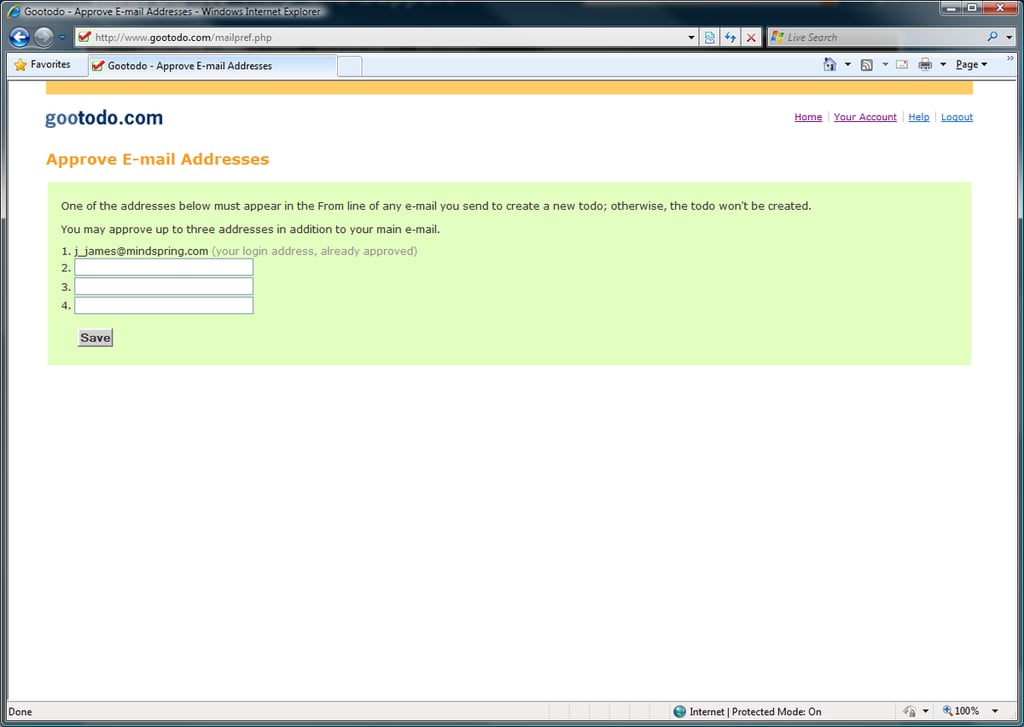
    Gootodo knows which account to assign an item received by email to based on the sender’s address. In this screen, we can add three additional email addresses to be used to generate our todo list items.

    Image by Justin James for TechRepublic.

  • Email reminders

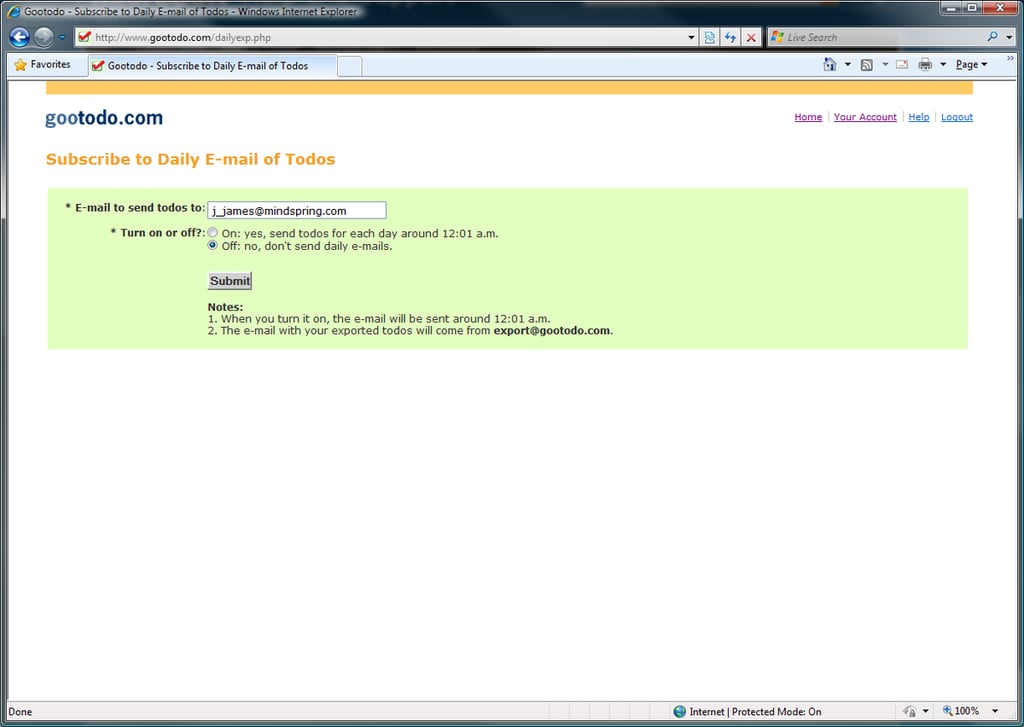
    Gootodo can also send an email on a daily basis to remind us of the tasks we have for the day. This is a useful feature for people who might forget to check the Web site on a regular basis.

    Image by Justin James for TechRepublic.

  • Recurring items

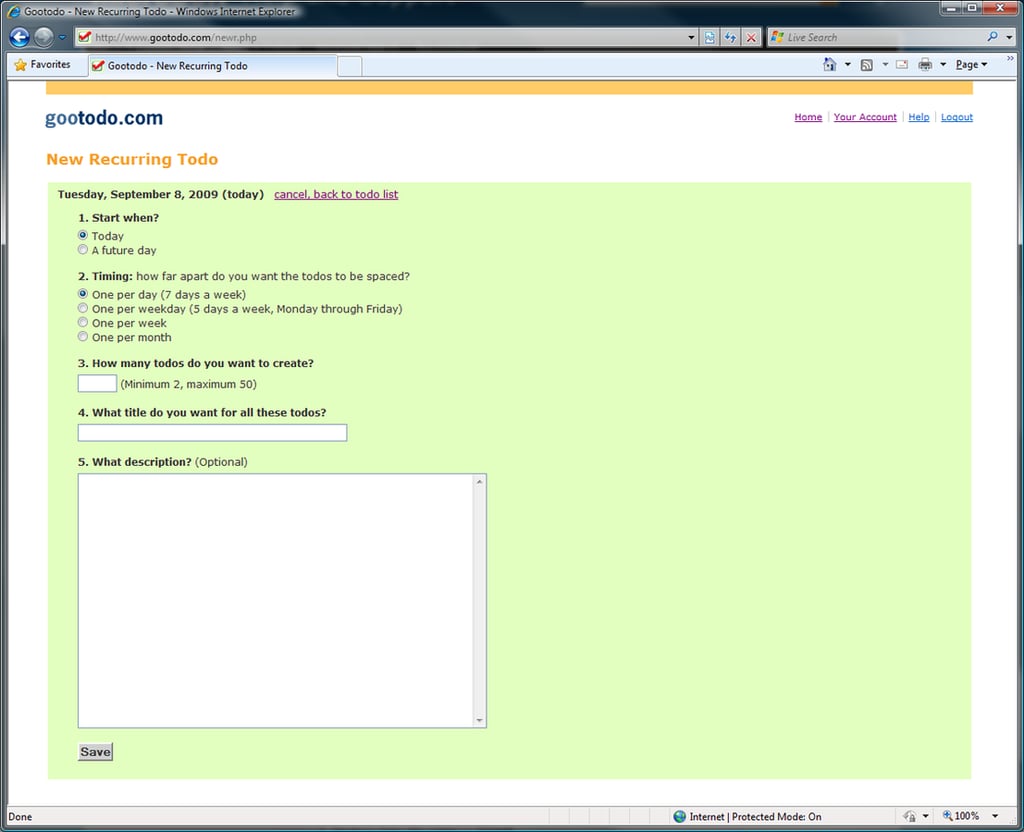
    Gootodo allows the creation of recurring items as well, a must-have feature for managing the regular chores in our work and professional lives.

    Image by Justin James for TechRepublic.

1 of 4
justin james

I am an all purpose IT person. If there's a generic job title in IT, I've probably had it, most likely more than once. Programmer, systems administrator, DBA, PC tech/repair, Help Desk, webmaster, web designer, web developer, applications developer, network engineering. Somehow I have managed to get my thumb stuck in each one of those pies!