The first five apps to install on your new Android device - TechRepublic

The first five apps to install on your new Android device

  • 00fiveistock000026192464small.jpg

    The first five apps to install on your new Android device

    You finally purchased that new Android device you’ve had\r\nyour eye on. Now it stares back at you, waiting for you to give it a task.\r\nYou’ve connected it to your Google Account, so all your Gmail messages, Google\r\nCalendar items, and Contacts are in sync. Where do you go from here?

    Naturally, that depends upon the intended use of the device.\r\nBut certain applications will come in handy no matter how you plan to use the\r\ndevice. Here are five tools that should be among the first you install. These\r\napplications range in scope, but each offers a solid solution to help you get\r\nyour work done.

    NOTE: This gallery is also available as an article.

    Aleksandr Kurganov
  • WPS Office

    With WPS Office, you can manage documents, memos,\r\nspreadsheets, and presentations. What I really like about WPS Office is\r\nthat it doesn’t matter if you’re using it on a tablet or phone — the interface\r\nworks well with both). Add to the long list of features the fact that WPS\r\nOffice is free, and you can see why it should be among the first apps you\r\ninstall.

  • All-in-One Toolbox

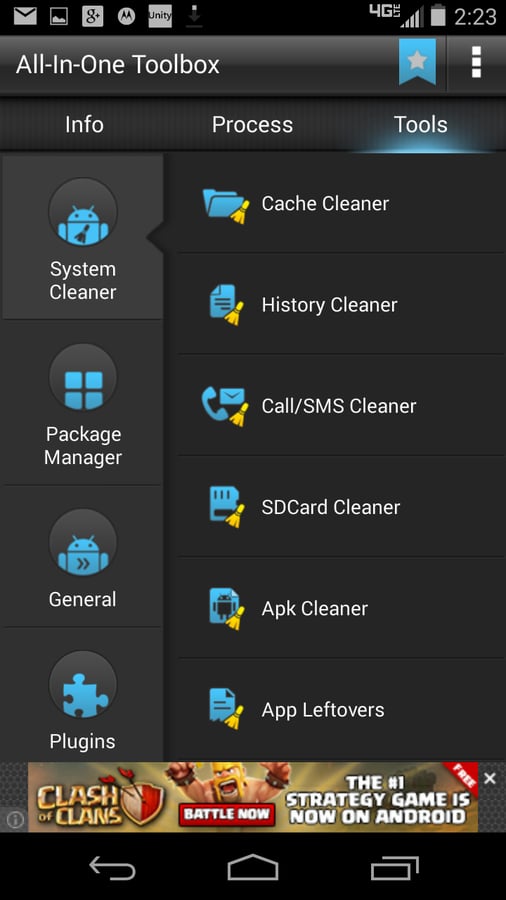
    All-In-OneToolbox is a set of 29 tools ranging from various cleaners to status\r\nreports to SD card managers to package managers. It’s a must-have for any\r\nAndroid device, for any level of user. One of the easiest cleaners, All-In-One\r\nwill clean cache, history, call/SMS, SD card, Apks, and App leftovers.

  • All-in-One Toolbox

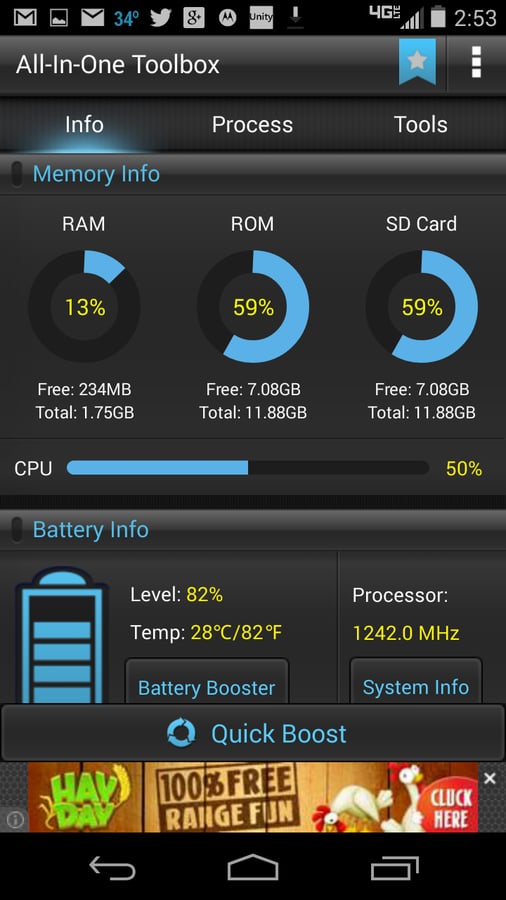
    If you’re looking for a single tool that will do the best\r\njob of keeping your Android device clean and running smoothly, this tool is it.\r\nAll-In-One Toolbox also gives you quick access to your device info, and\r\nplug-ins are available from the Google Play Store that will extend the feature\r\nlist in numerous handy ways. For example, you’ll find plug-ins for Ad-detect,\r\nApplock, Compass, Flashlight, Permission Check, QR and Barcode scanner, Sensor\r\nBox, Timer, and Volume Settings.

  • screen-shot-2015-02-23-at-10-21-04-am.png

    WeatherBug

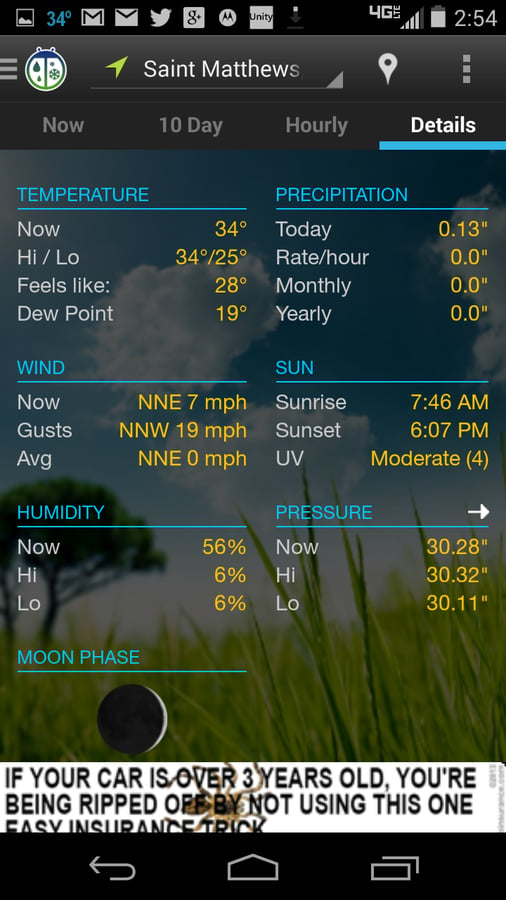
    Of all the weather apps I’ve used, WeatherBug has done the\r\nbest job of providing essential updates. With the help of detailed severe\r\nweather information and alerts, you can always be prepared. This app also\r\nincludes enhanced interactive maps with multiple layers (Doppler radar,\r\nhumidity, pressure, wind speed, high/low forecast, traffic, and so on). WeatherBug\r\nalso includes a handy widget so you can get quick access to reports and alerts.

    Image: Earth Networks
1 of 5
Jack Wallen

Jack Wallen is an award-winning writer for TechRepublic, The New Stack, and Linux New Media. He's covered a variety of topics for over twenty years and is an avid promoter of open source. For more news about Jack Wallen, visit his website jackwallen.com.