


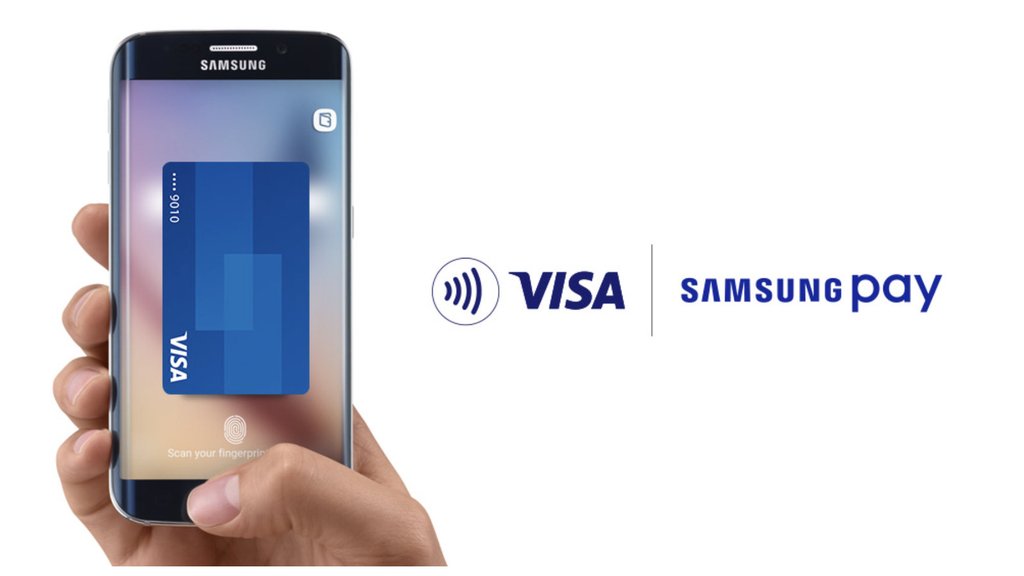
You’ve got a Visa card. The cashier has a QR code. Unfortunately, the two don’t always speak the same payment language. Samsung and Visa are working to close that gap for Galaxy users traveling across Asia.
Samsung and Visa launched Scan to Pay through Samsung Wallet in Singapore and Australia on November 16, allowing eligible users to pay at participating QR merchants in Malaysia, Vietnam, Hong Kong and mainland China. The feature uses Visa cards already registered in Samsung Wallet, letting travelers pay at supported merchants without installing a separate local payment app.
Visa expanded its Alipay+ partnership on November 18, confirming that eligible Samsung Wallet users in Singapore and Australia can pay at participating Alipay+ merchants in Malaysia and Hong Kong. The integration extends Visa card payments to merchants using supported local QR networks.
Where Samsung Wallet’s Visa QR payments work
The November 16 launch announcement identifies several supported payment networks: Alipay+ in Malaysia and Hong Kong, VNPay in Vietnam, Lakala in mainland China, and OpenRice and Octopus in Hong Kong. FOMO Pay is also supported in Singapore for eligible users with non-Singapore wallets.
Singapore and Australia are the first markets where the feature has launched for Samsung Wallet users. Malaysia and Vietnam are payment destinations, not confirmed markets where locally registered users can activate the service.
Crossing a border in Southeast Asia can mean entering a different payment ecosystem. Banks, card eligibility and QR networks vary by market, as the introduction of Apple Pay in the Philippines illustrates. A digital wallet’s availability in one country does not guarantee the same functionality next door.
Visa Scan to Pay operates through Visa Pay, which connects participating digital wallets with supported payment networks. Travelers must still check whether merchants accept the relevant QR network rather than assuming every code will work.
Singapore and Thailand have also expanded cooperation on cross-border payments, although their arrangements are separate from the Samsung-Visa rollout.
How to use Scan to Pay and what it costs
According to Samsung’s official payment instructions, Scan to Pay works on Galaxy devices supporting Samsung Pay, excluding wearables. Users need an eligible Visa card registered in Samsung Wallet, with the scanning option appearing when they reach a supported destination.
At checkout, users select the QR scanning option on their Visa card in Samsung Wallet. If the merchant displays a static QR code, customers enter the payment amount themselves. Dynamic codes display the amount for review. Either way, the transaction requires PIN or fingerprint authorization.
Samsung says it does not charge an additional fee for Scan to Pay, although card issuers may still apply foreign exchange charges. Customers enter payment amounts in the merchant’s currency, while their accounts are debited in their home currency.
Samsung says its Knox security platform helps protect Wallet information through encryption and biometric authentication. A comparison of Google Wallet and Samsung Wallet also highlights how the two services differ in device compatibility and supported features.
For business travelers, the feature offers another way to cover purchases abroad, particularly at merchants using participating local networks. Card eligibility, issuer charges and merchant acceptance still need checking, making an alternative payment method advisable.
Visa and Samsung expect more launch markets over the coming quarters but haven’t named them or provided dates. For eligible travelers in Singapore, the immediate benefit is simpler: their existing Visa card can now work at participating QR merchants abroad, including those that may not accept conventional card payments.
Read more: ASEAN’s new digital economy agreement seeks to improve cross-border payment interoperability, although national implementation will determine when businesses and travelers see practical changes.