
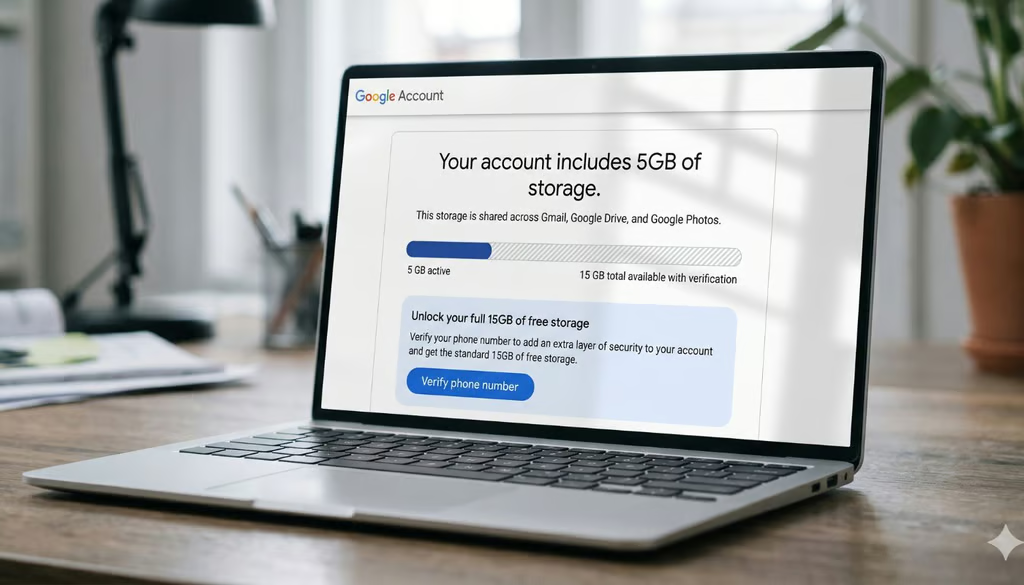


Google’s longtime 15GB free storage perk is no longer automatic for every new account.
Under Google’s updated support page, affected new accounts now start with 5GB, with the remaining amount unlocked only after users verify a valid phone number. Google says the test applies to new accounts in select regions and is meant to improve account security and data recovery.
The change creates a new condition around a free tier that many users have long treated as a standard part of creating a Google account.
How Google’s new storage setup works
The smaller starting limit applies across the account’s shared Google storage, not just Gmail. The 5GB cap applies to Gmail messages and attachments, Google Drive files, and Google Photos uploads.
A lower cap across the full Google account is more consequential than a Gmail-only limit. Users who store photos, upload Drive files, or keep large attachments could reach the starting limit faster than expected.
Existing accounts do not appear to be part of the test. Accounts already showing 15GB of free storage should not be affected.
Verification adds a speed bump for account abuse
In an email to Android Authority, Google said the test is meant to help it “continue to provide a high-quality storage service” while encouraging better “account security and data recovery.”
Phone verification serves two purposes for the company. It can help users regain access to locked accounts and strengthen sign-in protections, while also adding friction to automated account creation.
Free storage also becomes harder to exploit when each new account requires a stronger identity check. Without that extra step, repeat signups can turn one free allotment into many, increasing both storage costs and the risk of abuse. Phone verification gives Google a way to keep the full free tier available while making large-scale account farming harder.
More Google coverage
- New Google Search AI Mode is ‘Total Reimagining,’ Says CEO Sundar Pichai
- In Major Ruling, Judge Finds Google ‘Willfully Acquired and Maintained Monopoly Power’ Over Digital Ad Market
- Google’s Big Bet on Nuclear Energy: ‘The Race to Power AI-Driven Data Centers is Accelerating’
- Computer History Museum Releases Original AlexNet Code: Why It Matters
The tradeoff is bigger than storage
A new account may start with storage, but the decision quickly becomes more personal when the full free tier asks for a phone number. A phone number feels different from an email address. It is harder to replace, often tied to banking or messaging apps, and can follow someone across services long after an account is created.
Recent breaches give users a reason to pause.
Substack, for example, disclosed a 2025 incident in which phone numbers were among the user data accessed. Coinbase also said customer phone numbers were exposed in a breach that included other account and identity information.
For new users, the change makes Google’s free storage setup a little more conditional. The full 15GB is still available in the test, but users now have one more choice: verify a phone number for the extra space or keep the smaller starting limit.
Google’s first confirmed AI-assisted zero-day shows how quickly the threat model is changing for defenders.