
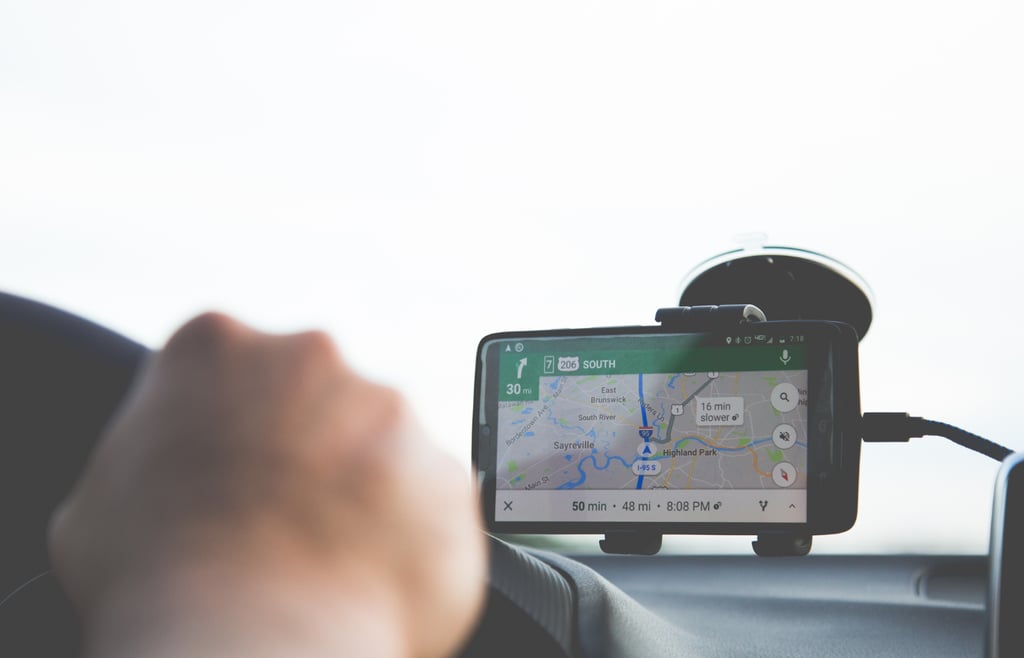


If you’ve ever watched your phone’s battery drop to single digits while relying on Google Maps, you’ll understand the panic that comes with it.
Soon, that might change.
Google appears to be working on a new “Power-saving mode” designed to keep Maps running longer when your phone is low on battery. The feature was first discovered by Android Authority, which found traces of the mode inside the beta version 25.44.03.824313610 of the Google Maps app for Android.
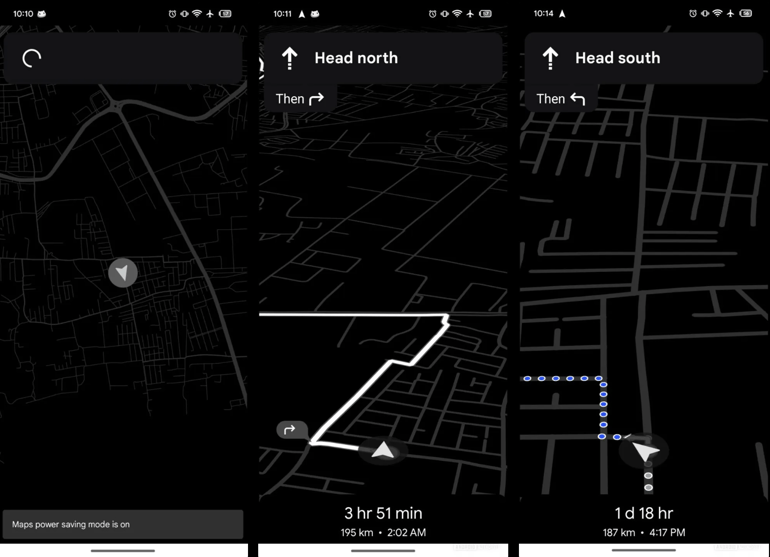
Instead of the usual colorful interface, the new mode switches Maps to a plain black-and-white view. Most details disappear, leaving only essential navigation information such as the next turn and remaining travel time.
Android Authority notes that, when activated, “your screen goes monochrome and drops almost all of its UI elements,” adding that Google appears to be “removing even the name of the next street you’re turning onto.”
Screenshots shared by the outlet show no traffic colors, no street names, and reduced on-screen text, all done to eke out extra battery life.
Power button activation and potential limits
The way users might switch on this new feature is also unusual. Evidence suggests the power-saving mode can be triggered by pressing the phone’s physical power button while the app is in navigation mode.
This could make it easy and safe for users, especially drivers, to activate the mode quickly without fumbling with on-screen menus. While the mode appears built for saving power, early findings point to a few limitations:
- Supported routes: The power-saving mode looks set to work for driving, walking, and two-wheeler routes. However, whether it will support public transit directions is currently unconfirmed.
- Screen orientation: Reports from Android Authority indicate that the energy-saving feature may only work when the phone is held in portrait orientation, making it unavailable for those who navigate using a landscape (sideways) view.
At this stage, Google hasn’t officially announced the power-saving mode and there’s no confirmed release timeline. It’s currently hidden inside beta code, meaning it might still change before launch or never reach general users at all.
But, if it does, this could be one of those small, life-saving updates that make a huge difference the next time you’re navigating with just 5% battery and no charger in sight.
In other Google news: The company has begun the initial deployment of its cutting-edge AI, Gemini for Home, to smart speakers and displays across the United States.