


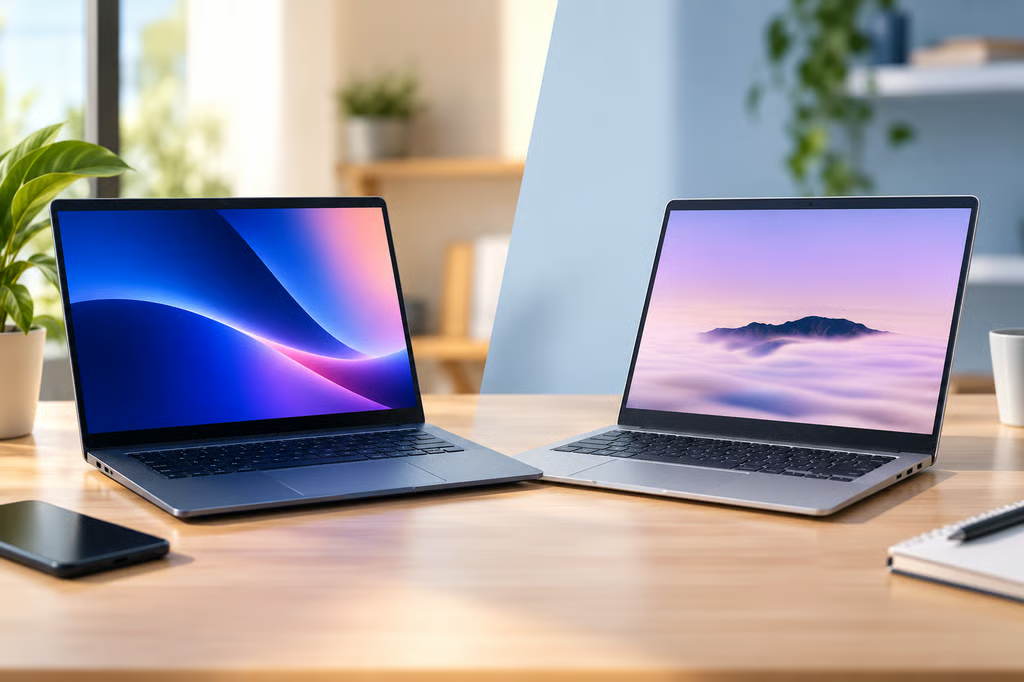
Googlebook preorders open Sept. 21, bringing Google’s new laptop category closer to launch. Like Chromebooks, Googlebooks will come from several PC makers, with Acer, ASUS, Dell, HP, and Lenovo lined up for the first wave.
The difference is what Google is building around those laptops. Googlebook is positioned as a flagship tier that combines ChromeOS and Android more closely, adds new Gemini Intelligence features, and leans heavily on an Android phone for apps and files.
Google’s Googlebook site now lists the Sept. 21 preorder date. Prices have not been announced, while Google’s current Chromebook store starts at $179 and Chromebook Plus models start at $369.
| Googlebook | Chromebook | |
|---|---|---|
| Manufacturers | Acer, ASUS, Dell, HP, Lenovo initially | Multiple PC manufacturers |
| Positioning | Flagship laptops | Entry-level through premium |
| Platform | ChromeOS with deeper Android integration | ChromeOS with Android app support |
| AI | Magic Pointer, Create My Widget, Gemini Intelligence | Gemini and other AI features vary by model |
| Phone features | Cast My Apps and Quick Access | Existing Android phone integrations |
- 1. Googlebook starts at the flagship end of the market
- 2. ChromeOS and Android are more closely connected
- 3. Magic Pointer puts Gemini next to the cursor
- 4. Create My Widget turns a prompt into a desktop widget
- 5. Cast My Apps brings phone apps onto Googlebook
- 6. Quick Access makes phone files available on the laptop
1. Googlebook starts at the flagship end of the market
Chromebook covers everything from inexpensive everyday laptops to higher-end Chromebook Plus machines. Google’s current store includes the $179 Acer Chromebook 315, $369 ASUS Chromebook Plus CX34, and premium models reaching $799.
Googlebook starts from a different position. Google describes the category as its flagship laptop line, with premium materials and more powerful hardware expected across the range.
That makes Chromebook Plus the more useful comparison than a basic Chromebook. Both target buyers who want more capable hardware and AI features, but Googlebook adds a different software experience on top.
The missing piece is price. Google has not announced what the first Googlebooks will cost, so buyers will have to wait until the Sept. 21 preorder launch to see how large that premium is.
2. ChromeOS and Android are more closely connected
Android apps already run on Chromebooks. Googlebook changes the role Android plays in the platform itself.
When Google introduced Googlebook in May, it described the new laptops as bringing together ChromeOS and Android rather than simply adding Android apps to ChromeOS.
Google’s developer documentation says existing Android apps will work on Googlebook, with support for laptop-style multitasking and inputs including keyboards, mice, trackpads, styluses, and game controllers.
The goal is for Android software to behave more naturally on a larger screen, rather than feeling like a phone app running on a laptop.
3. Magic Pointer puts Gemini next to the cursor
Gemini is already available on current Chromebooks, particularly Chromebook Plus models.
Magic Pointer changes how users reach it. Select something on screen and Gemini can offer actions based on that content without requiring a separate prompt window first.
Google shows examples such as picking a date from an email or selecting images to compare or edit. The feature is designed to make Gemini part of what the user is already doing rather than another app to open.
4. Create My Widget turns a prompt into a desktop widget
Create My Widget gives Gemini a more permanent place on the desktop.
Users can describe the information they want and have Gemini build a custom widget around it. Google’s travel example combines flight details, hotel bookings, restaurant reservations, and a countdown in one view.
The information can come from the web and connected Google services, so the result is closer to a personalized dashboard than a one-off Gemini response.
5. Cast My Apps brings phone apps onto Googlebook
Cast My Apps connects Googlebook directly to apps on a paired Android phone.
Instead of installing another version of an app on the laptop, users can open the phone app from Googlebook. Google gives examples such as ordering food or continuing a Duolingo lesson without switching devices.
This feature requires an Android phone running Android 17 or later, so it will not offer the same benefit to iPhone users.
6. Quick Access makes phone files available on the laptop
Quick Access does something similar for files.
Photos, downloads, documents, and other files on a paired Android phone can be accessed through Googlebook without first transferring them manually.
That could make everyday phone-to-laptop work much easier, especially when a file exists only on the phone and you need it immediately on a larger screen.
Android 17 or later is also required.
Googlebook does not replace the idea of a Chromebook with another single laptop. Both are families of devices from different manufacturers.
The bigger change is where Googlebook sits within Google’s laptop lineup. Chromebook remains the broad ChromeOS category, while Googlebook adds a flagship tier built around deeper Android integration, new Gemini tools, and a much closer connection with an Android phone.
The final comparison will come down to price. Once preorders open Sept. 21, buyers can see whether those additions justify choosing a Googlebook over the increasingly capable Chromebook Plus models already on sale.
Also read: ChromeOS Flex can give a compatible older PC a ChromeOS experience without buying a new Chromebook.