
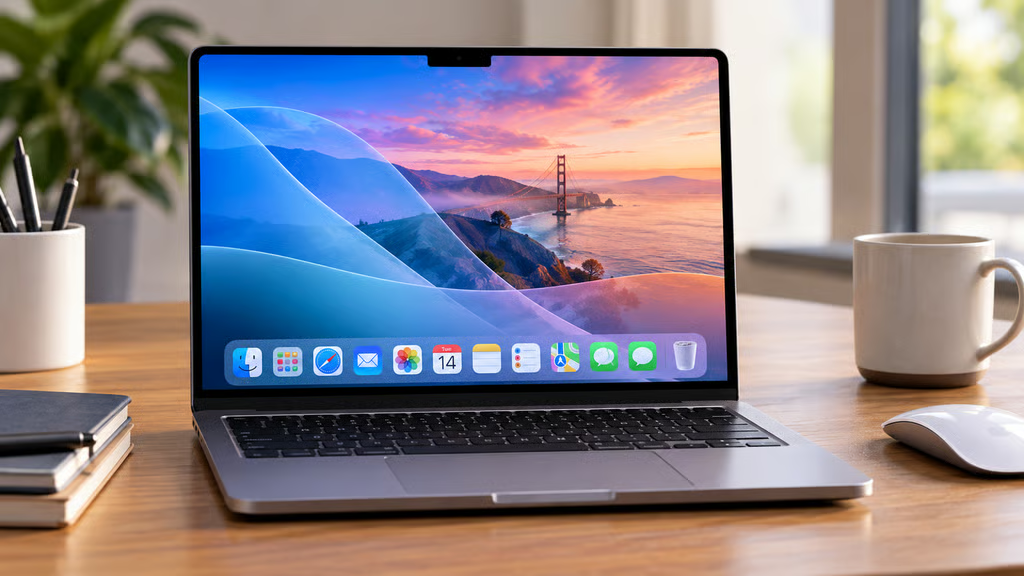


Apple released macOS 27 Golden Gate on Sept. 14, bringing Siri AI, expanded Apple Intelligence features, redesigned system elements, better search, new parental controls, and the final full version of Rosetta.
The update is available only for Apple-silicon Macs and the A18 Pro MacBook Neo. Siri AI has narrower language and regional requirements, so a Mac that can install macOS 27 does not necessarily have access to every AI feature.
- macOS 27 at a glance
- Which Macs support macOS 27?
- What is new in macOS 27?
- What is Siri AI on Mac?
- Which Macs support Siri AI?
- Does Siri AI work in the EU and China?
- What other Apple Intelligence features are new?
- What changed for displays and everyday Mac use?
- What parental controls changed?
- What happens to Rosetta in macOS 27?
- Does Siri AI have usage limits or cost extra?
- How do you install macOS 27?
- Should you upgrade to macOS 27?
macOS 27 at a glance
| Detail | macOS 27 Golden Gate |
|---|---|
| Release date | Sept. 14, 2026 |
| Latest update | macOS 27.0.1, released Sept. 28 |
| Price | Free software update |
| Supported Macs | Apple-silicon Macs and MacBook Neo |
| Intel Mac support | ✖ |
| Siri AI | Beta |
| Siri AI hardware | M1 or later, plus MacBook Neo with A18 Pro |
| Siri AI language | English at launch |
| Additional Siri AI languages | French, Japanese, Korean, Portuguese, and Spanish in October |
| EU availability | ✔ Siri AI on Mac with supported settings |
| China availability | ✖ Siri AI and new Apple Intelligence features |
| Rosetta | Final full macOS release with Rosetta |
Apple’s macOS 27 compatibility page lists every supported model.
Which Macs support macOS 27?
macOS 27 ends major macOS support for Intel-based Macs.
Supported devices are:
| Mac family | Supported models |
|---|---|
| MacBook Neo | 2026 model with A18 Pro |
| MacBook Air | Apple silicon, 2020 and later |
| MacBook Pro | Apple silicon, 2020 and later |
| iMac | Apple silicon, 2021 and later |
| Mac mini | Apple silicon, 2020 and later |
| Mac Studio | 2022 and later |
| Mac Pro | Apple silicon, 2023 |
That includes M1 through the newest Apple-silicon Macs.
The MacBook Neo is the unusual entry because it uses an A18 Pro rather than an M-series processor. TechRepublic’s MacBook Neo cheat sheet covers that hardware separately.
Intel Macs remain on earlier versions of macOS. Apple previously confirmed that macOS 26 would be the last major release for Intel Macs.
What is new in macOS 27?
macOS 27 combines AI additions with changes to search, design, productivity, displays, passwords, and parental controls.
The main additions include:
- Siri AI
- Visual Intelligence on Mac
- Expanded Apple Intelligence features in Photos, Safari, Messages, Mail, and Shortcuts
- Better Spotlight and Mail search
- Updated Liquid Glass controls
- Faster AirDrop transfers and network file browsing
- Safari tab grouping and Notify Me
- Automatic help fixing compromised passwords
- Improved ultrawide display support
- New child-safety and Screen Time controls
Apple also redesigned toolbars, sidebars, window shapes, and menu-bar icons. A new Liquid Glass slider in System Settings lets users adjust interface transparency from ultraclear to more heavily tinted.
Search has also been revised. Mail uses a new ranking system to move more relevant results to the top, while Spotlight receives improved search suggestions.
What is Siri AI on Mac?
Siri AI is Apple’s rebuilt version of Siri, powered by the latest generation of Apple Intelligence.
On Mac, it adds:
- Natural back-and-forth conversations
- Broad web-based knowledge
- Personal context from apps and data
- Onscreen awareness
- Actions across supported apps
- Writing and editing assistance
- A dedicated Siri app
- Siri access through Spotlight
Siri can search information across apps such as Mail, Messages, Calendar, Notes, and Reminders, and can act on some of that information.
Visual Intelligence also comes to Mac. Users can select content on their screen, including parts of images or PDFs, and ask Siri for information or actions related to it.
Siri AI remains a beta rather than a finished feature set.
Which Macs support Siri AI?
On Mac, Siri AI and the latest Apple Intelligence features require:
- A Mac with an M1 chip or later, or
- A MacBook Neo with A18 Pro
- macOS 27
- Apple Intelligence enabled
- A supported device and Siri language
That means the macOS 27 compatibility list and Siri AI compatibility are effectively aligned around Apple silicon, with the MacBook Neo also supported.
Siri AI is currently rolling out in English. Apple says French, Japanese, Korean, Portuguese, and Spanish support will arrive in October.
Apple Intelligence itself supports a broader set of languages than Siri AI, so the two language lists should not be treated as interchangeable.
Does Siri AI work in the EU and China?
On Mac, Siri AI is available in the EU when the Apple Account region is in the EU and the device and Siri languages are set to a supported language.
That differs from iPhone, iPad, and Apple Watch, where Siri AI is not available in the EU at launch.
Siri AI and the other new Apple Intelligence features are not currently available in mainland China while Apple works through regulatory requirements.
Siri AI is also unavailable to users under 13.
What other Apple Intelligence features are new?
macOS 27 expands Apple Intelligence beyond Siri.
Photos adds:
- Spatial Reframing for changing composition after capture
- Extend for expanding an image
- An improved Clean Up tool
Image Playground now supports photorealistic image generation and additional editing options.
Safari can automatically group related tabs and use Notify Me to monitor webpages for changes such as restocks or price changes.
Shortcuts can build automations from a natural-language description instead of requiring users to assemble every action manually.
The Passwords app can identify weak or compromised credentials and, on supported websites, help update them automatically.
What changed for displays and everyday Mac use?
macOS 27 adds better support for ultrawide monitors, including resolutions such as 5K at 120Hz on compatible hardware.
Apple also says display arrangements should remain where users left them when reconnecting monitors.
Other system changes include faster network file browsing, quicker AirDrop transfers, improved Safari start-page loading, richer VoiceOver image descriptions, automatic video captions, and additional Calendar, Messages, Mail, Maps, and Podcasts features.
Apple has advertised specific percentage performance gains for iPhone and iPad, but not equivalent percentage figures for Mac, so those mobile benchmarks should not be applied to macOS 27.
What parental controls changed?
macOS 27 includes several new family and child-safety features.
Ask to Browse lets parents require approval before a child visits a new website in Safari.
Communication Safety expands beyond nudity detection to intervene when children may encounter graphic or violent images and video.
Apple also added Time Allowances and Schedules, giving parents more control over how much time children spend in categories of apps and when those apps can be used.
TechRepublic has a separate breakdown of the new Apple parental controls across Mac, iPhone, and iPad.
What happens to Rosetta in macOS 27?
macOS 27 is the final major macOS release with full Rosetta support for Intel-only Mac applications running on Apple silicon.
After macOS 27, Intel-only applications will no longer run through general Rosetta translation on future major macOS versions.
Apple says limited Rosetta functionality will remain for some older, unmaintained games that depend on Intel-based frameworks.
Organizations and users that still depend on Intel-only Mac software should therefore check whether native Apple-silicon versions are available before moving beyond macOS 27.
Does Siri AI have usage limits or cost extra?
Some Apple Intelligence features that rely on Apple’s server-side models are subject to usage limits.
Apple specifically lists features including:
- Siri AI
- Intelligent photo-editing tools
- Image Playground
- AFM 3 Cloud models in Shortcuts
The limits can vary according to the feature, request complexity, system demand, and other factors.
Apple also says expanded access to server-dependent features will eventually be available for a fee. It has not announced pricing for that expanded access.
Standard macOS 27 itself remains a free software update.
How do you install macOS 27?
On a compatible Mac, open System Settings > General > Software Update.
Apple’s current security-release list shows macOS 27.0.1 as the latest version as of Sept. 29, so Macs already running the original 27.0 release should also check for that update.
For managed business Macs, administrators should validate critical applications, extensions, VPN software, security tools, and MDM policies before a fleet-wide deployment.
Intel-only software deserves particular attention because macOS 27 is the last major release with full Rosetta translation.
Should you upgrade to macOS 27?
For supported Macs, macOS 27 brings meaningful improvements even without Siri AI, including better search, interface refinements, display improvements, password tools, parental controls, and system updates.
Users interested in Siri AI should separately check language and regional availability before upgrading specifically for that feature.
Businesses should also identify any Intel-only applications before deployment. macOS 27 supports them through Rosetta, but the next major macOS release will not provide the same broad compatibility.
For most supported Macs without legacy-software dependencies, macOS 27 is the current major macOS release and the version Apple is actively developing going forward.
Also read: Apple’s latest Mac mini M6 ships with macOS 27 and supports the new Siri AI and Apple Intelligence features.