
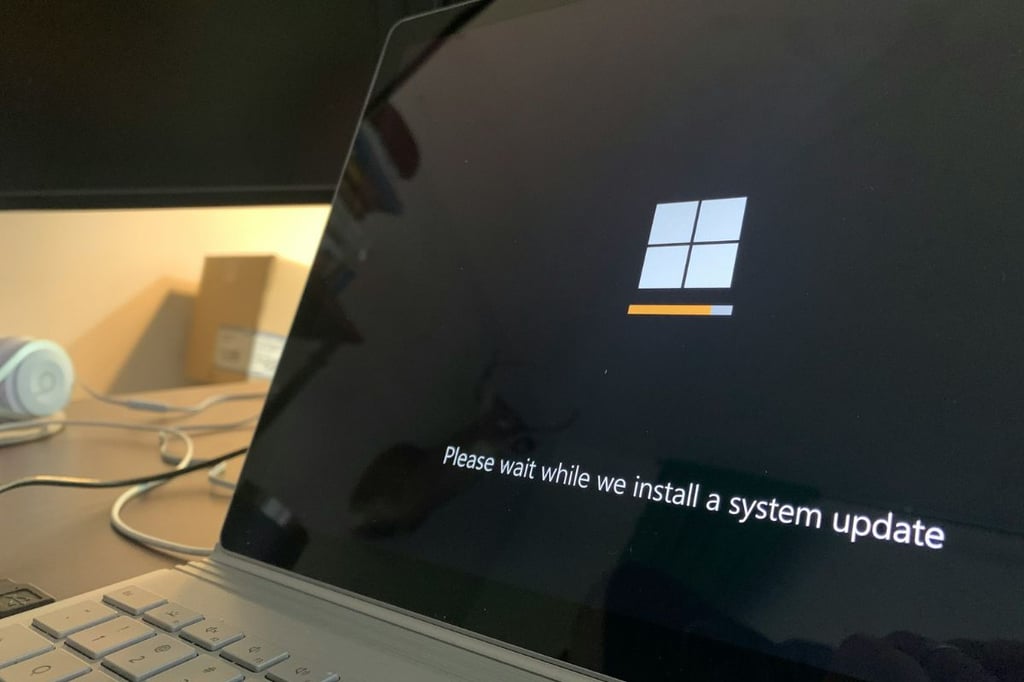


Microsoft has finally squashed a bug that many Windows users have complained about for years. The one that caused the “Update and Shut Down” option to behave like “Update and Restart.”
This issue, which dates back to Windows 10, has been frustrating users for years. The option was meant to install updates and then power down the computer, but it often rebooted the system instead, leaving many to find their machines still on hours later.
The fix comes through the optional KB5067036 update for Windows 11 (versions 24H2 and 25H2), which Microsoft began rolling out last week. According to Microsoft Support, the update “addressed underlying issue which can cause ‘Update and shutdown’ to not actually shut down your PC after updating.”
While Microsoft didn’t explain what caused the bug, experts and users have offered some theories. As Windows Latest noted, the problem likely stemmed from the Windows Servicing Stack, the system component responsible for handling updates.
Normally, when users choose “Update and shut down,” Windows installs updates and powers off the device. However, in many cases, it appears that the shutdown command was lost during the update’s “offline servicing phase,” resulting in the PC rebooting instead of shutting down completely.
More Microsoft news
- Inside Microsoft’s Real-Time War Against Cybersecurity Threats
- Project Ire: Microsoft Tests AI That Autonomously Detects Malware
- Microsoft Targets ‘Critical AI Talent’ from Meta to Dominate Next AI Breakthroughs
- Windows 10 Support Ends Soon, Though Extended Security Updates Offers Are Available
Rolling out gradually
The bug fix is part of Microsoft’s October 2025 non-security update (KB5067036) and will fully roll out to all users during November’s Patch Tuesday update on November 11. The fix currently applies only to Windows 11, not Windows 10. While Windows 10 was also affected, Microsoft’s support for that system has officially ended, with only limited security patches available through its Extended Security Updates (ESU) program.
Microsoft also introduced a simplified update naming system to make update titles easier to understand. In a post on the Windows IT Pro Blog, the company wrote that the new system makes titles “more intuitive, consistent, and informative to help users quickly understand what updates they’re receiving.”
While this may seem like a minor fix, for many Windows users, it’s a relief years overdue. The bug was more than a mild annoyance, particularly for laptop users who would close their lid expecting the computer to power off, only to find it still running hours later.
Alongside this long-awaited update, KB5067036 also introduces several enhancements to Windows 11, including a refreshed Start menu, a new Recommended section in File Explorer, and improved driver installation reliability.