


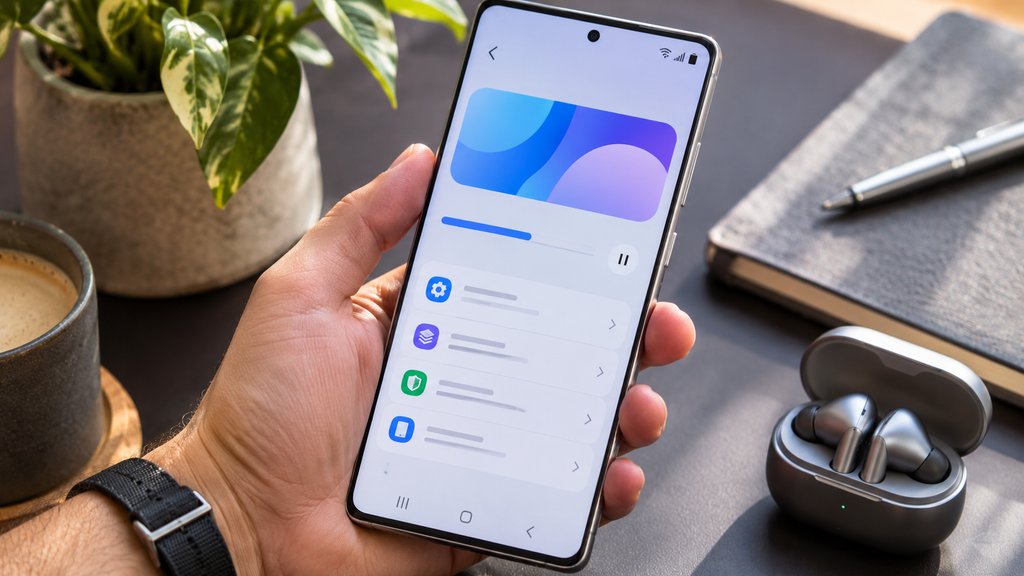
Samsung’s One UI 9.5 beta brings App Lock, improved camera controls, and new Samsung Health tools to eligible Galaxy S26 phones. The program began Nov. 17 in six countries, giving users an early opportunity to try the software before its stable release.
The update also introduces accessibility improvements, including quicker access to frequently used controls and better hearing aid settings. However, availability depends on the device and market, and returning to the previous stable software version requires a reset that removes data generated during beta testing.
Here’s what Samsung has confirmed, which Galaxy phones qualify, and how to install the beta safely.
Which Galaxy phones qualify for One UI 9.5 beta?
Samsung’s official announcement identifies the Galaxy S26 series as eligible.
The lineup includes:
- Samsung Galaxy S26
- Samsung Galaxy S26+
- Samsung Galaxy S26 Ultra
The six participating countries are Germany, India, South Korea, Poland, the UK, and the US.
Samsung hasn’t announced when the beta will expand to older Galaxy S models, Galaxy Z foldables, or other markets. Enrollment and feature availability can vary by device configuration and region.
Owners comparing the Galaxy S26 with the Galaxy S26 FE should note that Samsung hasn’t included the FE in this initial beta announcement.
How to install the beta
Eligible owners can enroll through Samsung Members.
- Open Samsung Members and sign in with your Samsung account.
- Select the One UI beta program banner or registration card.
- Review the terms and complete registration.
- Open Settings > Software update > Download and install.
- Install the beta when the update becomes available.
Samsung recommends updating installed apps and backing up important data using Smart Switch before proceeding.
According to Samsung’s beta documentation, users who want to return to the previous stable software version must withdraw through Samsung Members and perform a rollback using Smart Switch on a computer.
That process resets the phone and removes data generated during beta testing. Users with a compatible backup can restore their data afterward.
Waiting for the stable release and updating normally is different from manually downgrading the beta.
5 new features in Samsung One UI 9.5
1. App Lock protects individual apps
One UI 9.5 introduces native App Lock, allowing users to protect selected applications with biometrics or their existing screen lock.
Samsung says notification content and widgets associated with locked applications also remain hidden, improving privacy when someone else handles the device.
App Lock is separate from Secure Folder, which provides a protected environment for apps and files.
2. Camera controls become easier to customize
Samsung has redesigned camera controls to make frequently used settings easier to reach.
The default Camera app gains an improved zoom bar and a layout that brings key adjustments together without repeatedly opening separate menus.
Enhanced Pro and Pro Video modes also introduce customizable controls, presets, and more detailed monitoring tools.
Samsung says these enhancements are available only on devices supporting the relevant modes. Pro Lite and Pro Video Lite are excluded.
3. Samsung Health introduces Mind Note
Samsung Health adds Mind Note, a journaling feature that allows users to reflect through free writing or guided prompts.
The feature provides a place to record thoughts and feelings within Samsung’s health platform.
Samsung confirms that Mind Note isn’t supported on Galaxy Watch.
4. Samsung Health includes medication management
Samsung lists Medications among the health tools available with One UI 9.5, although medication tracking and reminders were already supported in earlier versions of Samsung Health.
The feature allows users to record prescriptions, vitamins, and supplements, set personalized reminders, and review medication adherence.
TechRepublic previously examined Samsung Health’s medication tracking capabilities in its coverage of Galaxy Watch diabetes management.
Samsung says availability varies by market and that these tools don’t provide medical advice.
5. Accessibility and hearing aid controls improve
One UI 9.5 introduces a floating accessibility shortcut that keeps frequently used controls within reach.
Users with compatible hearing aids can adjust volume directly from the notification panel and choose which sounds reach their hearing aids, including notifications, calls, and alarms.
The changes reduce the need to navigate multiple settings menus to reach essential accessibility controls.
TechRepublic’s comparison of One UI 9 and ColorOS 17 provides additional context on Samsung’s broader approach to Android customization, multitasking, and privacy.
Should you install One UI 9.5 beta?
The update brings several practical improvements, particularly App Lock, camera customization, medication management, and accessibility controls.
However, Samsung warns that beta software can contain bugs, behave unexpectedly, or cause data loss.
The rollback process also requires a reset, so installing the beta on a phone containing important work or personal information carries additional risk.
Users who depend on their phones for essential applications should consider waiting for the stable release. Samsung hasn’t announced when that version will become available.
Also read: Samsung Gallery’s new Google Photos integration lets Galaxy owners sync their pictures across services, but deleting a synced photo can remove it from both apps.