


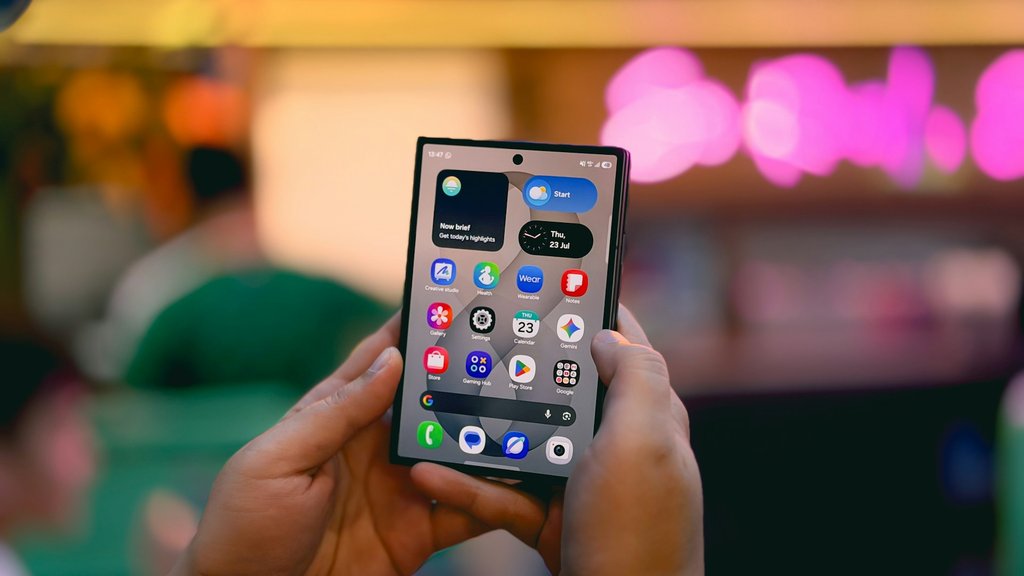
A locked app can keep a private message off the screen. An AI assistant that can read or send messages raises a different question for anyone managing a work phone.
Samsung opened the One UI 9.5 beta for Galaxy S26 series users on Nov. 18 in six markets, including the US, South Korea, and India. The beta includes App Lock. In a separate teardown, Android Authority found references to a potential AI assistant called Galaxy Claw.
For IT teams, App Lock is ready to test on eligible phones. The Galaxy Claw leak points to the next decision: how much access an assistant should have to work email, calendars, and messages.
App Lock is in the beta. Galaxy Claw is still a leak
Samsung’s beta announcement confirms that App Lock protects individual apps with biometrics or the device’s existing screen lock. It also hides notification content and widgets for locked apps. Eligible Galaxy S26 series users can apply through the Samsung Members app.
Android Authority’s teardown found code suggesting Galaxy Claw could request access to Gmail, Calendar, Messages, Contacts, and Phone, and use Perplexity for web searches. The code points to recurring tasks on hourly, daily, weekly, or custom schedules. It also names a Travel Planner, though its capabilities and release timing are unclear.
Other features surfaced in pre-release software:
- Tap-to-Share could let supported Galaxy phones share contacts, links, photos, or videos by touching the devices together, PhoneArena reported.
- Refine Voice Input could remove filler words such as “um” and “ah” from Samsung Keyboard dictation.
- Expanded call recording appeared in firmware for WhatsApp, Telegram, and Google Meet. Samsung has yet to confirm which apps, devices, or markets would support it.
What Samsung has said about Galaxy AI pricing
Software strings reported by Android Authority suggest a possible Galaxy AI Premium plan at $4.99 a month or $47.99 a year. Samsung told Tech Advisor that core Galaxy AI features will remain free and that some advanced features or new services could become paid options. Samsung has yet to confirm the reported prices or say whether Galaxy Claw would require a subscription.
What IT teams should test on managed Galaxy phones
- Check what App Lock does to work alerts. On a test Galaxy S26, lock an app employees rely on for urgent alerts and trigger a notification. Check what users can still see, whether widgets disappear, and how users regain access. Repeat the test with a managed work profile if your fleet uses one.
- Test what Galaxy Claw can read and do if it ships. Use a test account to check whether the assistant can read work emails, create calendar events, or send messages. Look for controls that let IT limit those actions. For recurring tasks, check what appears in task history and whether the task still runs after access is revoked.
- Verify device coverage before budgeting. If your fleet mixes S26 phones with devices such as the Galaxy Z Fold8 Ultra, check eligibility by model and market. Wait for Samsung to publish pricing and feature availability before adding Galaxy AI Premium to the fleet budget.