


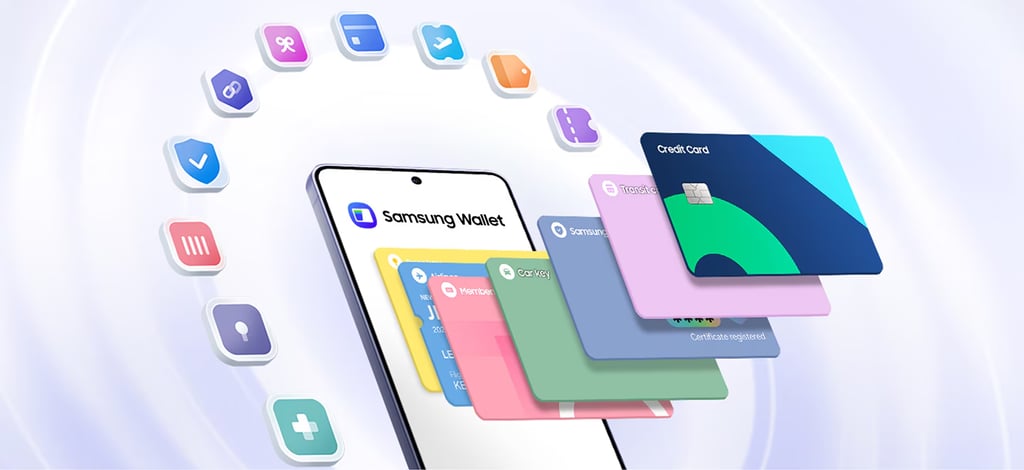
Samsung wants Galaxy phones to carry more than boarding passes.
The company is adding a CLEAR-verified digital ID to Samsung Wallet, letting eligible US users create a passport-based credential for use at supported TSA checkpoints. The feature stores the ID on-device via Samsung Knox and lets travelers present it via QR code or NFC.
Although it is currently rolling out in batches, it represents a deeper shift toward hardware-secured digital identity systems integrated into consumer devices. That reflects the gradual positioning of smartphones as identity-verification endpoints, with leading phone manufacturers racing to dominate the space.
Samsung Wallet adds travel identification
To bring this feature to life, Samsung partnered with CLEAR, a US-based identity verification firm with a presence across several airports. It introduces a new digital ID system built around passport enrollment and authentication. CLEAR’s role here is to verify the user’s identity against official documents, while Samsung Wallet provides the security and digital mobility.
Samsung notes that the credential is stored and secured on-device using its Knox security and can be accessed using a fingerprint or PIN.
The result is an improvement in how Samsung users use their phones for real-life activities, storing tickets, boarding passes, and now identity verification all in one place. That improvement matters because it reduces the number of important items people need to carry physically.
How to use and enable Samsung ID with CLEAR on your Samsung Galaxy device
Samsung says the feature works on devices running Android 9 or later and requires a Samsung account. Before activating it, check that you are using a valid US passport and that you have a CLEAR ID basic or CLEAR+ subscription, which also requires compatible credit or debit cards.
If you have cleared the requirements, follow these steps:
Open your Samsung Wallet app > find and tap Quick Access > tap the plus icon at the top right corner of your screen > select Digital IDs > select Samsung ID with CLEAR > select Get Card. Follow the on-screen instructions to scan your passport.
Android Central notes that users may need to complete face verification with CLEAR before the process is complete. If you’ve met all the requirements here and are still unable to access the feature, it’s currently rolling out in batches, so please check back later.
According to Samsung, the feature is available at more than 250 TSA checkpoints and can also be used for age verification at select sports venues, such as BMO Stadium in Los Angeles. However, it is worth noting that users should verify that an airport supports the feature and use the physical passport as a backup.
Also read: Google’s Android privacy settlement outlines who may be eligible after a $135 million agreement over app data collection.