


Microsoft has spent the past couple of years bolting Copilot onto nearly every corner of Windows 11. The July update breaks that pattern.
None of the five headline features rolling out requires a Copilot+ PC or any AI subscription; they’re plain, practical fixes for problems users have been complaining about for years. The changes are already trickling out through an optional update at the end of June, and Microsoft will push them to every Windows 11 PC automatically with the July Patch Tuesday release.
Smarter update pauses and easier recovery
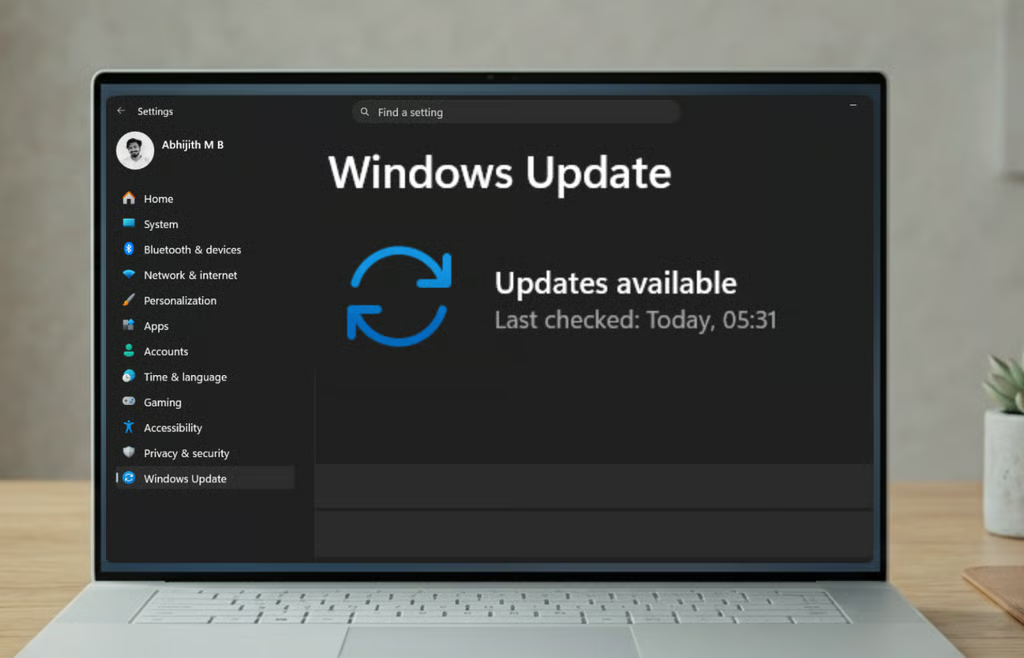
The most requested item on this list is a smarter way to pause Windows updates. Instead of the old five-week ceiling, Windows 11 is adding a calendar picker in Settings where you can choose an end date and pause updates for up to 35 days. When that period runs out, you can simply pick a new date and pause again, Windows Latest reported.
Windows Latest, which has tracked the feature since it appeared in testing back in April, called it the end of an era of forced reboots that have frustrated users for years.
The second major addition is point-in-time restore, a recovery tool that quietly snapshots your entire system — apps, settings, and personal files included — and keeps those restore points for up to 72 hours by default, with the option to adjust how often they’re taken and how long they stick around. Unlike the existing System Restore tool, which only protects system files and the registry, this one covers everything on your drive.
It runs on Windows’ Volume Shadow Copy technology in the background, works without an internet connection, and can be enabled in Settings > System > Recovery, according to Windows Latest’s reporting. For anyone who’s ever held off installing an update out of fear it might break something, this is effectively a safety net.
Smaller fixes that add up
Beyond those two centerpieces, July brings a batch of smaller but genuinely useful changes:
Screen tint: A new accessibility option lets you apply a full-screen color overlay to your display to ease eye strain, with several preset colors, including Calm amber, plus a custom color and an intensity slider, Windows Latest reported. It’s a step beyond Night Light, which only shifts the screen between warm and cool tones rather than letting you pick an actual color.
Bluetooth, finally behaving: Microsoft is rolling out what Windows Latest described as its biggest concentrated Bluetooth fix yet. Muting a Bluetooth headset will now properly sync between the mute button and what Windows thinks the mic is doing. AirPods will show up faster in pairing mode, Beats Studio Pro microphones will work more reliably, and Bluetooth LE audio connections will reconnect faster after a dropout. Phone Link is also getting smarter about call audio, keeping a call on your phone until you actually answer it on your PC instead of jumping over the moment it starts ringing.
A calmer taskbar: Widgets will stop expanding the second your cursor brushes past them, a years-old annoyance Windows Latest singled out as one of the most requested fixes. Notification badges will be toned down and recolored to match your accent color, and new users will land on a plain Widgets dashboard instead of the MSN news feed.
The little things: The emoji panel is switching its GIF provider to GIPHY now that Google has deprecated Tenor; File Explorer’s address bar will finally handle paths with double backslashes and quotation marks without choking; new printer setups will default to a simpler connection method; voice typing is adding French, German, and Spanish with live grammar correction; and touchpads are getting an adjustable right-click zone, according to Windows Latest.
A practical course correction for Windows 11
There’s an obvious throughline across all of this: Microsoft is undoing some of its own earlier decisions.
The 35-day update cap, the hover-happy Widgets panel, and the Taskbar locked to the bottom of the screen weren’t bugs; they were deliberate design choices Microsoft made when Windows 11 launched, in the name of simplicity. Walking them back now is essentially an admission that the simplicity-first approach went too far for a meaningful slice of its user base.
It’s also a notable change in priorities. After two years of Copilot headlines, an update built around update-pausing and Bluetooth reliability looks almost old-fashioned. That’s not necessarily a bad thing; these are the kinds of fixes that affect daily use far more than most AI features do.
For Windows 11 users, the practical takeaway is simple: the July release may be worth installing less for what it adds than for what it fixes. After years of pushing Windows 11 as a sleeker, AI-ready platform, Microsoft appears to be spending this update cycle on the smaller annoyances that shape how people actually use their PCs every day.
Also read: Europol and Microsoft helped disrupt malware infrastructure linked to large-scale cybercrime operations, giving defenders another example of public-private security coordination.