


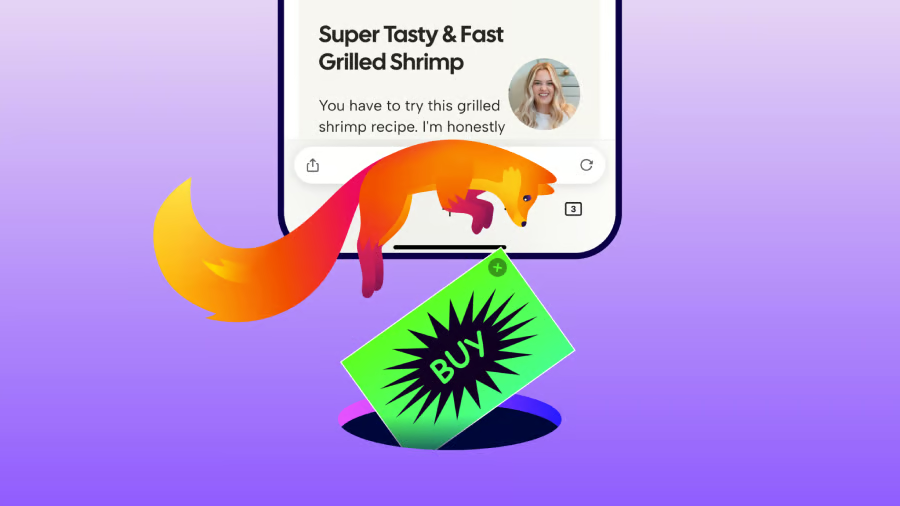
Firefox users on iPhone can finally swat away a good chunk of the web’s advertising clutter without installing anything extra.
Mozilla is rolling out a built-in Ad Blocker for Firefox on iOS after testing the feature for several weeks. It uses Apple’s WebKit Content Blocker technology alongside the community-maintained EasyList filter to identify and block many third-party ads, pop-ups, overlays and ad-related trackers before they load.
The feature is disabled by default. Users can activate it under Settings > Browsing > Ad Blocker, and Mozilla says it can also be switched on or off from the site menu while browsing.
The blocker works alongside Firefox’s existing Enhanced Tracking Protection, giving iPhone users another layer of control over what loads on Web pages.
Mozilla is upfront that its blocker has limits. Ads delivered directly by the website being visited will remain, as will advertising displayed within search results. Firefox’s own sponsored shortcuts and other sponsored content on the new-tab page are also outside the blocker’s reach. That means users should expect a cleaner browsing experience, rather than an entirely ad-free web.
Why iOS makes this different
Firefox has supported a broader ecosystem of ad-blocking and privacy extensions on desktop and Android, but iOS operates under different technical constraints.
Apple requires iOS browsers to use WebKit for rendering, so Mozilla built the new blocker around Apple’s content-blocking technology rather than replicating the extension-based approach available on other platforms.
That limitation also helps explain why Firefox’s implementation is narrower than some desktop ad blockers. Browsers including Brave, Opera and Vivaldi already offer built-in ad blocking on iOS.
What's hot at TechRepublic
- Blackpoint Cyber vs. Arctic Wolf: Which MDR Solution is Right for You?
- Why AWS Sellers Choose Deepgram Over Other Voice AI Tools
- SS&C Intralinks DealCentre AI vs. Datasite: Which platform is built for the future of dealmaking?
- SS&C Intralinks FundCentre AI vs. Juniper Square: Which platform better supports modern private markets fund managers?
- Verito vs. Rightworks: Which IT Provider Is Best for Your Firm?
A useful upgrade, with a catch
The biggest consumer benefit is convenience. iPhone Firefox users who want fewer ads and trackers can now enable a blocker without searching for and installing another tool.
However, if you expect the desktop-level blocking power of uBlock Origin, adjust your expectations. First-party ads and search promotions will still slip through, and Firefox’s own sponsored content remains. For those who want aggressive, system-wide blocking, iOS’s ecosystem still falls short.
For publishers, the feature could also reduce the number of third-party ads shown to Firefox users on iPhone. Mozilla acknowledges that tension, noting that advertising helps fund publishers and creators while arguing that users should still have greater control over what loads in their browsers.
Ultimately, Firefox’s new blocker is less about eliminating every ad and more about making basic ad blocking a built-in option for iPhone users who want a cleaner, less intrusive browsing experience.
Other news: Apple could break its usual Friday preorder tradition by opening iPhone 18 Pro orders on Saturday, Sept. 12, while its foldable iPhone may follow on a separate release schedule.