Photos: Classic Windows screensavers from Windows 1.0 to Windows 98 - TechRepublic

Photos: Classic Windows screensavers from Windows 1.0 to Windows 98

  • windows95maze2.jpg

    Journey to the past

    The tower PCs of the 1990s may now be landfill, but decades later the screensavers that danced across their screens are still burned into memory.

    Whether it’s winged toasters, flying Windows icons or a sprawling network of 3D pipes, the classic screensavers of yesteryear made a lasting impression.

    Revisit some of the best-known screensavers from Windows history, dating right back to the very first release of Windows.

    Jump to Windows screensavers through the ages:

    Windows 1.0

    Windows 3.x

    Windows 95

    Windows 98

  • windows1afterdark.jpg

    Windows 1.0: After Dark

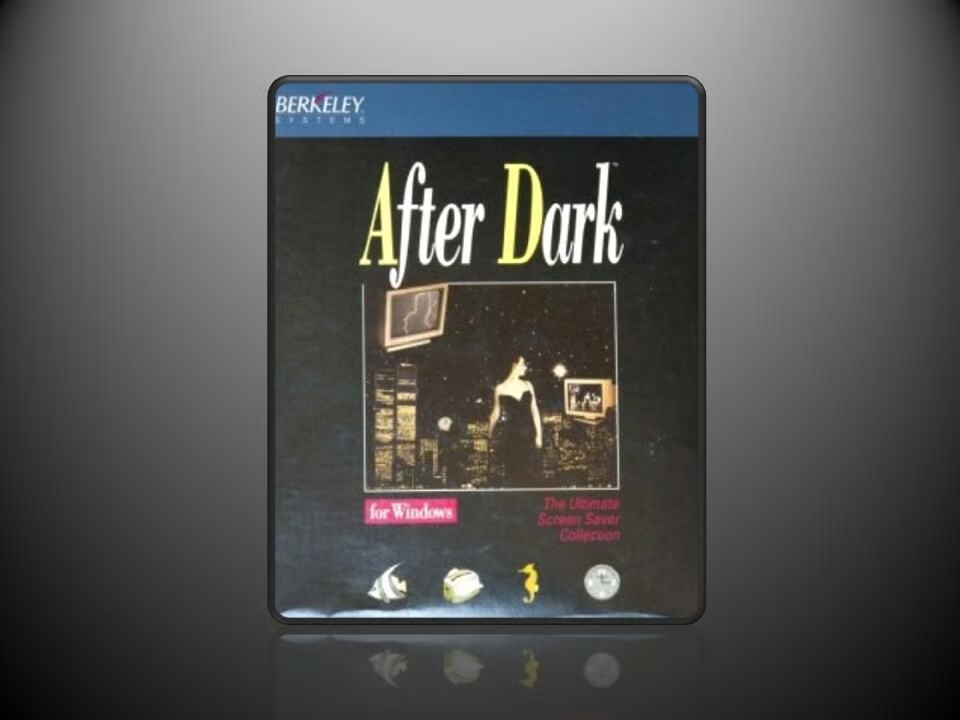
    Berkeley Systems’ After Dark for Windows 1.0 screensaver program was released for PC in March 1991.

    The collection of 35 screensavers included the massively popular Flying Toasters.

    Image: Greg Shultz
  • windows1aquatic.jpg

    Windows 1: After Dark - Aquatic Realm

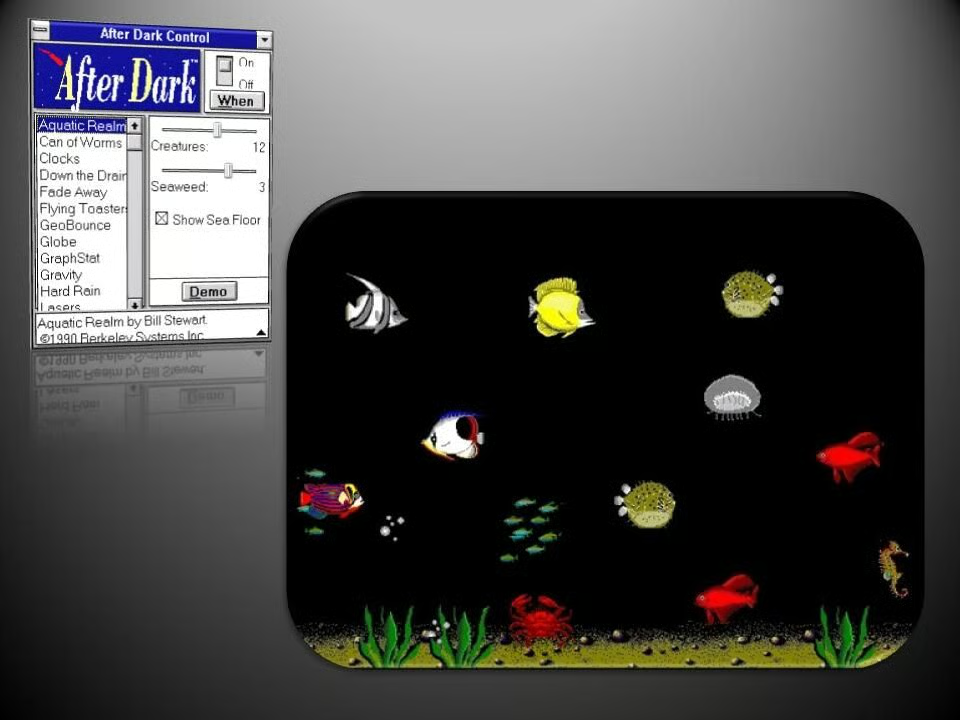
    Aquatic Realm offers a glimpse of life under the sea, as marine creatures go about their business at the bottom of the ocean.

    Image: Greg Shultz
  • windows1clock.jpg

    Windows 1: After Dark - Clocks

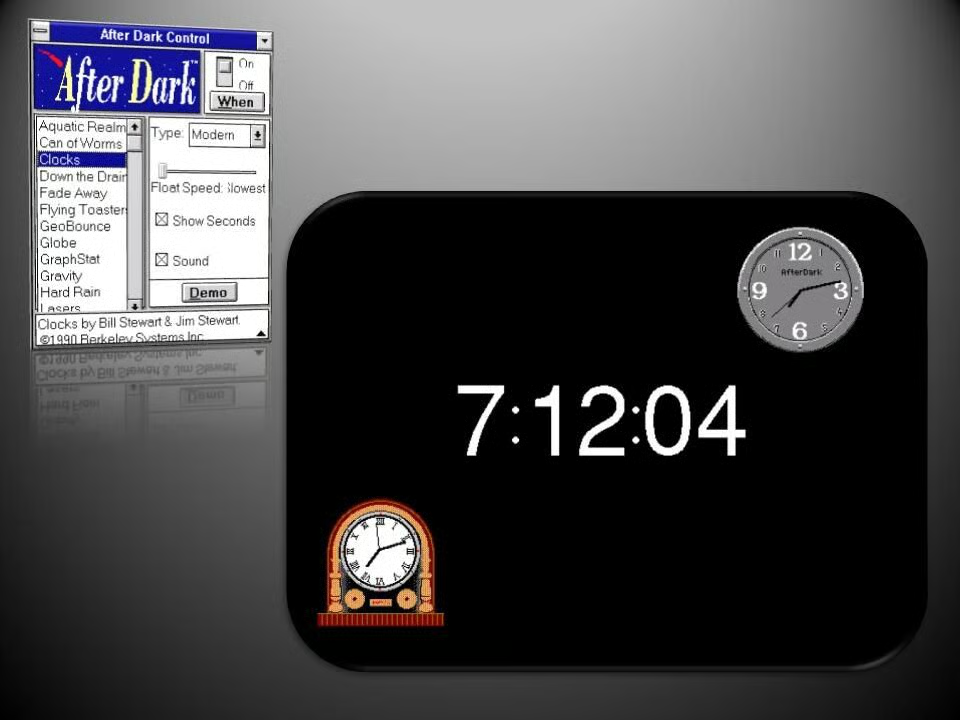
    In Clocks, three types of clocks float move about the screen showing the current time.

    Image: Greg Shultz
  • Windows 1: After Dark - Down the Drain

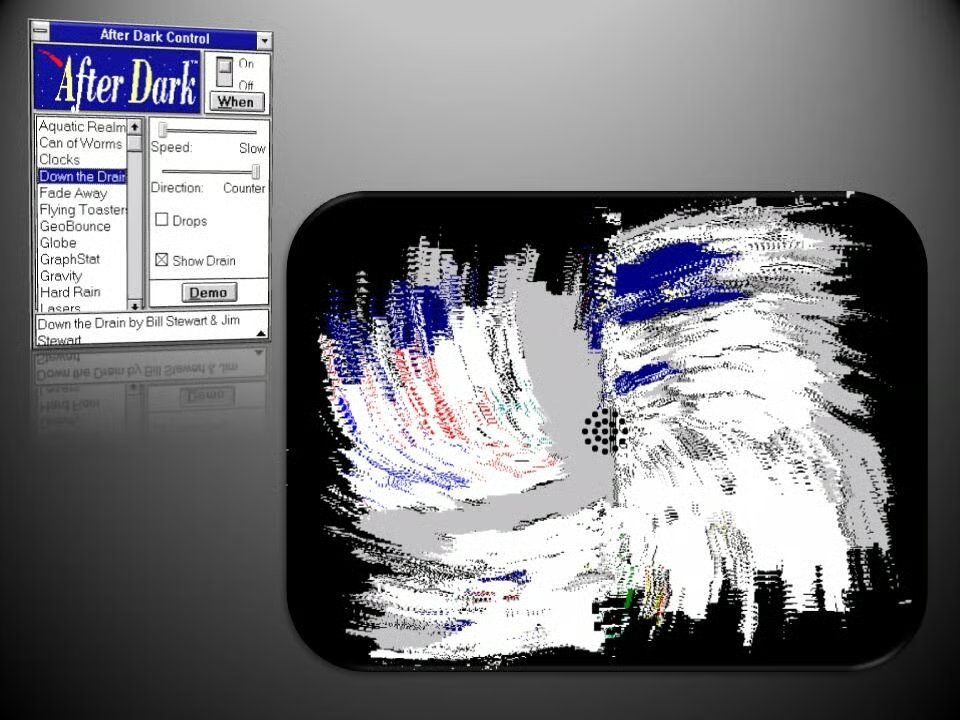
    Down the Drain liquefied your desktop and saw it spiral down a drain.

    Image: Greg Shultz
  • Windows 1: After Dark - Fade Away

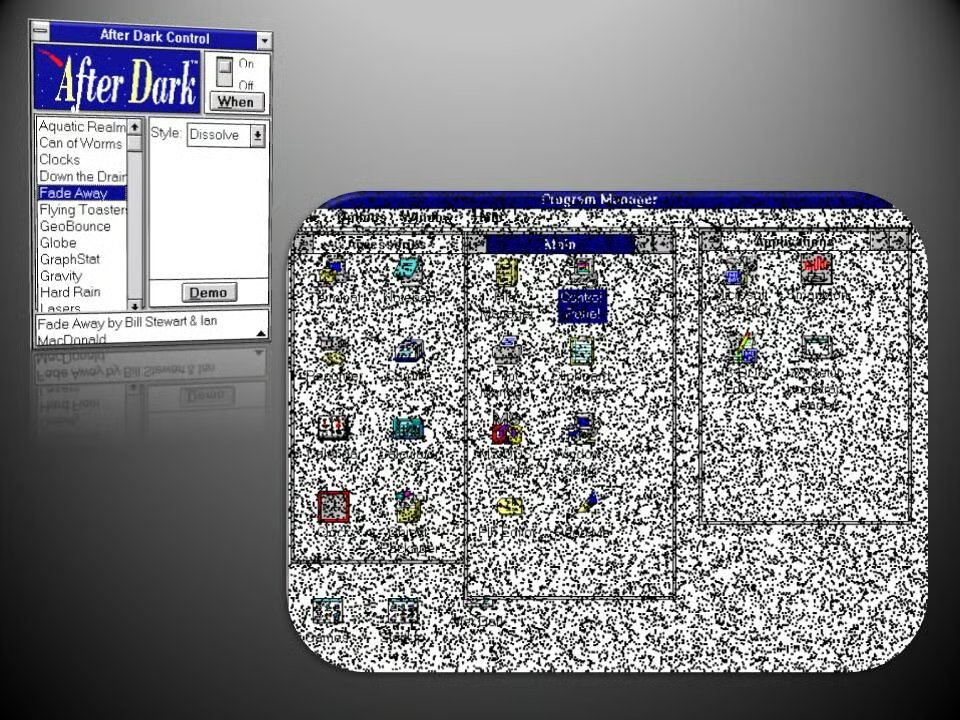
    As the name suggest, Fade Away, made your desktop fade into nothingness.

    Image: Greg Shultz
  • Windows 1: After Dark - Flying Toasters

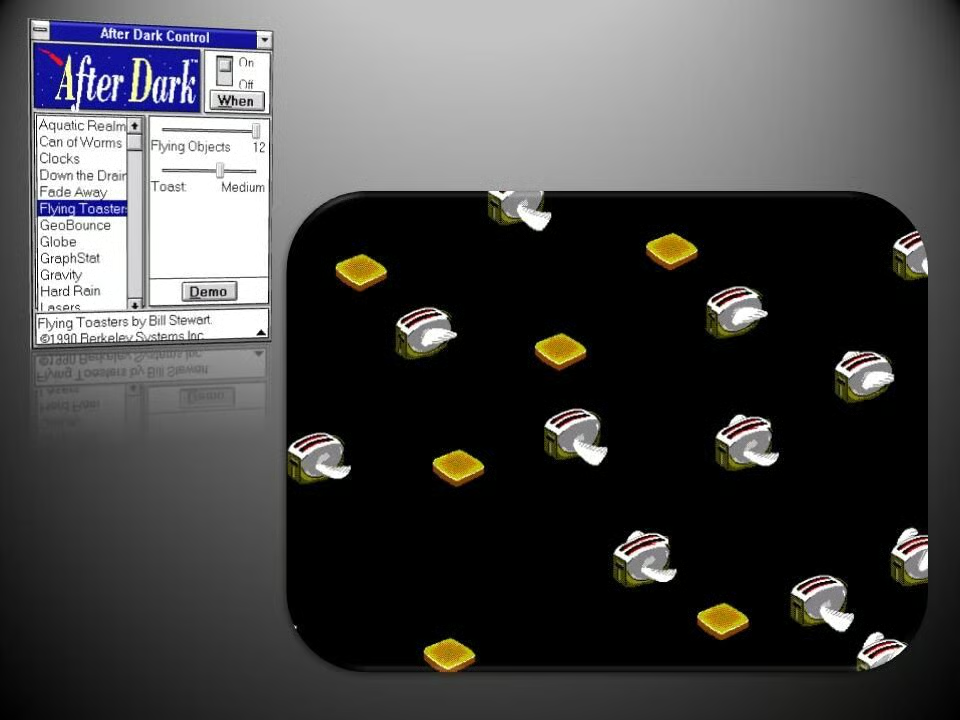
    Perhaps the most famous screensaver in the collection, Flying Toasters, saw winged appliances fill your screen alongside slices of toast.

    Image: Greg Shultz
  • Windows 1: After Dark - GeoBounce

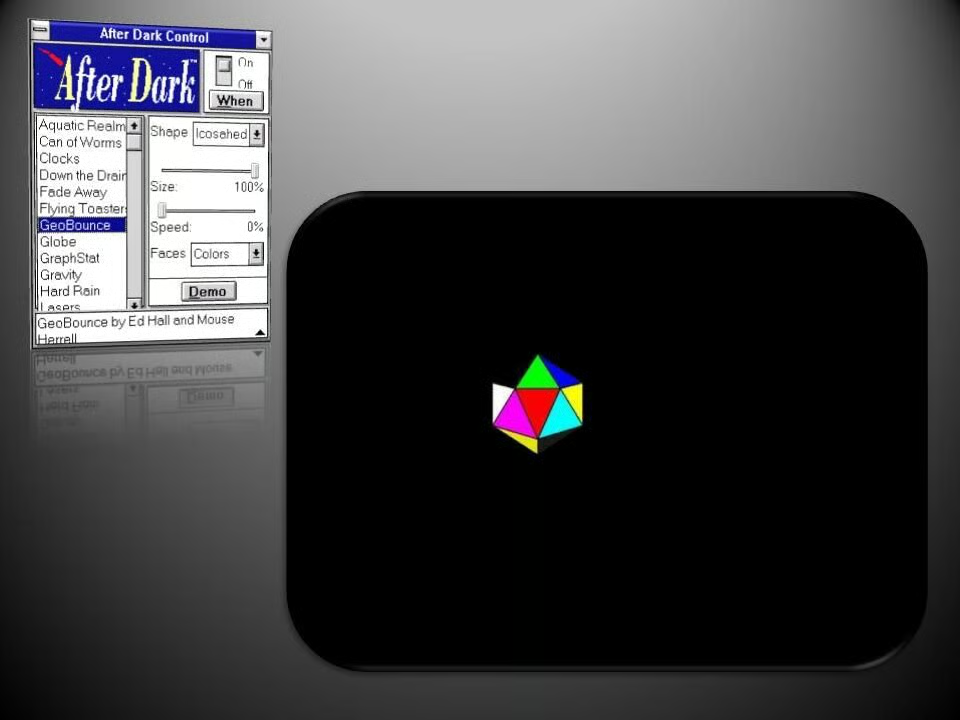
    GeoBounce let you choose a geometric shape, which would then spin and bounce around the display.

    Image: Greg Shultz
  • Windows 1: After Dark - Globe

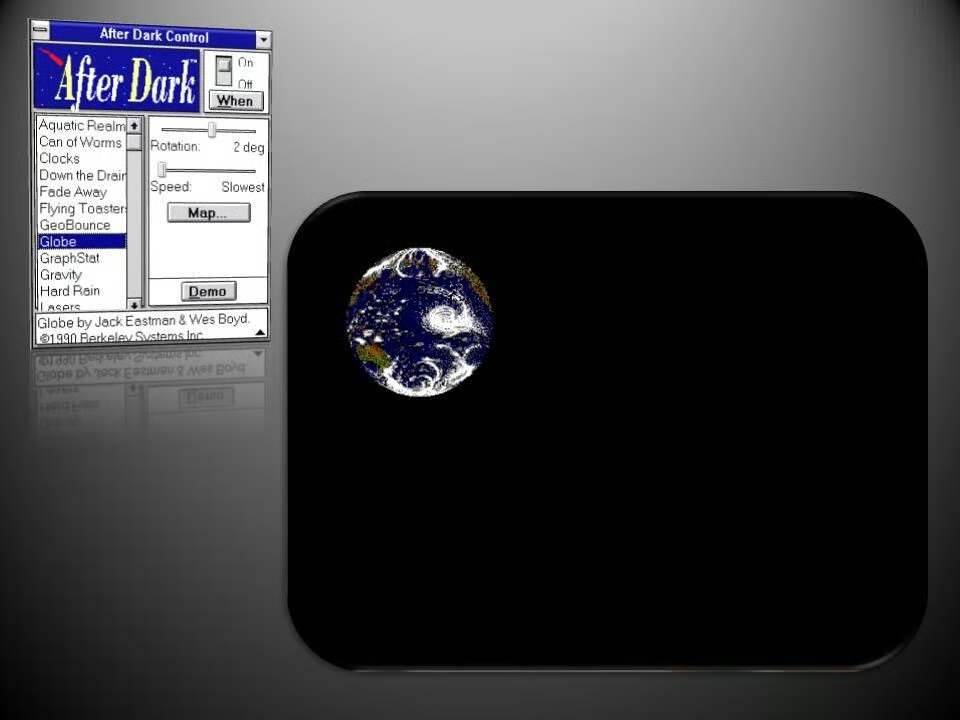
    Globe saw a rotating world drift across the display.

    Image: Greg Shultz
  • Windows 1: After Dark - GraphStat

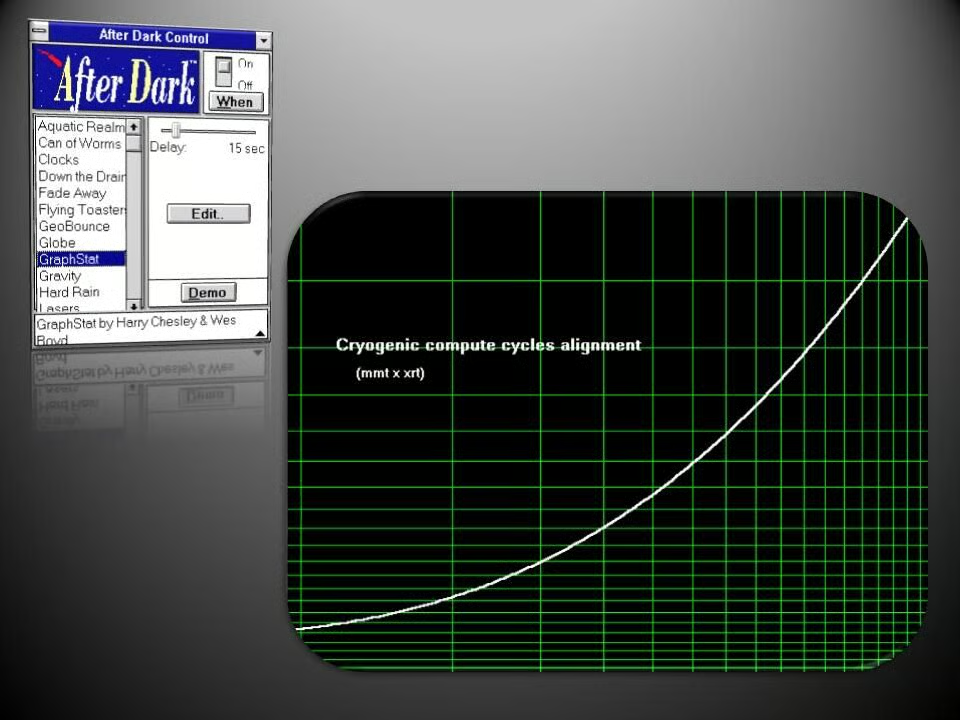
    One for science junkies, GraphStat, displayed random graphs on the screen.

    Image: Greg Shultz
  • Windows 1: After Dark - Gravity

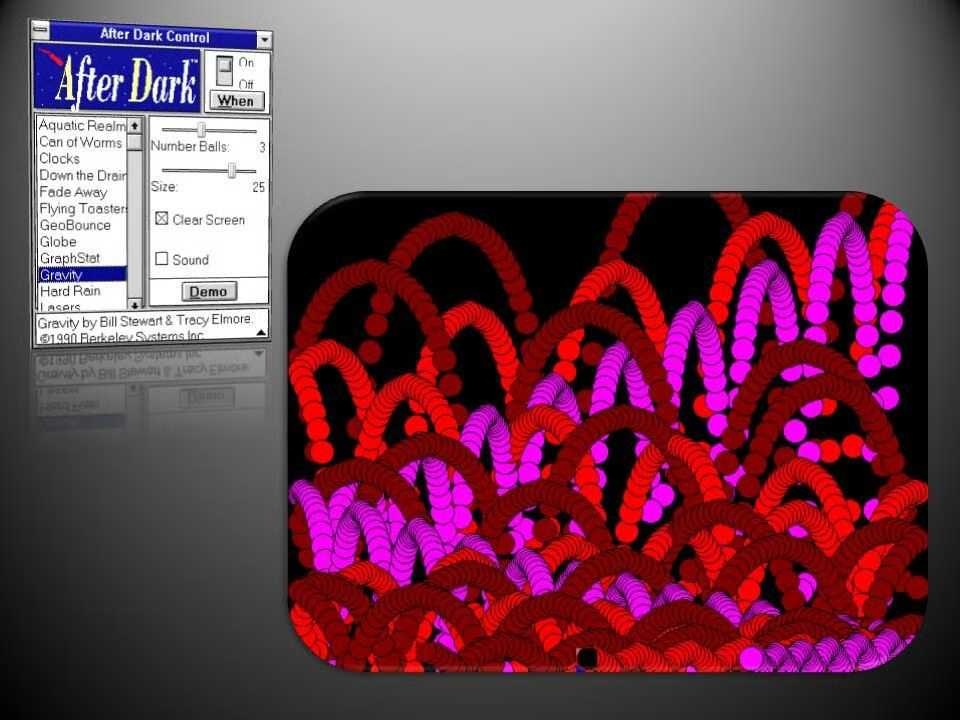
    Balls of varying colors bounce across the screen, leaving trails in their wake in Gravity.

    Image: Greg Shultz
  • Windows 1: After Dark - Spiral Gyro

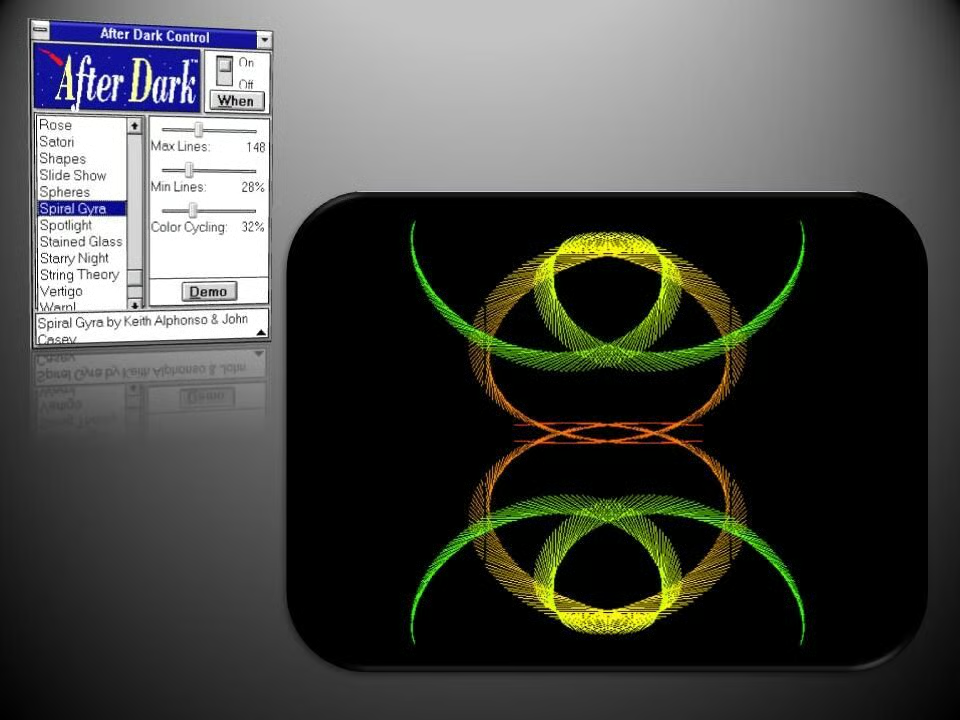
    As the name suggests, Spiral Gyro, draws patterns reminiscent of those created by Spyrograph toys.

    Image: Greg Shultz
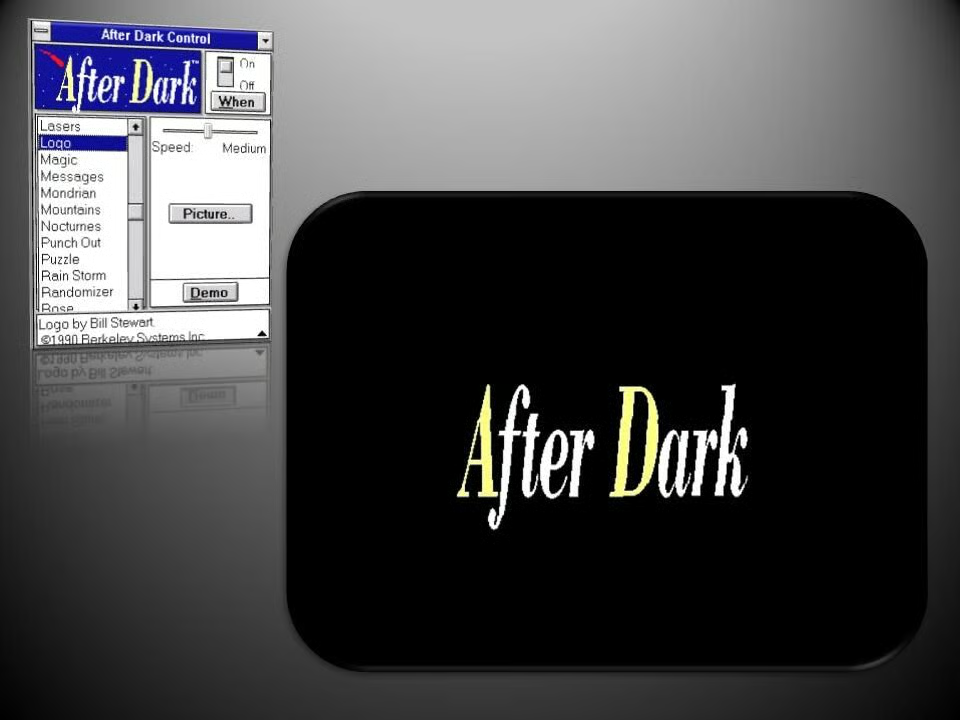
  • Windows 1: After Dark - Logo

    A simple option, Logo just made an image float across the display. While it defaulted to the After Dark logo, you could choose your own image instead.

    Image: Greg Shultz
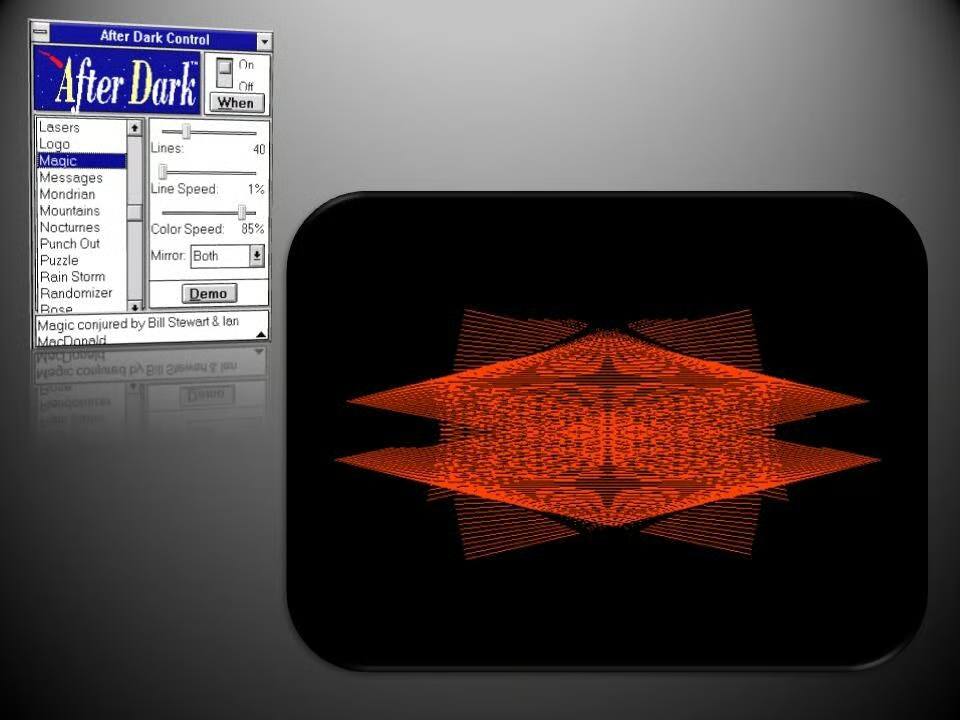
  • Windows 1 : After Dark - Magic

    The intricate patterns generated by the Magic screensaver were in a state of constant flux.

    Image: Greg Shultz
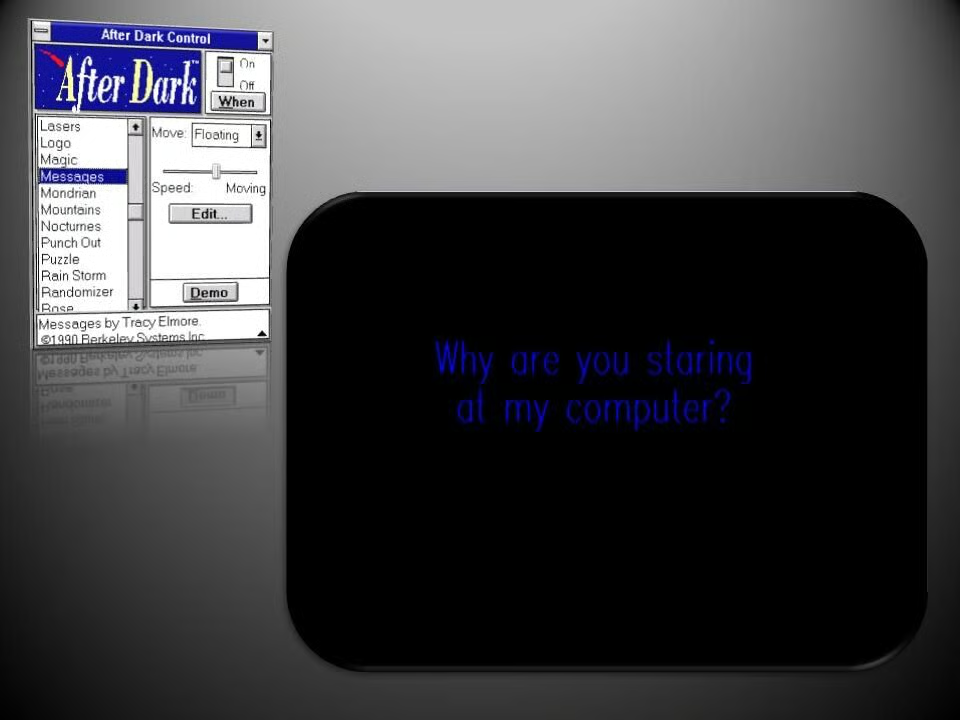
  • Windows 1 : After Dark - Messages

    Messages would display text that would float around the screen, with users able to write their own messages or choose from a number of humorous default options.

    Image: Greg Shultz
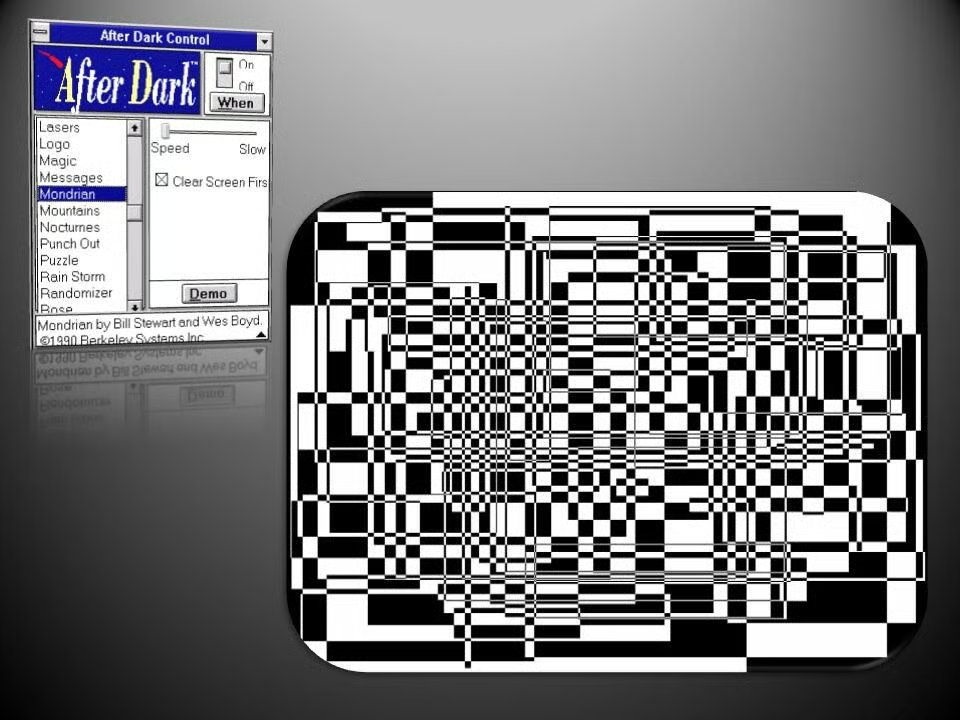
  • Windows 1: After Dark - Mondrian

    As you’d expect, this screensaver transformed your screen into an abstract style reminiscent of the painter Piet Mondrian.

    Image: Greg Shultz
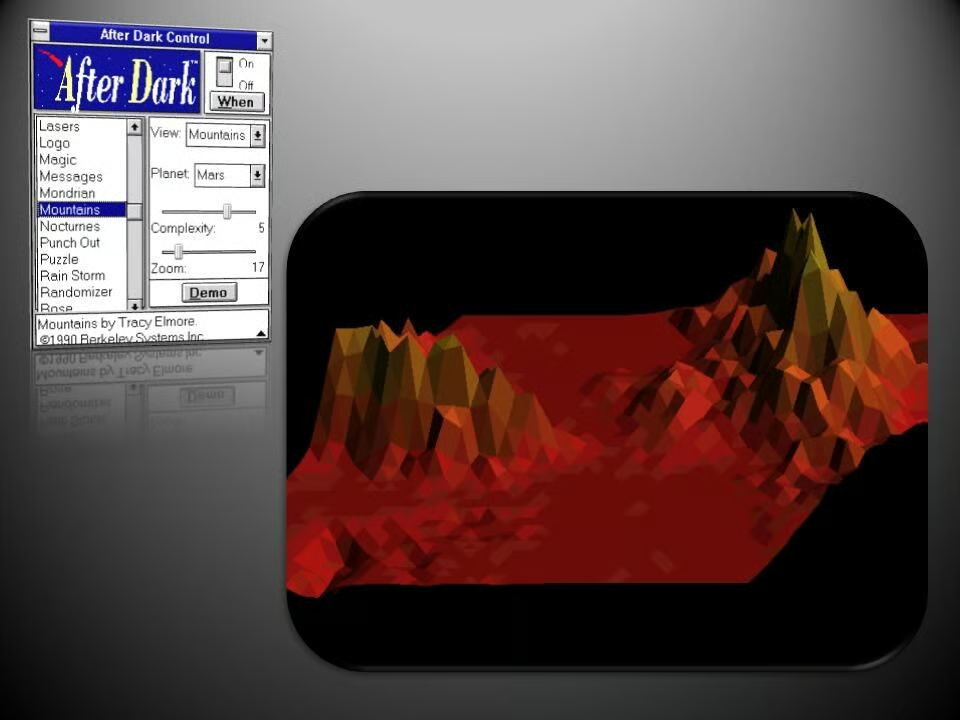
  • Windows 1: After Dark - Mountains

    3D mountains from a planet of your choice were rendered on screen in Mountains.

    Image: Greg Shultz
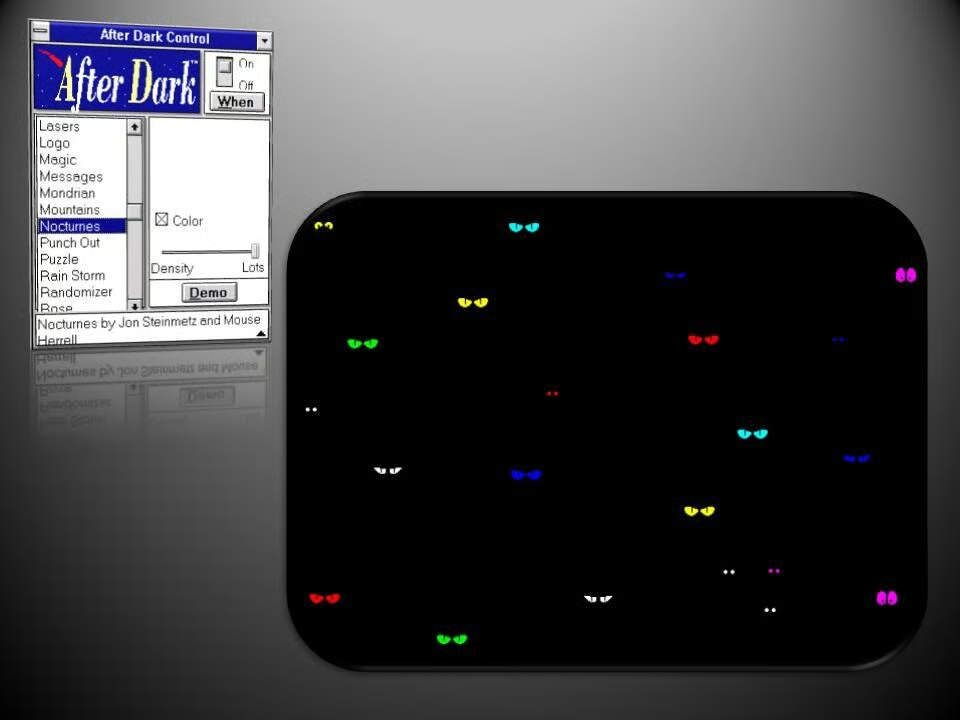
  • Windows 1: After Dark - Nocturnes

    This creepy option showed eyes of nocturnal creatures that peered at you out of a black screen.

    Image: Greg Shultz
  • Windows 1: After Dark - Punch Out

    Punch Out decimated your desktop with a hole puncher, complete with optional sound effects.

    Image: Greg Shultz
  • Windows 1: After Dark - Puzzle

    Puzzle transformed your desktop into a grid of sliding tiles that randomly shuffle themselves.

    Image: Greg Shultz
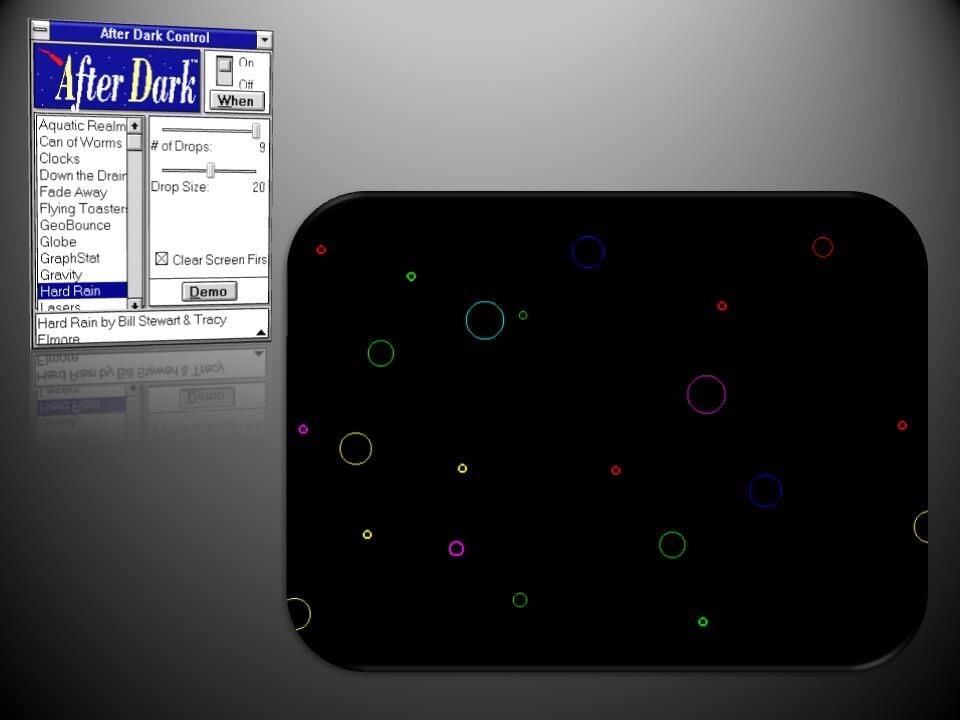
  • Windows 1: After Dark - Hard Rain

    These colorful circles radiating outwards represented rain drops hitting the screen.

    Image: Greg Shultz
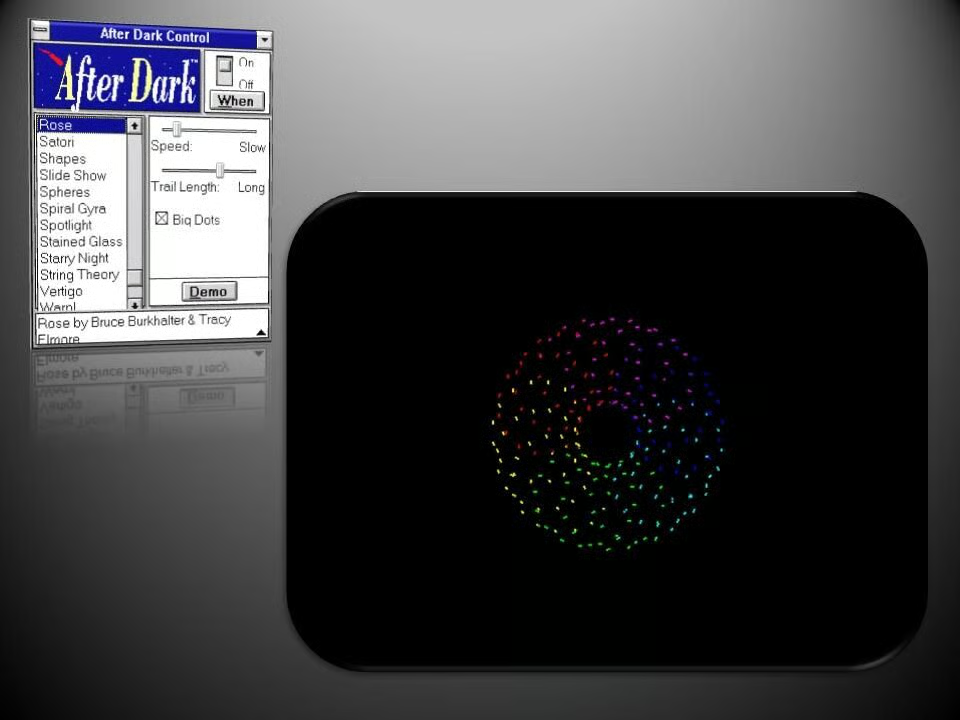
  • Windows 1: After Dark - Rose

    Rose generated shifting and complex patterns that grew over time.

    Image: Greg Shultz
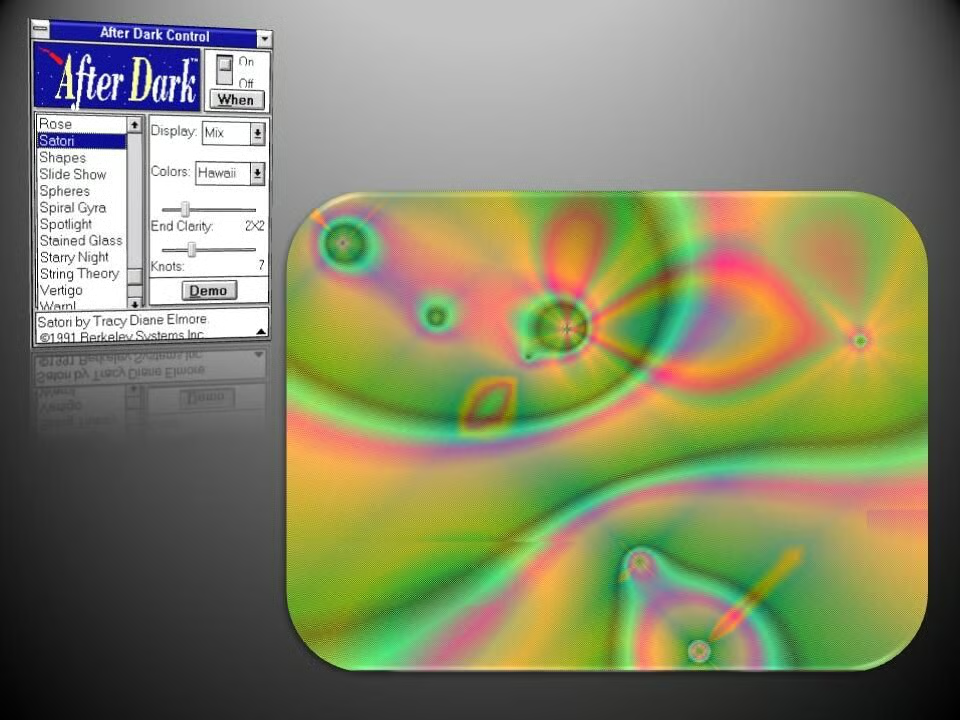
  • Windows 1: After Dark - Satori

    Tie-dye patterns ebb and flow across the desktop in Satori.

    Image: Greg Shultz
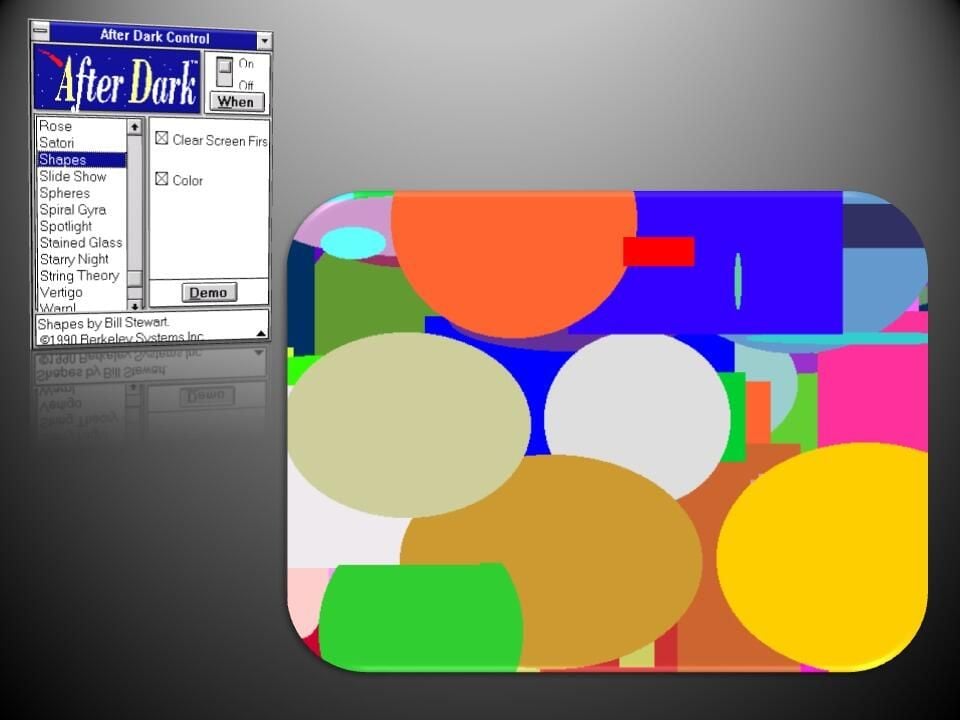
  • Windows 1: After Dark - Shapes

    This rather plain screensaver saw solid, colored shapes gradually fill the screen.

    Image: Greg Shultz
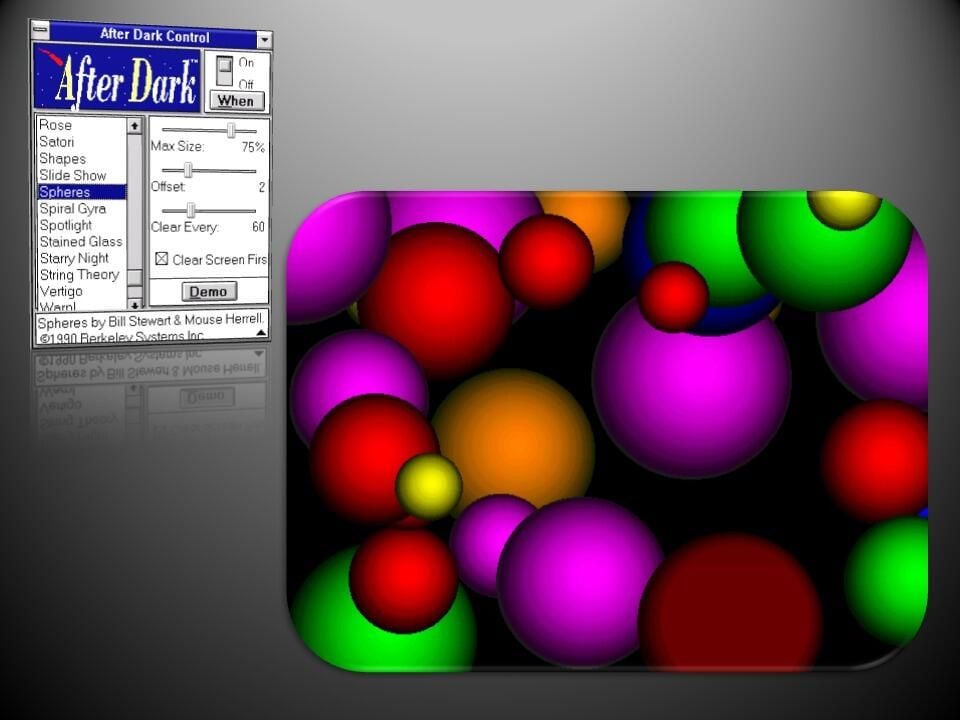
  • Windows 1: After Dark - Spheres

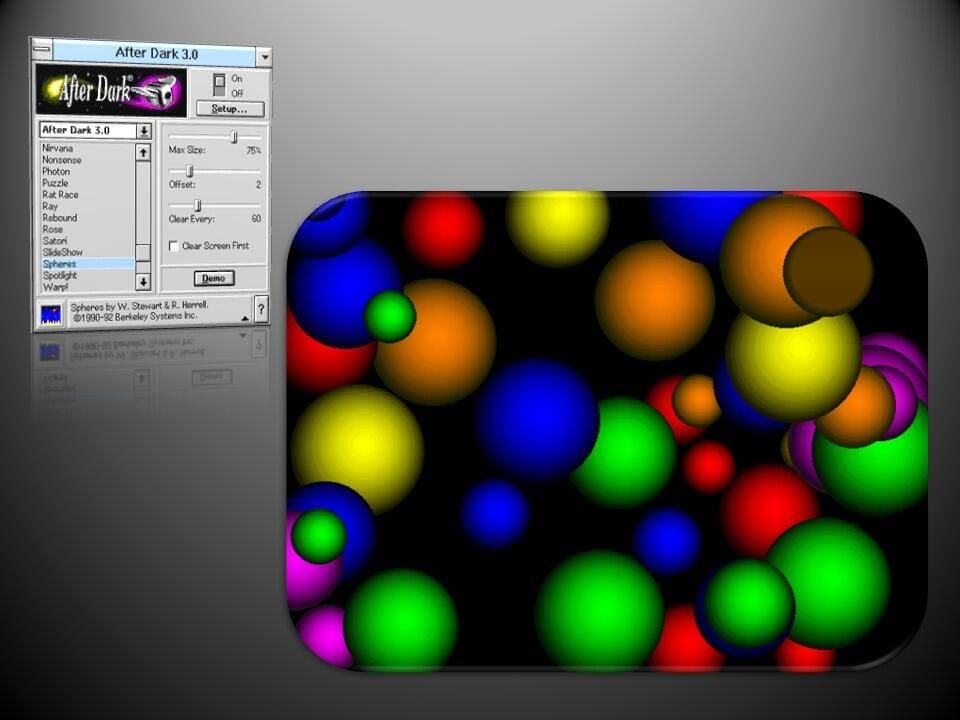
    Eye-catching spheres of different colors are rendered one by one in Spheres.
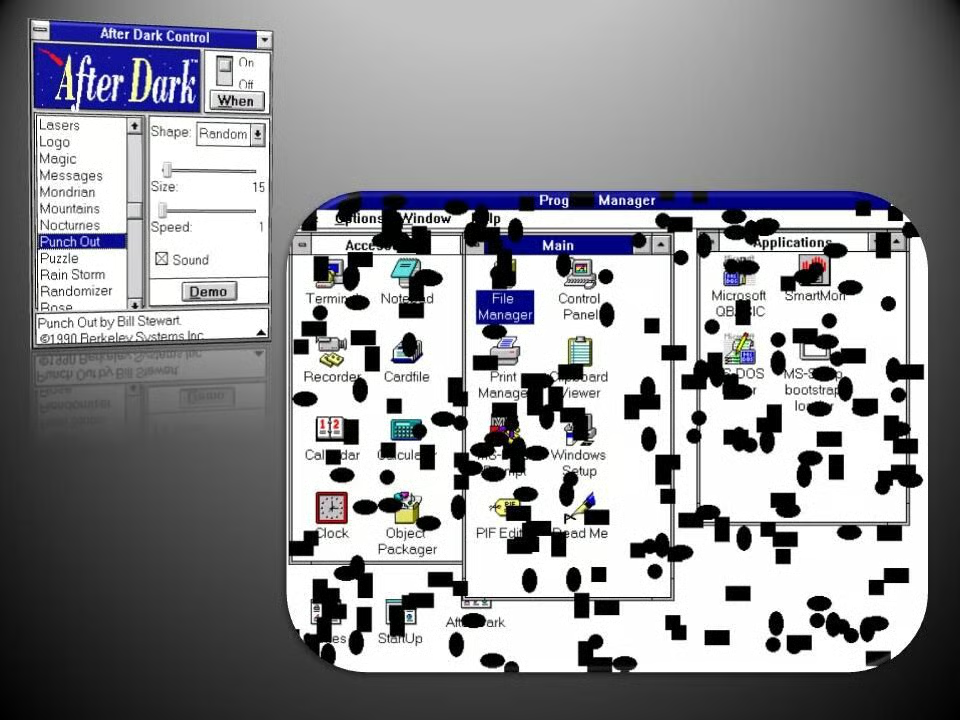
    Image: Greg Shultz
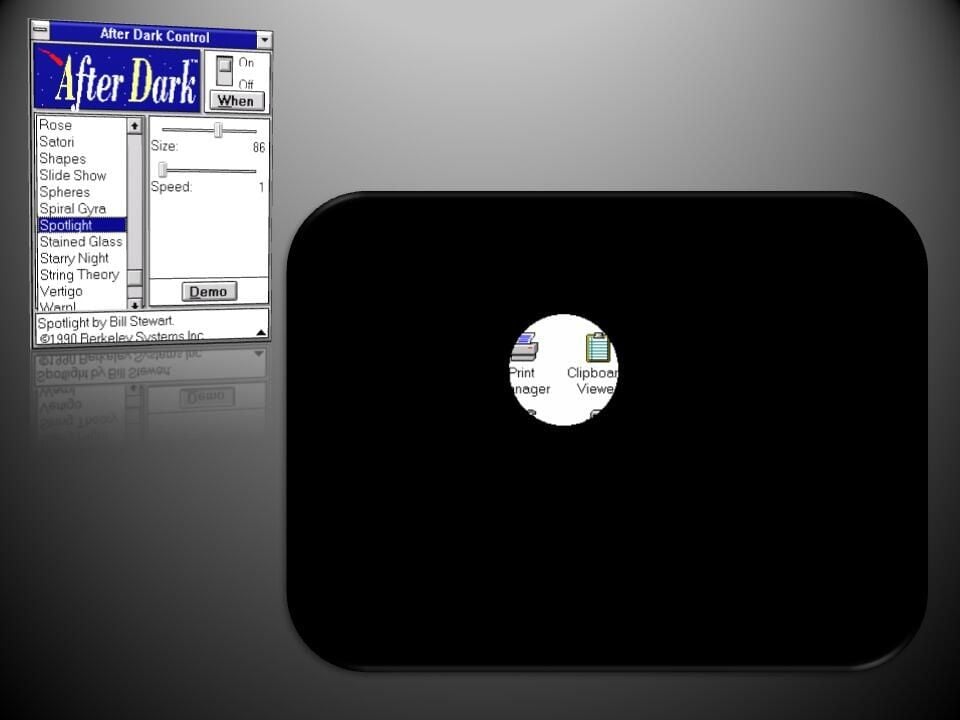
  • Windows 1: After Dark - Spotlight

    The Spotlight screensaver blacked out the screen apart from a spotlight that revealed parts of Windows’ desktop.
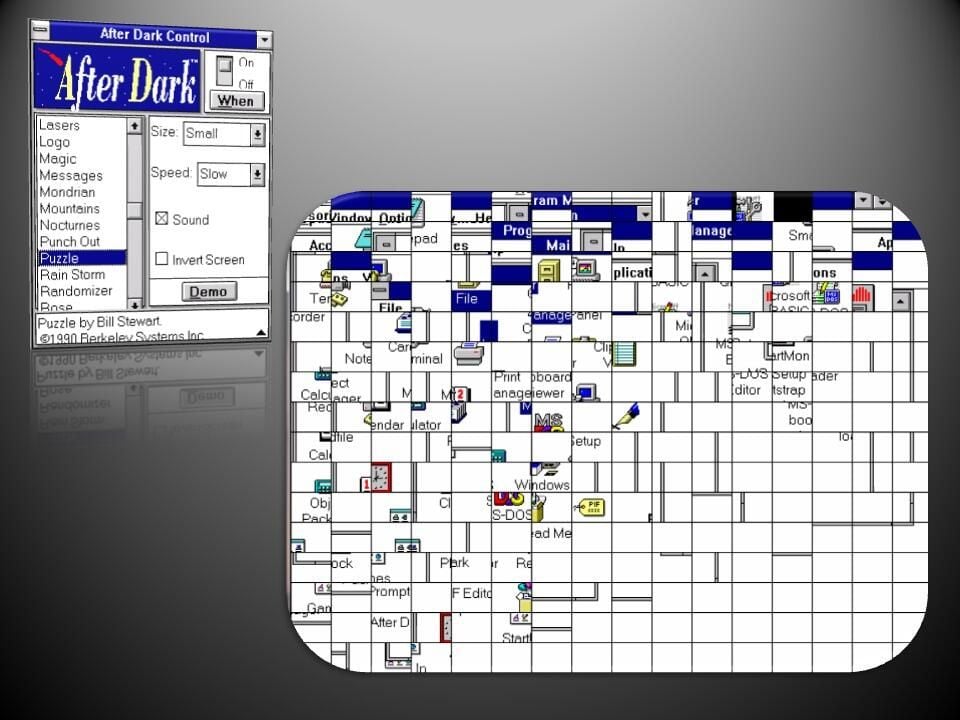
    Image: Greg Shultz
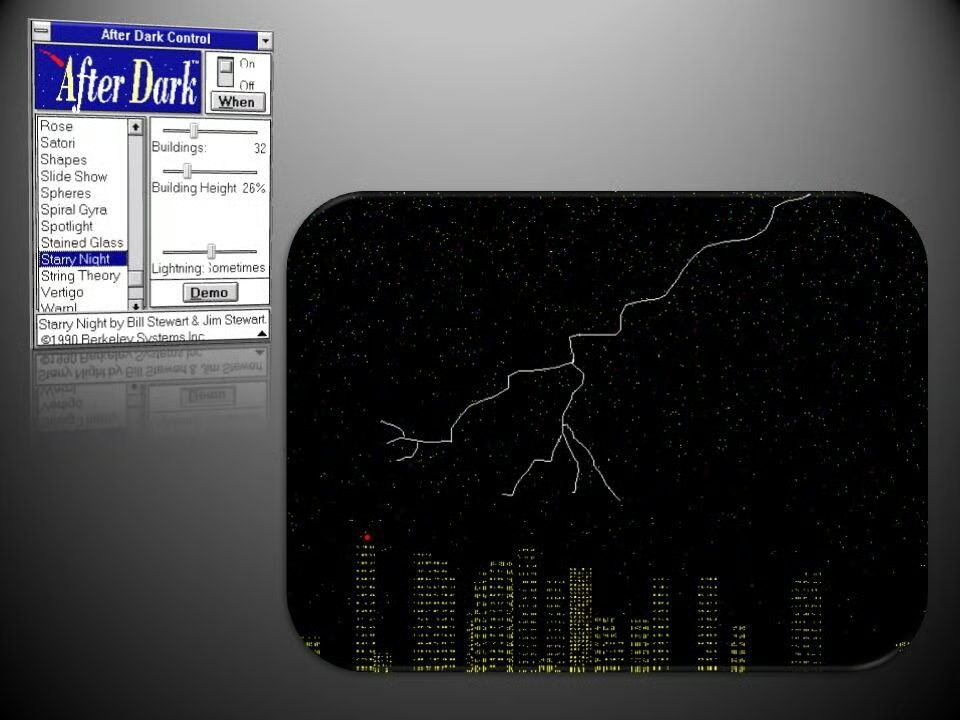
  • Windows 1: After Dark - Starry Night

    Starry Night recreated a city skyline, complete with lights blinking on and off in buildings, red beacons on top of the tallest skyscrapers, and the odd flash of lightning.

    Image: Greg Shultz
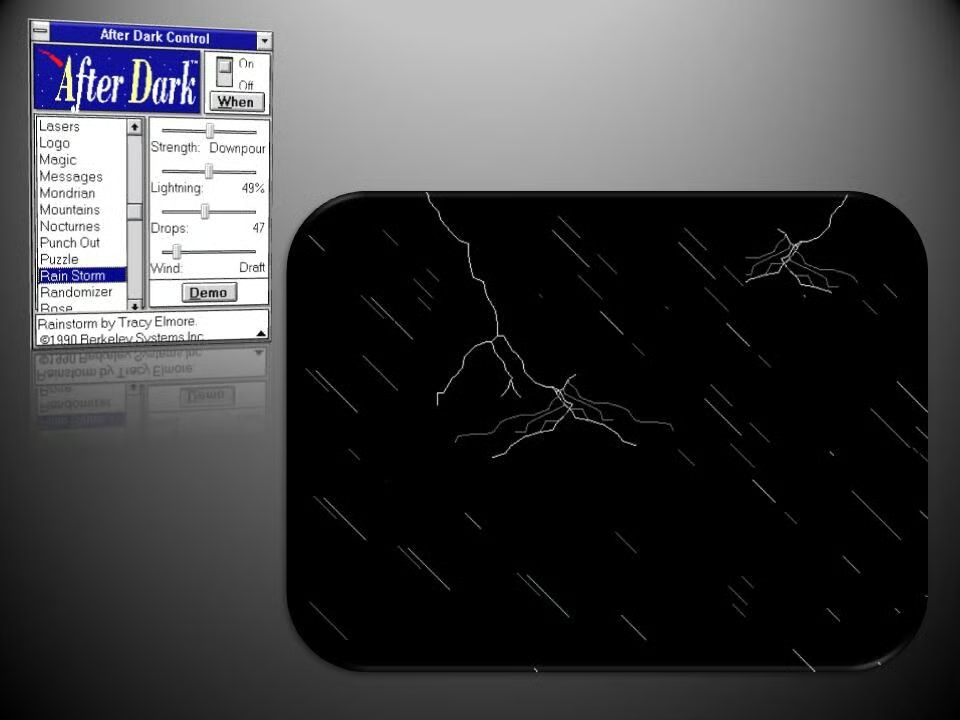
  • Windows 1: After Dark - Rain Storm

    Rain Storm unleashed a torrent of bad weather on screen, with driving rain and lightning.

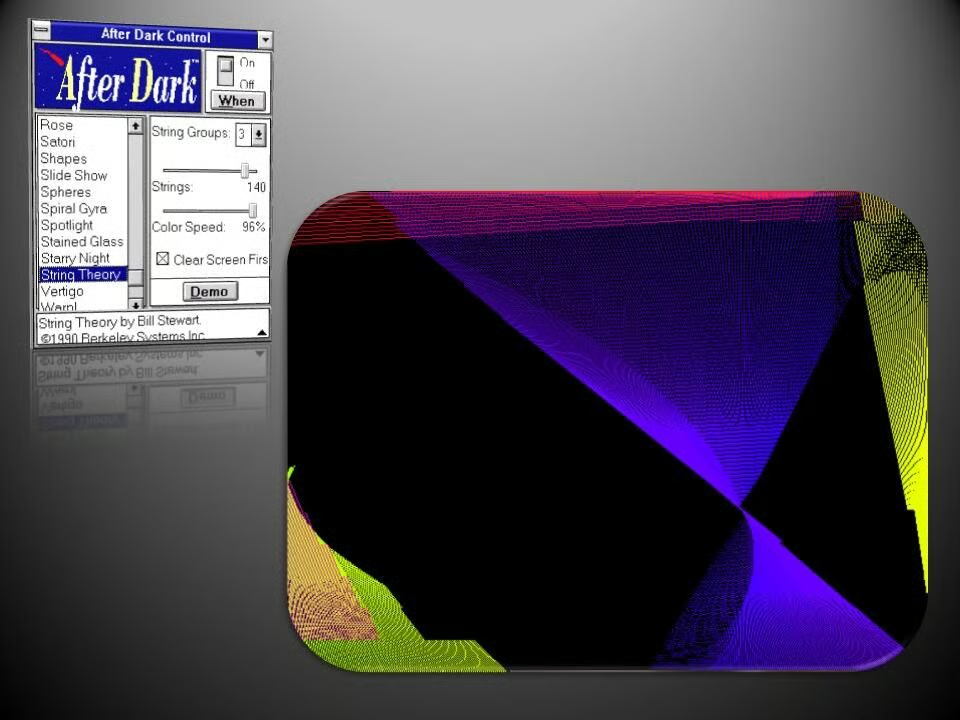
  • Windows 1: After Dark - String Theory

    Dazzling Moire-like patterns dance across the screen in String Theory.

    Image: Greg Shultz
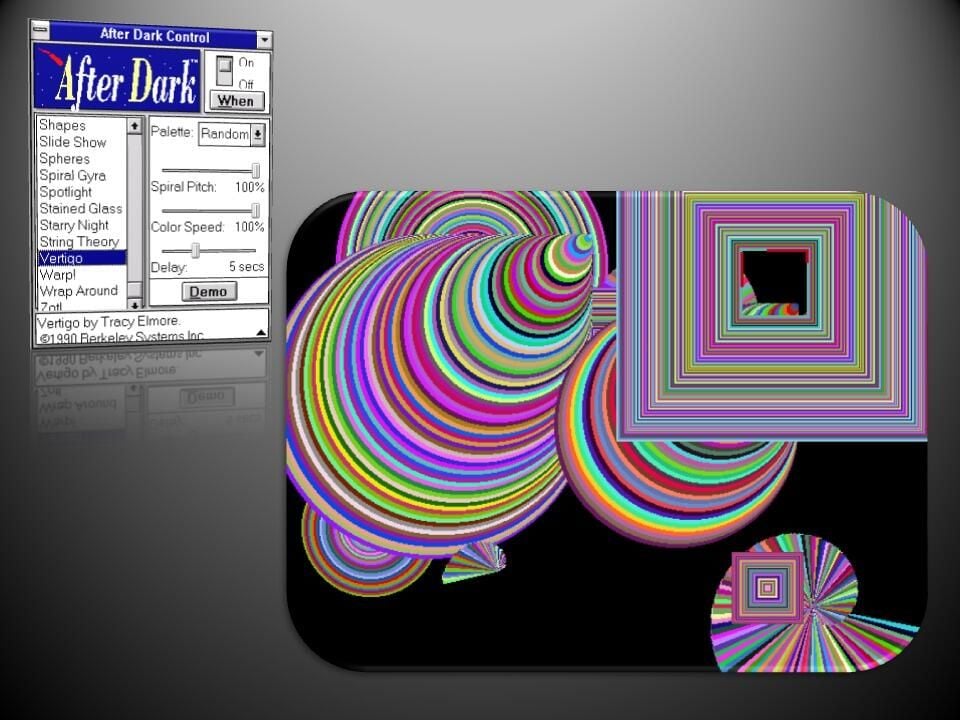
  • Windows 1: After Dark - Vertigo

    As these psychedelic spirals and squares balloon outwards they create a vertiginous optical illusion.

    Image: Greg Shultz
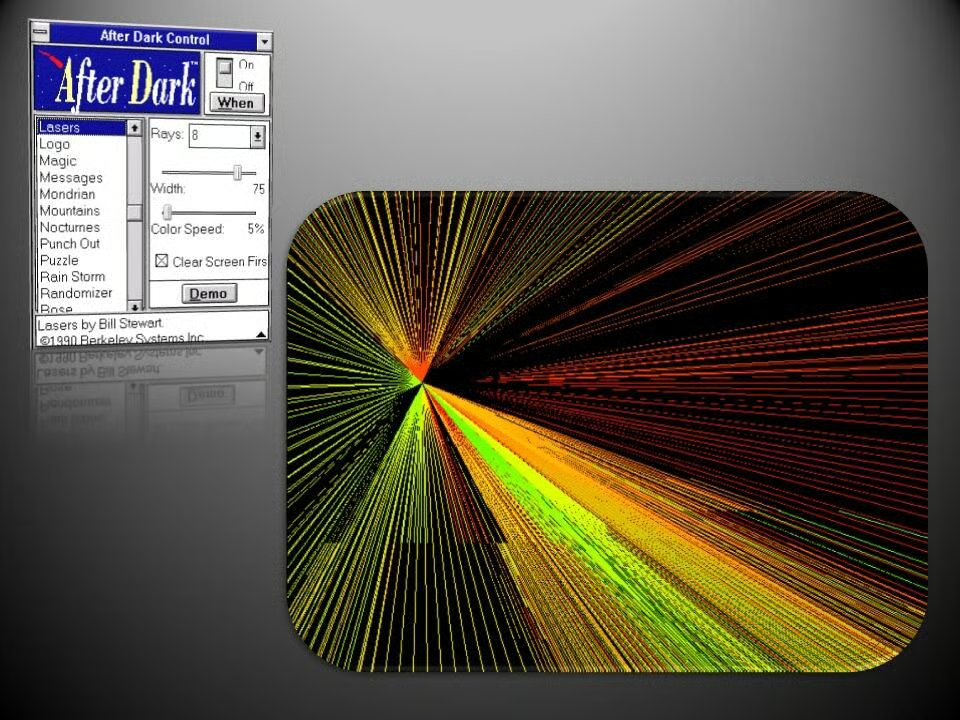
  • Windows 1: After Dark - Lasers

    This simulated laser light show recreated an explosion of light across the screen.

    Image: Greg Shultz
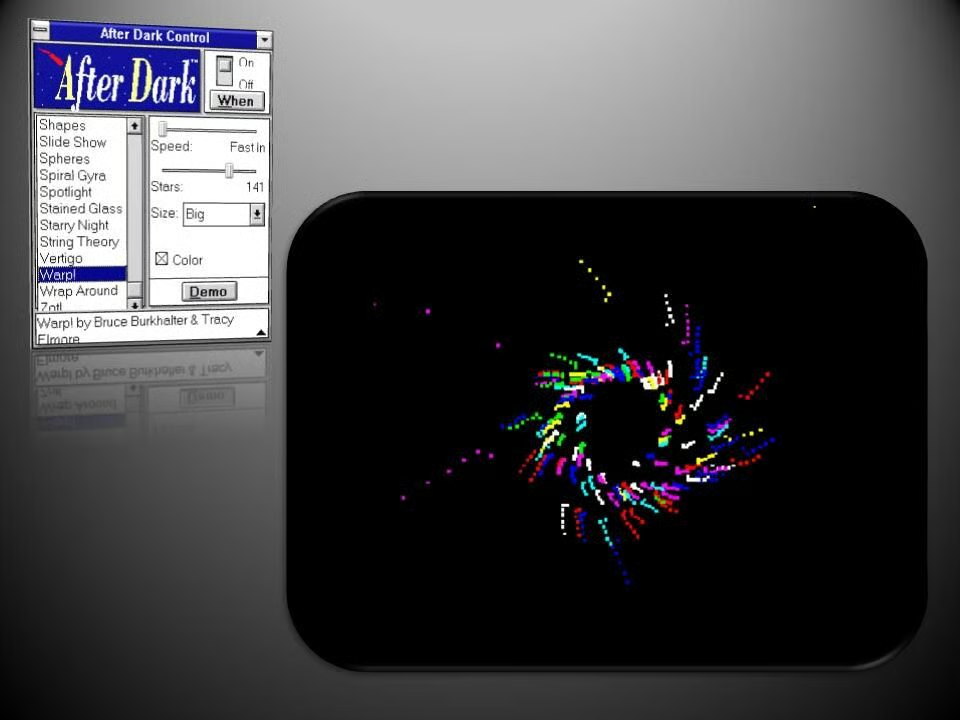
  • Windows 1: After Dark - Warp

    Recreating the effect of engaging warp drive in Star Trek, Warp made stars swirl towards you.

    Image: Greg Shultz
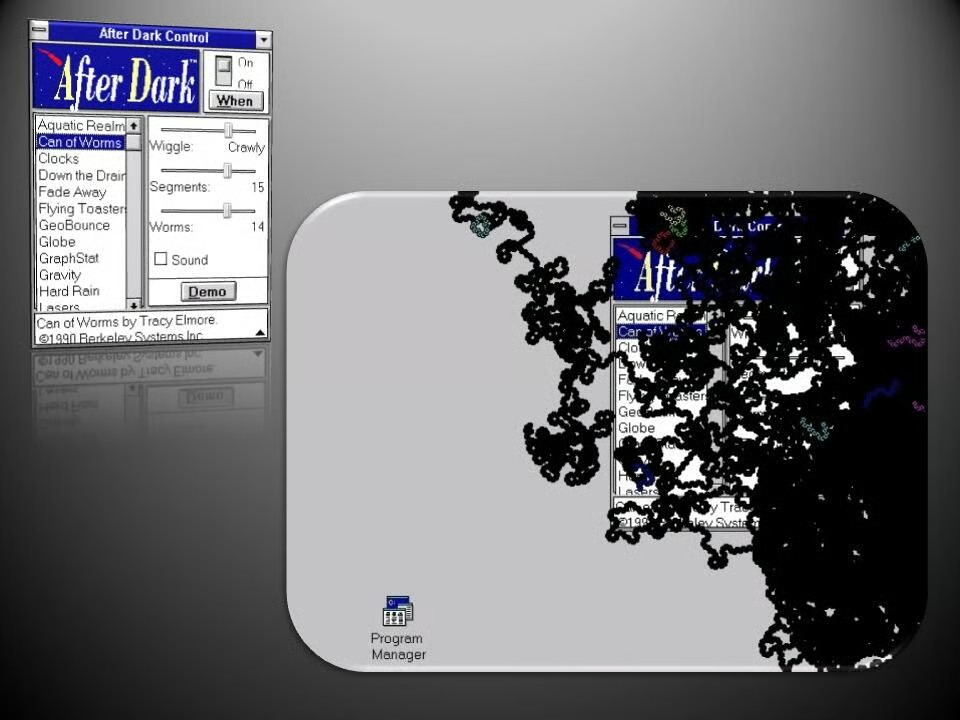
  • Windows 1: After Dark - Can of Worms

    Hungry worms squirm across the screen and nibble away at the desktop.

    Image: Greg Shultz
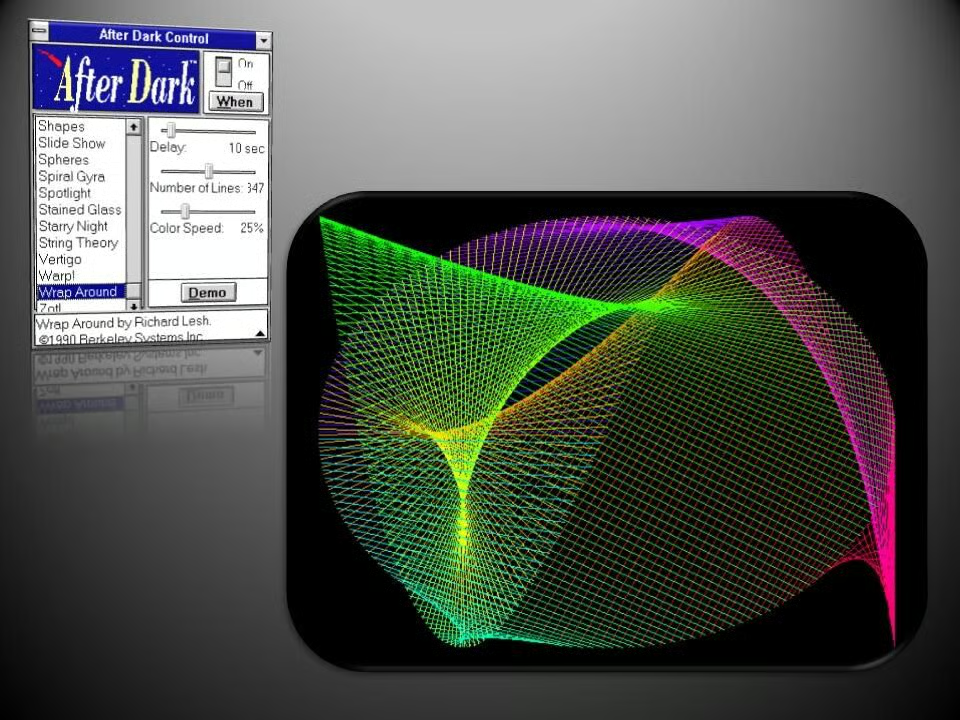
  • Windows 1: After Dark - Wrap Around

    Similar to String Theory, Wrap Around presented more Moire patterns that twisted across the screen.

    Image: Greg Shultz
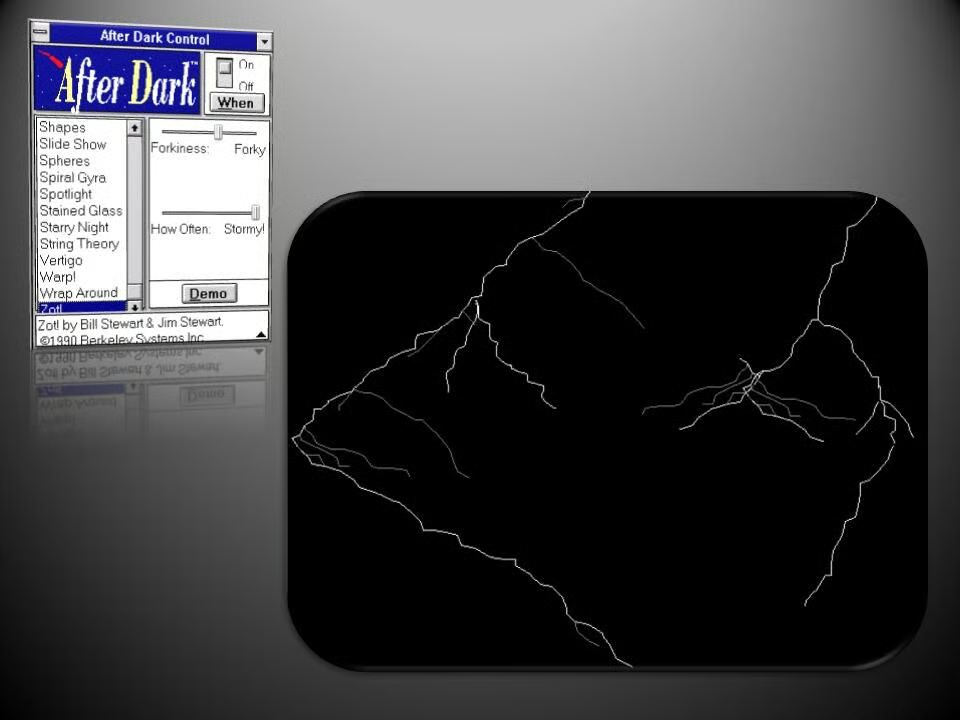
  • Windows 1: After Dark - Zot

    This simple screensaver projected bolts of lightning across the screen.

    Image: Greg Shultz
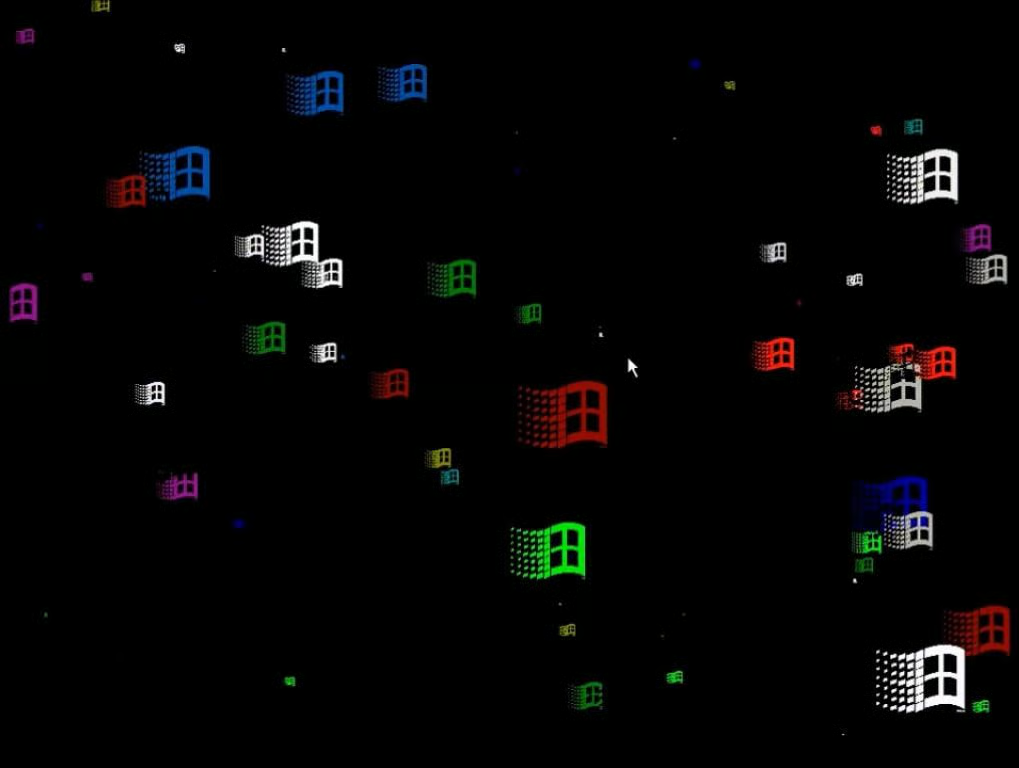
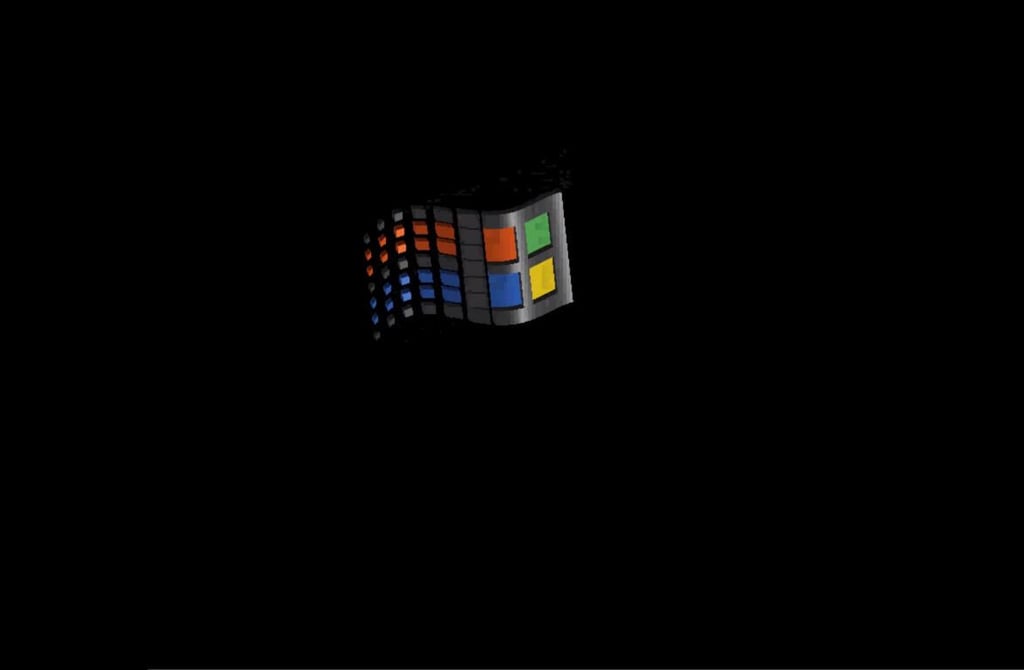
  • Windows 3.1 - Flying Windows

    The Flying Windows screensaver was one of several default options with Windows 3.1.

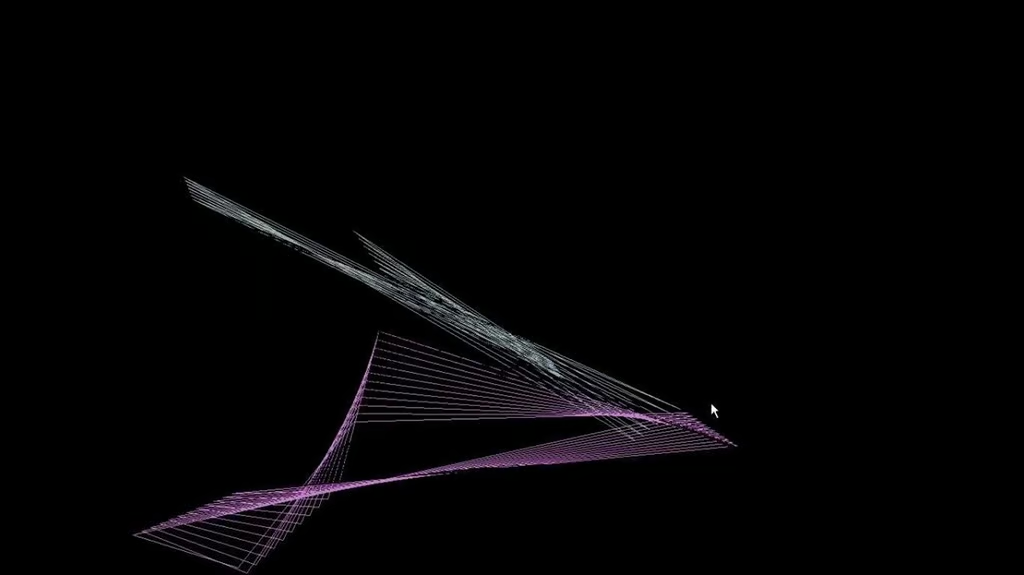
  • Windows 3.1 - Mystify

    Reminiscent of the Mystify screensaver from After Dark for Windows 1.0, this Windows 3.1 offering bounced a constantly shifting pattern around the screen.

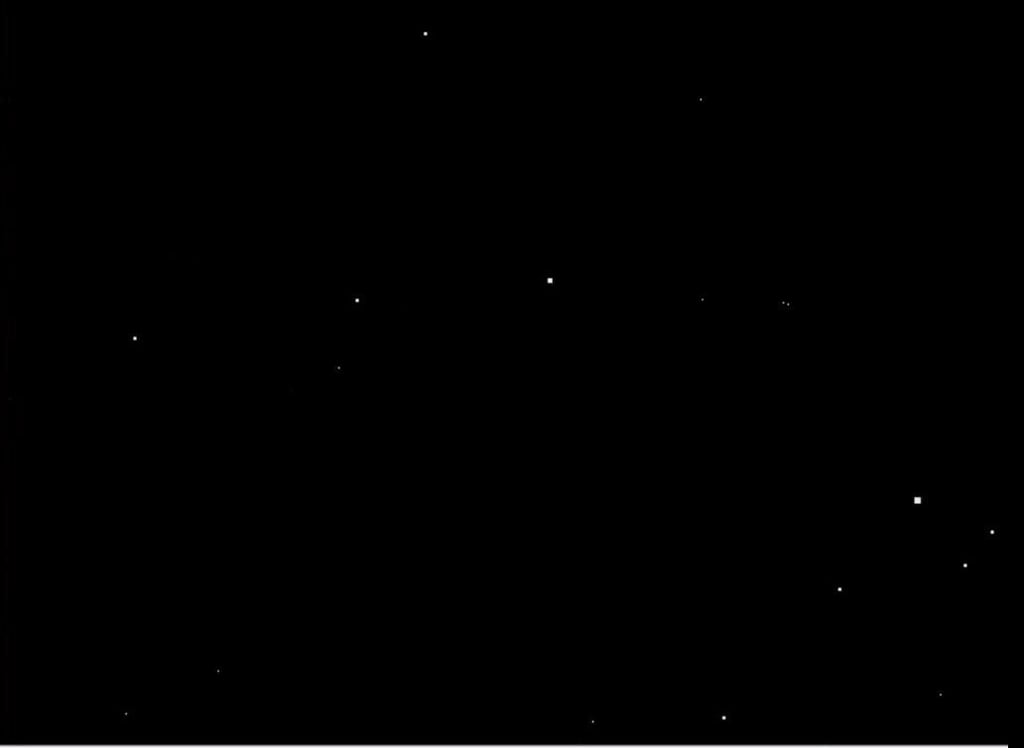
  • Windows 3.1 - Starfield simulation

    The Starfield screensaver simulated flying through a field of stars.

    Image: YouTube\/ https:\/\/www.youtube.com\/watch?v=r5TmP_tI5RI
  • Windows 3: After Dark - Artist

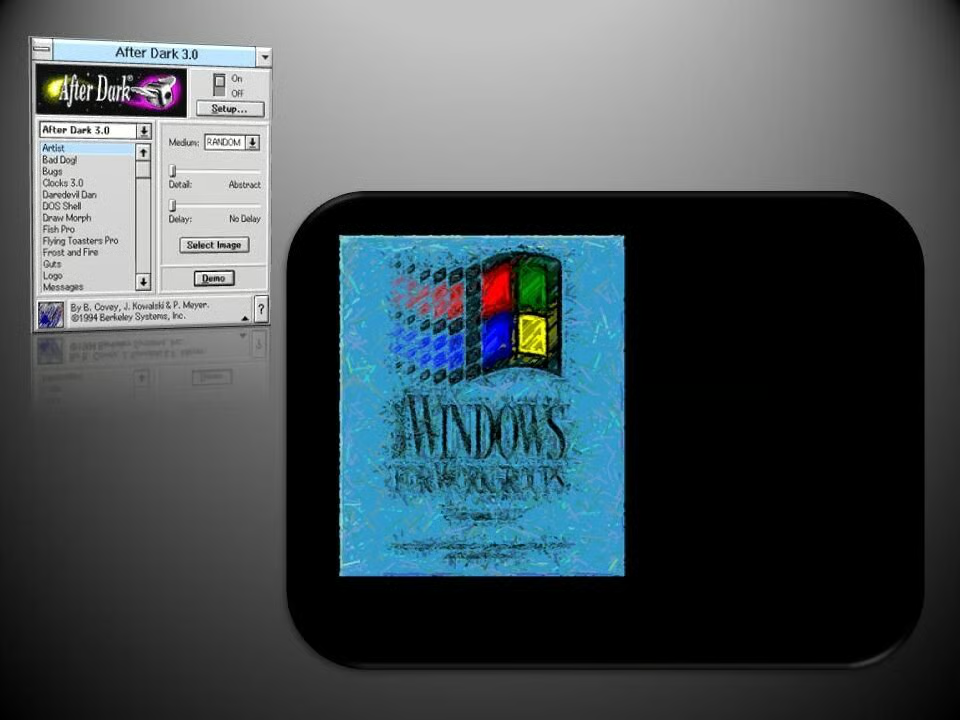
    Released in the summer of 1994, After Dark 3.0 offered 28 screensavers, some of which were interactive.

    The Artist screensaver, allowed you to choose an image, such as the Windows Splash screen, and a medium, such as Pastel, which would then be drawn on screen.

    Image: Greg Shultz
  • Windows 3: After Dark - Bad Dog

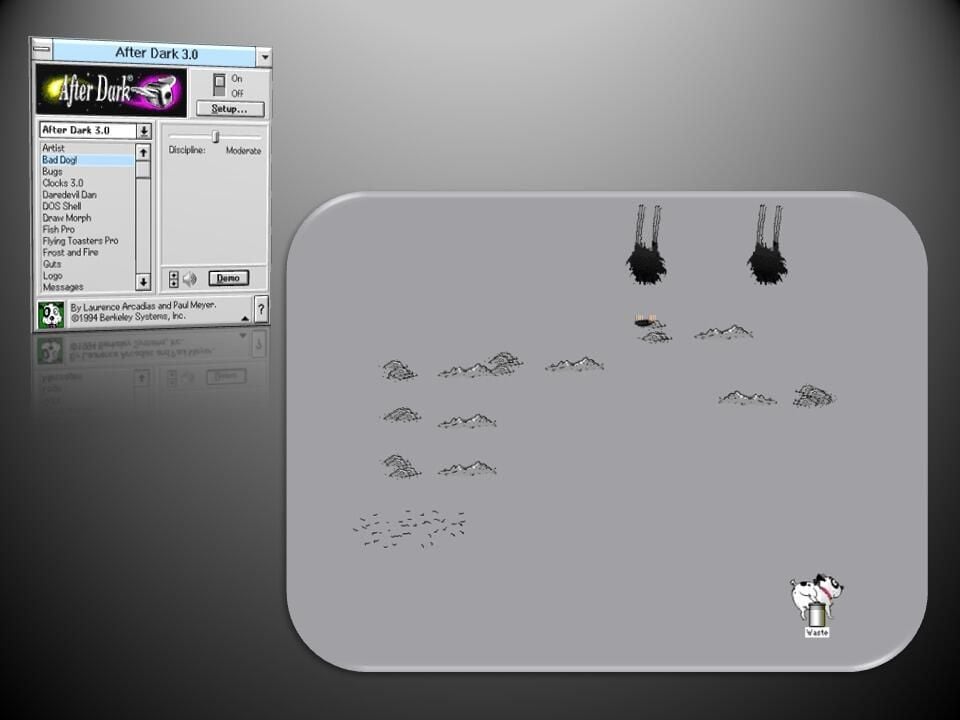
    Bad Dog!, saw a mischevious canine digging holes, scratching the walls, shedding fur, and even relieving itself in a trash can.

    Image: Greg Shultz
  • Windows 3: After Dark - Bet Your Hand

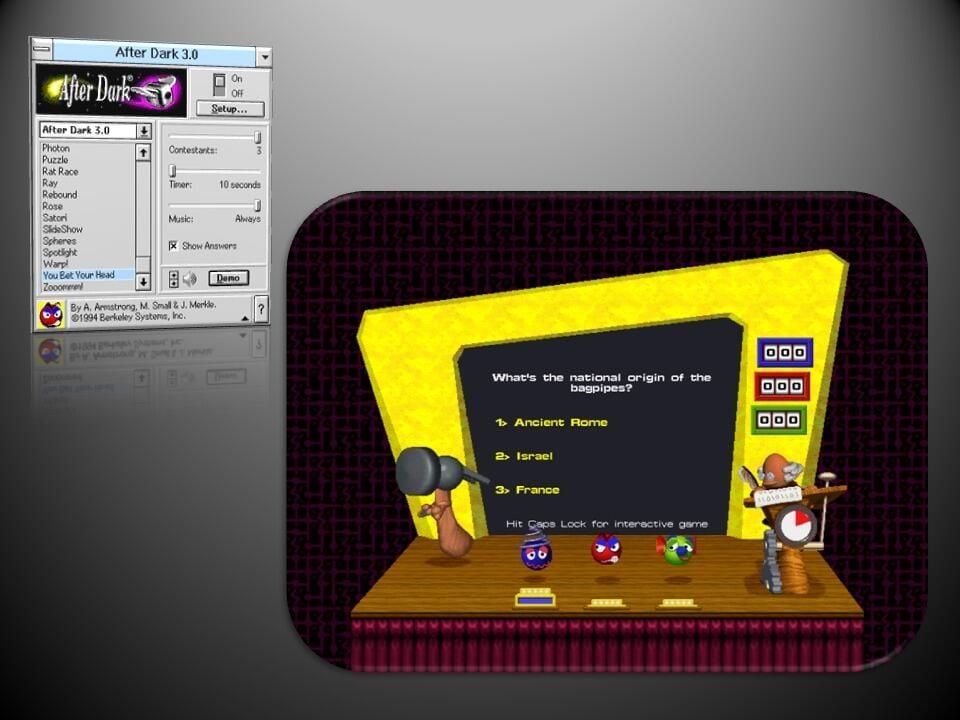
    You Bet Your Head was an interactive trivia game in which animated contestants would be flattened by the MC, a hammer, for wrong answers. To answer the questions yourself, you pressed Caps Lock and chose a numbered answer.

    Image: Greg Shultz
  • Windows 3: After Dark - Bug

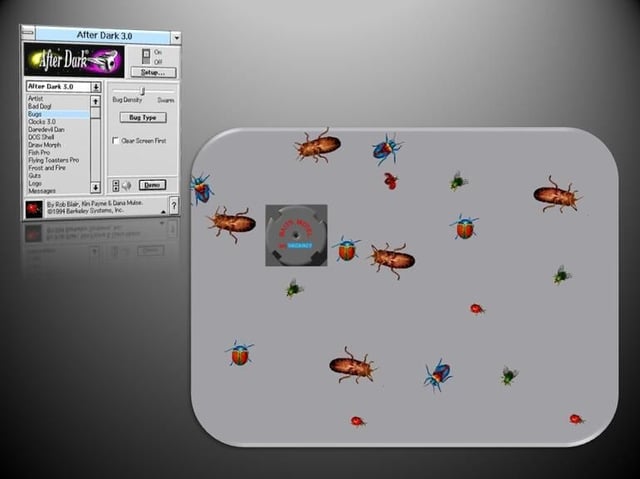
    Creepy crawlies swarmed over your desktop in Bugs, steering clear of the Baits Motel

    Image: Greg Shultz
  • Windows 3: After Dark - Clocks 3.0

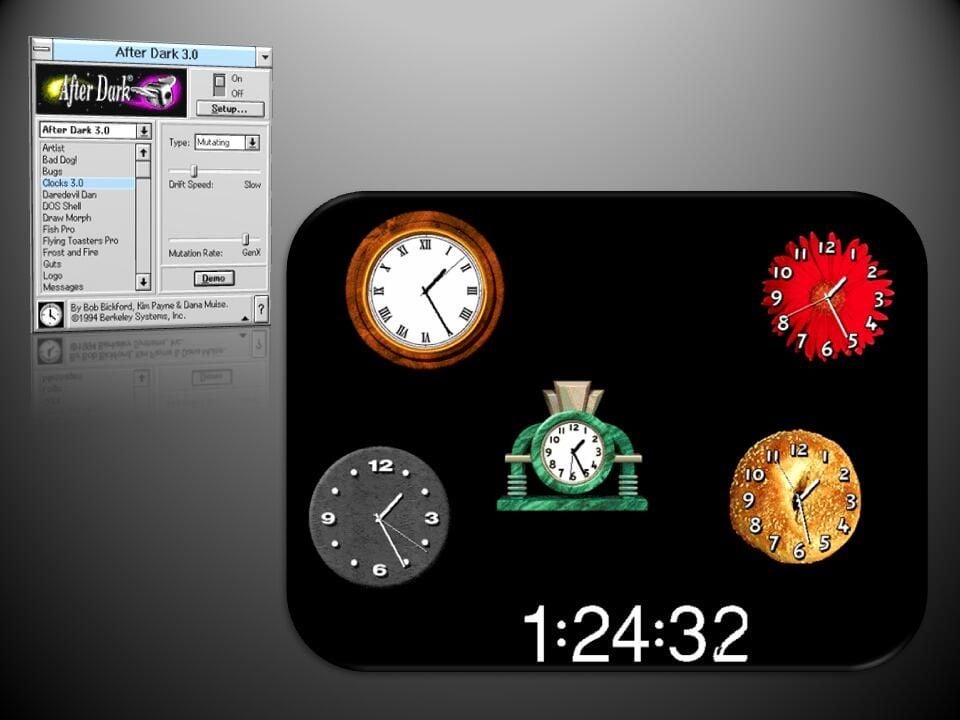
    Similar to the earlier After Dark screensaver, Clocks 3.0, saw six different timepieces float across the screen displaying the current time.

    Image: Greg Shultz
  • Windows 3: After Dark - DaredevilDan

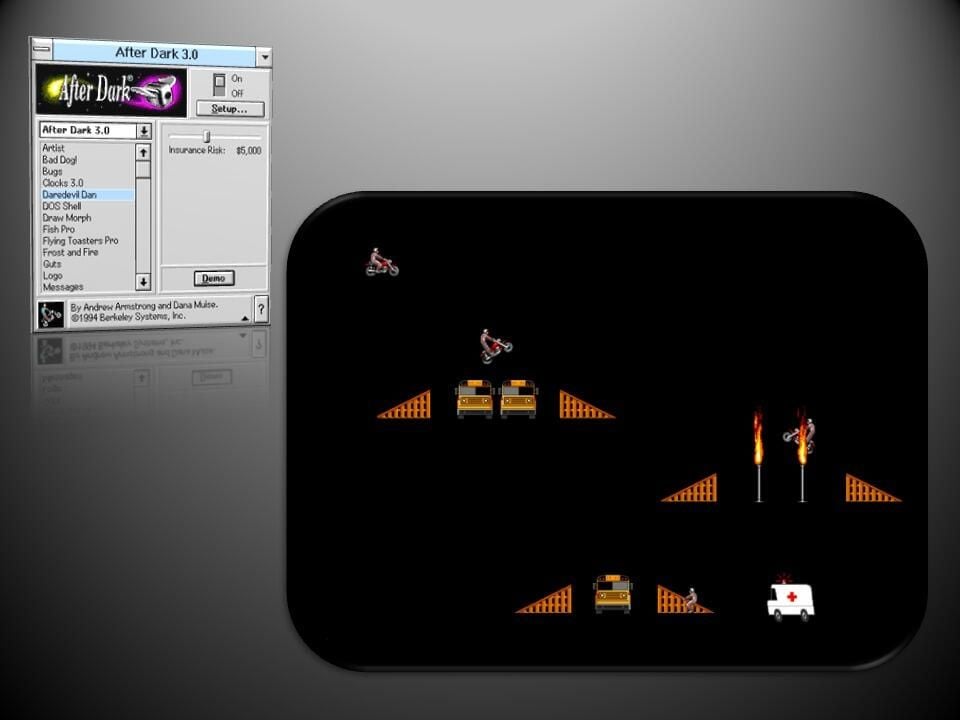
    Motorcycle stunt man Daredevil Dan raced his bike across the screen while making risky jumps over buses and through flaming hoops, occasionally having to be rescued by an ambulance.

    Image: Greg Shultz
  • Windows 3: After Dark - DOS Shell

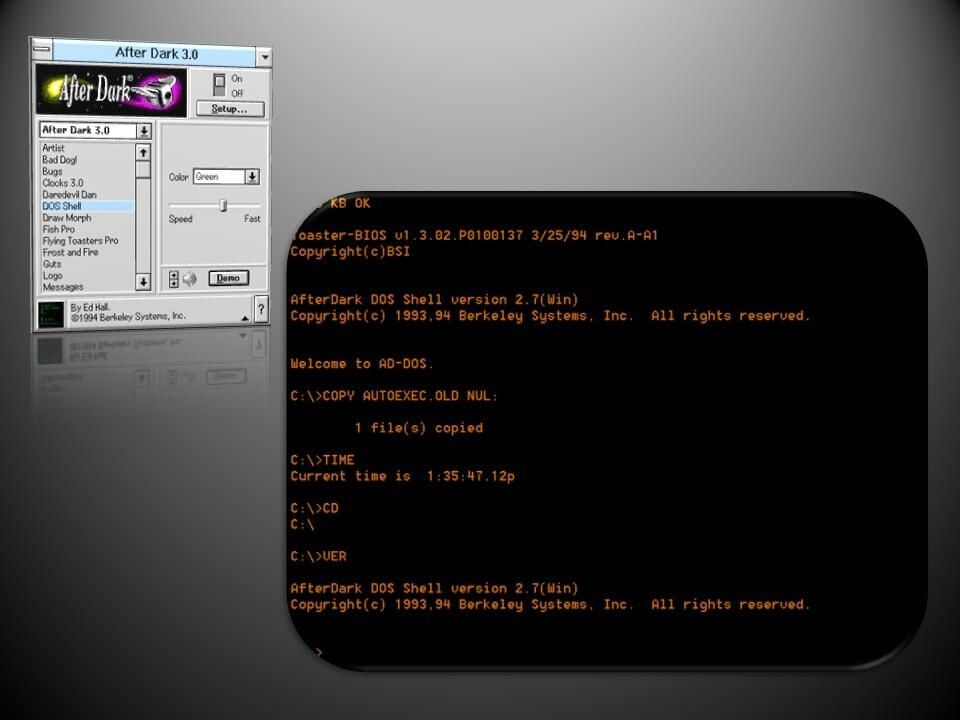
    An endless list of simulated DOS commands streamed down the page in the DOS Shell screensaver.

    Image: Greg Shultz
  • Windows 3: After Dark - Fish Pro

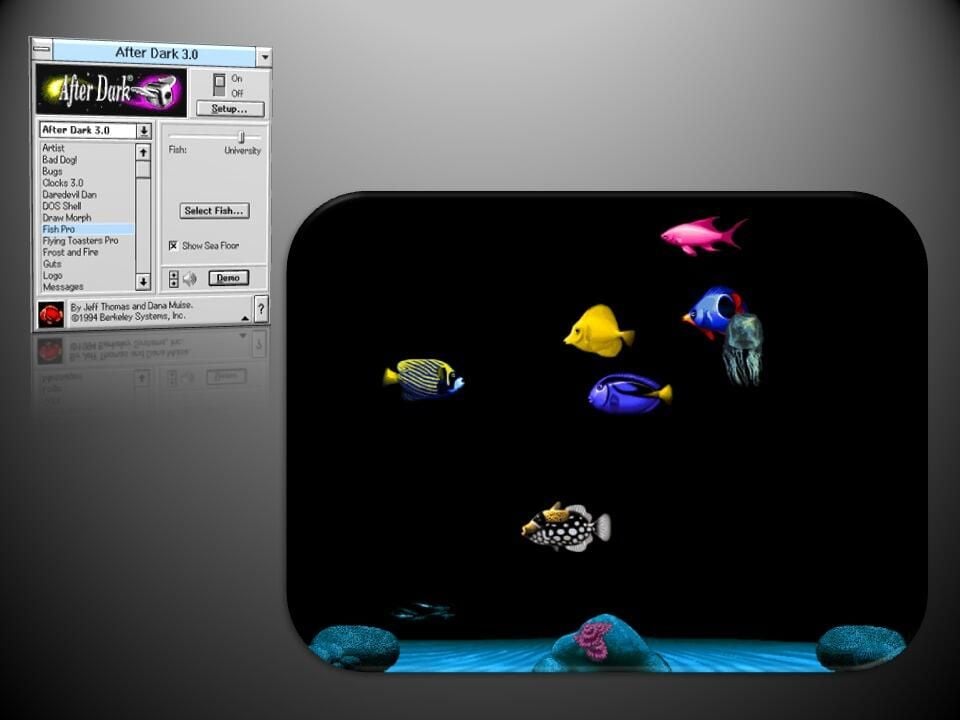
    In Fish Pro fish and other marine creatures swam back and forth above the seabed.

    Image: Greg Shultz
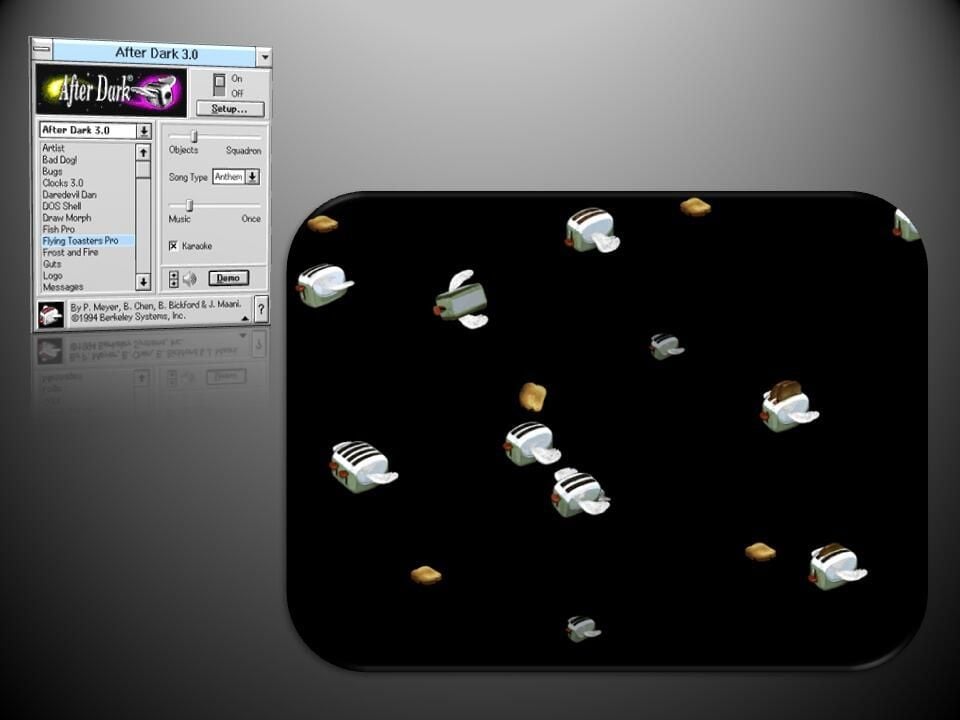
  • Windows 3: After Dark - Flying Toaster Pro

    The return of the famous Flying Toasters saw flocks of the home appliances fly across the screen, often performing tricks, while slices of toast soared alongside.

    Image: Greg Shultz
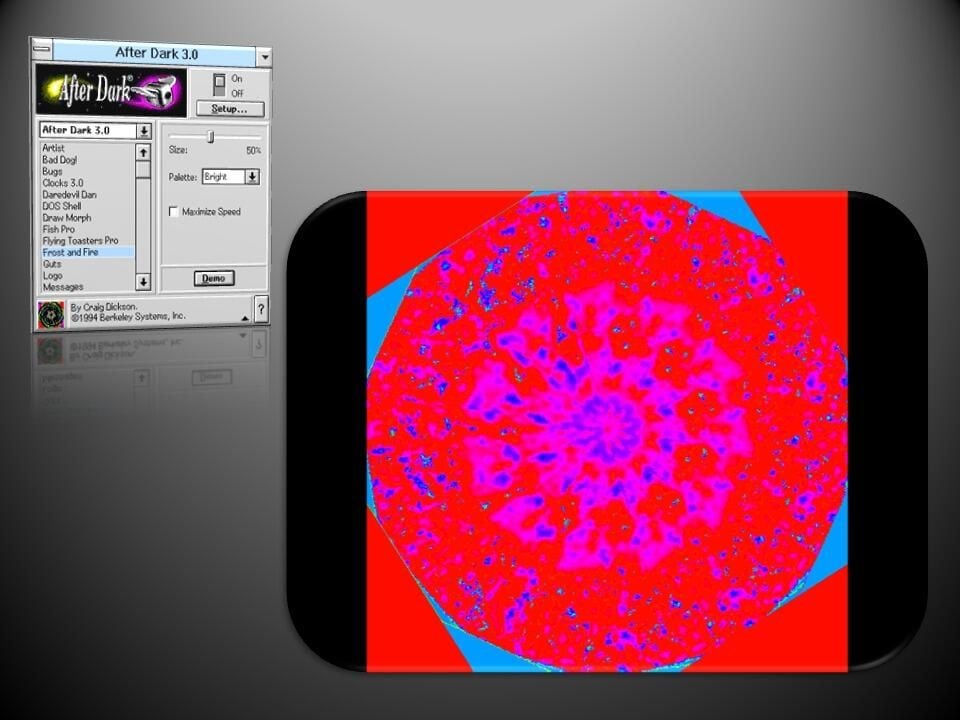
  • Windows 3: After Dark - Frost and Fire

    Patterns swam outwards from the center of the image in Frost and Fire, as various colors were mixed in.

    Image: Greg Shultz
  • Windows 3: After Dark - Guts

    A oscillating gravitational field pulled random Windows icons every which way as they flew across the screen.

    Image: Greg Shultz
  • Windows 3: After Dark - Draw Morph

    Draw Morph let you choose from various stop motion animated figures, such as Pipecleaner Man, who performed acrobatics while walking across the screen. You could also create your own series of images to be animated.

    Image: Greg Shultz
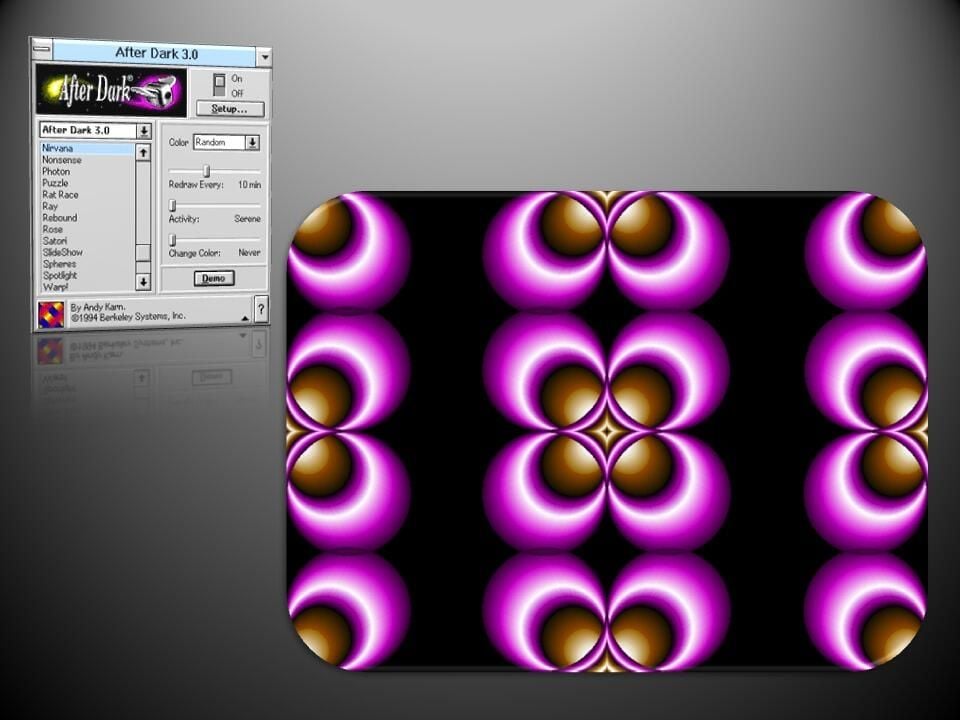
  • Windows 3: After Dark - Nirvana

    Warping patterns had a hypnotic effect in the Nirvana, screensaver.

    Image: Greg Shultz
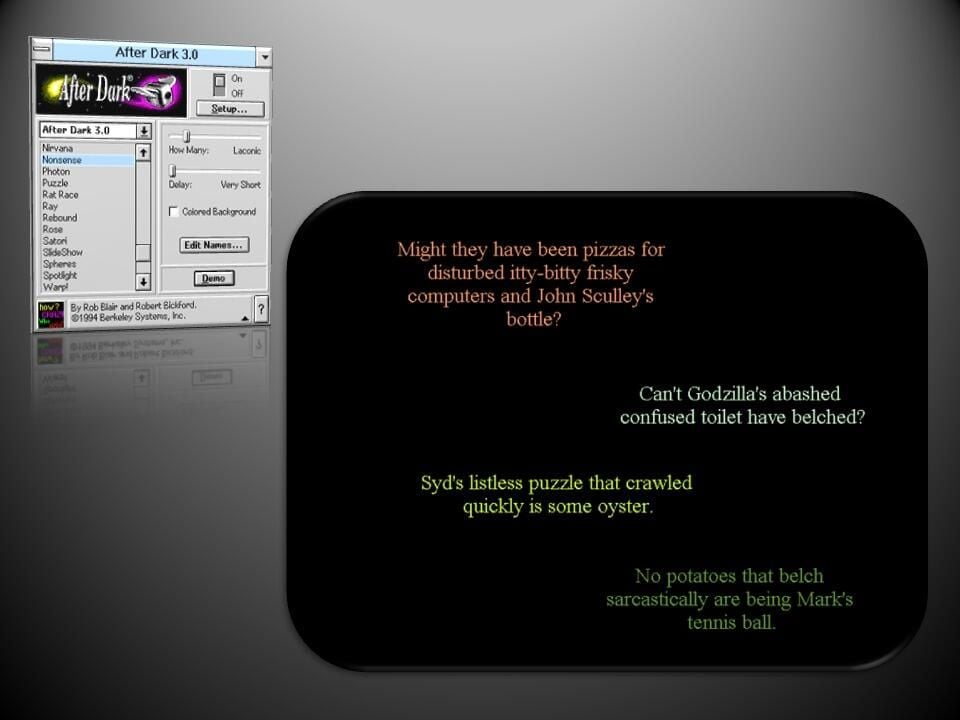
  • Windows 3: After Dark - Nonsense

    Randomly generated sentences filled up the display in the aptly titled Nonsense screensaver.

    Image: Greg Shultz
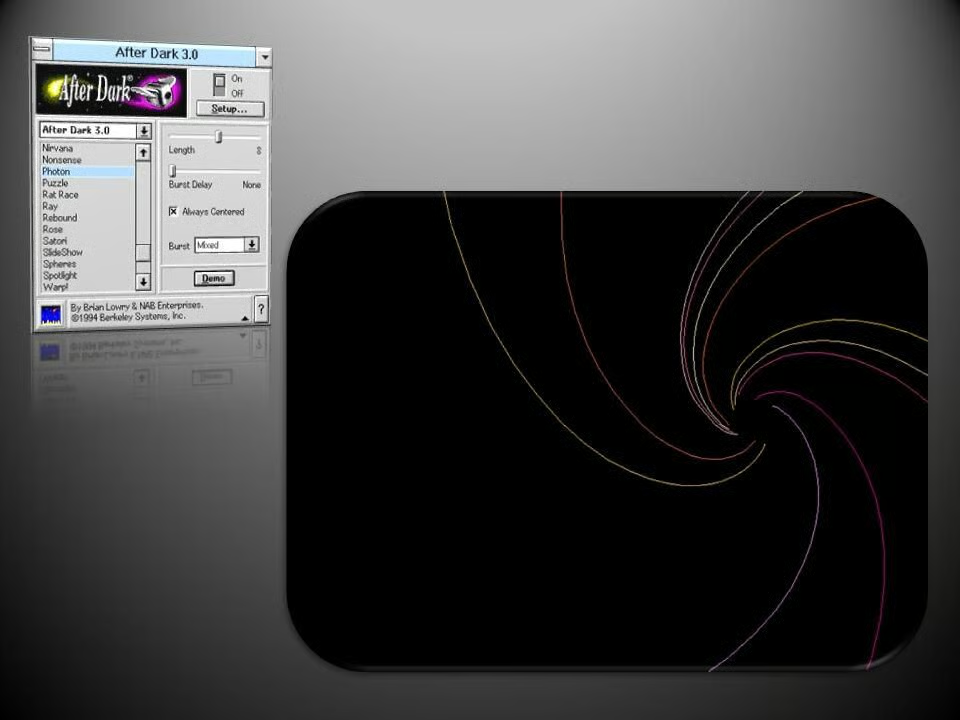
  • Windows 3: After Dark - Photon

    Another laser light show screensaver, Photon dazzled with its bright patterns.

    Image: Greg Shultz
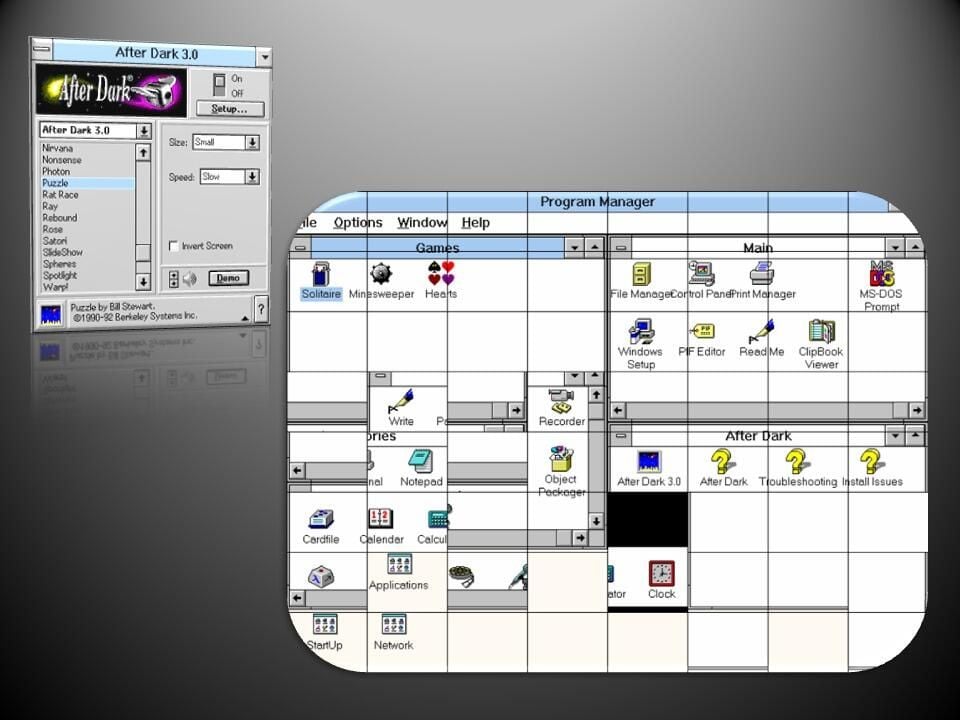
  • Windows 3: After Dark - Puzzle

    Like the first After Dark screensaver, Puzzle rearranged the desktop into a sliding grid of tiles.

    Image: Greg Shultz
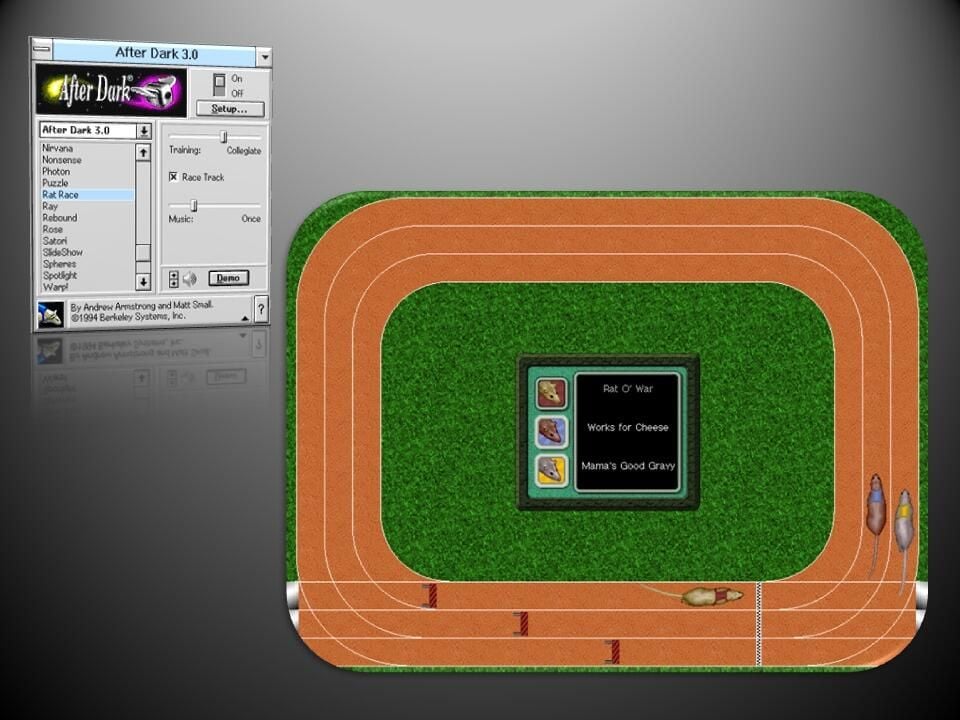
  • Windows 3: After Dark - Rat Race

    Three rodents raced round a track in Rat Race, with users able to set their skill level, ranging from Drop Out to Professional.

    Image: Greg Shultz
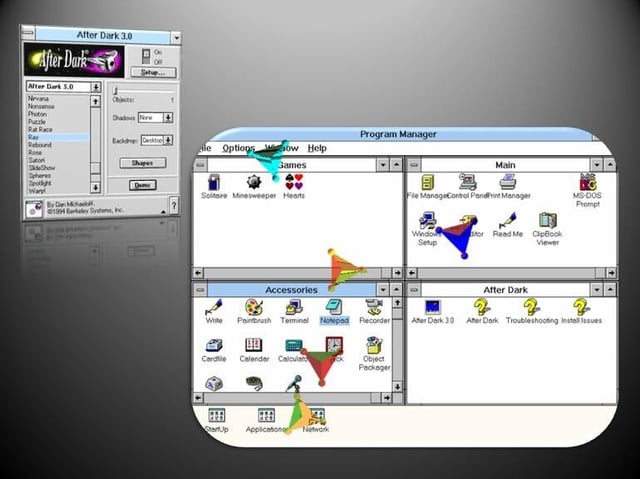
  • Windows 3: After Dark - Ray

    Ray adorned the desktop with colorful, transparent, rotating shapes that drifted across the screen.

    Image: Greg Shultz
  • Windows 3: After Dark - Rebound

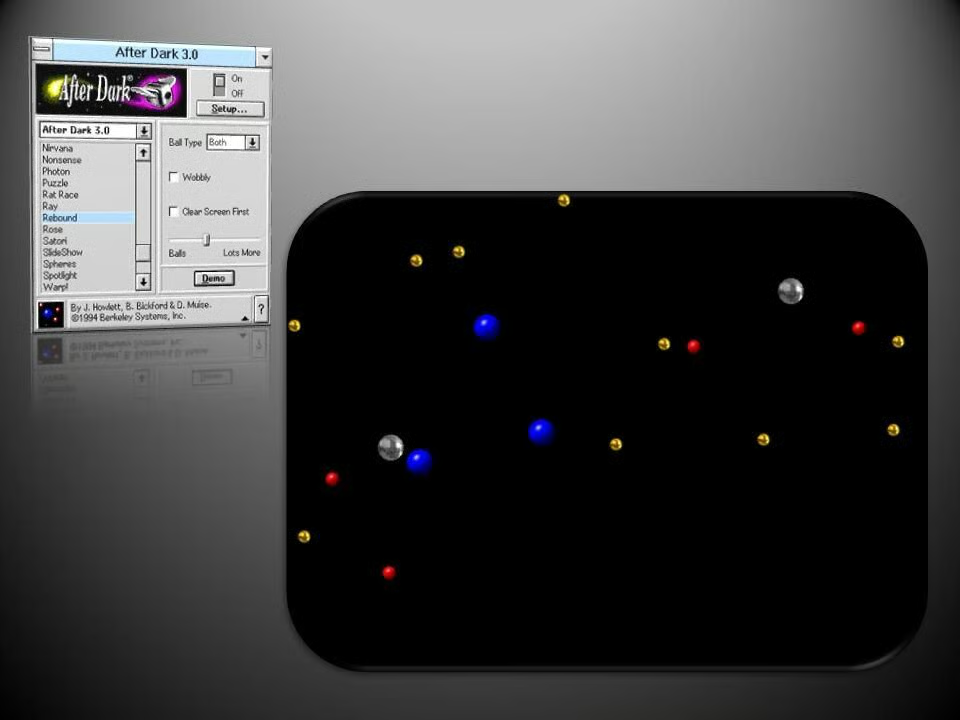
    Hundreds of metal and plastic balls bounce across the screen in Rebound.

    Image: Greg Shultz
  • Windows 3: After Dark - Satori

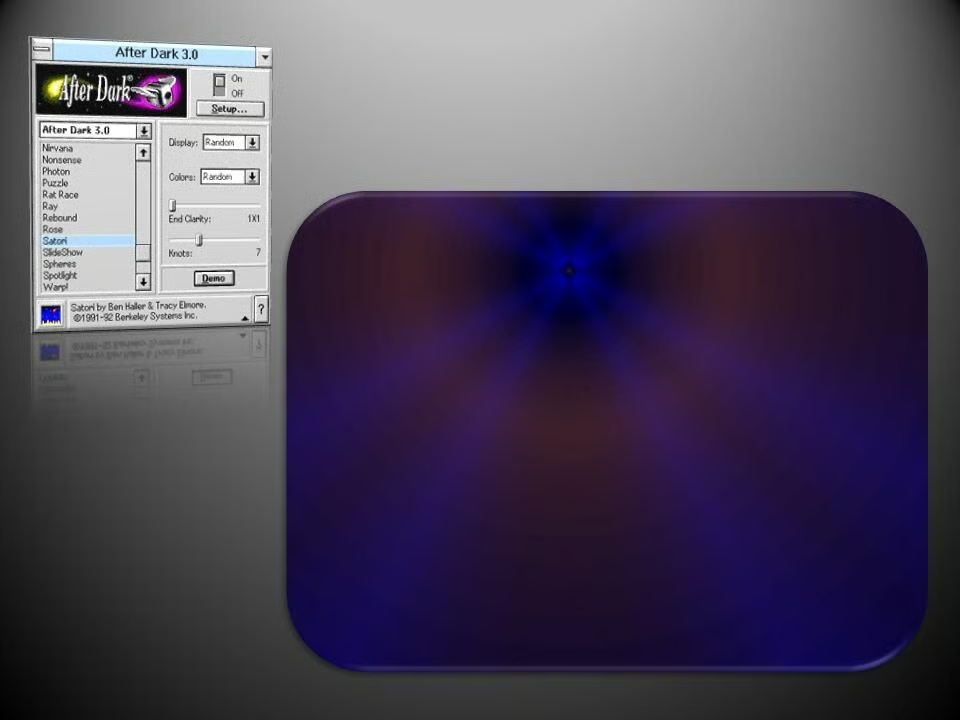
    More elaborate tie-dye patterns swirled round the screen in the updated Satori.

    Image: Greg Shultz
  • Windows 3: After Dark - Slide Show

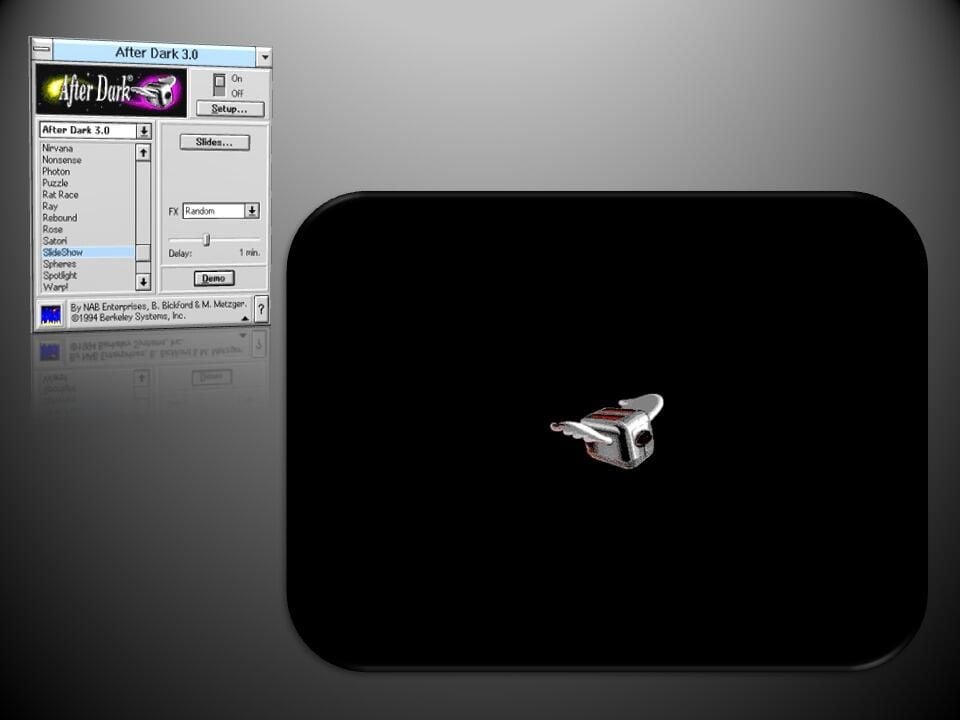
    As the name suggests, Slide Show presented a carousel of images of your choice.

    Image: Greg Shultz
  • Windows 3: After Dark - Warp

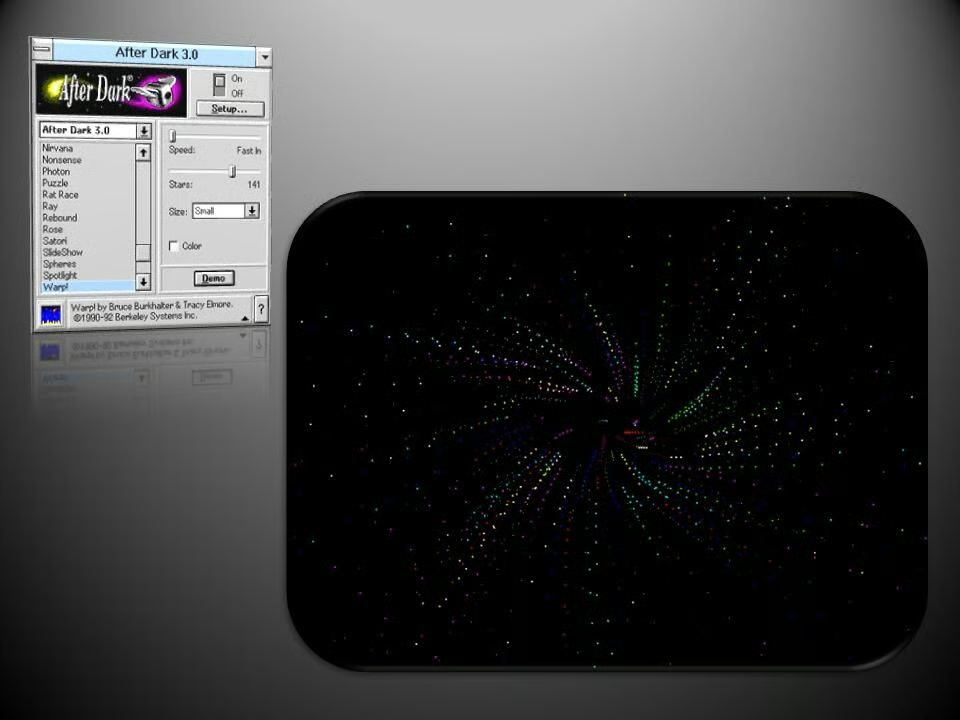
    The Star Trek-inspired Warp! screensaver returned for After Dark 3.0.

    Image: Greg Shultz
  • Windows 3: After Dark - Spheres

    Another returning screensaver, Spheres fills the display with voluminous, colored balls.

    Image: Greg Shultz
  • Windows 3: After Dark - Spotlight

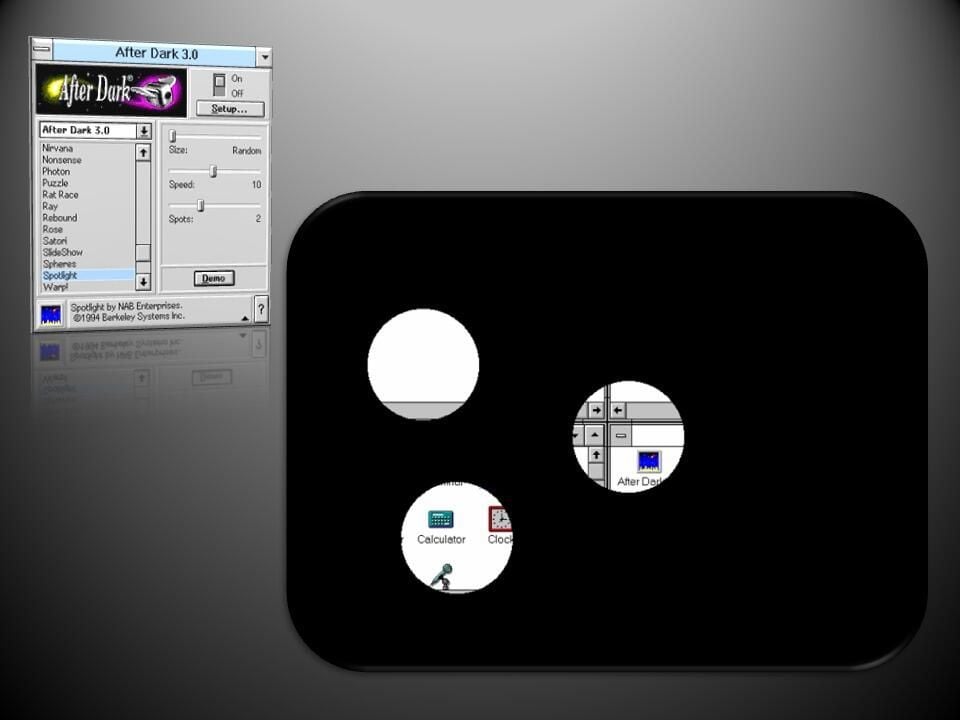
    This time around the Spotlight screensaver illuminates the desktop with multiple spotlights.

    Image: Greg Shultz
  • Windows 3: After Dark - Zoom

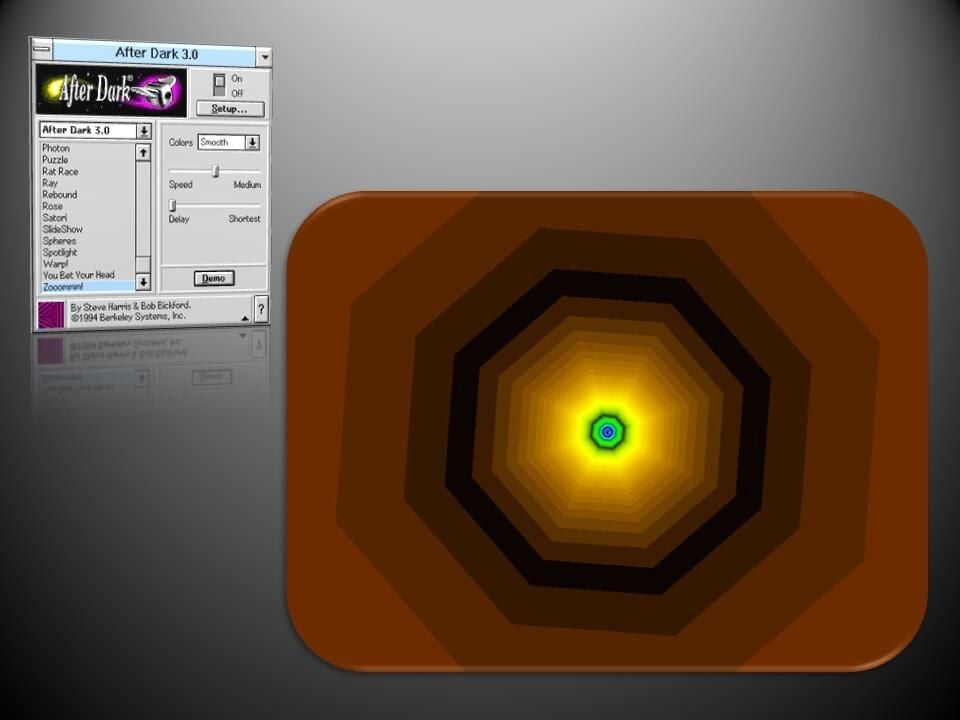
    The mesmerizing Zooommm! screensaver created the illusion of moving through a colorful tube.

    Image: Greg Shultz
  • Windows 3.1: Star Trek - Final Exam

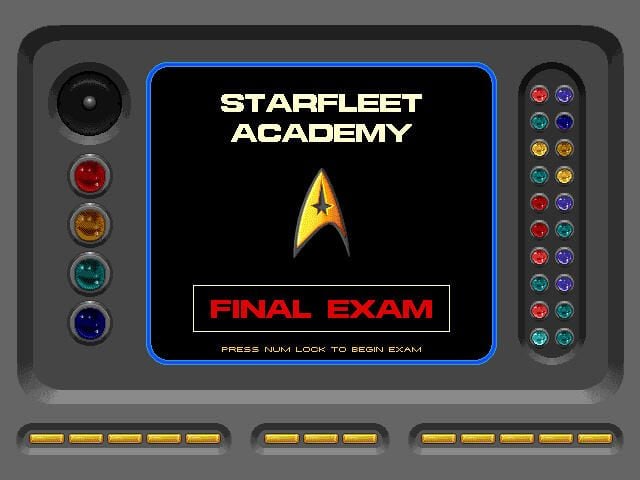
    Trekkies got a treat in 1992, when Berkeley Systems released Star Trek: The Screen Saver.

    A favorite was called Final Exam, which combined an interactive Star Trek trivia game and screensaver.

    Image: Greg Shultz
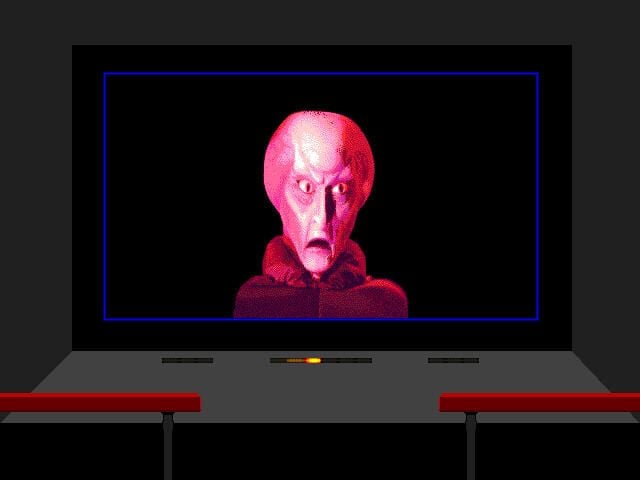
  • Windows 3.1: Star Trek - Mission

    The Mission screensaver cycled through images from different Star Trek episodes, such as this one from The Corbomite Maneuver episode showing Balok.

    Image: Greg Shultz
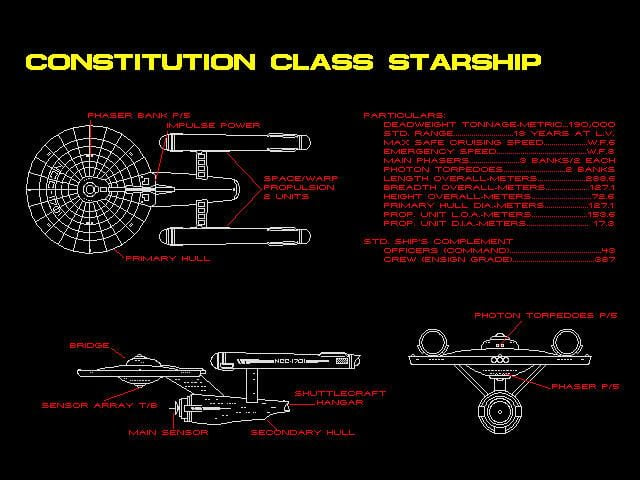
  • Windows 3.1: Star Trek - Scotty's Files

    Scotty’s Files screensaver let Trekkies geek out over technical schematics of ships and a variety of devices, including a Phaser and a Tricorder.

    Image: Greg Shultz
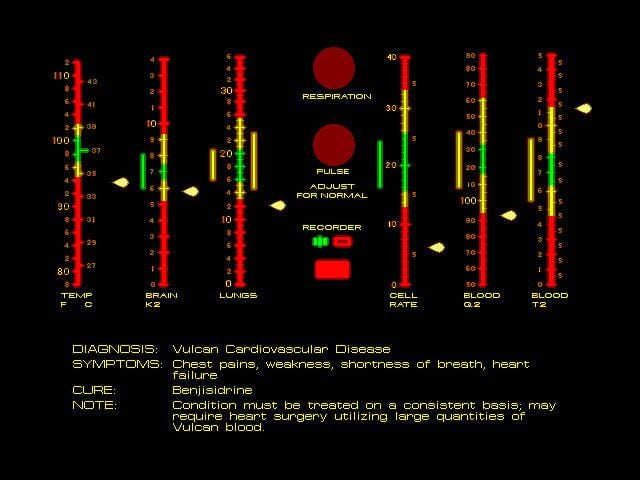
  • Windows 3.1: Star Trek - Sick bay

    The Sickbay screensaver recreated the readouts from the bed panels in Star Trek episodes, complete with the familiar heart beat sound effect.

    Image: Greg Shultz
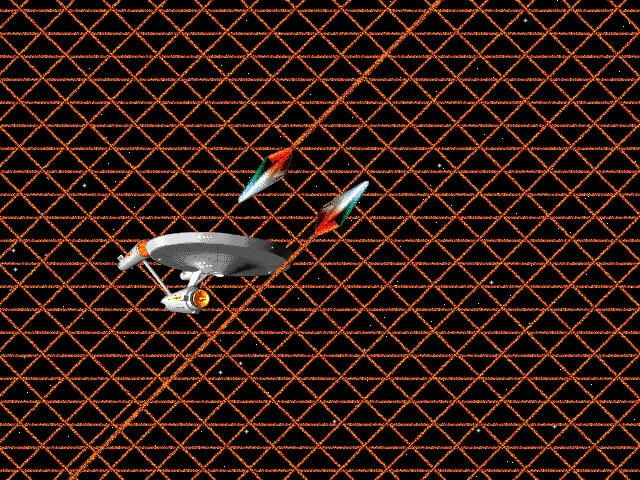
  • Windows 3: Star Trek - Tholian

    This visually arresting scene is from the Star Trek episode the Tholian Web, in which the Enterprise is caught in an energy-sapping web spun by the Tholians, an alien race.

    Image: Greg Shultz
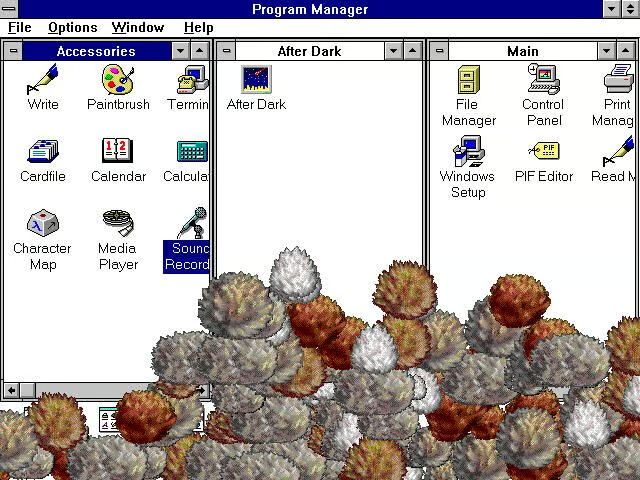
  • Windows 3: Star Trek - Tribbles

    These warbling critters are straight out of The Trouble with Tribbles episode, and continue to pile up until they block the desktop.

    Image: Greg Shultz
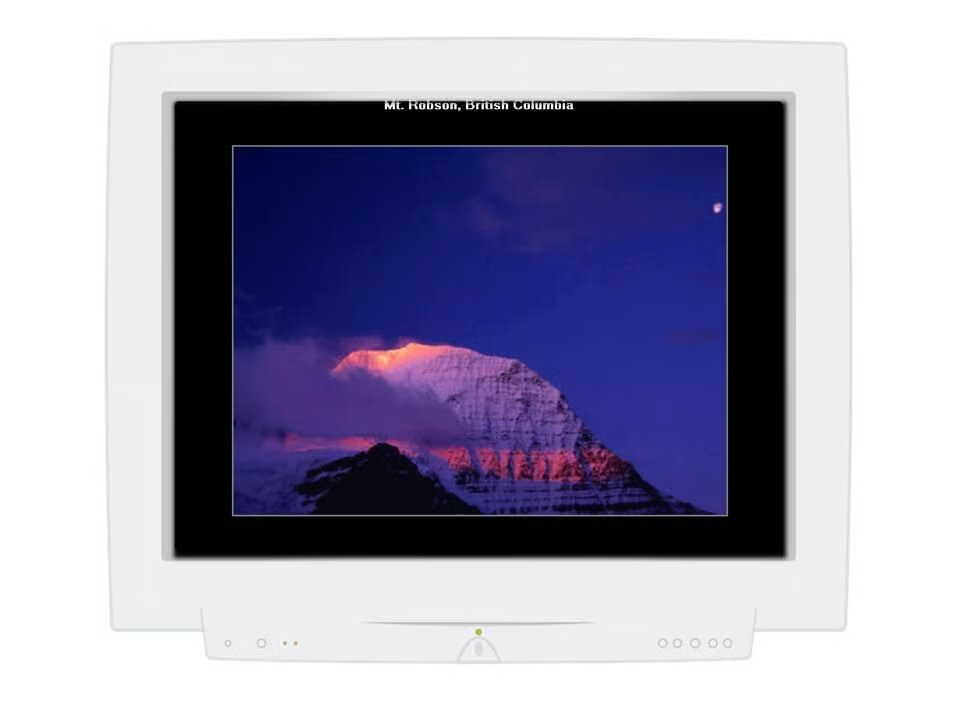
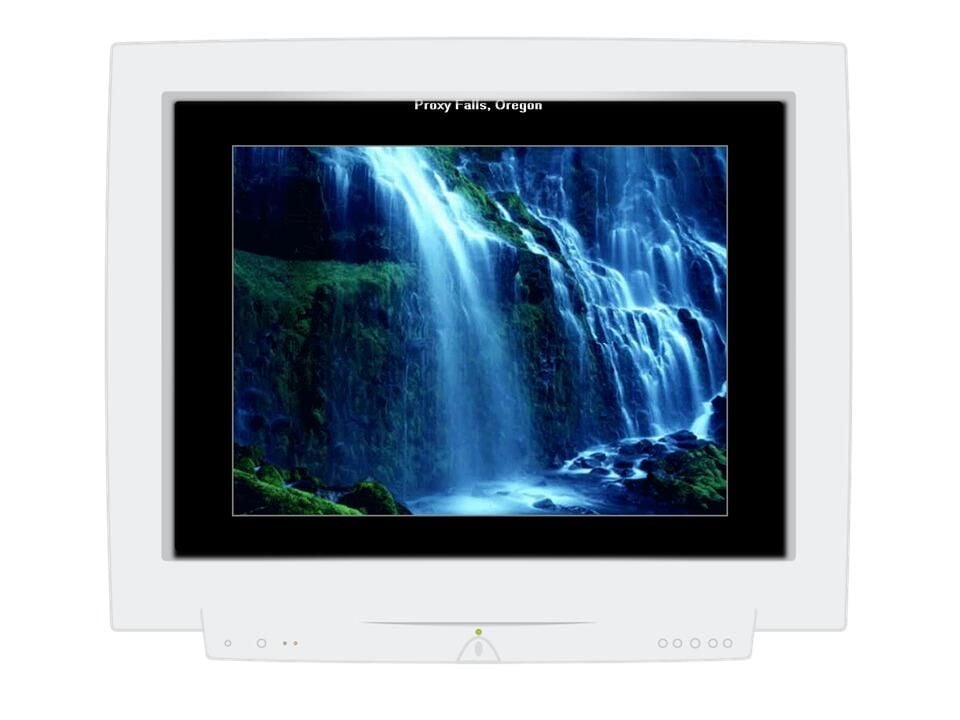
  • Windows 3.1: Microsoft Scenes - Mt. Robson, British Colombia

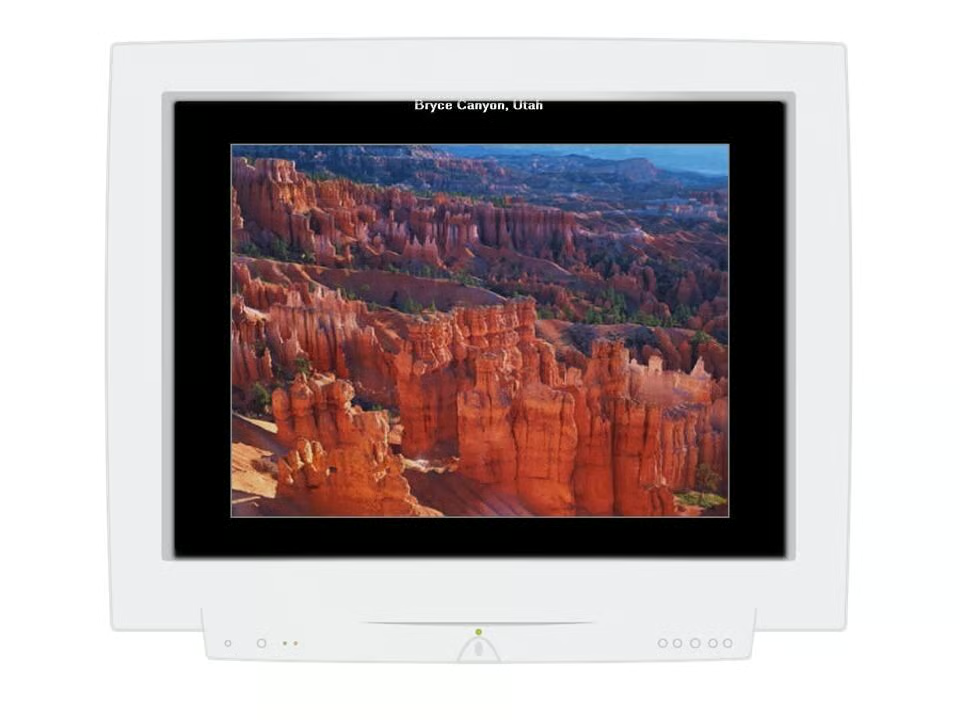
    This themed collection of 40 Microsoft Scenes Sierra Club Nature Collection screensavers and desktop backgrounds was released in 1994.

    Image: Greg Shultz
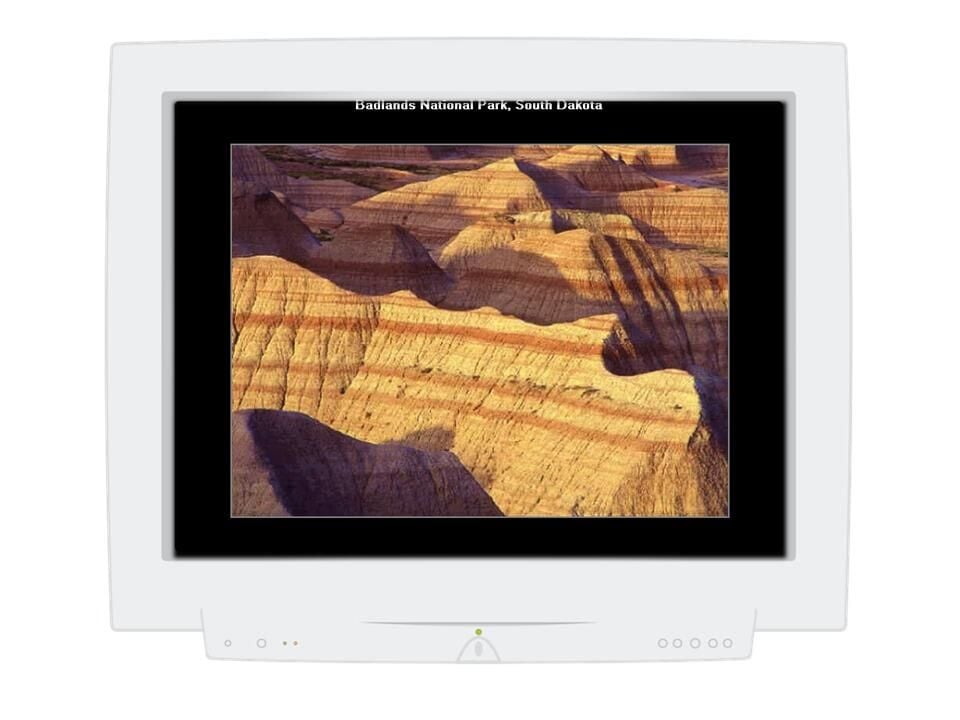
  • Windows 3.1: Microsoft Scenes - Badlands National Park, South Dakota

    Image: Greg Shultz
  • Windows 3.1: Microsoft Scenes - Death Valley National Monument, California

    Image: Greg Shultz
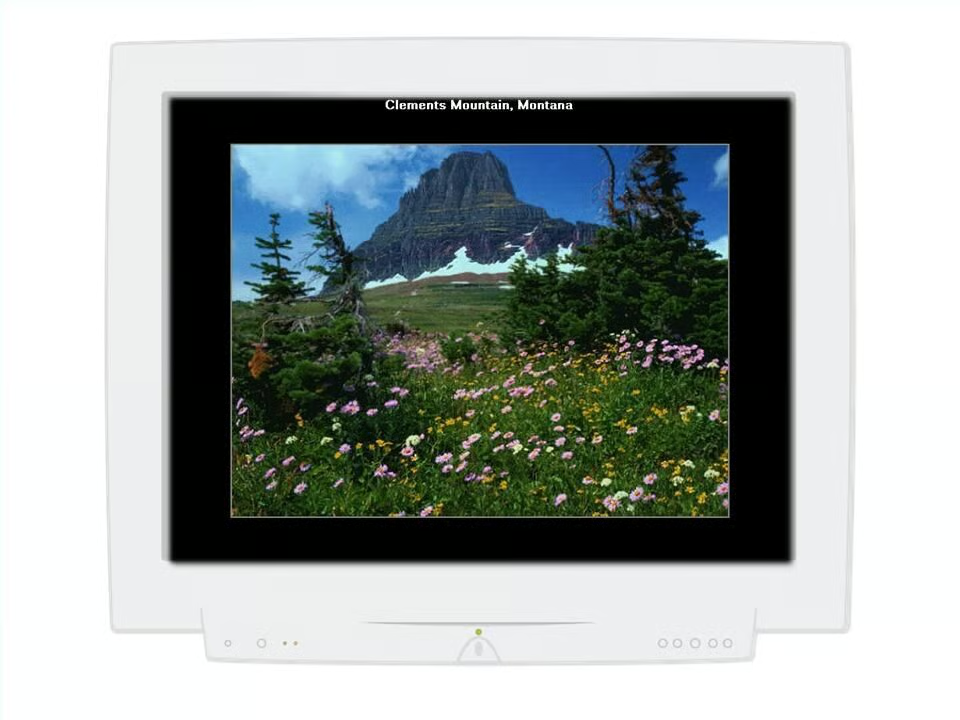
  • Windows 3.1: Microsoft Scenes - Clements Mountain, Colombia

    Image: Greg Shultz
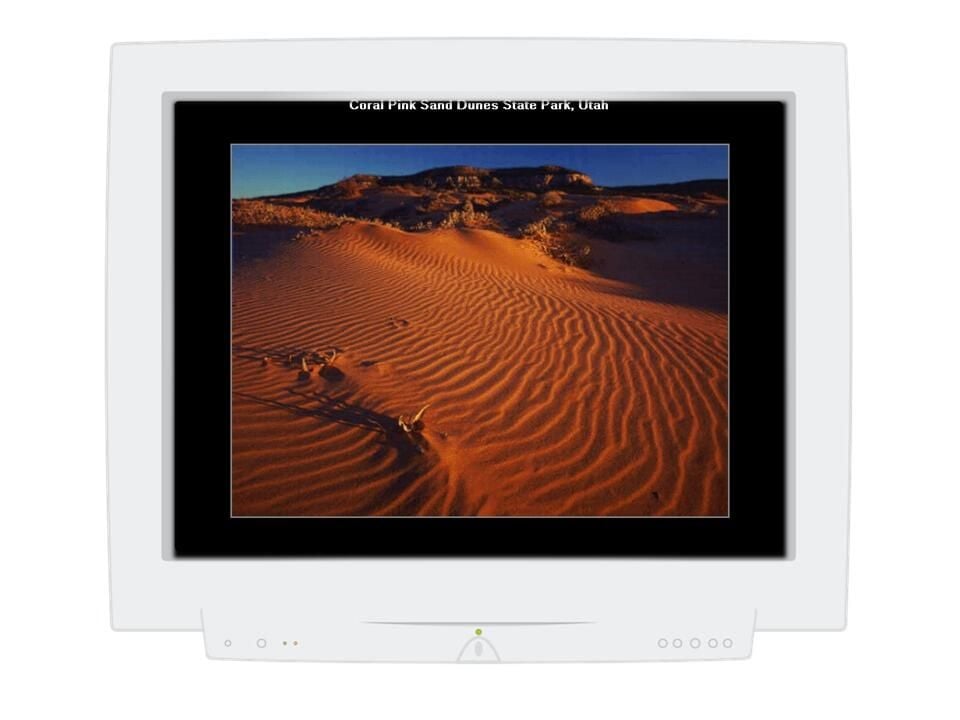
  • Windows 3.1: Microsoft Scenes - Coral Pink Sand Dunes State Park, Utah

    Image: Greg Shultz
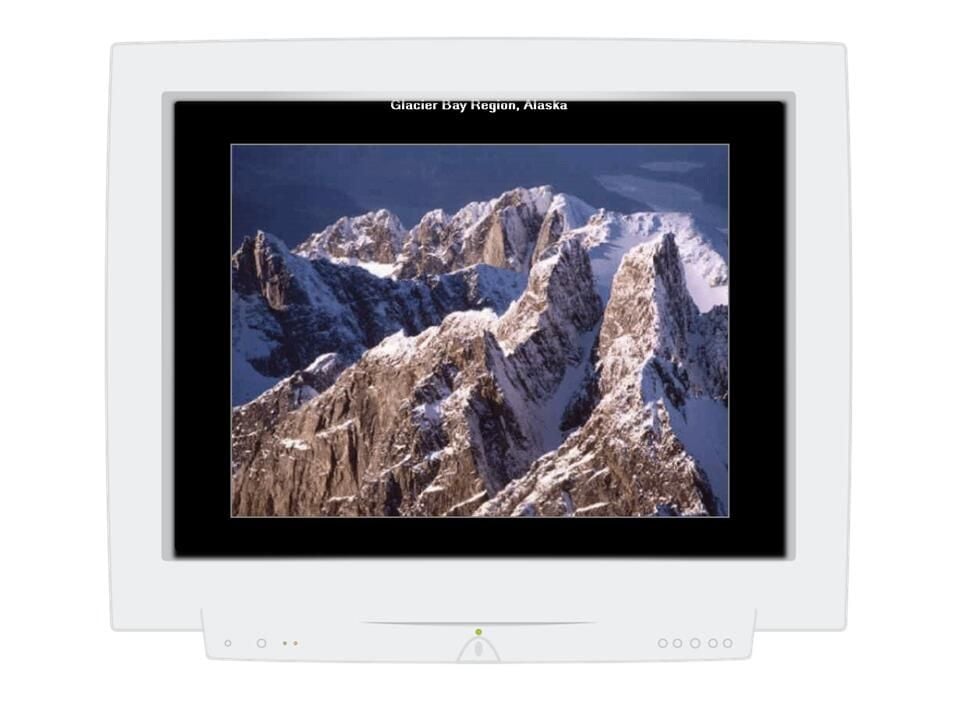
  • Windows 3.1: Microsoft Scenes - Glacier Bay Region, Alaska

    Image: Greg Shultz
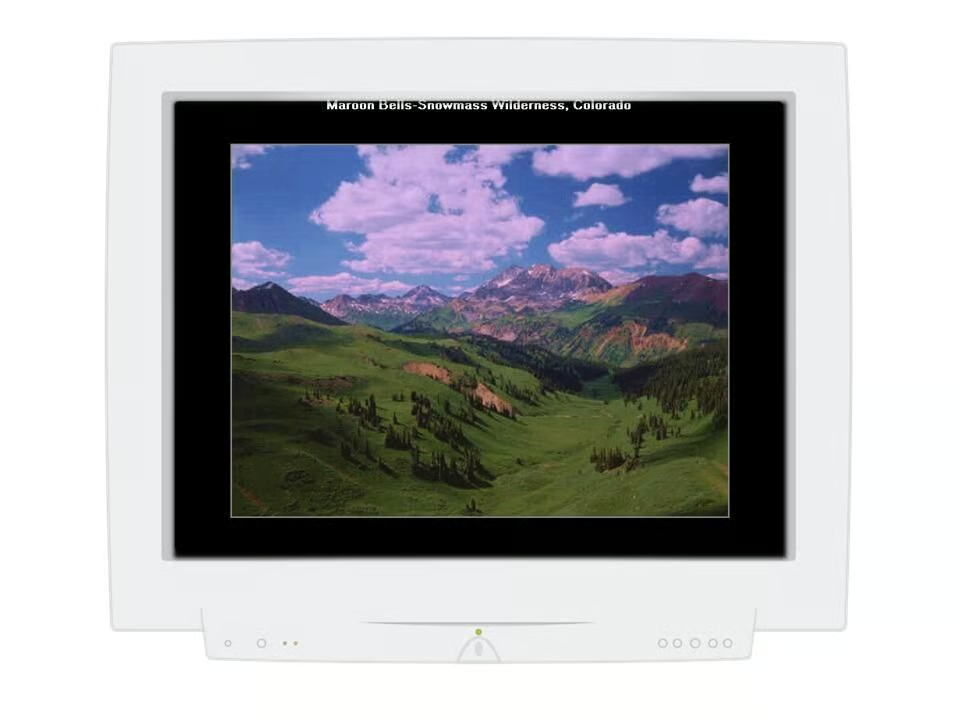
  • Windows 3.1: Microsoft Scenes - Maroon Bells - Snowmass Wilderness, Colorado

    Image: Greg Shultz
  • Windows 3.1: Microsoft Scenes - Proxy Falls, Oregon

    Image: Greg Shultz
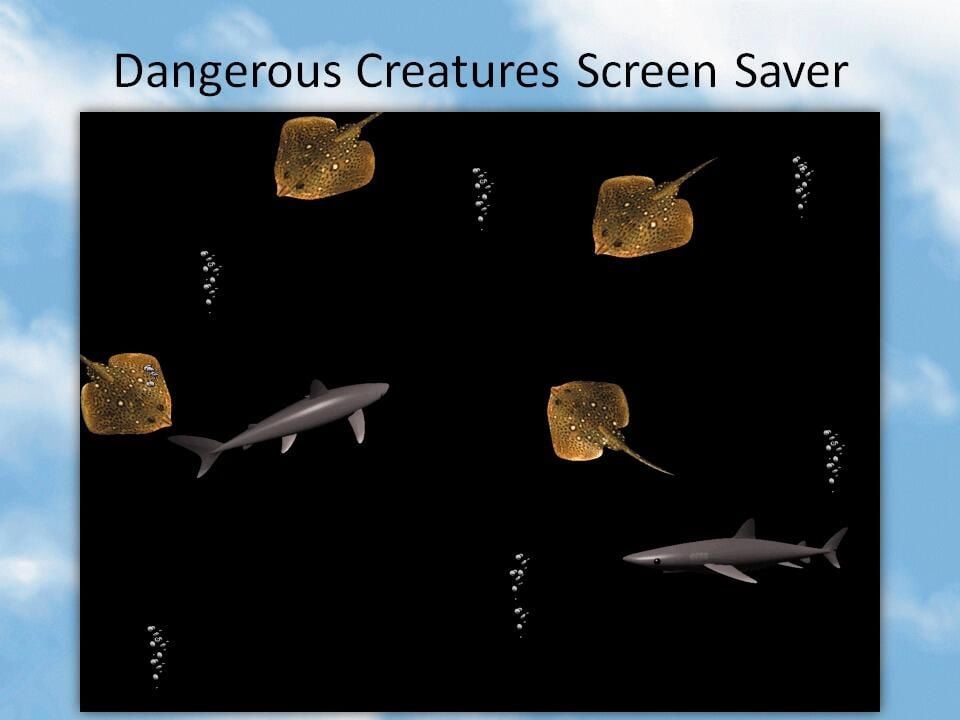
  • Windows 95: Microsoft Plus! Companion - Dangerous Creatures

    Released on the same day as Windows 95, the retail package of the Microsoft Plus! Companion for Windows 95 bundled a number of different screensavers.

    The Dangerous Creatures screensaver saw sharks and stingrays swimming around the screen accompanied by the relaxing sound of bubbling water.

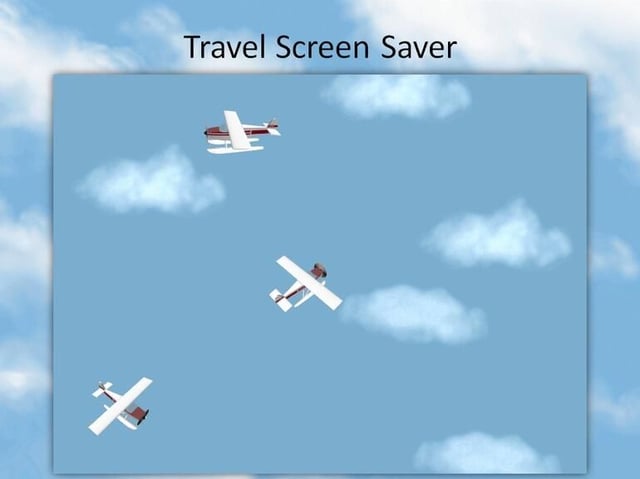
  • Windows 95: Microsoft Plus! Companion - Travel

    Sea planes soared through the clouds in this screensaver.
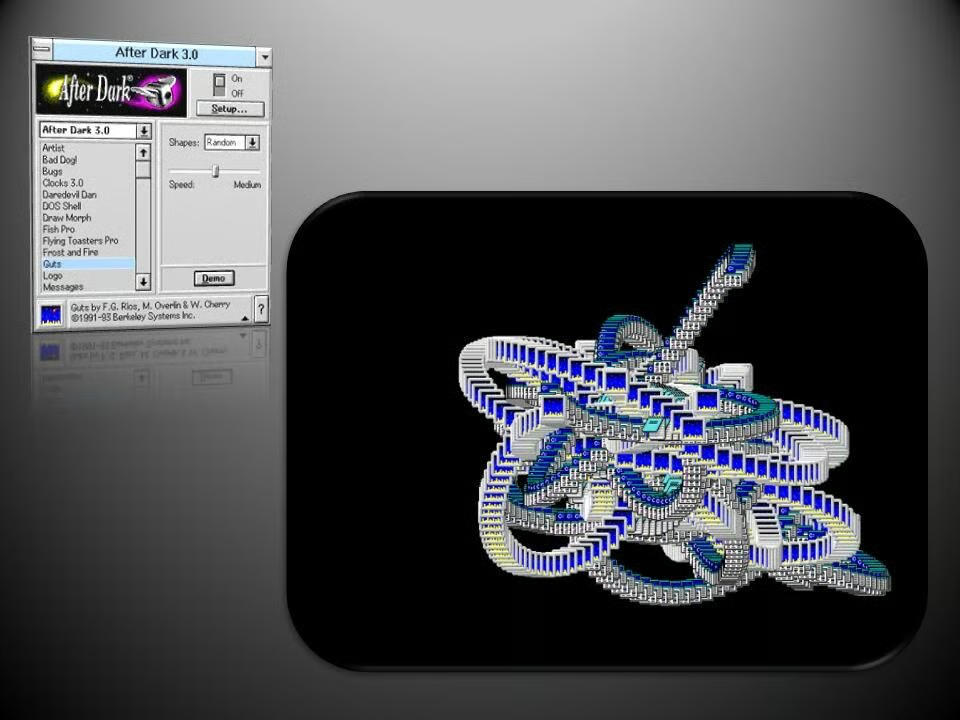
    Image: Greg Shultz
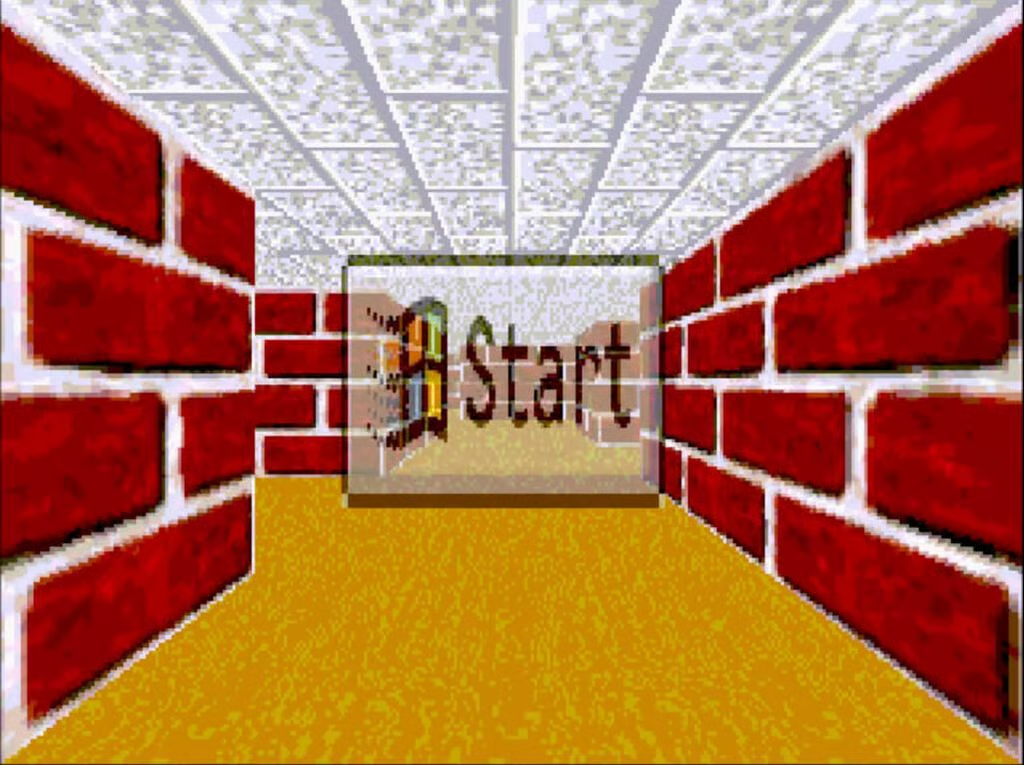
  • Windows 95: 3D Maze

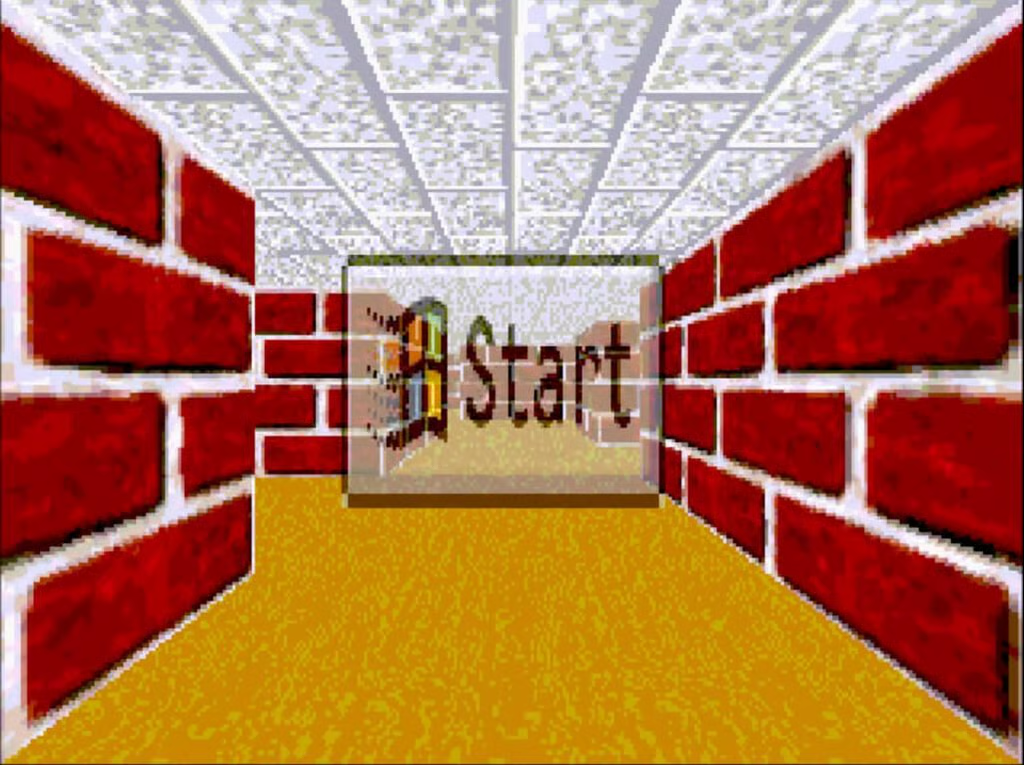
    Aping the style of the then nascent first-person shooter genre, Windows 95’s iconic 3D Maze screensaver endlessly wandered a redbrick maze.

    YouTube \/ https:\/\/www.youtube.com\/watch?v=oRL5durPleI
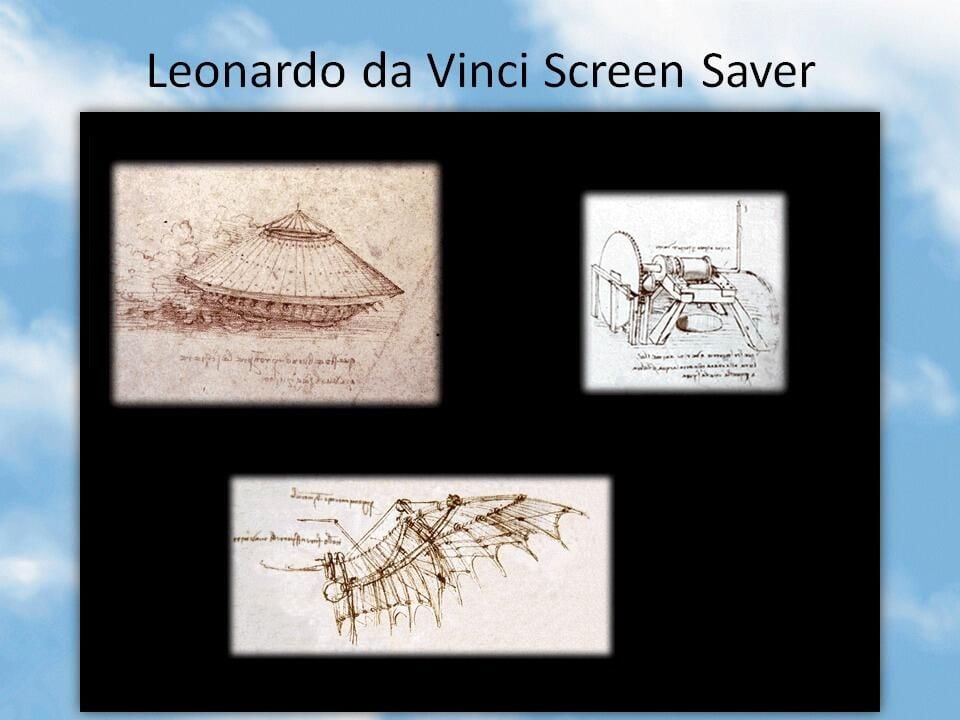
  • Windows 95: Microsoft Plus! Companion - Leonardo Da Vinci

    This screensaver displayed sketches of some of da Vinci’s most famous inventions, such as these wings designed for human flight.
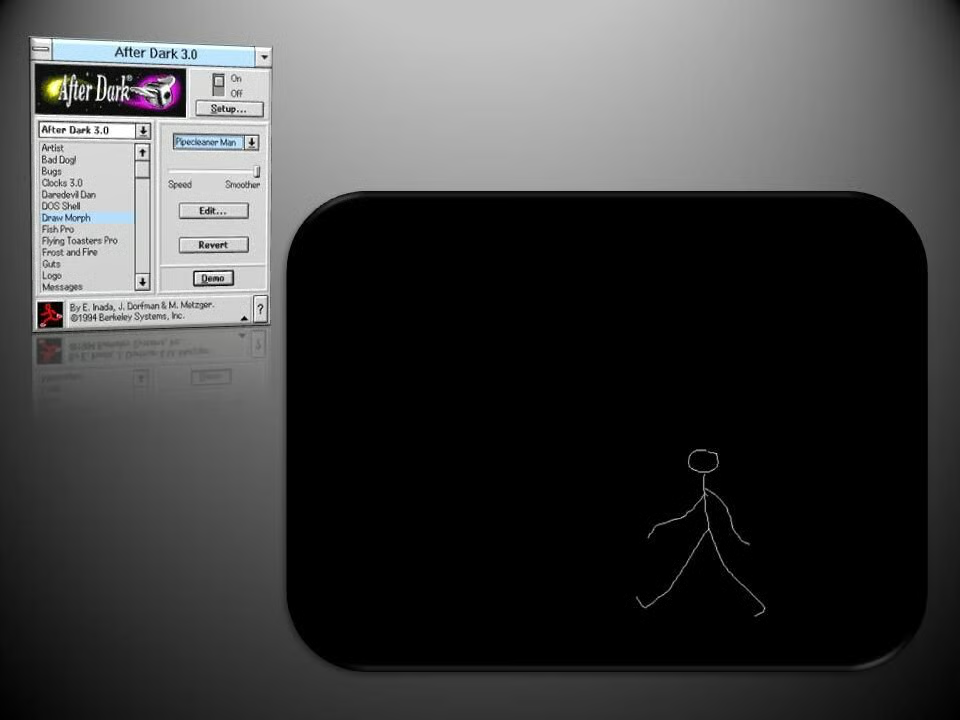
    Image: Greg Shultz
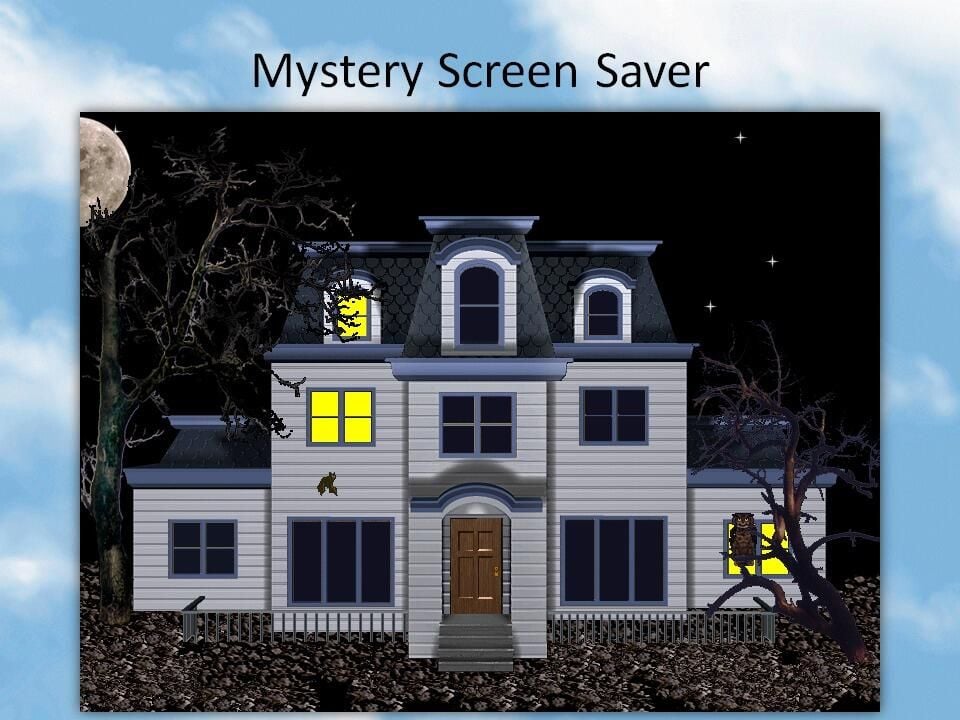
  • Windows 95: Microsoft Plus! Companion - Mystery

    This haunted house screensaver was brought alive by the sound of creaking doors, a pipe organ, and fluttering bats.

    Image: Greg Shultz
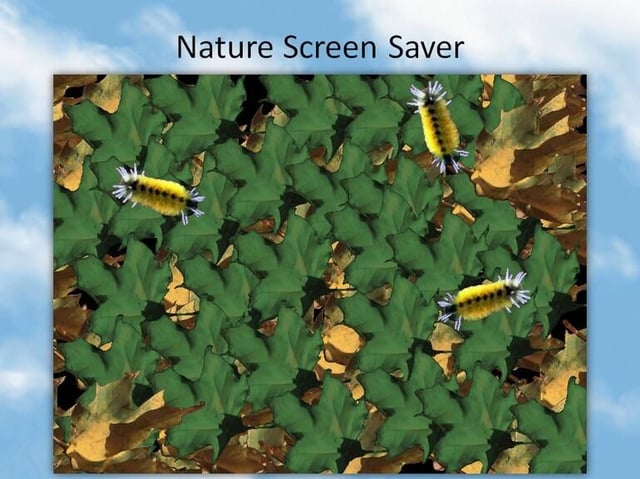
  • Windows 95: Microsoft Plus! Companion - Nature

    Furry caterpillars crawled across a bed of leaves in this screensaver.

    Image: Greg Shultz
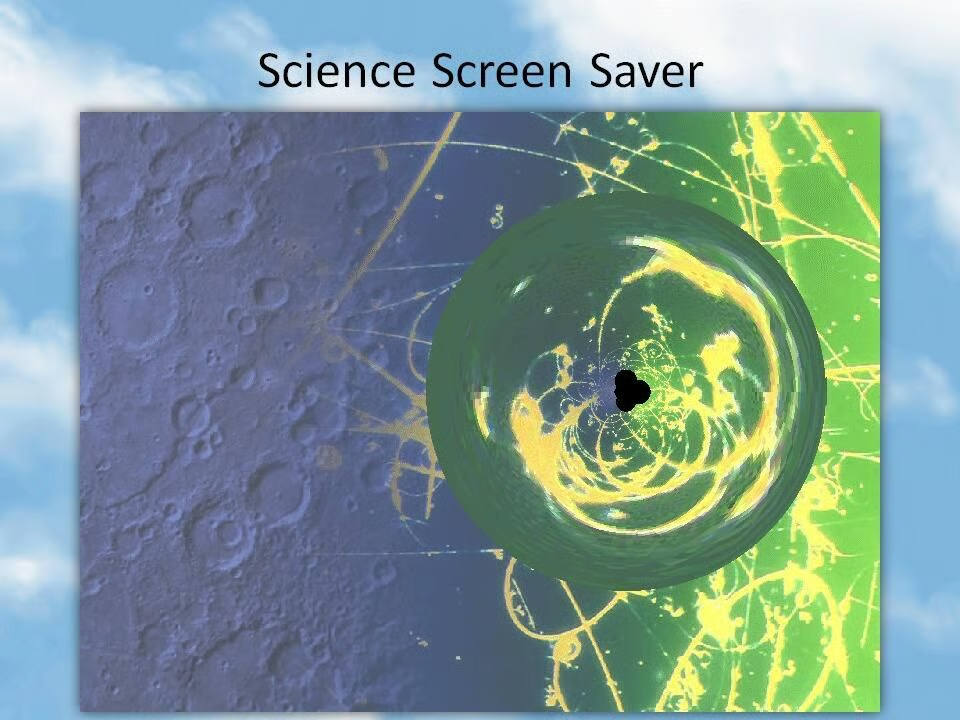
  • Windows 95: Microsoft Plus! Companion - Science

    A lens moved back and forth across the screen in the Science screensaver, with users able to configure the the size, speed and type of the lens.

    Image: Greg Shultz
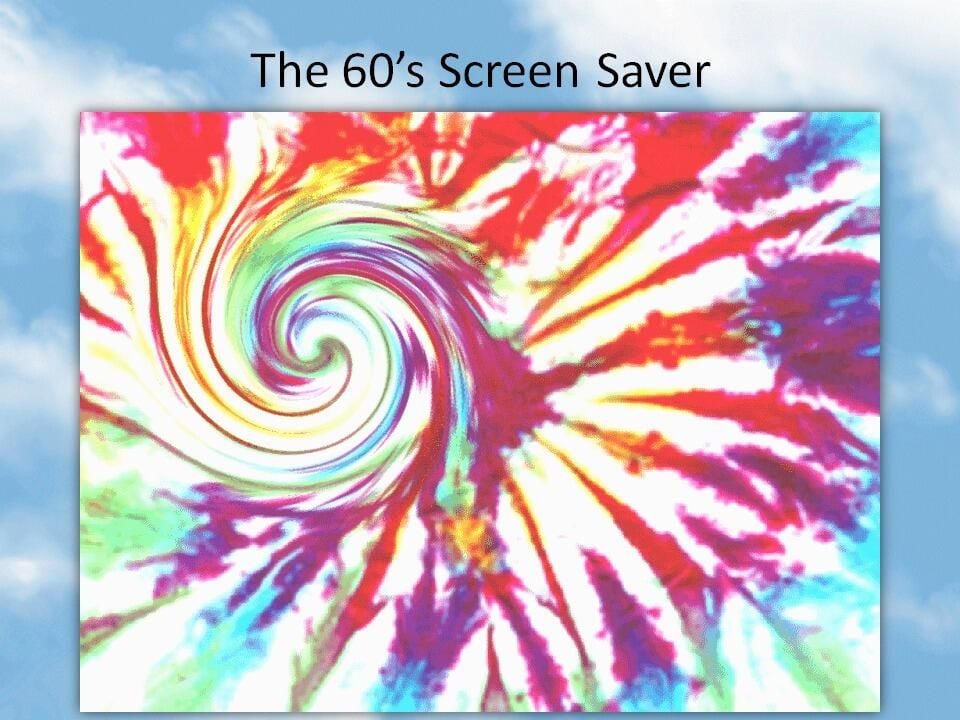
  • Windows 95: Microsoft Plus! Companion - Sixties

    The Spiral lens from the Science screensaver traverses a psychedelic background.

    Image: Greg Shultz
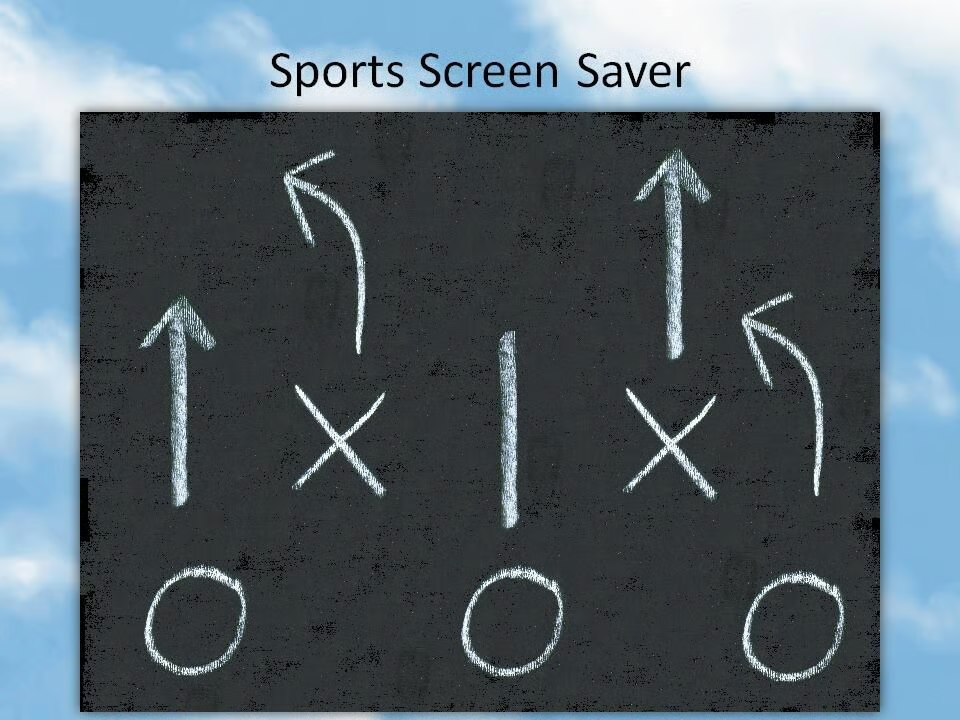
  • Windows 95: Microsoft Plus! Companion - Sports

    Football strategies were chalked onto the board in this screensaver.

    Image: Greg Shultz
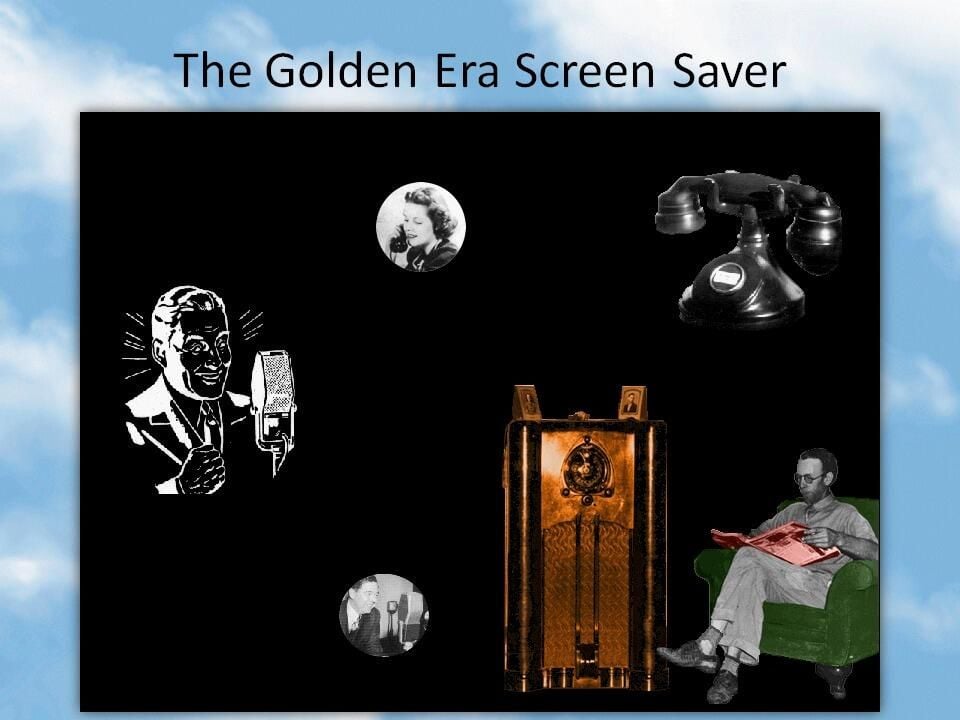
  • Windows 95: Microsoft Plus! Companion - The Golden Era

    A blast from the past, this screensaver featured a man listening to a vintage radio show while reading a paper, together with images of radio announcers and antique phones, set to the sound of old radio shows and ringing phones.

    Image: Greg Shultz
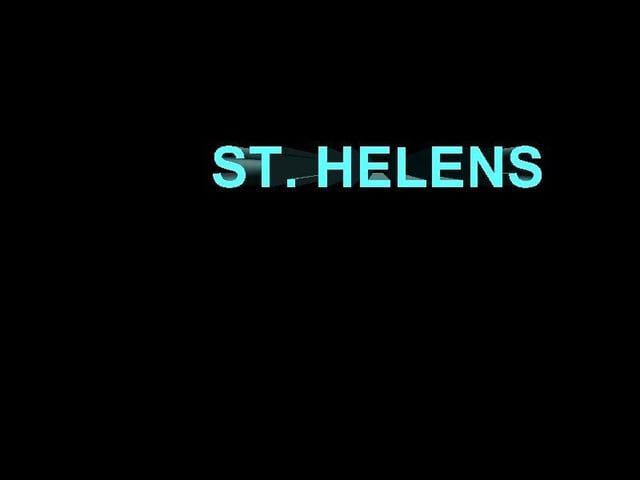
  • Windows 95: 3DText

    The 3D Text screensaver in Windows 95 OSR2 and Windows NT had a hidden feature that enabled it to display the names of 17 major volcanoes in the Northwest of the United States.

    Image: Greg Shultz
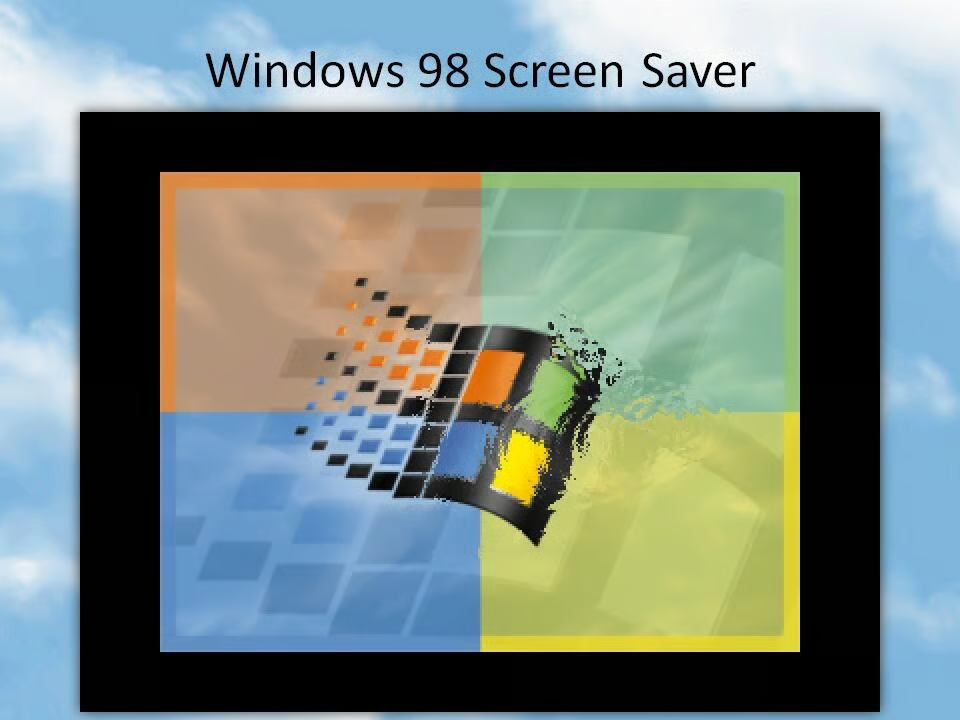
  • Windows 98: ​Microsoft Plus! 98 - Wallpaper

    Released on the same day as Windows 98, the Microsoft Plus! 98 Companion for Windows 98 featured a range of screensavers alongside the new utilities, games, and desktop themes.

    The screensaver above submerged the desktop wallpaper, complete with ripples on the surface.

    Image: Greg Shultz
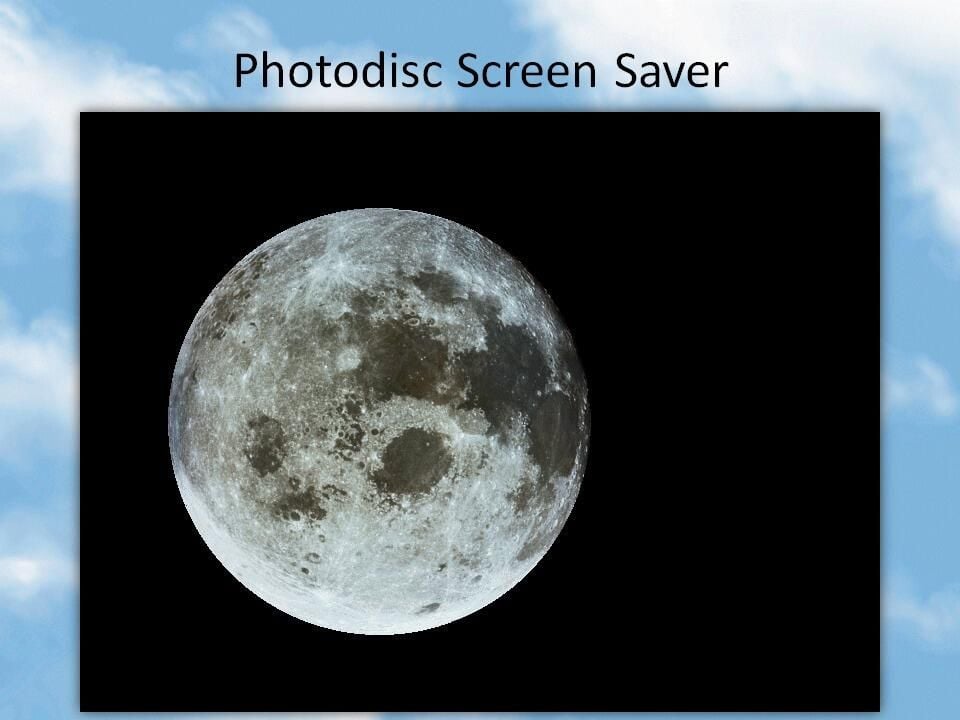
  • Windows 98: ​Microsoft Plus! 98 - Photodisc

    Among the various slides in this screensaver was this impressive shot of the moon.

    Image: Greg Shultz
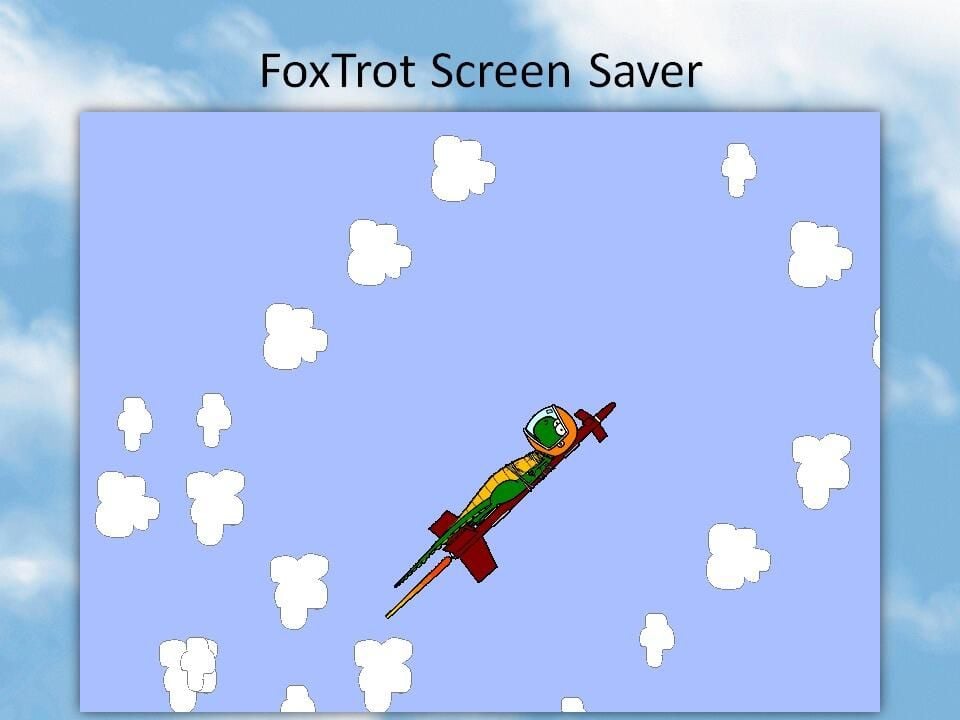
  • Windows 98: ​Microsoft Plus! 98 - Foxtrot

    In a gag from the comic, this screensaver showed Quincy the iguana flying through the air while tied to a rocket.

    Image: Greg Shultz
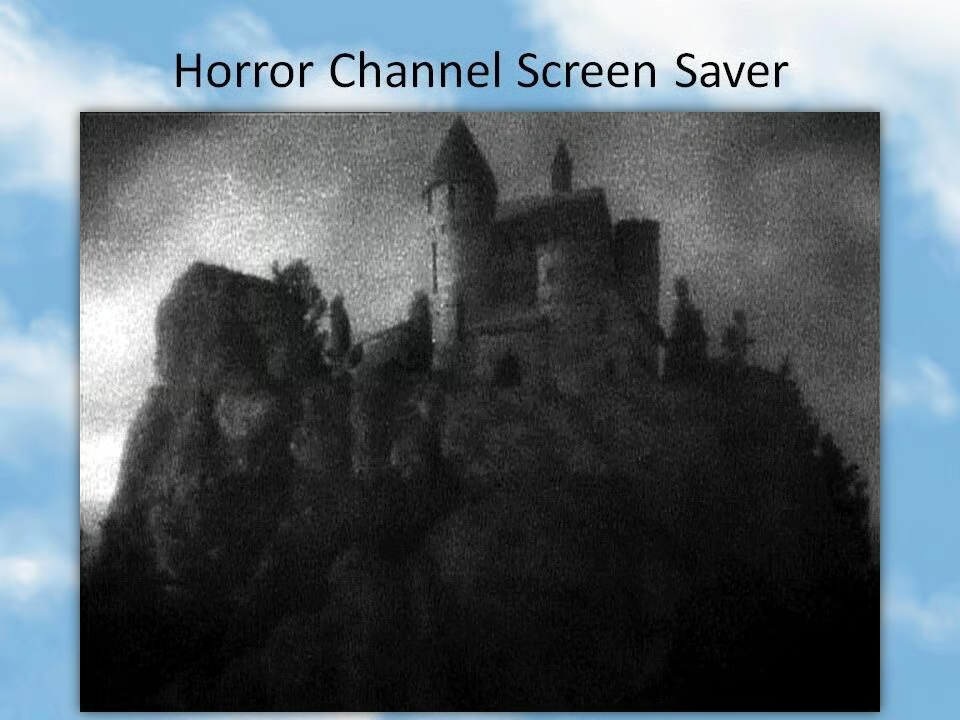
  • Windows 98: ​Microsoft Plus! 98 - Horror channel

    This screensaver cycled through images from classic horror films.

    Image: Greg Shultz
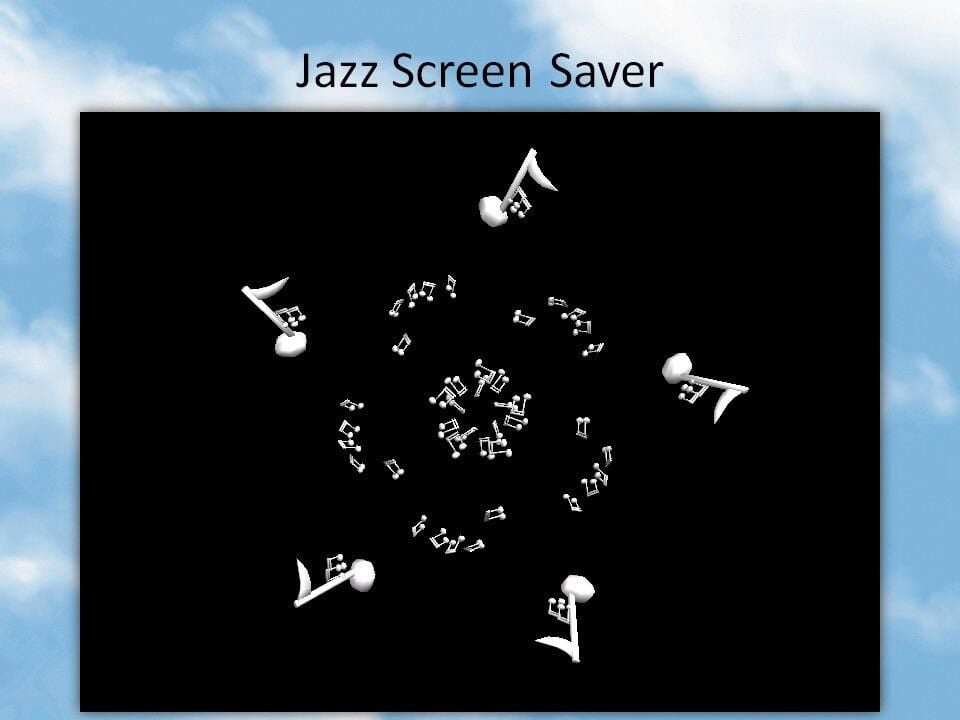
  • Windows 98: ​Microsoft Plus! 98 - Jazz

    This lively offering put on a display of dancing musical notes.

    Image: Greg Shultz
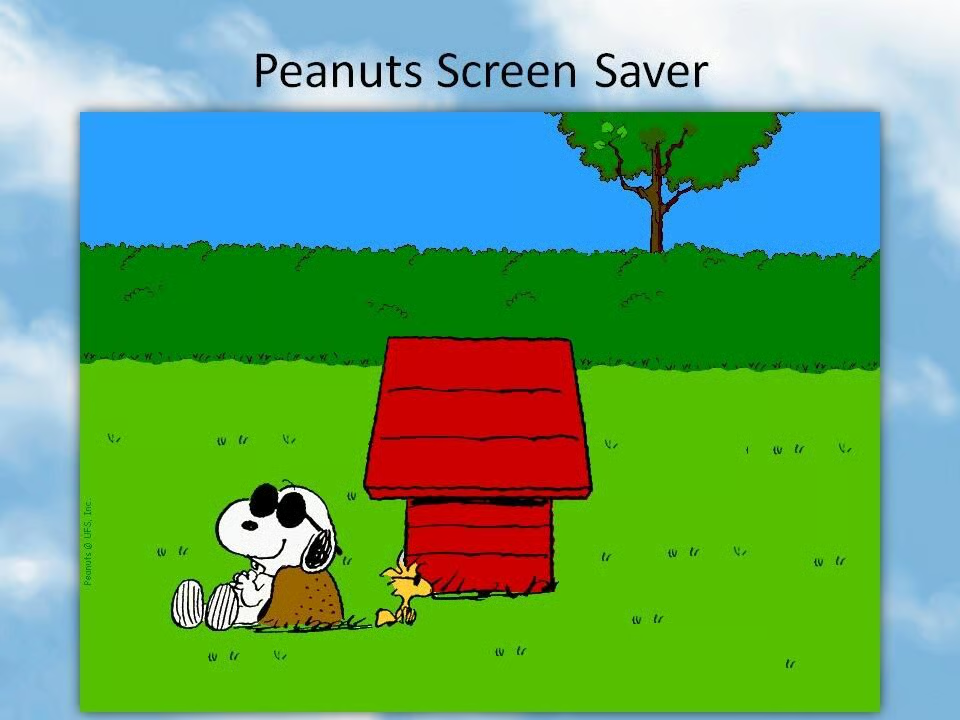
  • Windows 98: ​Microsoft Plus! 98 - Peanuts

    This screensaver cycled through classic scenes from the famous comic strip, such as this image of Joe Cool and Woodstock.

    Image: Greg Shultz
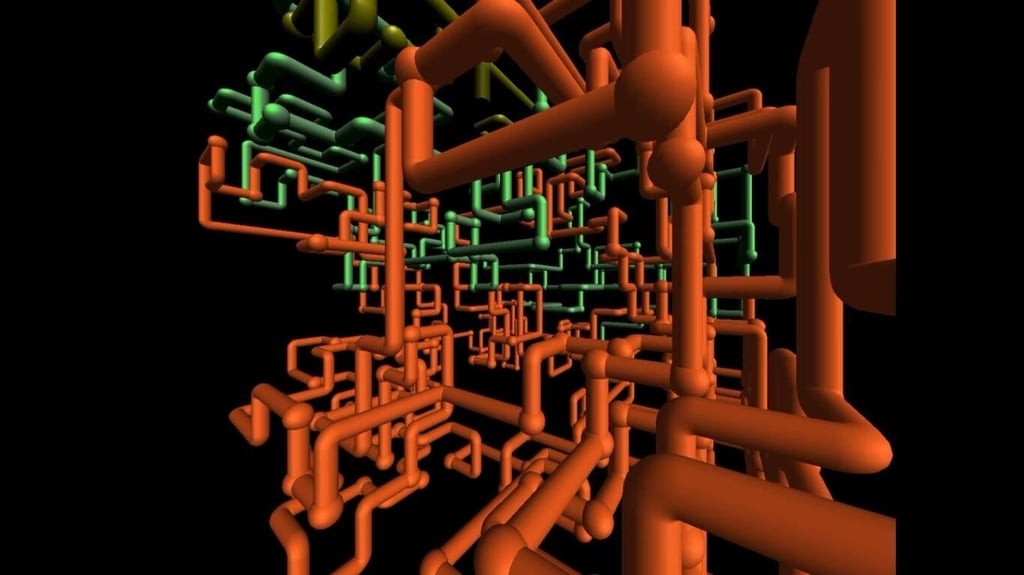
  • Windows 98 - 3D Pipes

    Image: https:\/\/www.youtube.com\/watch?v=Uzx9ArZ7MUU
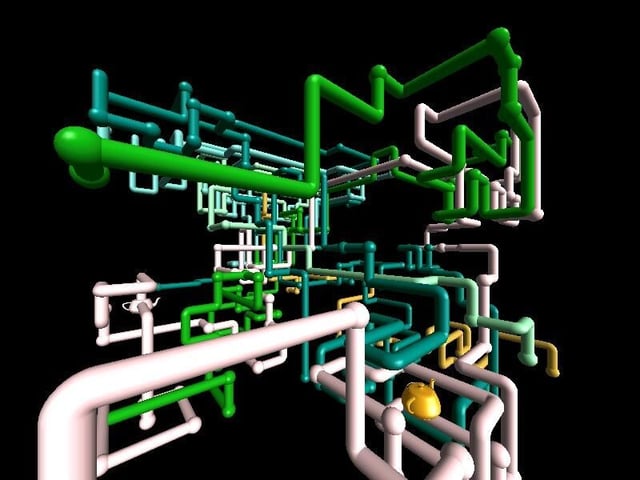
  • Windows 2000 - 3D Pipes Teapots Easter Egg

    A later version of 3D Pipes in Windows 2000 had a secret feature that hid teapoints in the joints between pipes.

    Image: Greg Shultz
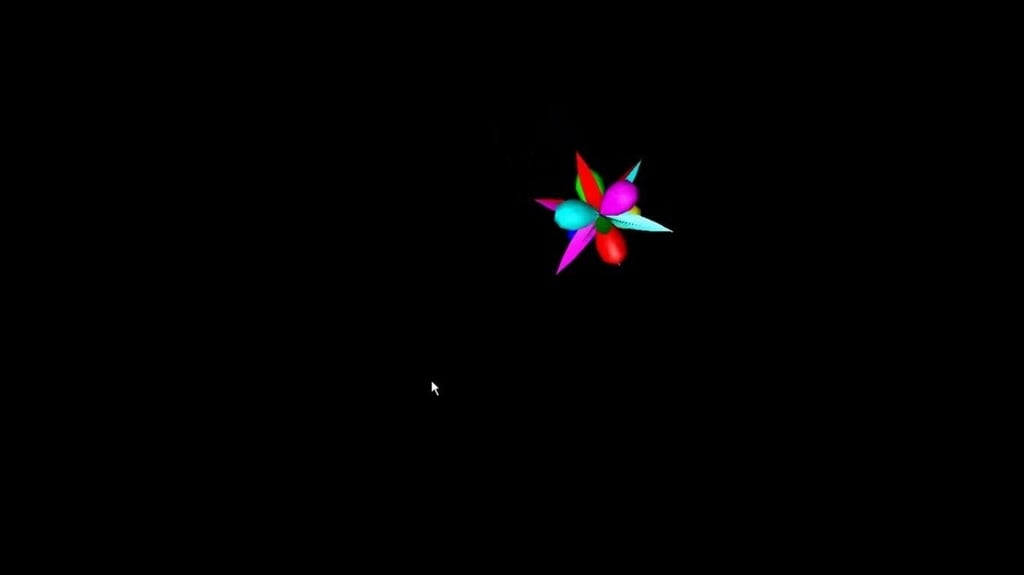
  • Windows 98: Flying objects

    The classic Windows 98 screensaver.

  • Windows 98 - Flower Box

    Image: YouTube \/ https:\/\/www.youtube.com\/watch?v=NVp6GMHpYvo
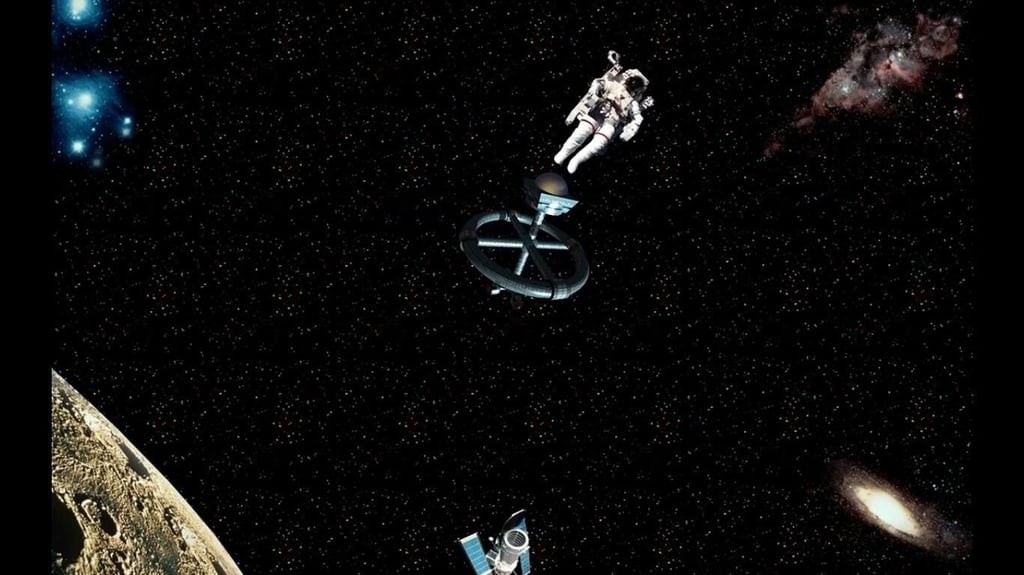
  • Windows 98: Space station

    Image: YouTube \/ https:\/\/www.youtube.com\/watch?v=Fwfp-q3NHhk
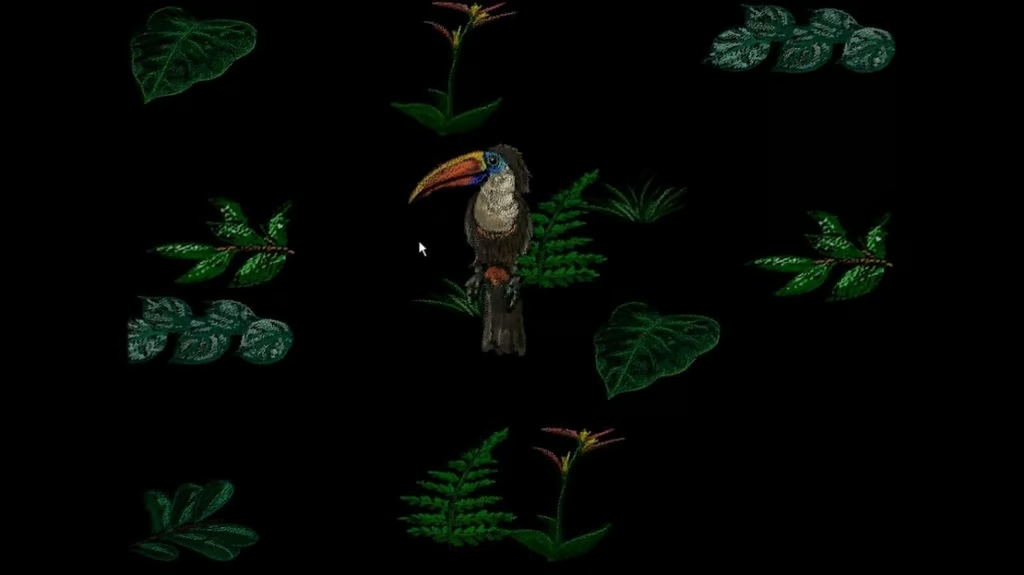
  • Windows 98: Jungle screensaver

    Image: YouTube \/ https:\/\/www.youtube.com\/watch?v=5j5HA3Z8CZQ
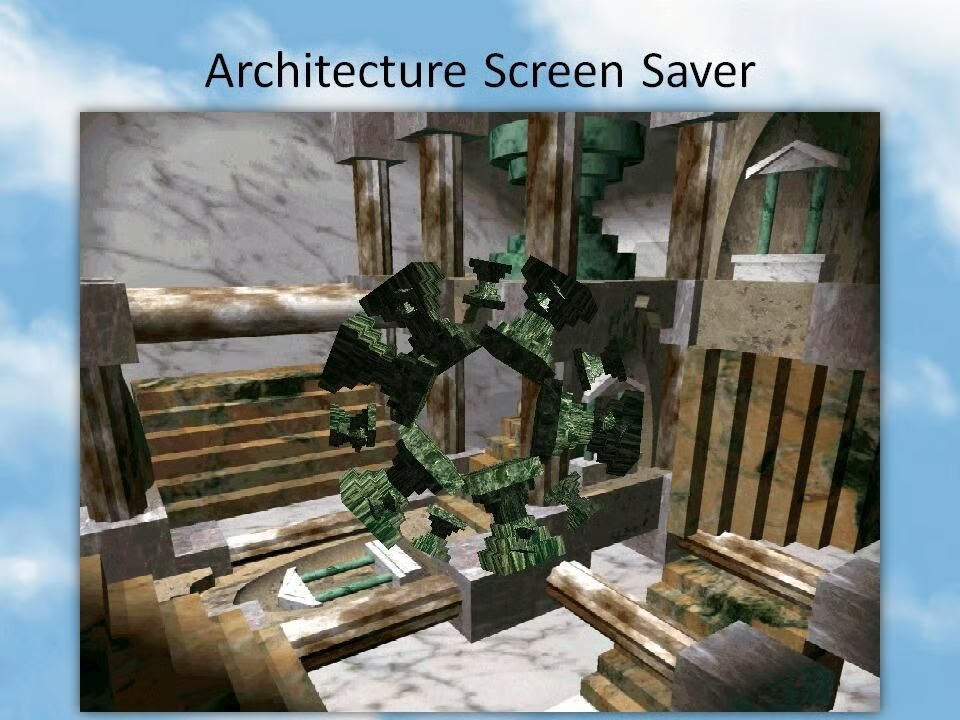
  • Windows 98: ​Microsoft Plus! 98 - Architecture

    The screensaver showed off a collection of what was, at the time, impressively rendered 3D objects.

    Image: Greg Shultz
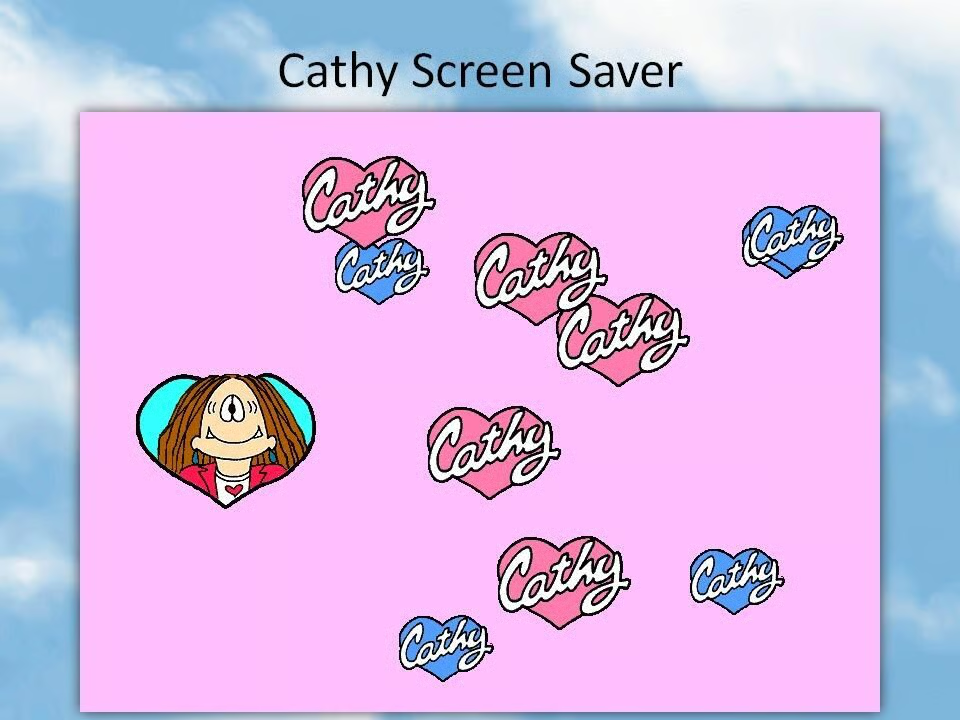
  • Windows 98: ​Microsoft Plus! 98 - Cathy

    Hearts floated across the screen in this themed offering.

    Image: Greg Shultz
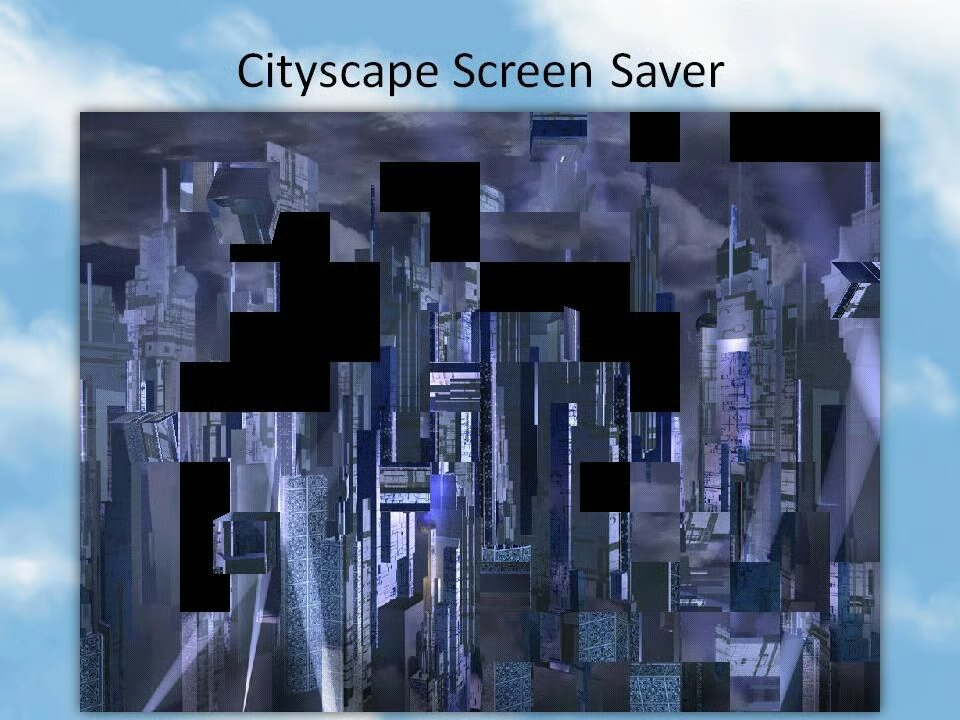
  • Windows 98: ​Microsoft Plus! 98 - Cityscape

    In this screensaver, different shapes, such as 3D blocks, pulled the wallpaper with them as they moved around the desktop.

    Image: Greg Shultz
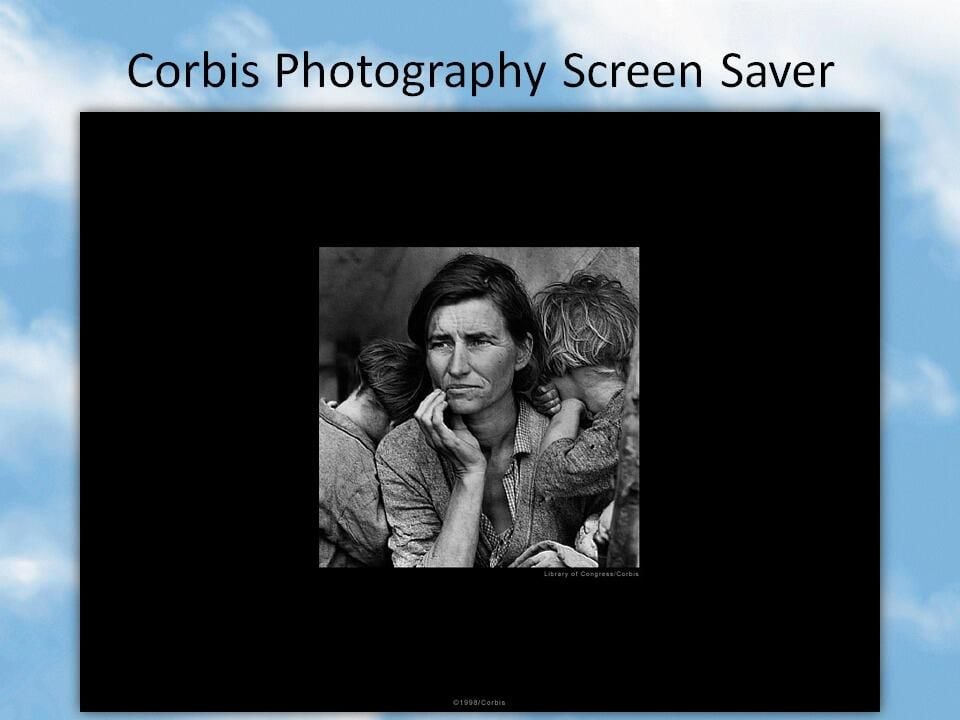
  • Windows 98: ​Microsoft Plus! 98 - Corbis Photography

    Among the selected images displayed by this screensaver were this world famous photograph of Florence Owens Thompson taken during the Great Depression.

    Image: Greg Shultz
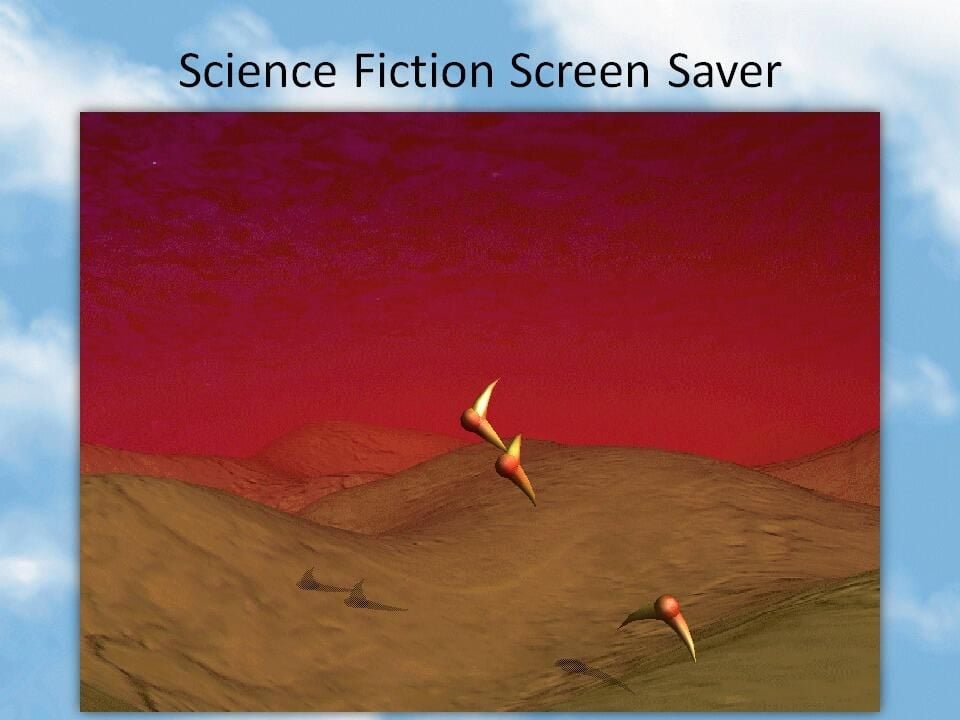
  • Windows 98: ​Microsoft Plus! 98 - Sci-fi

    This screensaver showed the desolate landscape of an alien world with bizarre creatures above its surface.

    Image: Greg Shultz
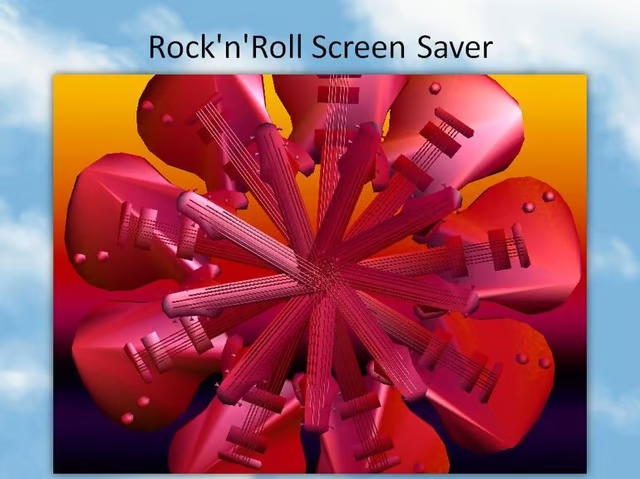
  • Windows 98: ​Microsoft Plus! 98 - Rock n' Roll

    Guitars filled up the display and formed intriguing patterns in this screensaver.

    Image: Greg Shultz
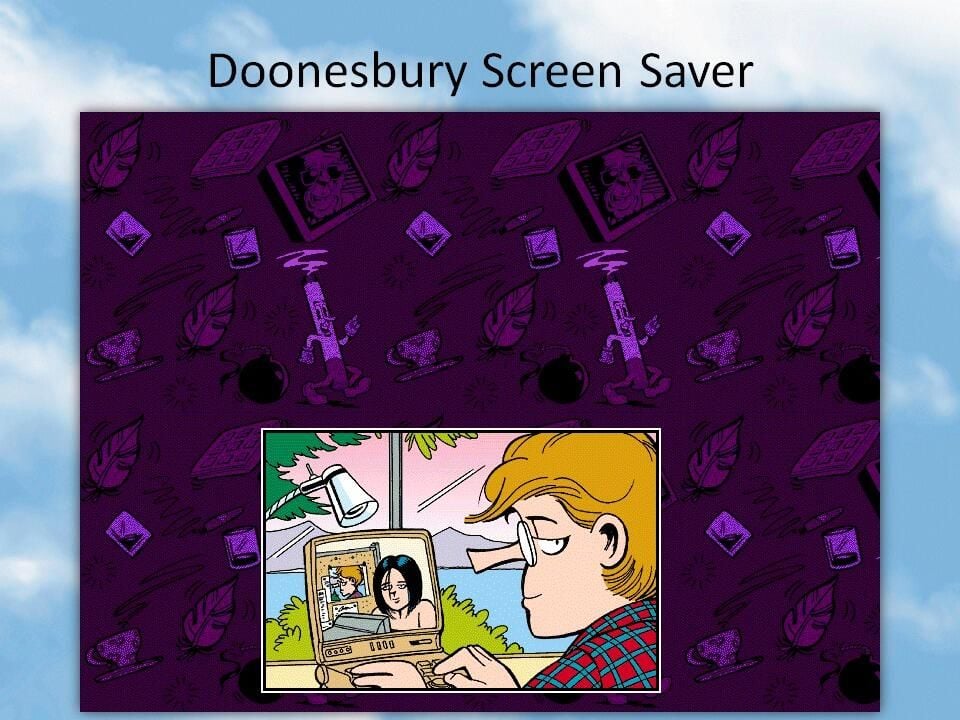
  • Windows 98: ​Microsoft Plus! 98 - Doonesbury

    Images from various comic strips were displayed by this screensaver, such as this example showing Mike Doonesbury video conferencing.

    Image: Greg Shultz
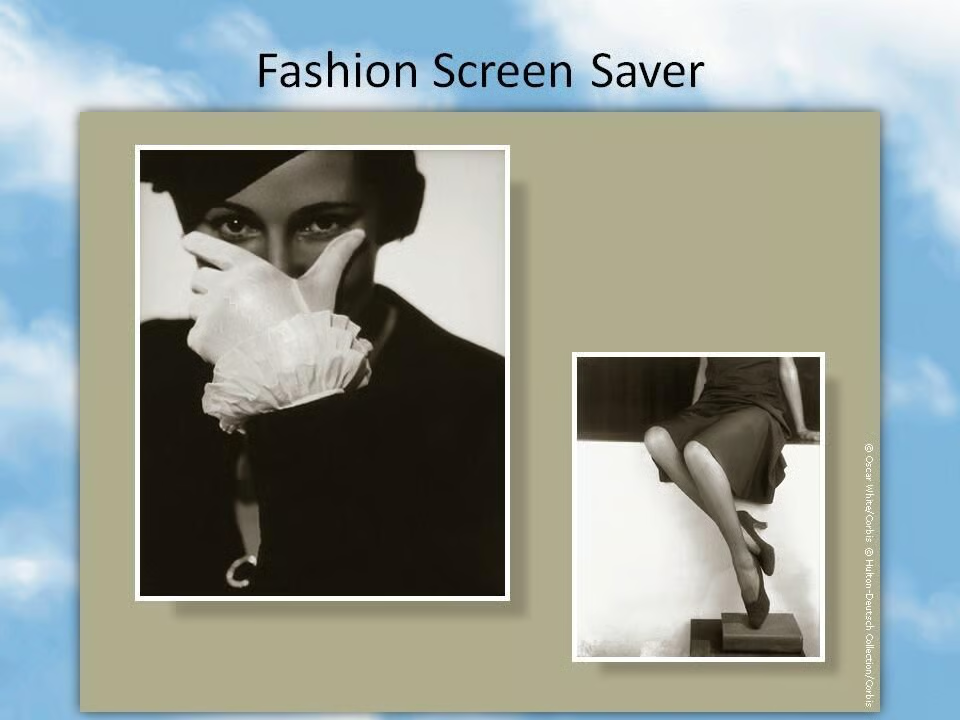
  • Windows 98: ​Microsoft Plus! 98 - Fashion screen server

    This screensaver added a bit of style to the desktop, showing a range of black and white images of models.

    Image: Greg Shultz
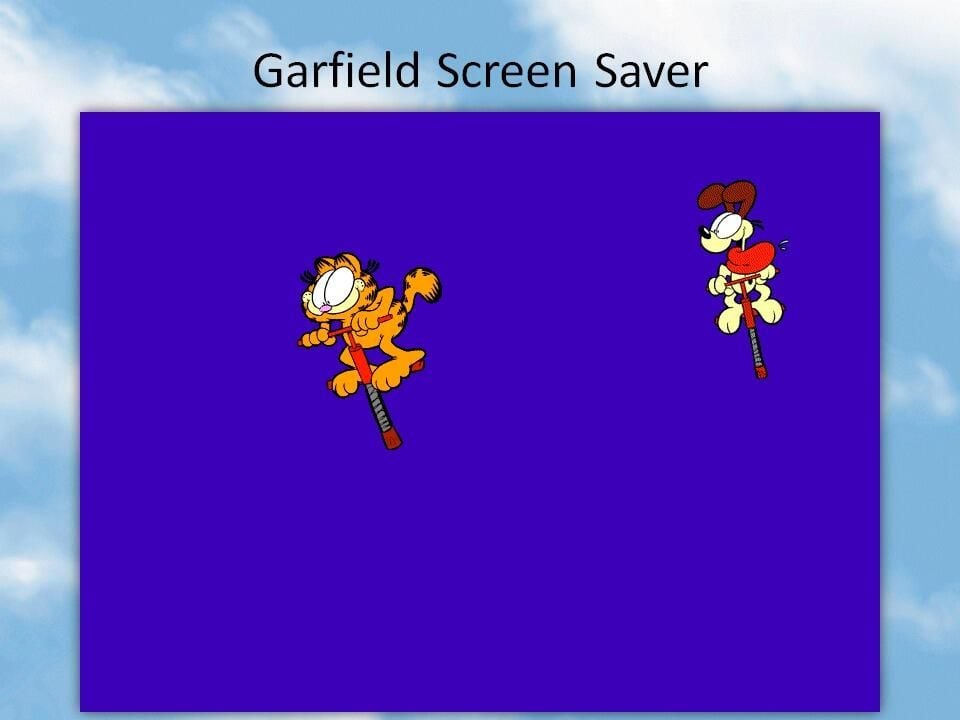
  • Windows 98: ​Microsoft Plus! 98 - Garfield

    There was no ignoring this screensaver, thanks to the boing sounds that accompanied Garfield and Odie bouncing across the screen.

    Image: Greg Shultz
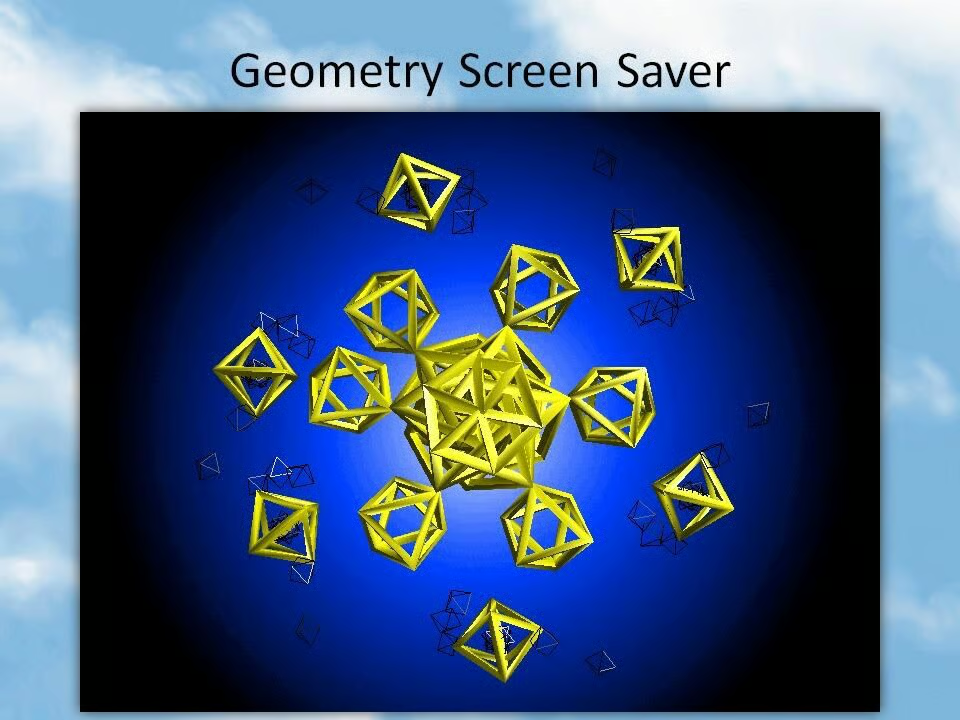
  • Windows 98: ​Microsoft Plus! 98 - Geometry

    A screensaver that showed a mix of fascinating patterns formed by geometric shapes.

    Image: Greg Shultz
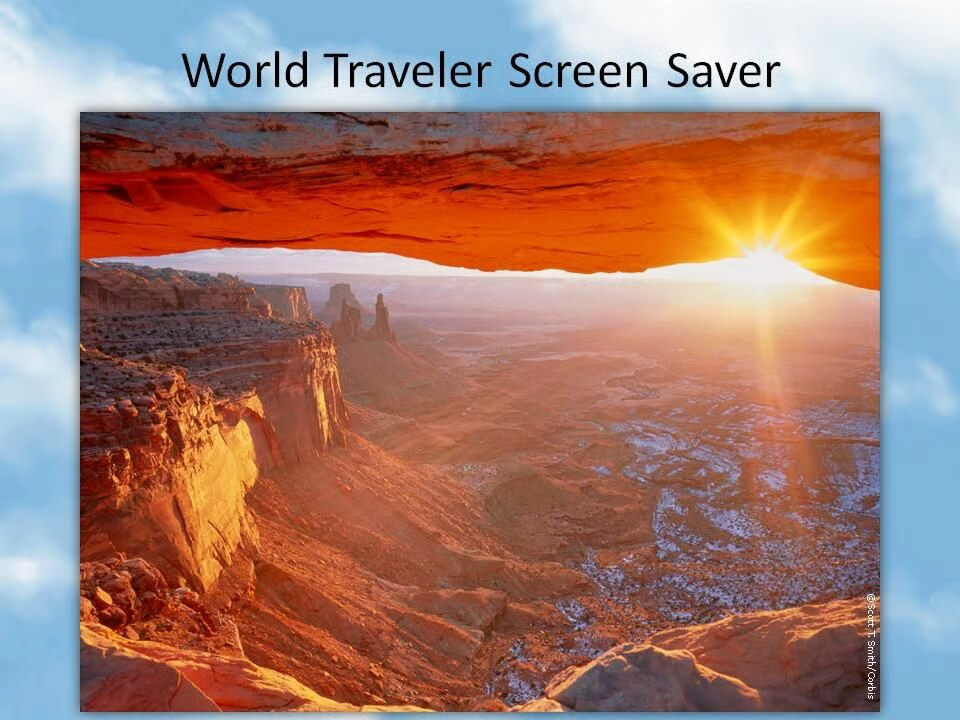
  • Windows 98: ​Microsoft Plus! 98 - World Traveller

    This slideshow explored a collection of amazing photographs.

    Image: Greg Shultz
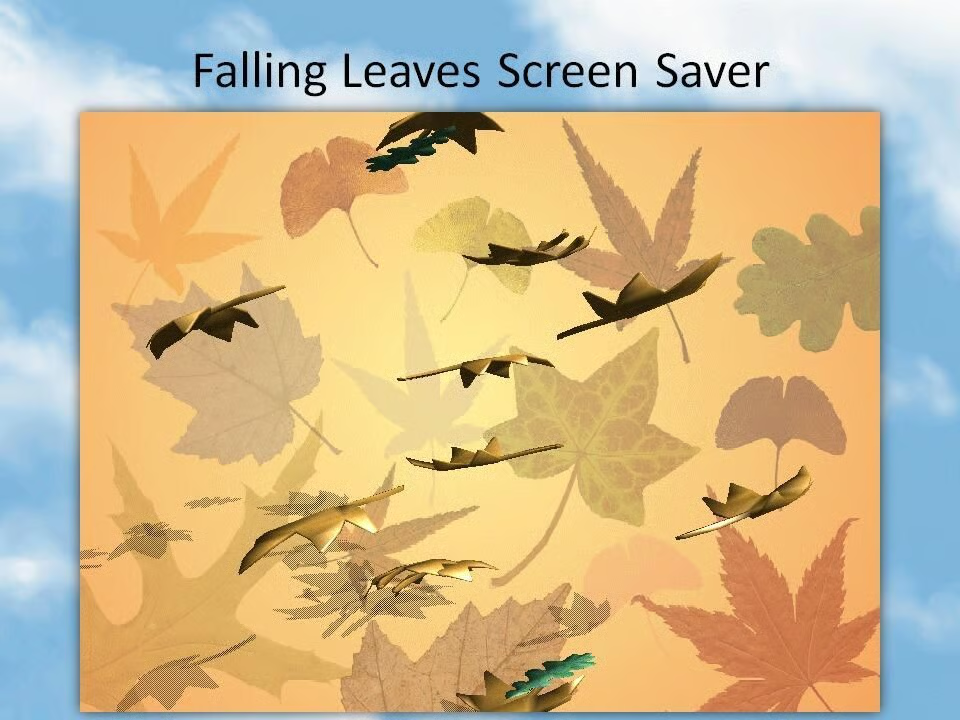
  • Windows 98: ​Microsoft Plus! 98 - Falling Leaves

    Leaves drifted across the screen in this beautiful and calming screensaver.

    Also see

    Image: Greg Shultz
1 of 112
Nick Heath

Nick Heath is a computer science student and was formerly a journalist at TechRepublic and ZDNet.