


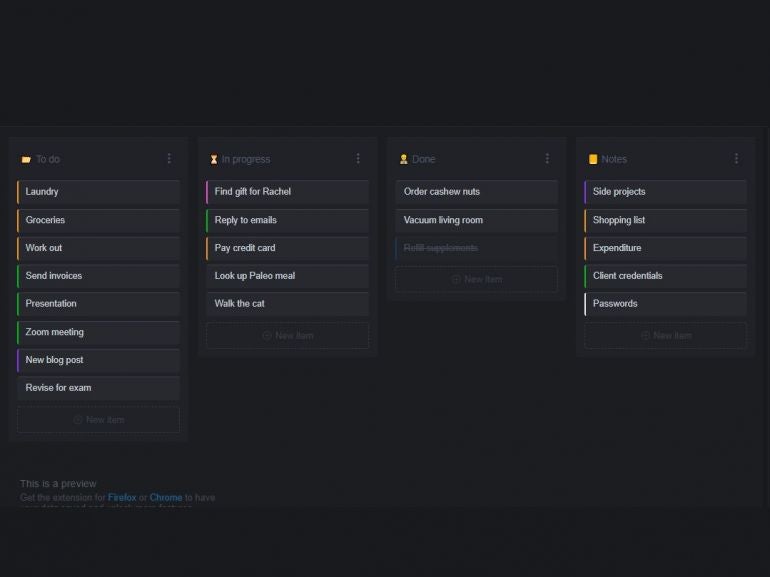
If you’re a fan of kanban like I am, you’re probably always looking for new ways to bring this card-style task management tool into your workflow. You might subscribe to a kanban service, you might work with a desktop tool or you might go the mobile route. But what if you wanted a kanban board built right into your web browser?
That’s not only possible, it’s easy with KanbanTab.
SEE: Feature comparison: Time tracking software and systems (TechRepublic Premium)
More about Innovation
- Sovereign AI Explained
- The Rise of the AI-Native Factory
- Why Data Determines AI Success
- SS&C Intralinks DealCentre AI vs. Datasite: Which platform is built for the future of dealmaking?
Now, before we continue, understand that KanbanTab isn’t quite like a typical full-featured kanban board. This browser extension is minimal, so it’s not going to sync your tasks and boards across browsers. This extension installs an isolated instance of a kanban board that replaces the default Start page for your browser. You can add new stacks and items to the board, you can rename the default stacks, and even drag and drop items from stack to stack. That’s pretty much it for the feature list, but for anyone who’s been looking for a basic kanban for personal tasks, this is a great option.
Let’s get Kanbantab installed and see how it’s used.
What you’ll need
KanbanTab can be installed on any Chrome or Firefox-based browser. And that’s all you need to make use of this tool. With that said, let’s get busy.
How to install KanbanTab
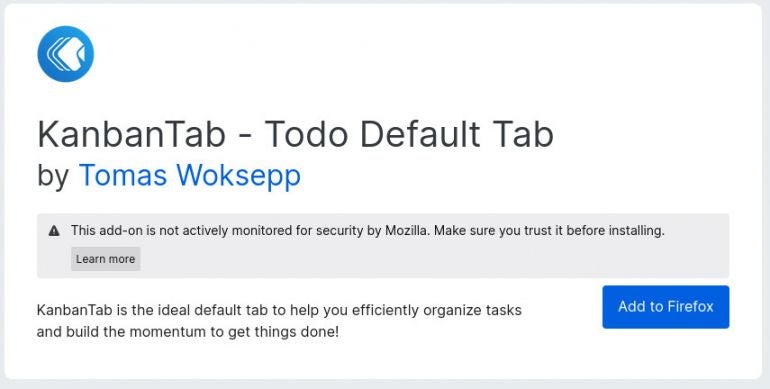
Installing KanbanTab is as simple as installing any extension for your browser of choice. For Firefox, head over to the KanbanTab Firefox Add-Ons store and click Add to Firefox (Figure A).
Figure A
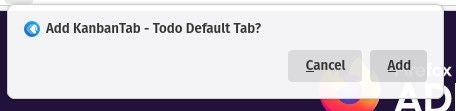
When prompted (Figure B), click Add to Install the Add-on.
Figure B
The process for installing KanbanTab on Chrome is pretty much the same, just open Chrome, head over to the Chrome web store, and click to install.
How to use KanbanTab
After the installation completes, open a new tab in either Firefox or Chrome to see how the new addition to the browser is laid out (Figure C).
Figure C
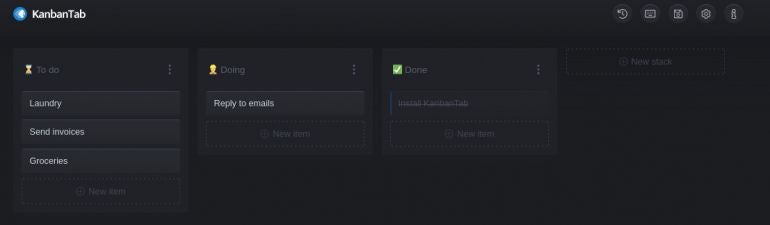
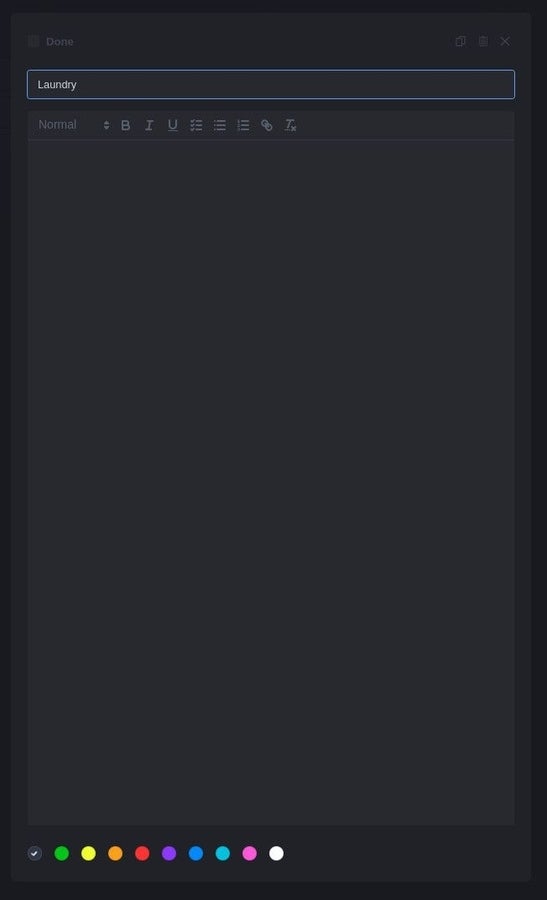
Once installed, KanbanTab is incredibly easy to use. You can rename the existing stacks (columns), add new stacks, and start adding tasks to each stack. Once you’ve added tasks, you can then drag and drop them between stacks to move them along in your workflow. Click on any task and you can give it a formatted description and an associated color (Figure D).
Figure D
And that’s pretty much all there is to adding a basic Kanban-style board to your browser of choice. I find KanbanTab a bit too basic for my needs, but for anyone wanting to either get up to speed with using a kanban board or those who only require the bare minimum of features to help make for a more productive day, KanbanTab is a pretty solid entry.
Give this add-on a try and see if it doesn’t help make your day a bit more efficient.
Subscribe to TechRepublic’s How To Make Tech Work on YouTube for all the latest tech advice for business pros from Jack Wallen.