


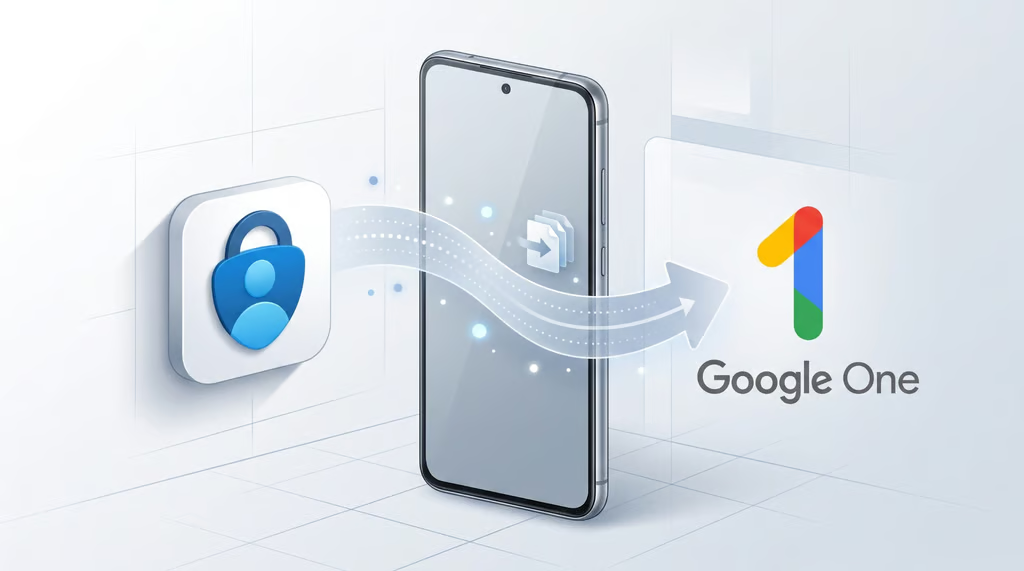
Losing an Android phone could soon mean relying on Google One to recover Microsoft Authenticator codes. Microsoft is changing the app’s backup system, giving users another setting to check before replacing their devices.
Beginning in January 2027, Microsoft Authenticator on Android will shift from Microsoft-account cloud backups to Google One. The updated backup and restore experience is expected to roll out in mid-January and will require Google One backup and an Android screen lock.
Everyday authentication will remain unchanged, but recovery has limits. Some credentials still require users to sign in again or re-register, creating an additional consideration for employees and IT teams managing device replacements.
Google One replaces Microsoft-account backups
Microsoft confirmed the rollout in an October 27 announcement covering worldwide availability and U.S. government cloud environments, including GCC, GCC High, and DoD.
Currently, Android users enable Cloud Backup in Authenticator and select a personal Microsoft account for recovery. Under the new system, they will enable Authenticator through Google One instead. The approach is similar to iOS, which uses iCloud for backups.
The switch affects time-based one-time passwords (TOTPs), which typically refresh every 30 seconds. According to Microsoft’s backup documentation, supported credentials include codes for eligible personal Microsoft accounts and third-party services.
Passwordless credentials and work or school account credentials are not backed up. Only their account names are saved, requiring users to sign in again or re-register authentication methods after restoration.
Microsoft has not confirmed whether existing backups will migrate automatically or how long they will remain available. Users should retain their current backups until Microsoft provides further instructions.
New backup requirements and recovery limits
Users can check their existing backup by opening Authenticator, selecting Settings, and reviewing Cloud Backup. Once the new option becomes available, they will need to enable Authenticator through Google One.
They can also review Android security and backup settings before the rollout. Google’s device backup instructions explain where to find backup controls, while Microsoft requires a PIN, password, or pattern screen lock for the updated experience.
Backup and restore will work only when Authenticator is installed in an Android personal profile. IT teams supporting bring-your-own-device (BYOD) environments should check which profiles employees use for authentication.
Google’s Android Enterprise work-profile protections maintain boundaries between personal and business data. The transition will not extend Authenticator backup support to work-profile installations.
Microsoft is also introducing restoration instructions based on whether users still have their previous phone, alongside guidance for using passkeys across devices. Backups remain platform-specific: Android backups cannot be restored on iOS or vice versa.
Microsoft says no administrator configuration changes are required. However, help desks should review device-replacement procedures and remind employees that work or school credentials require re-registration after restoration.
Employees should verify unexpected authentication requests independently. Recent phishing campaigns impersonating IT support have attempted to trick users into approving unauthorized authentication changes.
Before replacing a phone, users should confirm their supported codes are backed up and alternative recovery methods are available. Existing backups should not be deleted solely in preparation for the Google One transition.
Also read: Microsoft is reportedly planning further changes to authentication in Entra ID. Here’s what the proposed phaseout of SMS and voice verification could mean for organizations managing employee sign-ins.