


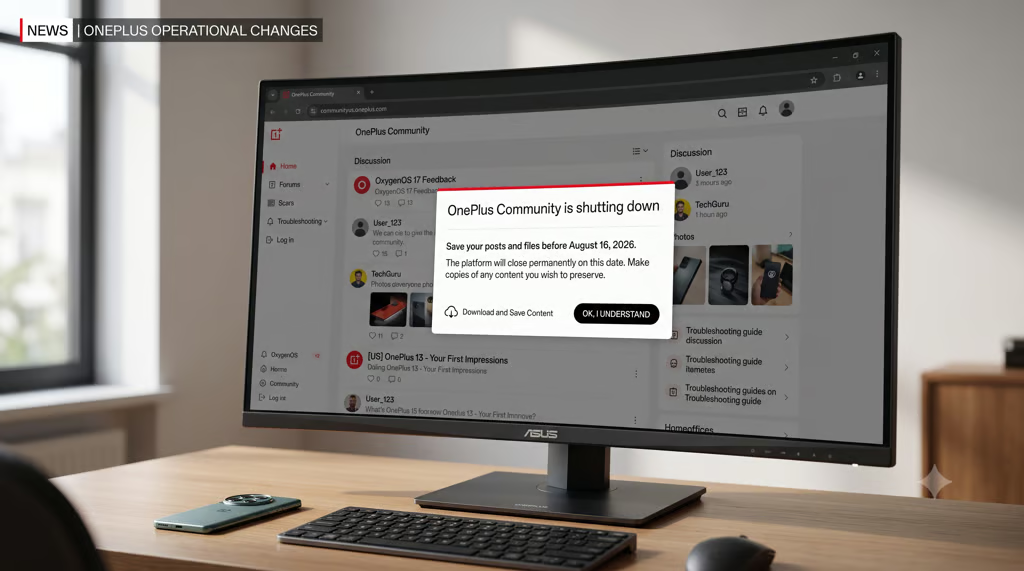
OnePlus users spent years turning the company’s Community into a practical archive of repairs, troubleshooting advice, and device knowledge that may not exist anywhere else.
OnePlus will permanently close its North American Community website and app at 11:59 p.m. ET on Aug. 16, 2026, according to the company’s shutdown announcement and FAQ. Posts, files, and other contributions will become inaccessible, and saved bookmarks will preserve only their URLs—not the content behind them.
Members who want to keep useful discussions will need to create their own copies before the deadline.
Start with material you cannot reconstruct
Begin with information that exists only in the Community or would be difficult to recover elsewhere. Prioritize your own original work, uncommon repair or recovery instructions, and discussions you have relied on more than once. Routine announcements and answers duplicated on official support pages can come later.
On its Power of Community page, OnePlus calls the initiative its “biggest user-driven project” and presents the platform as a record of member feedback and proposed solutions. Member-written fixes may be especially useful to people maintaining older phones that receive less attention elsewhere.
Contributors retain ownership of their posts under the company’s Terms of Use, which advises users to “keep local copies or make backups.”
Five steps for preserving posts and files
For material that clears that priority test, keep an editable copy for future use and a fixed version that preserves the surrounding discussion.
- Copy your own writing. Paste the text into a document and record the post title, publication date, and original URL.
- Capture complete discussions. Expand relevant replies and image galleries before creating the file. Chrome and Microsoft Edge can print webpages to PDF. Firefox supports complete webpage files, while Safari can create Web Archives.
- Download original media. Save uploaded images and attachments separately because a webpage copy may not retain them at full quality.
- Verify every file offline. Disconnect from the internet and open each saved item to confirm that its contents remain available.
- Create an optional public archive. Submit useful public threads through the Internet Archive’s Save Page Now tool. Successful capture is not guaranteed, so use it only as a secondary copy.
Stick to manual saving tools. OnePlus prohibits automated scraping or harvesting under its terms.
Discord starts a new conversation
OnePlus plans to open a discussion space for North American members on Discord, with access details published in an official Community announcement. Existing posts and uploads will not transfer. Members should use the invitation supplied by the company because similarly named servers may be unaffiliated.
Closure applies only to the North American Community. Europe’s platform will remain online, while software updates and after-sales service for existing phones are expected to continue under the tech company’s regional business adjustment.
Owners needing technical or warranty assistance should continue through the official support portal. North American users may also request access to personal information under its US Privacy Policy, although a complete forum archive is not promised.
No grace period or later retrieval option has been announced. Members who want continued access need to finish saving their material before the platform closes.
Related News: OnePlus’ reported US and Europe exit could turn the OnePlus 16 into a more complicated import decision.