


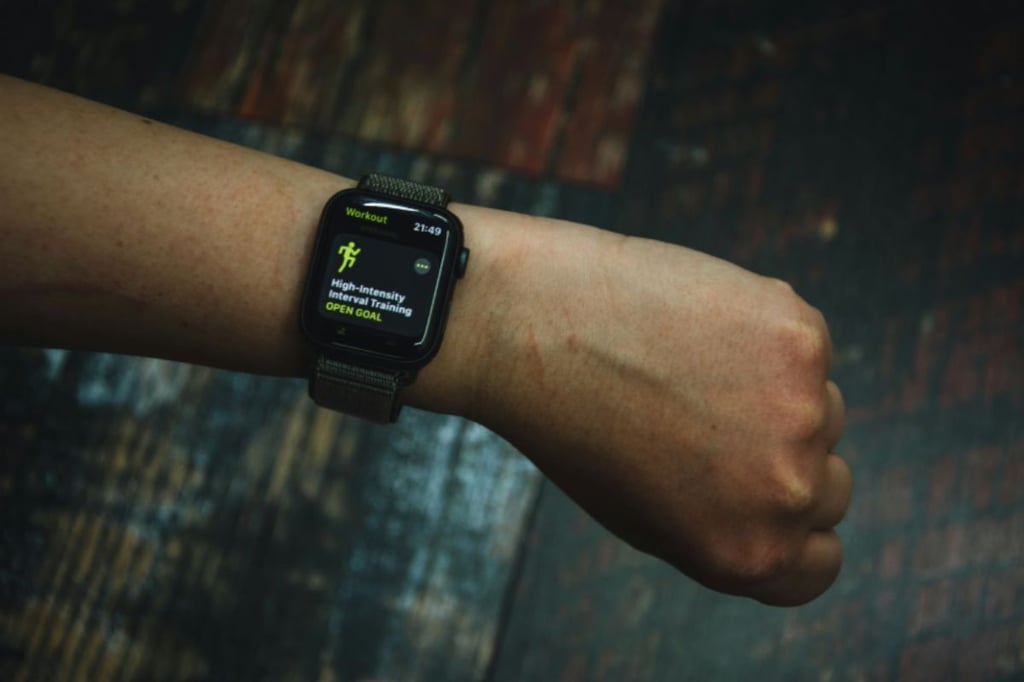
Apple’s watchOS 26.4 has made a tiny change you’ll notice almost immediately.
The tech giant’s latest Apple Watch update is now rolling out, and while it doesn’t come packed with major new features, it delivers a focused improvement to workout usability. Rather than overhauling the experience, watchOS 26.4 refines a key interaction in one of the device’s most-used apps, reinforcing Apple’s ongoing push to make the Apple Watch a more seamless health and fitness companion.
It’s a subtle upgrade, but one that reflects a broader strategy: improving the experience not through big leaps, but through smart, incremental gains.
A tiny upgrade that matters
For many, watchOS 26.4 may not appear to introduce any major changes, just like the previous update, watchOS 26.3. But for those who rely on Apple Watch for health and fitness tracking, their workout experience is about to get easier with a small change made to one of the device’s most-used apps.
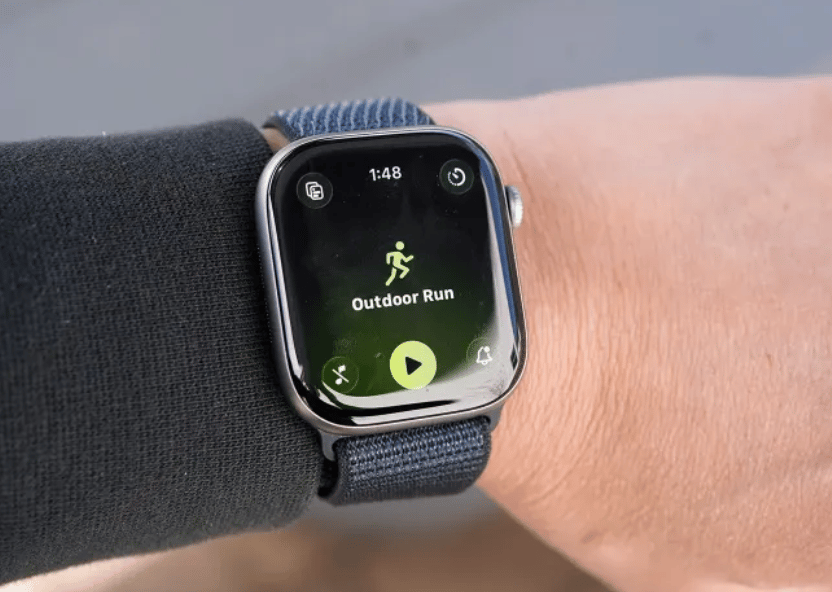
Previously, starting a workout required tapping a relatively small “Play” button underneath the selected workout activity. While functional, its small size makes it easy to miss during movement or quick transitions, especially given that smartwatches are already small.
Instead of making the icon bigger, Apple made a subtle UI change that also addresses user complaints from the earlier redesign.
By adding tap functionality to the workout icon (like the guy running icon below), which overlaps with the play icon, Watch users now have more tapping space without needing to be overly precise. On paper, it is a minor adjustment, but it reflects Apple’s focus on refining everyday interactions rather than overhauling them.
Must-read Apple coverage
- Nearly 7 in 10 iPhone Owners Plan iPhone 17 Upgrade
- Apple Prepares AI-Powered Siri Upgrade With Google Search Integration
- Apple’s Xcode 26 Beta Now Supports GPT-5 and Claude
- Apple’s Vision Pro Adoption Stalled As Content Released ‘Drip by Drip’
Getting the update, plus other features
watchOS 26.4 includes additional features alongside iOS 26.4 and iPadOS 26.4. The fourth installment brings eight extra emojis across platforms, with the usual stability and bug fixes. For Apple, these improvements are significant enough.
Updating watchOS can be done in two ways: via the iPhone or directly on the Watch. Check out this Apple Insider guide on how to update using either method.
Regardless of your chosen method of update, below are general rules to follow:
- Check compatibility: Works with Apple Watch Series 6 or newer, Apple Watch SE (2nd generation), and all Apple Watch Ultra models.
- Charge your device: Ensure your Watch is at least 50% charged and kept on its charger during the update.
- Update your iPhone: Your paired iPhone should be running the latest version of iOS before installing.
On its own, the change is easy to overlook. But stacked with similar updates over time, it shows how Apple steadily improves the Apple Watch through consistency rather than constant dramatic feature overhauls.
Also read: Apple is reportedly working on a smarter, multitasking-ready Siri in iOS 27 that could reshape how you use your iPhone.