
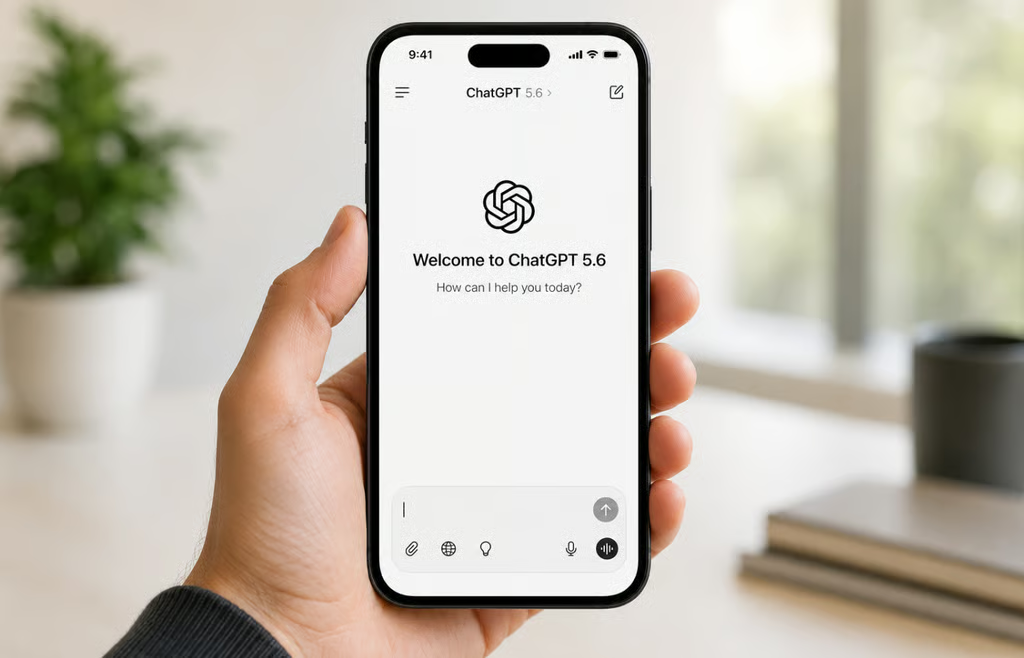


ChatGPT is free to use in 2026, and the no-cost tier does far more than basic text chat.
Free users can search the web, upload files and images, analyze data, create images, use GPTs, access limited deep research and Codex, and even use ChatGPT Work on the desktop app.
The trade-off is limits: OpenAI caps model usage and places separate restrictions on several tools.
That means many people may not need to pay at all. The better question is whether the Free tier already covers the work you actually do.
What can you do on ChatGPT for free?
OpenAI’s Free Tier FAQ confirms that Free users can search the web for current information, analyze uploaded data, work with files and images, discover and use GPTs, create images, and store up to 500MB in Library.
ChatGPT Free features at a glance
| Capability | ChatGPT Free | What paying changes |
|---|---|---|
| Web search | ✔ | Higher usage limits |
| File and image uploads | ✔ Limited | Higher limits |
| Data analysis | ✔ Limited | Higher limits |
| Image creation | ✔ Limited | More and faster generation |
| Use GPTs | ✔ | Paid plans can also create custom GPTs |
| Deep research | ✔ Limited | Expanded access |
| Codex | ✔ Limited | Expanded access |
| ChatGPT Work | ✔ Limited on desktop | Expanded access across desktop, web, and mobile |
| GPT-5.6 Sol reasoning | ✖ | Available on eligible paid plans |
Free accounts currently have limited access to GPT-5.5 Instant, ChatGPT’s default model for everyday responses.
That still covers a broad range of tasks, including drafting and rewriting, summarizing documents, researching current information, asking questions about uploaded files, generating occasional images, and experimenting with coding or data analysis.
Limited ChatGPT Work access also gives Free users a way to try longer, more involved tasks from the desktop app.
The main Free-tier limits are:
- Model usage: OpenAI limits Free model access and shows when access resets after the allowance is reached.
- Tools: Data analysis, file and image uploads, and image creation can have separate usage limits.
- Images: Generation is limited and slower than on paid plans.
- GPTs: Free users can discover and use GPTs, but creating custom GPTs requires a paid plan.
- Advanced reasoning: GPT-5.6 Sol is not available on Free or Go in standard ChatGPT conversations.
- Deep research, Codex, and Work: All are available in some form on Free, but with tighter access than higher plans.
What do you have to pay for?
The clearest reason to upgrade is not that a paid plan suddenly unlocks ChatGPT itself. It is that you repeatedly hit a Free limit or need a capability the Free tier does not include.
Go mainly expands everyday capacity. Plus adds higher limits and advanced GPT-5.6 reasoning, including GPT-5.6 Sol, while expanding deep research, Codex, and ChatGPT Work access. It also allows users to create custom GPTs.
Pro is designed for substantially heavier individual usage rather than someone who only occasionally bumps into a Free limit. OpenAI’s current pricing page provides the latest feature availability across plans.
The workplace decision follows a different path. A personal paid subscription does not give a company centralized administration or the same data-handling defaults as a managed workspace.
OpenAI says personal ChatGPT workspaces on Free, Plus, and Pro have model-training data sharing enabled by default, although users can turn it off in Data Controls. Business and Enterprise workspace data is excluded from model training by default.
Organizations handling company data may therefore need managed controls such as centralized administration and ChatGPT Lockdown Mode rather than simply buying employees a higher personal tier.
For most individuals, the simplest rule is to start with Free and stay there until a specific limitation repeatedly interrupts your work. If you cannot name the limitation you are paying to remove, the $0 plan may already be the right one.
Also read: Our ChatGPT cheat sheet covers the platform’s broader features, availability, limitations, and competing AI assistants.