2FA authenticator apps add an extra layer of security to your accounts. Explore the best options for seamless protection and peace of mind.

Authenticator apps are increasing in adoption as they add another layer of security to user identity verification. An ITRC study found that more than 1.35 billion individuals had their personal data compromised in 2024. With this worrying trend, it’s become increasingly important for employees and organizations to use authenticator apps.
Authenticator apps help individuals and organizations double-check user identity by using two-factor (2FA) or multi-factor authentication (MFA) to verify and authenticate user identities before granting access to them.
In this article, we check out the best authenticator apps in 2025 and explore their features, pricing, and pros and cons to help you decide the right authenticator app for your business.
The table below shows the key features of these apps, their pricing, and how they compare to each other.
| Software | Biometric authentication | Backup and recovery | Authentication type | Pricing |
|---|---|---|---|---|
| Google Authenticator | Yes | Yes | Time-based and counter-based codes. | Free |
| Microsoft Authenticator | Yes | Yes | Time-based codes, push notifications, biometrics. | Free |
| Twilio Authy | Yes | Yes | 2FA/MFA, OTP, soft tokens, push notification. | Starts at $0.05/ successful verification |
| Cisco Duo | Yes | Yes | 2FA/MFA, FIDO2 for anti-phishing. | Starts at $3/user/month |
| Yubico Authenticator | Yes | Yes | 2FA/MFA, FIDO2 UF, touch/tap-and-go authentication using NFC or USB. | App is free; YubiKey starts at $29. |
| FreeOTP | Yes | No (but available on FreeOTP+). | 2FA/MFA, push notification, hardware tokens, token-less authentication. | Free |

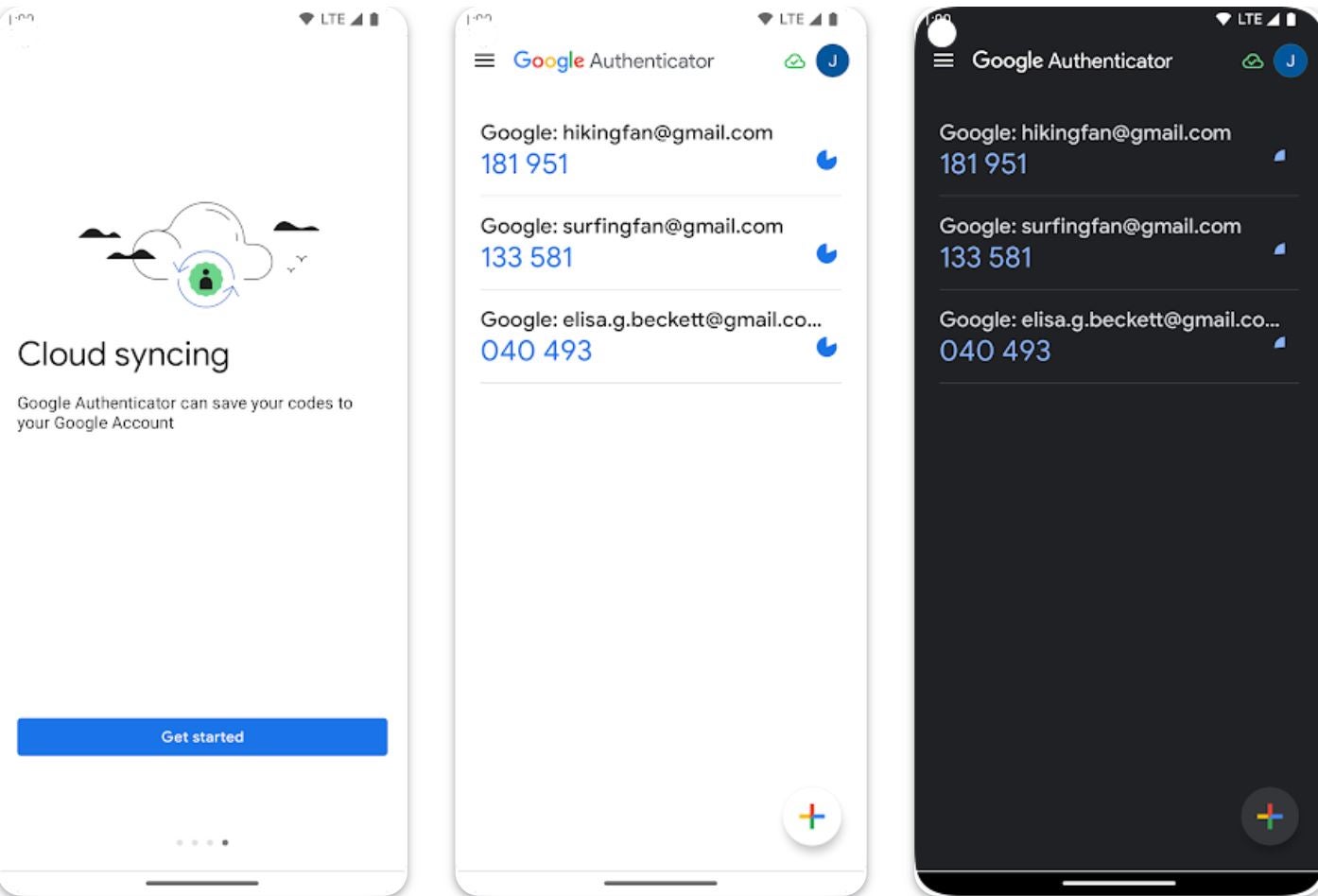
If you want an offline authentication solution, I recommend Google Authenticator. It’s a multi-factor authentication app that generates unique, time-sensitive codes to enhance account security. The app works by generating time-based one-time passcodes that users enter in addition to their passwords when logging into their accounts. These passcodes are secure as they are generated locally (on the device) and not transmitted over the internet.
Google Authenticator has also been updated to include backup capabilities through cloud syncing. However, I have seen some users reporting issues with this feature.
I chose Google Authenticator for its offline authentication support through locally generated time-based passcodes.
Application is free.
| Pros | Cons |
|---|---|
|
|

Microsoft Authenticator is another popular service I highly recommend. It is available to Microsoft, iOS and Android users and provides MFA through time-based codes, push notifications, and biometrics. For enhanced security, you have the option to set up a PIN or use biometric verification to access the codes generated on your phone. The app also supports a password management feature that enables users to do things like accept verified IDs from organizations and save payment card details and addresses.
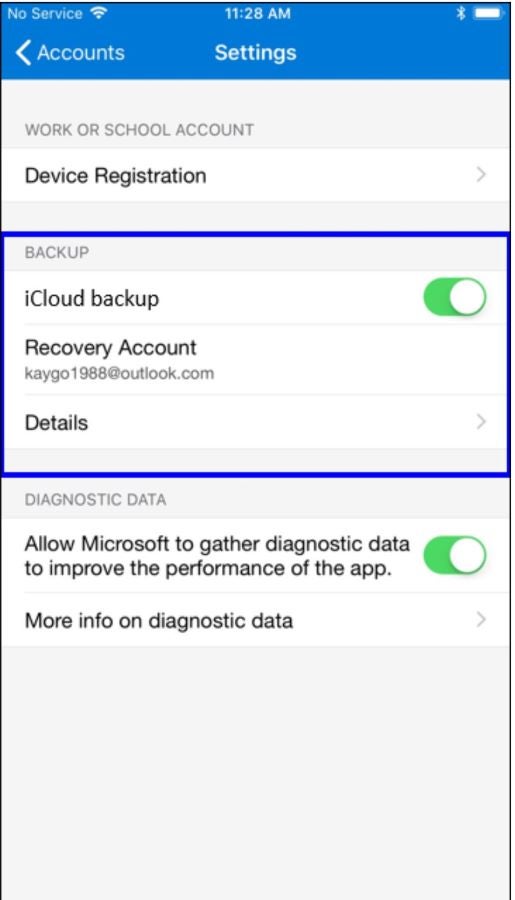
With Microsoft Authenticator, you can back up account credentials to the cloud, making it easier to restore them when you switch to a new device.
I chose Microsoft Authenticator for its flexibility with its multiple authentication features such as PIN code, push notifications, and biometric authentication for a seamless log-in experience.
The application is free.
| Pros | Cons |
|---|---|
|
|

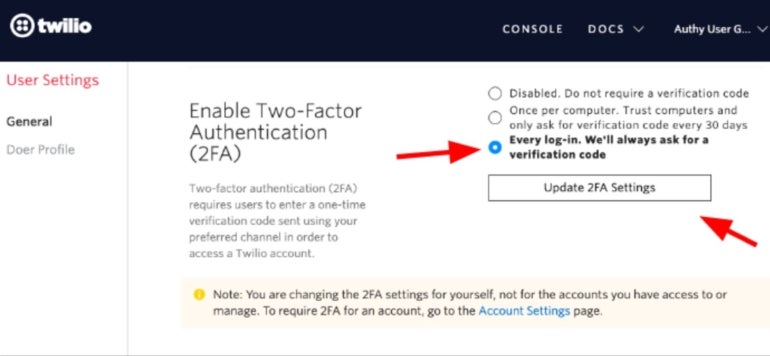
If you use multiple platforms, I suggest Twilio Authy. Twilio Authy not only generates TOTP but also offers three other types of authentication: OTP, soft tokens, and push authentication. It provides biometric authentication and multi-device functionality, enabling users to sync their 2FA tokens across new devices. This ensures easy access to accounts, regardless of which device is being used. I personally like how it allows users to deauthorize bad, stolen, or retired devices for added security. Other notable features include an encrypted cloud backup and recovery, enhanced token protection with backup passwords, master passwords and PIN protection.
The app is available in both mobile and desktop versions.
I selected Twilio Authy for its versatility across devices and platforms for authentication and security, simplifying access to online accounts regardless of the device or platform used.
Authy offers flexible, pay‑as‑you‑go pricing for multi‑channel user verification.
Every successful verification is charged at $0.05. For a high-volume plan, contact the vendor for a quote.
| Pros | Cons |
|---|---|
|
|

If having a selection of security features is your priority, Duo by Cisco is my pick. It’s an easy-to-use cloud-based authenticator with a handy onboarding feature that enables new users to set up their accounts based on their security needs or priorities. It offers 2FA and MFA authentication and FIDO2 options for phishing-resistant authentication.
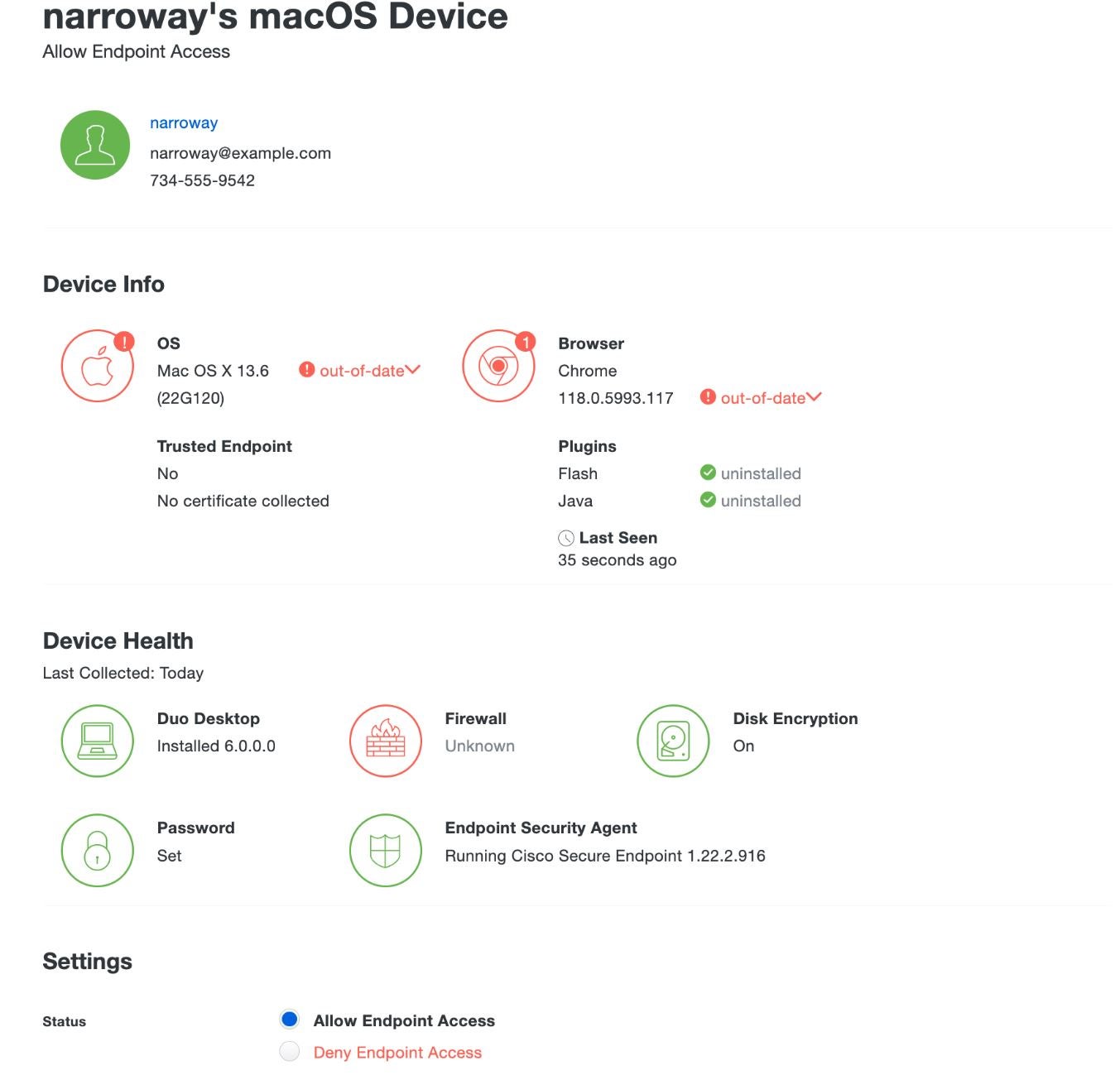
I appreciate how its desktop version (Duo Desktop) checks the health and security of endpoint devices via authentication, before providing access to protected applications and resources. Using the principles of zero trust, it provides IT teams with remote access to applications as well as adaptive access. The mobile version (Duo Mobile app) features a combination of location-based identity verification with push verification. This enables users to get a reading of their location before a log-in confirmation.
Duo made it on my list because of its robust security features available in both the mobile and desktop versions.
In addition to its free plan for up to 10 users (best for individuals or a small team), Duo offers a 30-day free trial and three paid subscriptions for medium to large enterprises:
| Pros | Cons |
|---|---|
|
|

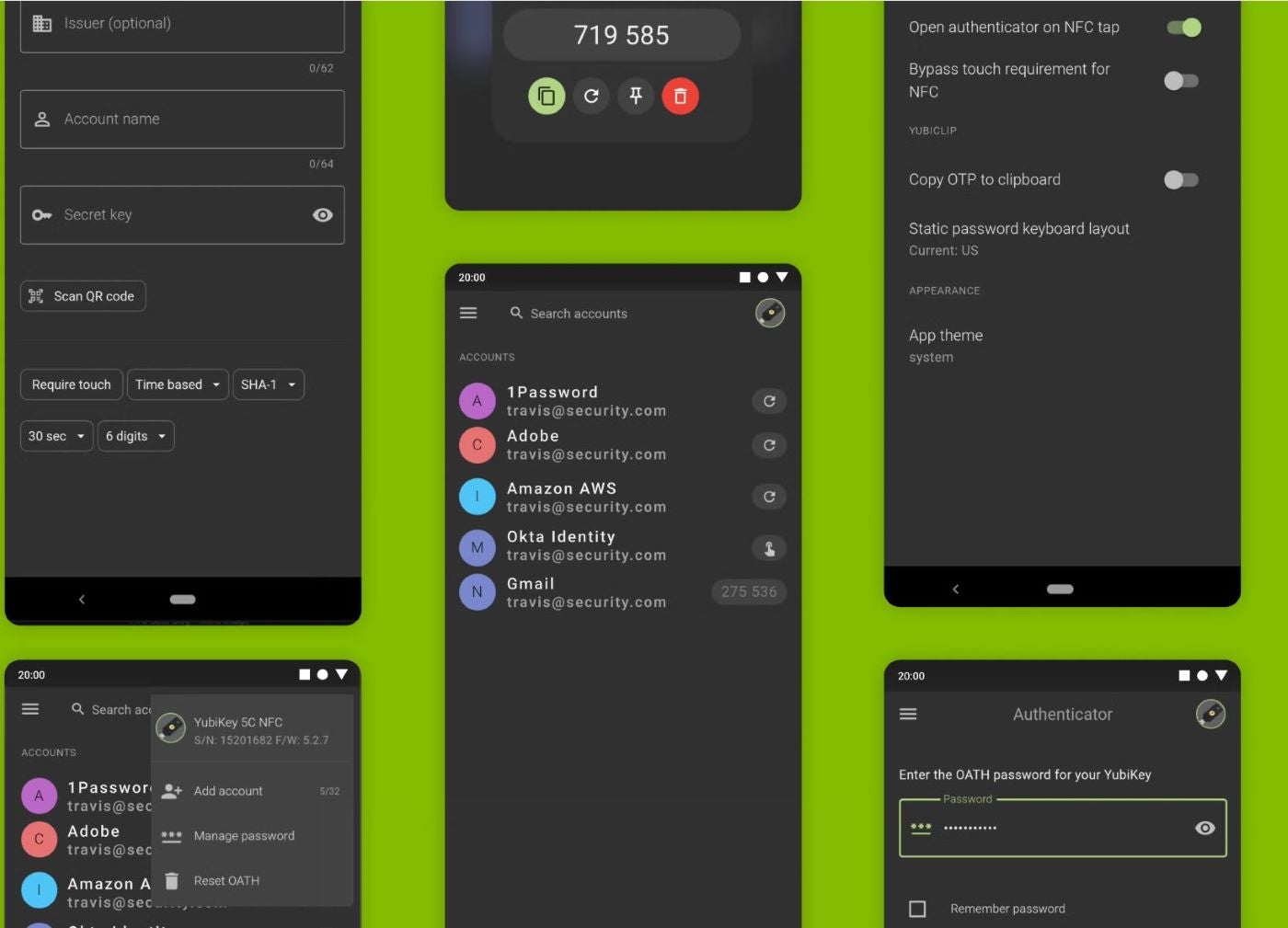
If you’re specifically looking for hardware security keys, Yubico is your best bet. Yubico Authenticator enables users to generate 2FA codes on both mobile and desktop devices. This authenticator app is compatible with major platforms including Windows, macOS, Linux, iOS, and Android and can be easily set up by generating unique credentials via QR codes.
For individual users and enterprises with advanced authentication needs, Yubico Authenticator can be paired with YubiKey, a hardware security key that can generate one-time passwords using the OATH-HOTP and OATH-TOTP protocols. To me, this is its distinguishing feature compared to other providers.
This key also allows users to store their credentials on a hardware security device and cuts off the need to rely on your phone to open an app. The Yubikey also offers a seamless touch or tap-and-go authentication using Near Field Communication and supports FIDO2/WebAuthn and FIDO U2F for user access protection.
We chose Yubico for its rich hardware authentication features such as Yubico Security Key and touch authenticator using NFC or USB.
The Yubico authenticator app is free. However, using the YubiKey comes at a cost, ranging from $29 – $95 depending on preferences of hardware keys/protocols.
| Pros | Cons |
|---|---|
|
|
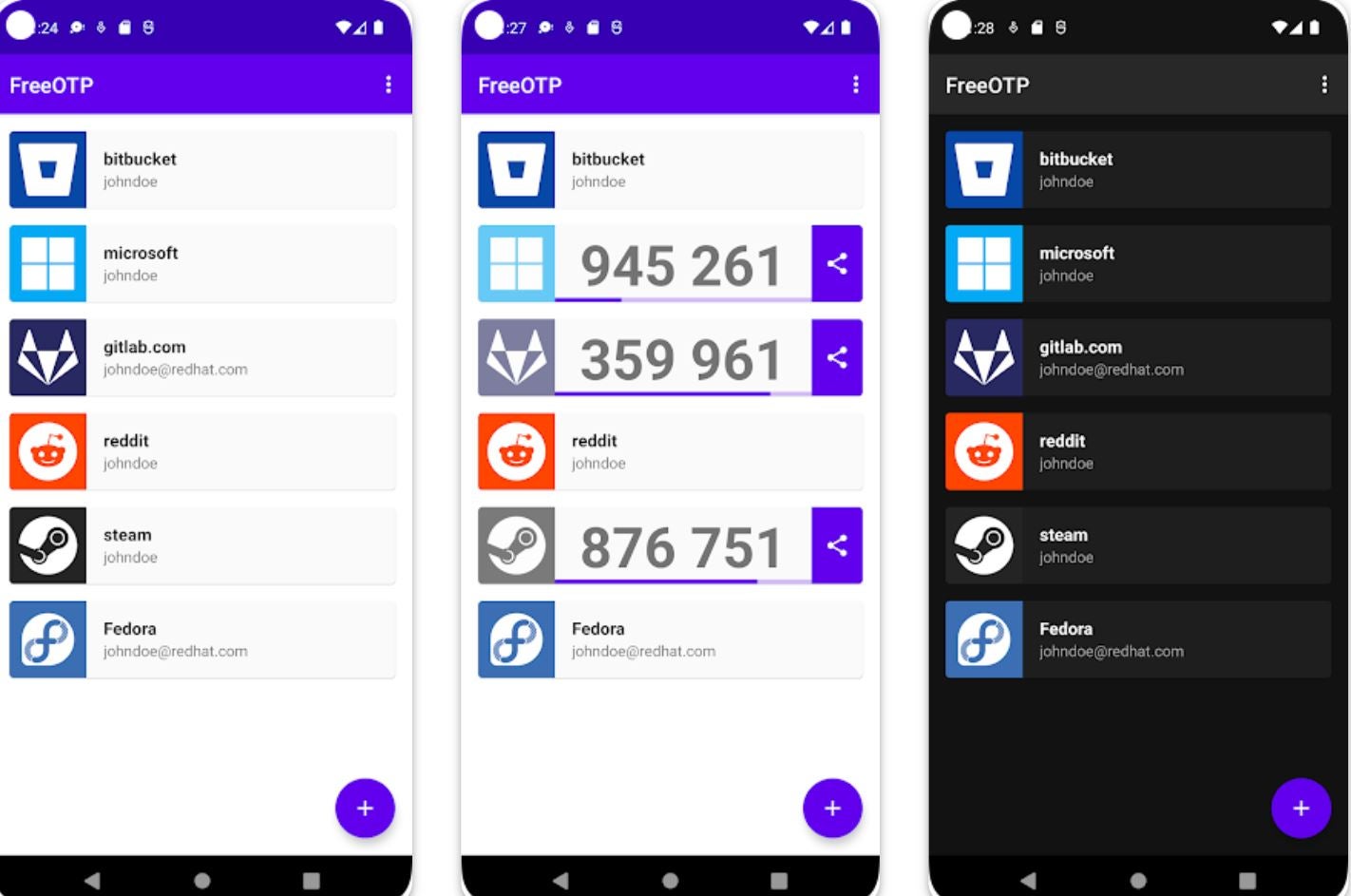
For open-source enthusiasts, FreeOTP is my top suggestion. FreeOTP is an open-source, enterprise-grade authentication solution whose repositories are constantly updated to enhance security. It provides various methods of authentication, including SMS, email, hardware tokens, mobile push notifications, and tokenless authentication like QR code scanning. This authenticator integrates with several apps, services and protocols, making it suitable for different environments.
I also like how it offers adaptive authentication — allowing organizations to customize authentication policies to meet their security needs.
I selected FreeOTP for its open-source nature that allows organizations to fine-tune it for specific use cases.
This is a free-for-all tool.
| Pros | Cons |
|---|---|
|
|
SEE: Cybersecurity: Benefits and Best Practices (TechRepublic Premium)
In choosing an authentication app, organizations must take into consideration their size, existing structure, budget, and specific security requirements.
For example, an organization with fewer than 500 employees would underutilize the YubiEnterprise Subscription because of its physical keys. If you need an authenticator app that offers different types of authentication and works on multiple devices simultaneously, my recommendation is Twilio Authy.
If your priority is an open-source authentication app for easy customization, I suggest going for FreeOTP instead. If you want to tilt toward a hardware authenticator or physical keys, then the Yubico Security Key is your best bet. Keep in mind that each of the reviewed authenticators delivers quality services, but each tool’s utility will depend on your authentication needs.
For this review, I considered some key features of these solutions, focusing on their security details, accessibility, and performance. Having obtained ample information from the vendors’ websites, I also checked for user feedback for the paid solutions.
For first-hand experience, I reinstalled Google Authenticator and used it to power 2FA for my Twitter and Facebook accounts and also Microsoft Authenticator for my Outlook account. While it was quite easy to navigate the Google Authenticator with its simple interface and TOTP, security was tighter with Microsoft Authenticator as I needed to use biometrics to see the codes generated for each account log-in attempt and I also had to enter the code on the account seeking access.
This article was originally published in March 2024. The article was updated by Luis Millares in May 2025.
Franklin Okeke is an author and tech journalist with over five years of IT experience. Coming from a software development background, his writings span cybersecurity, AI, cloud computing, IoT and software development. In addition to pursuing a Master's degree in Cybersecurity & Human Factors from Bournemouth University, Franklin has two published books and four academic papers to his name. His writing also appears regularly in Enterprise Networking Planet, Techopedia, ServerWatch, The Register and other leading technology publications.

