

PayPal and Venmo are both owned by PayPal but are meant for different use cases. PayPal is a global digital wallet and online payment solution built for ecommerce, international payments, and secure business transactions. Venmo, on the other hand, is a peer-to-peer social payment app designed for small, U.S.-based sellers who want a simple, low-cost way to get paid.
For business owners, the choice comes down to scale and purpose:
- If you need global reach, payment variety, and versatile integration tools, then sign up for PayPal Business.
- For local sellers and microbusinesses who value social visibility and ease of use, Venmo for Business is the better option.
- PayPal vs Venmo for Business compared
- Business feature comparison
- Transaction fees: PayPal vs Venmo for Business
- Security: Which platform is safer for business transactions?
- Usability: Which platform is easier for businesses to use?
- Which is better for global transactions: Venmo or PayPal?
- Customer support: How well do PayPal and Venmo support businesses?
- Best use cases: Venmo vs PayPal Business
- Venmo vs PayPal: Pros and Cons
- Methodology
- FAQs
PayPal vs Venmo for Business compared
| Feature | PayPal Business | Venmo for Business |
|---|---|---|
| Primary use | Business payments, online sales, ecommerce, international transfers | Peer-to-peer payments, social sharing, small U.S. sellers |
| Availability | Global | U.S. only |
| Fees | From 2.29% + 9 cents | From 1.9% + $0.10 |
| International transactions | Supported (fees apply) | Not supported |
| Security features | PCI DSS compliance, fraud detection, Seller Protection | Encryption, but no Seller Protection |
| Social features | Embedding payment links | Social feed visibility for payments |
| Ease of use | Simple but more complex than Venmo | Very simple setup, limited tools |
Business feature comparison
PayPal and Venmo may share the same parent company, but their business features are built for very different needs. Understanding how these features differ is key to choosing the right platform for your business.
PayPal Business features
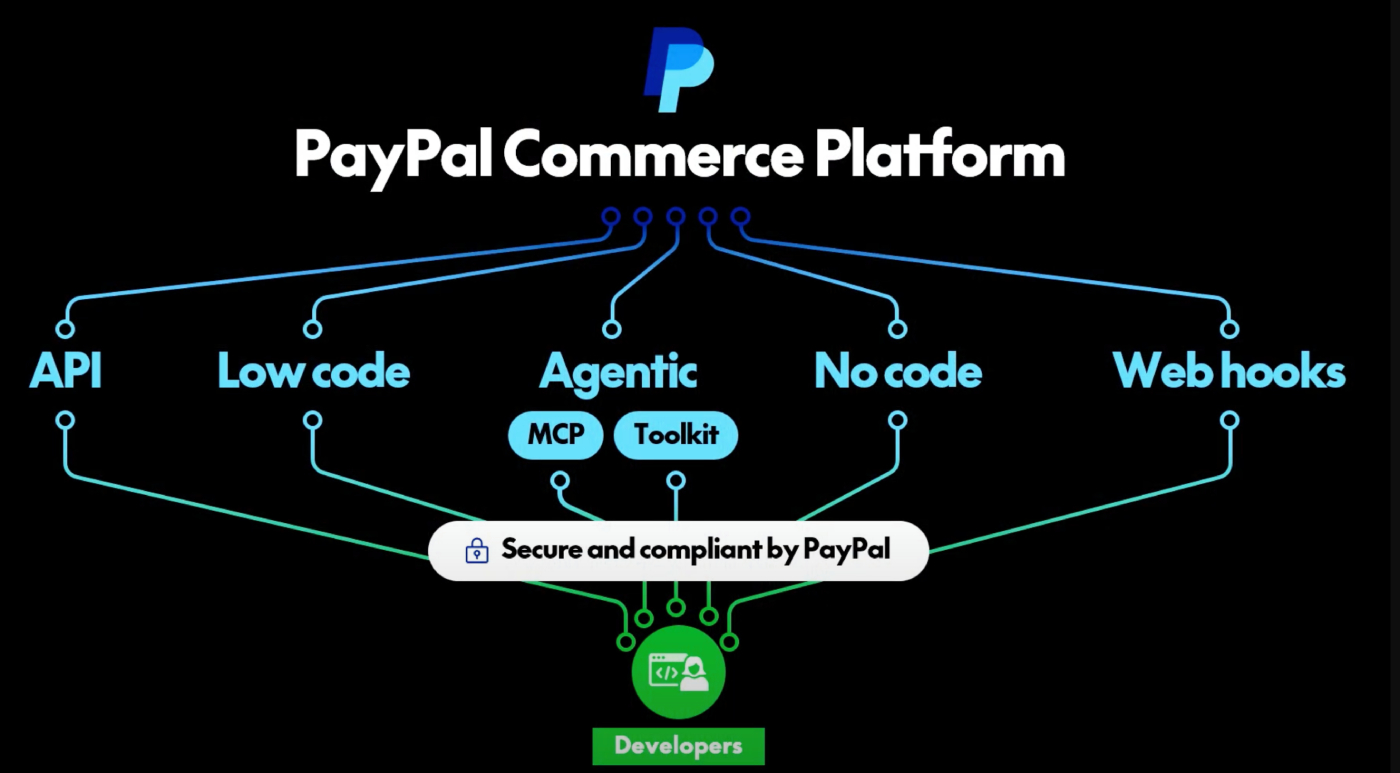
PayPal Business provides merchants with diverse payment options, deep integrations with ecommerce and accounting platforms, structured dispute management, robust reporting, and AI-driven fraud protection. Compared to Venmo, it offers far more scalability and safeguards, making it the stronger choice for businesses that need advanced tools.
Payment methods
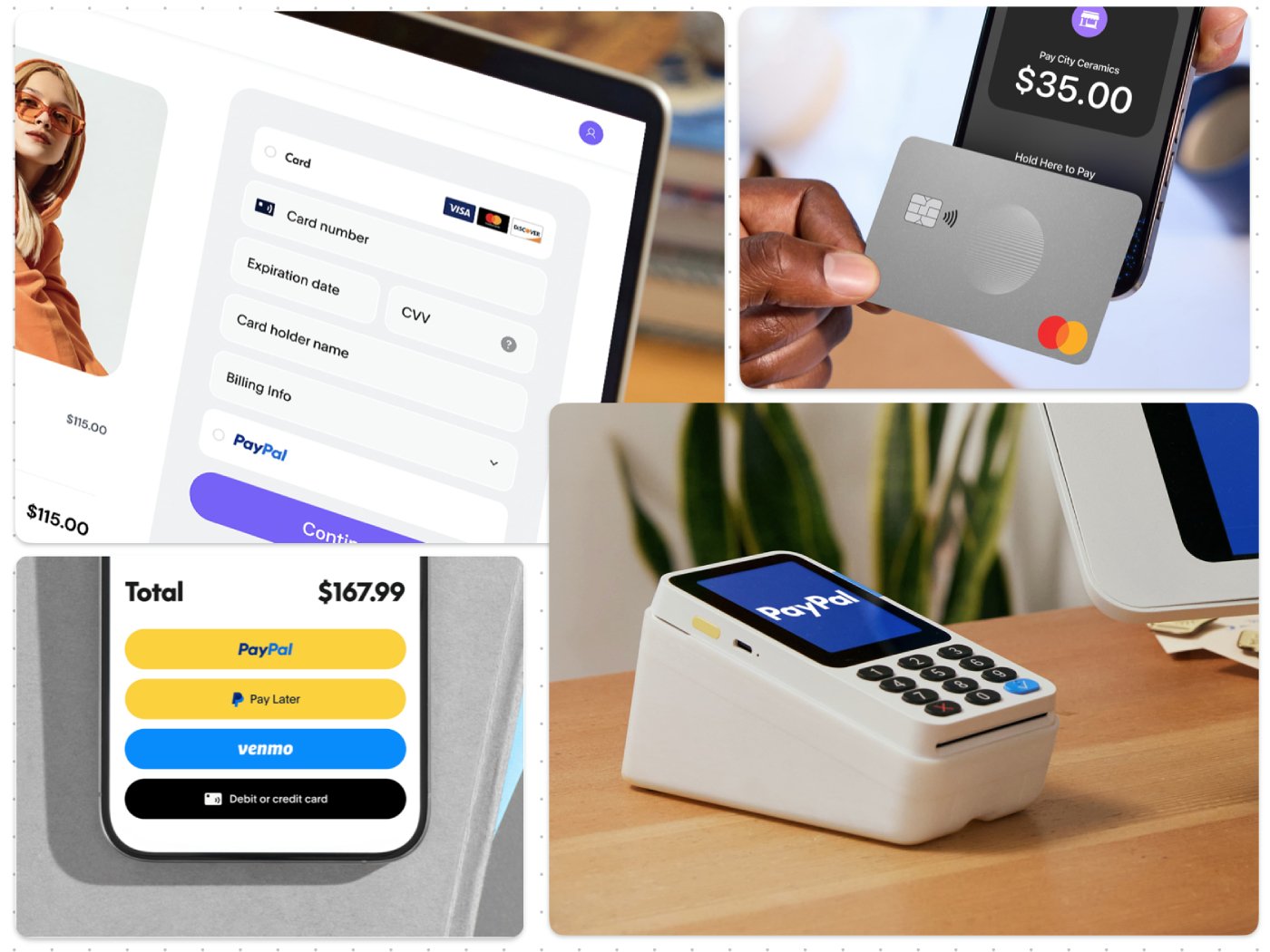
PayPal allows businesses to accept payments through credit and debit cards, customer PayPal balances, PayPal Credit, and Pay Later (its buy now, pay later option). PayPal Checkout also gives merchants access to Venmo payments during the checkout process and supports cryptocurrency transactions from U.S. customers.
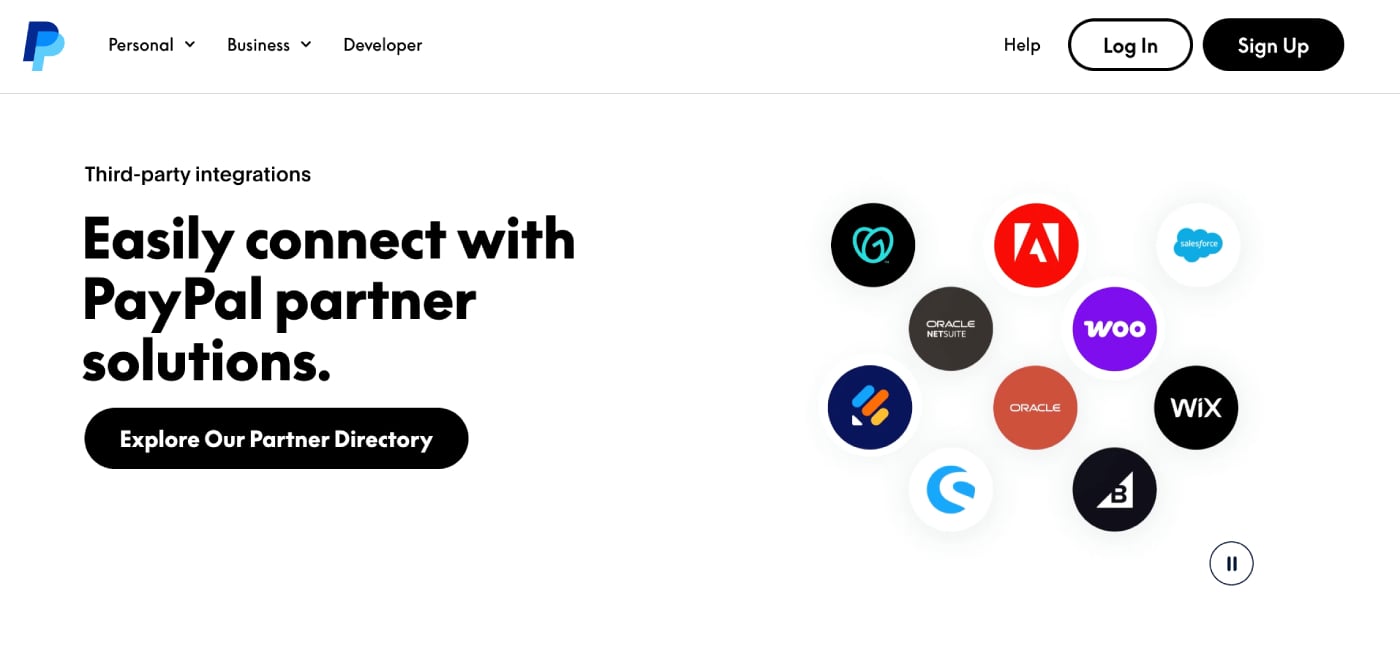
PayPal connects with most major ecommerce platforms, including Shopify, WooCommerce, BigCommerce, Magento, and Wix. It also integrates with accounting systems like QuickBooks and Xero and is supported by many POS systems.
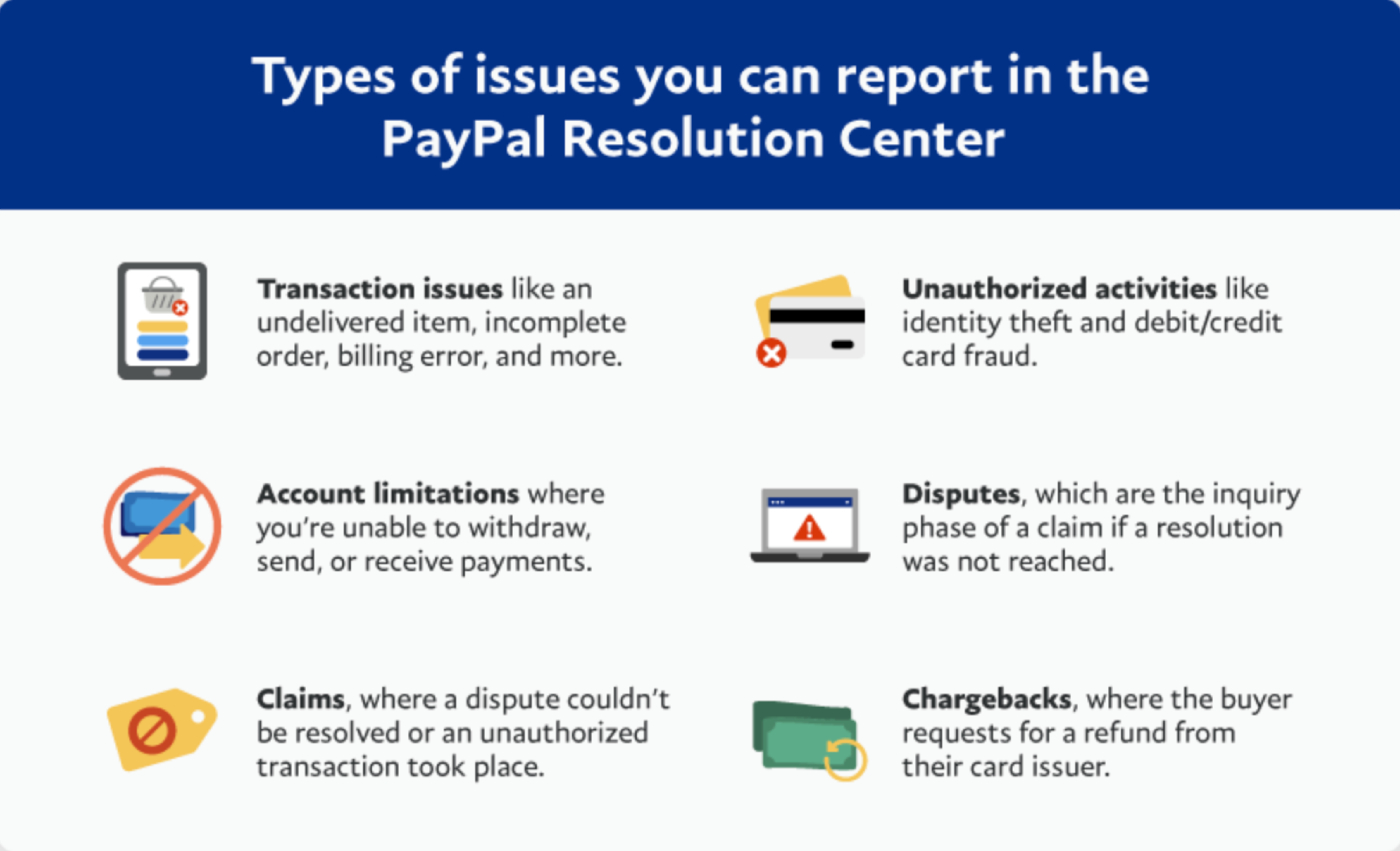
PayPal has a Resolution Center where merchants can track, respond to, and resolve customer disputes. Through Seller Protection, eligible transactions are covered against unauthorized purchases and claims for items not received.
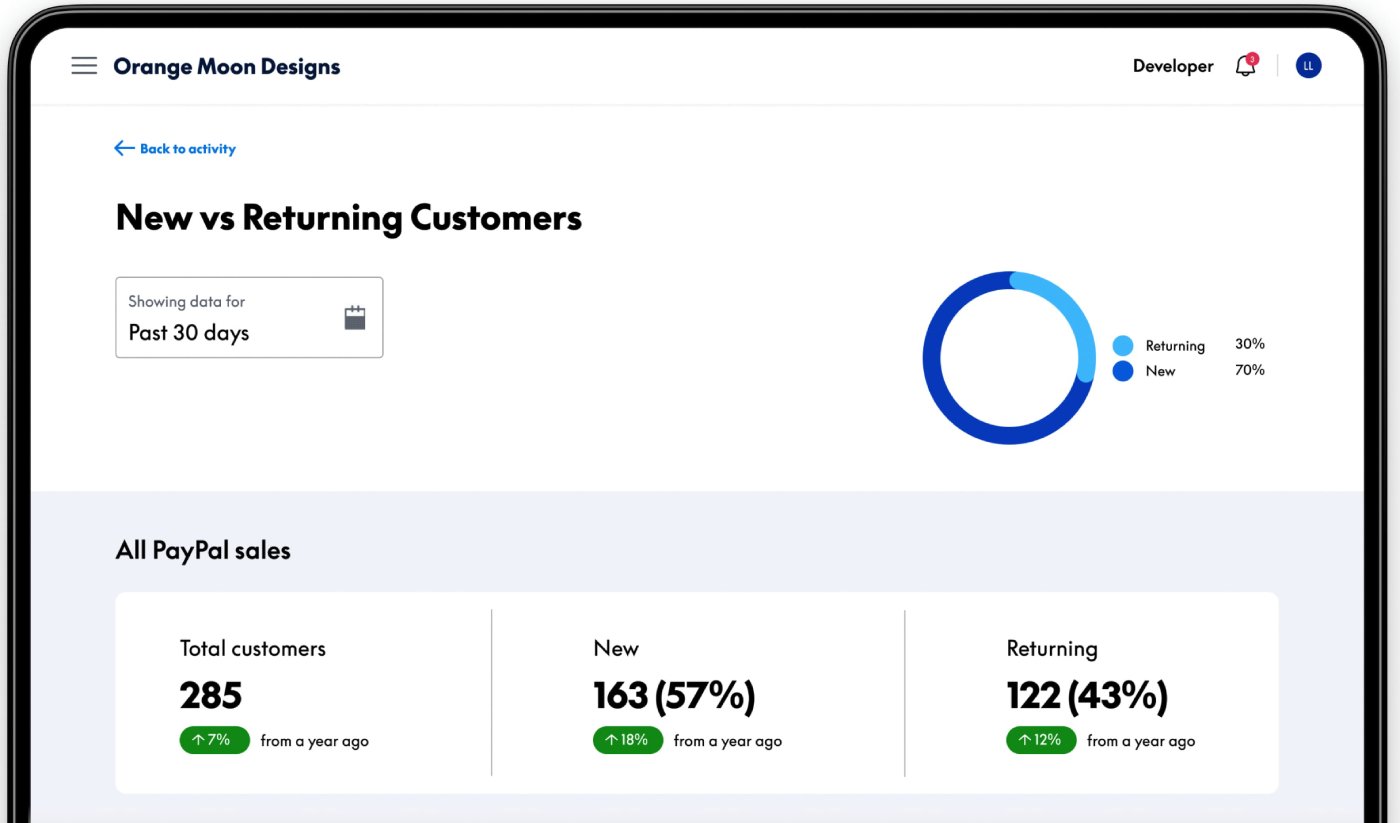
The PayPal Business dashboard provides detailed reporting tools that track individual transactions, settlements, and overall sales performance. Reports can be exported for accounting or compliance purposes and include filters to analyze revenue by date, payment type, or region.
PayPal uses AI and machine learning to monitor transactions for unusual behavior, flagging and blocking suspicious activity in real time. Its risk analysis system adapts continuously to new fraud trends, reducing the chances of chargebacks or unauthorized payments.
Venmo for Business features
Venmo for Business makes payments simple with QR codes, low fees, and a mobile-first setup that’s easy for sellers and customers alike. However, it offers only basic reporting, limited integrations, and no Seller Protection or AI fraud tools. Compared to PayPal, it’s lighter and less secure, but the trade-off is speed and accessibility for microbusinesses and local sellers.
Payment methods
Venmo for Business enables merchants to receive payments from customers’ Venmo balances, linked bank accounts, or debit/credit cards. Sellers can also use QR codes for streamlined in-person transactions and tap to pay to accept payments from customers without a Venmo account.
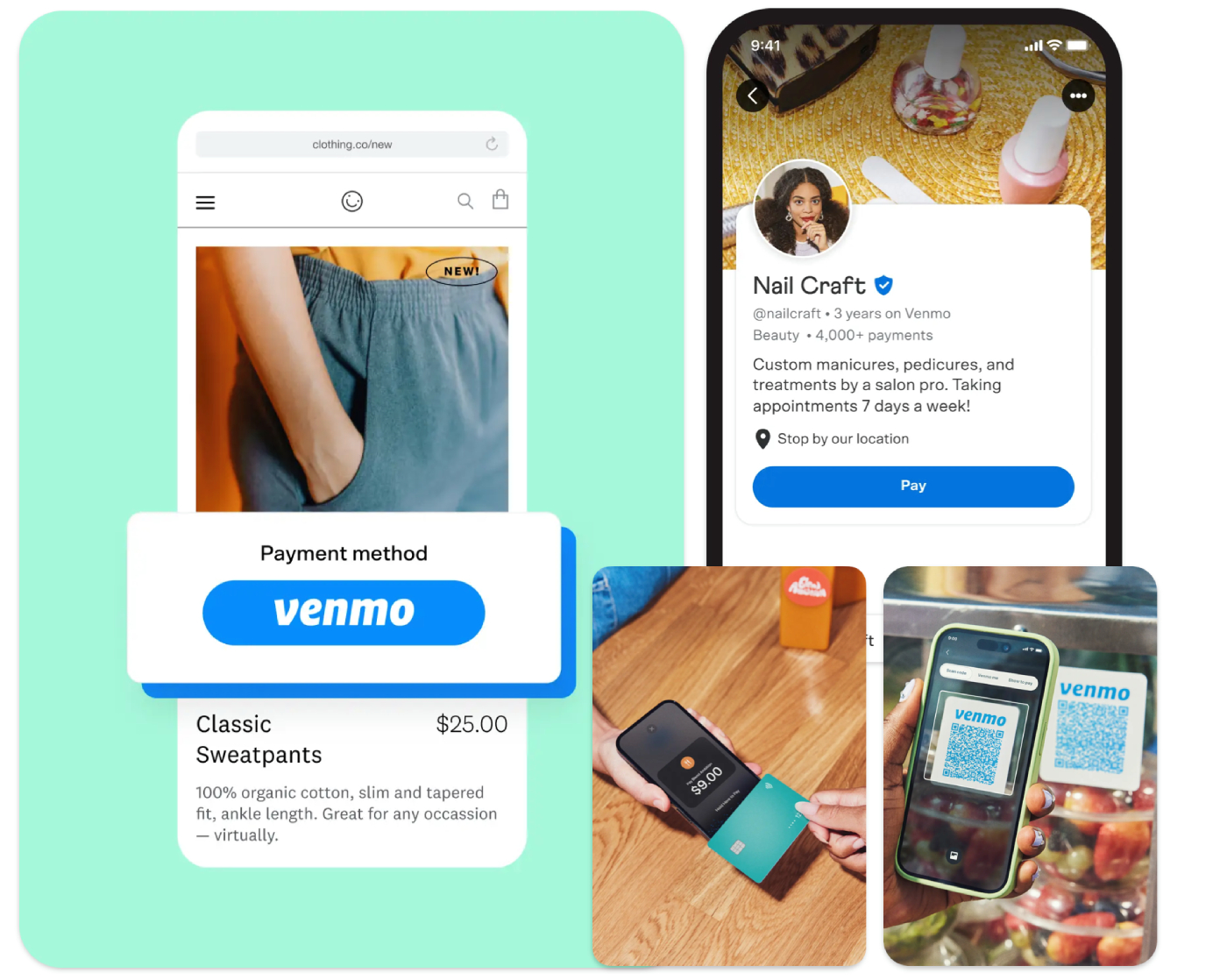
Venmo’s integration model is intentionally lightweight: businesses generate and distribute QR codes via the app or print them for customers to scan. This enables merchants to accept payments quickly with a mobile-first setup, eliminating the need for complex backend integration.

Venmo doesn’t offer a formal dispute resolution system or Seller Protection. If a customer challenges a charge, especially one processed via tap to pay. The merchant must resolve it independently by issuing refunds directly or engaging with the customer’s card issuer or bank
Reporting functions
Merchants have access to transaction histories, including both Venmo transfers and tap to pay receipts, right in the business profile. The app allows downloading statements via CSV on the web, but it lacks advanced analytics or filters beyond basic transaction tracking.
AI tools
Venmo does not currently provide AI-powered fraud detection or risk analysis tools for its business accounts. Its security relies on platform-level encryption and standard safeguards rather than intelligent or adaptive fraud tools.
What's hot at TechRepublic
- Blackpoint Cyber vs. Arctic Wolf: Which MDR Solution is Right for You?
- Why AWS Sellers Choose Deepgram Over Other Voice AI Tools
- SS&C Intralinks DealCentre AI vs. Datasite: Which platform is built for the future of dealmaking?
- SS&C Intralinks FundCentre AI vs. Juniper Square: Which platform better supports modern private markets fund managers?
- Verito vs. Rightworks: Which IT Provider Is Best for Your Firm?
Transaction fees: PayPal vs Venmo for Business
Pricing is often the deciding factor when choosing a payment platform, and Venmo and PayPal take very different approaches.
| Fee Category | PayPal Business | Venmo for Business |
|---|---|---|
| Monthly Fees |
| None; no monthly account or tool fees ; no monthly account or tool fees |
| Transaction Fees |
|
|
| Incidental Fees |
|
|
Venmo’s pricing is simple and predictable, with no monthly fees and a flat per-transaction rate, making it attractive for microbusinesses and local sellers. PayPal, by contrast, has a more complex structure with optional monthly tools, varied transaction fees depending on payment method, and additional incidental charges.
The trade-off is that PayPal provides more flexibility, global coverage, and advanced tools, while Venmo keeps costs low and straightforward for basic business use.
Security: Which platform is safer for business transactions?
Security should be one of your biggest considerations when choosing a payment platform. Both PayPal and Venmo protect customer data, but PayPal provides more advanced safeguards for businesses.
| Security Feature | PayPal Business | Venmo for Business |
|---|---|---|
| Encryption | End-to-end encryption on all transactions | Bank-level encryption |
| Fraud Protection | AI-driven fraud detection & risk analysis | Standard fraud monitoring only |
| Compliance | PCI DSS-compliant; global regulatory coverage | U.S.-only, no PCI DSS certification |
| Dispute Management | Resolution center for small business; dispute management platform for enterprise | Basic dispute process, but no Seller Protection |
PayPal offers enterprise-grade protections, including PCI compliance, AI-driven fraud detection, and structured dispute resolution at both small-business and enterprise levels. Venmo keeps customer transactions encrypted but provides simple dispute management tools, making it a better fit for straightforward, low-risk transactions.
Usability: Which platform is easier for businesses to use?
Ease of use can make a big difference in how quickly a business can start accepting payments and managing transactions. Venmo prioritizes simplicity, while PayPal offers more tools and options that may take longer to learn but provide greater control.
| Usability Feature | PayPal Business | Venmo for Business |
|---|---|---|
| Setup | Requires account setup, verification, and integration with tools | Quick setup through the Venmo app |
| Interface | Detailed dashboard with advanced reporting and customization | Simple, mobile-first interface |
| Learning Curve | Higher; more tools and options to configure | Very low; minimal features to learn |
| Ongoing Management | Supports complex payment flows and multi-user access | Limited to basic payment tracking |
| Scalability | Designed to handle high-volume, multi-channel sales | Best for low-volume, local sellers |
| Integration | Connects with ecommerce platforms, accounting tools, and POS | Minimal integrations, mostly QR |
| Customization | Flexible checkout options and branding for invoices | Very limited customization |
PayPal offers a deeper set of tools that support growing and complex businesses, including advanced reporting, integrations, and customizable checkout experiences. Venmo, on the other hand, makes it extremely easy for small sellers to accept payments but lacks the scalability and customization larger businesses require.
Which is better for global transactions: Venmo or PayPal?
For businesses that sell internationally, the ability to accept cross-border payments is critical. PayPal was built with global commerce in mind, while Venmo remains focused on domestic, U.S.-only transactions.
| Global Transaction Feature | PayPal Business | Venmo for Business |
|---|---|---|
| Availability | Accepted in 200+ markets worldwide | U.S.-only |
| Currency Support | Supports 25+ currencies | U.S. dollars only |
| Cross-Border Fees | 1.5% cross-border surcharge + currency conversion spread | Not supported |
| Payment Methods | International cards, PayPal, Pay Later, and local wallets in some markets | Not supported |
| Compliance | Meets global regulatory standards (PCI DSS, PSD2, AML/KYC, etc.) | Limited to U.S. regulations |
PayPal gives businesses the ability to accept international cards, local payment methods, and multiple currencies, with compliance frameworks to support global commerce. Venmo does not process international payments, limiting its use to sellers who operate only within the United States.
Customer support: How well do PayPal and Venmo support businesses?
Reliable customer support can make a big difference when payment issues arise. PayPal provides multiple support channels and a structured dispute system, while Venmo’s support remains more limited and app-focused.
| Support Feature | PayPal Business | Venmo for Business |
|---|---|---|
| Support Channels | Phone, live chat, email, and community forum | In-app help center and email only |
| Resolution Tools | Full Resolution Center for disputes and chargebacks | Simple dispute resolution process |
| Availability | Extended business hours (varies by region and channel) | Business hours, U.S.-only |
| Resources | Documentation, guides, and API developer support | Limited FAQs and app tutorials |
PayPal’s customer service is more comprehensive, with multiple channels and structured resolution tools, though its availability is typically limited to extended business hours rather than 24/7 coverage. Venmo, meanwhile, offers only app-based support and FAQs, which may be enough for microbusinesses but can leave gaps when more complex issues arise.
Best use cases: Venmo vs PayPal Business
Choosing between PayPal and Venmo often depends on the type of business you run, the sales channels you use, and how your customers want to pay. PayPal delivers scalability and global reach; Venmo offers simplicity and social visibility.
When to use PayPal
PayPal is deeply entrenched in global e-commerce and remains the most widely recognized digital wallet, with 434 million active accounts worldwide as of late 2024. Older demographics and international buyers often trust PayPal as a safe, established option for online purchases. Businesses that want to scale beyond local transactions will benefit from this reputation.
- Ecommerce stores on Shopify, WooCommerce, or BigCommerce can integrate PayPal Checkout to offer multiple payment options, including cards, Pay Later, Venmo, and even cryptocurrency.
- Freelancers and service providers serving global clients can send invoices in multiple currencies and access dispute resolution through PayPal’s Resolution Center.
- Subscription businesses, such as SaaS platforms, gyms, and memberships, can automate recurring payments with PayPal’s billing tools.
- High-value or international merchants gain added security through Seller Protection, AI-driven fraud detection, and global compliance standards.
Read: PayPal Review (2025): Is It the Right Payment Solution for You?
When to use Venmo
Venmo is most popular among younger users as 85% of Venmo’s active customers are under 40, reflecting its traction with Millennials and Gen Z. The app’s built-in social feed also makes purchases more visible, acting as organic word-of-mouth marketing for small businesses targeting younger demographics.
- Local vendors and food trucks can quickly accept payments through QR codes or tap to pay without investing in card readers.
- Microbusinesses and side hustles benefit from Venmo’s flat 1.9% + $0.10 fee and no monthly charges.
- Youth-oriented brands can leverage Venmo’s social sharing features to increase exposure and engagement with Gen Z and Millennials.
- Event-based or seasonal sellers, like craft fairs, markets, or pop-ups, can get up and running fast with Venmo’s lightweight setup and no recurring costs.
Read: How to Set Up Venmo for Business to Accept Instant Payments
Venmo vs PayPal: Pros and Cons
Choosing between PayPal and Venmo comes down to your business model, customer base, and long-term goals. Here’s a side-by-side look at the advantages and drawbacks of each.
PayPal Business
| Pros | Cons |
|---|---|
| Fast access to funds | Higher, complex fee matrix |
| Wide range of payment types | Reports of account freezes |
| Strong integrations | Popular phishing target |
| Scalable solutions for enterprise |
Venmo for Business
| Pros | Cons |
|---|---|
| Low fees | No seller protection |
| Simple setup | U.S.-only |
| Social visibility | Limited integrations |
So which should you choose?
Here are my takeaways based on my analysis of PayPal and Venmo’s key features:
- If you want a simple, mobile-friendly option that you can set up in minutes, Venmo is easier to use. But if you need scalability, integrations, and customization for long-term growth, PayPal is the stronger choice.
- If you need stronger protections, structured dispute management, and compliance for higher-value or international sales, PayPal is the safer choice. But if you only process simple, low-risk transactions and want a lightweight option, Venmo may be sufficient
- If you plan to sell globally or accept international customers, PayPal is the only viable option. But if you operate exclusively in the U.S. with no need for cross-border sales, Venmo’s domestic focus may be all you need.
- If you need broader support options and a structured dispute resolution platform, PayPal is better equipped. But if you run a small, low-volume business and are comfortable relying on self-service tools, Venmo’s limited support may be sufficient.
Read: 5 Online Payment Methods for Small Businesses To Try
Methodology
My evaluation focused on six key areas: pricing, payment methods, integrations, dispute resolution, security, and business use cases.
To compare PayPal Business and Venmo for Business in 2025, I started by reviewing each platform’s official fee schedules, feature documentation, and compliance resources. I then cross-checked these details with user feedback and industry analyses to capture real-world experiences.
FAQs
Do I get a monthly fee for using PayPal or Venmo for Business?
Both PayPal Business and Venmo for Business have no mandatory monthly fees, although PayPal offers optional advanced tools like Payments Pro or a virtual terminal (starting at $5–$30/month) for added functionality .
Can customers pay me if they don’t have a Venmo account?
Yes, via tap to pay, customers using contactless cards or digital wallets (e.g., Apple Pay) can pay your business directly even without a Venmo account .
What protections do Venmo business payments have?
Venmo does have a dispute resolution process where it reviews the customer’s claim, investigates, and may reverse the payment if the dispute is found valid. However, Venmo does not offer Seller Protection, so businesses remain more exposed to losses than with PayPal.
How many users does PayPal have worldwide?
As of late 2024, PayPal has around 434 million active accounts globally, making it one of the most widely adopted digital wallets for both consumers and merchants.
Is Venmo mainly used by younger customers?
Yes, Venmo is especially popular with younger demographics. Millennials and Gen Z make up the majority of Venmo users, and the platform’s social feed encourages peer visibility and engagement.