As a consultant, Andy helps nonprofit organizations understand and leverage technology. He taught the Nonprofit and Government Technology class for Grand Valley State University's Public Administration program for several years.
Highlights
Jack Dorsey once Tweeted (remember Twitter?) a link to my article advocating the use of UTC for remote work.
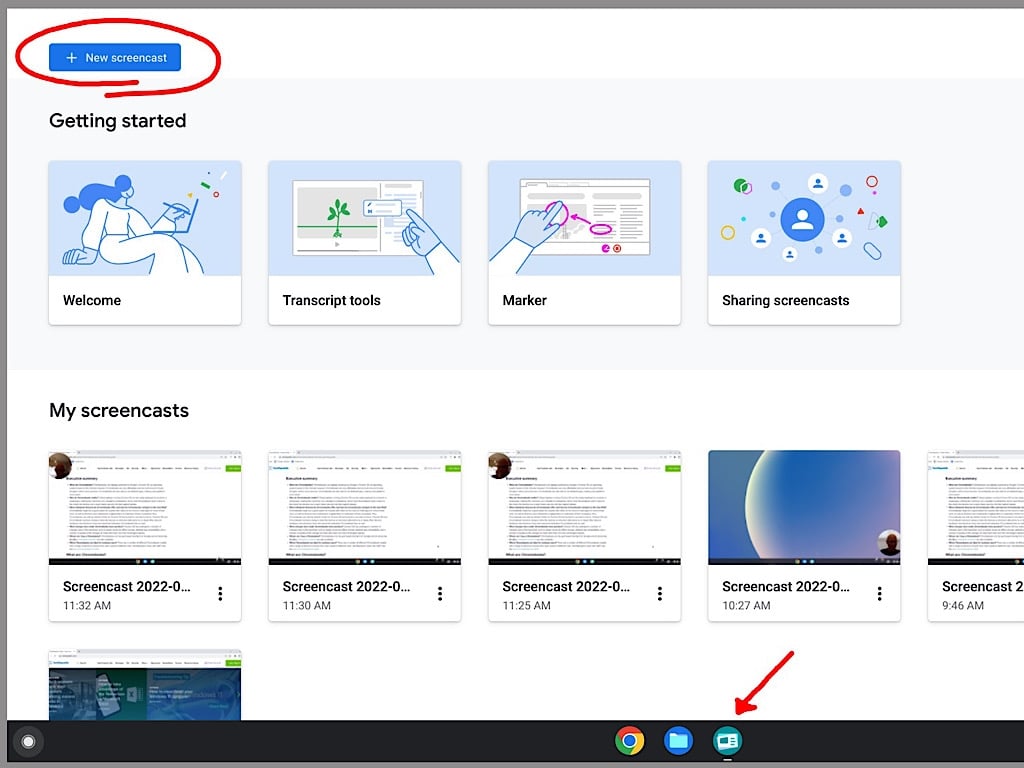
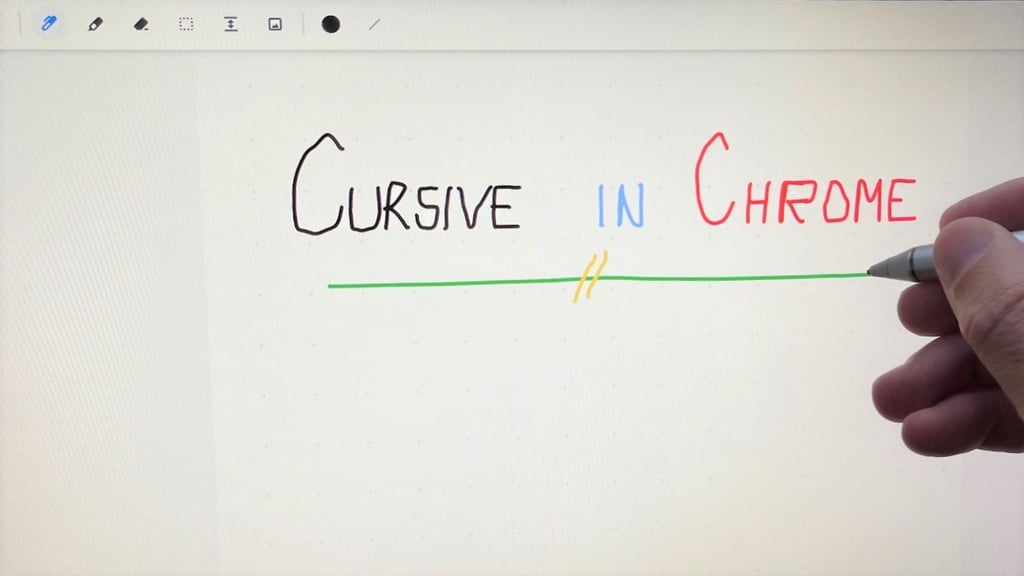
Record your screen and webcam, draw on the screen, edit the auto-generated transcript and then share a link with other people who use the Screencast app.
Google’s AI systems will soon not only improve how you look and collaborate in Meet but also help you grasp the central point of documents, chats and meetings.
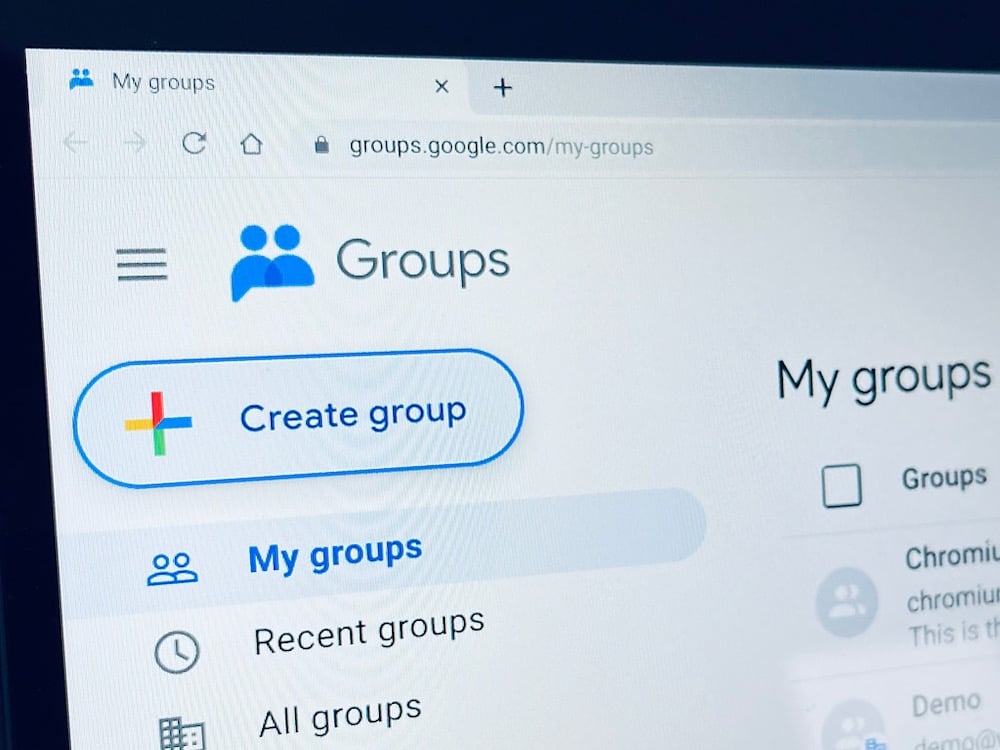
Learn how to review group memberships, manage message delivery, access all group messages, restrict group additions and invitations, and leave groups you no longer need.
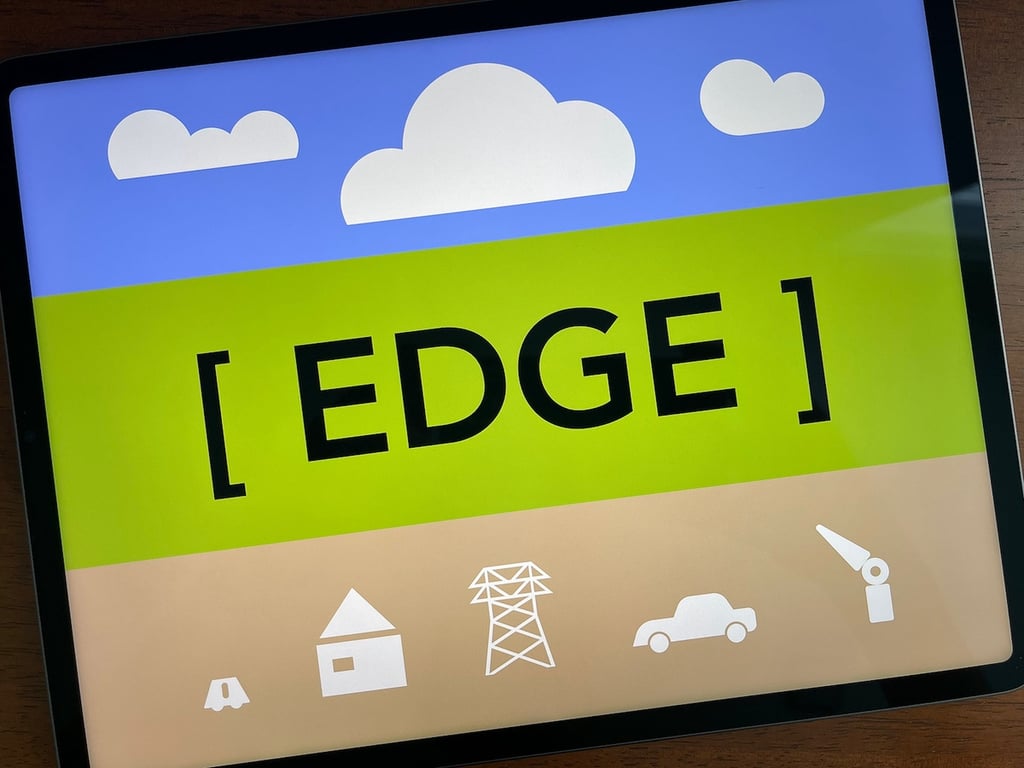
Edge computing is as varied as its uses, but this selection of cloud services, processors, data centers, equipment, and software are the leading providers.
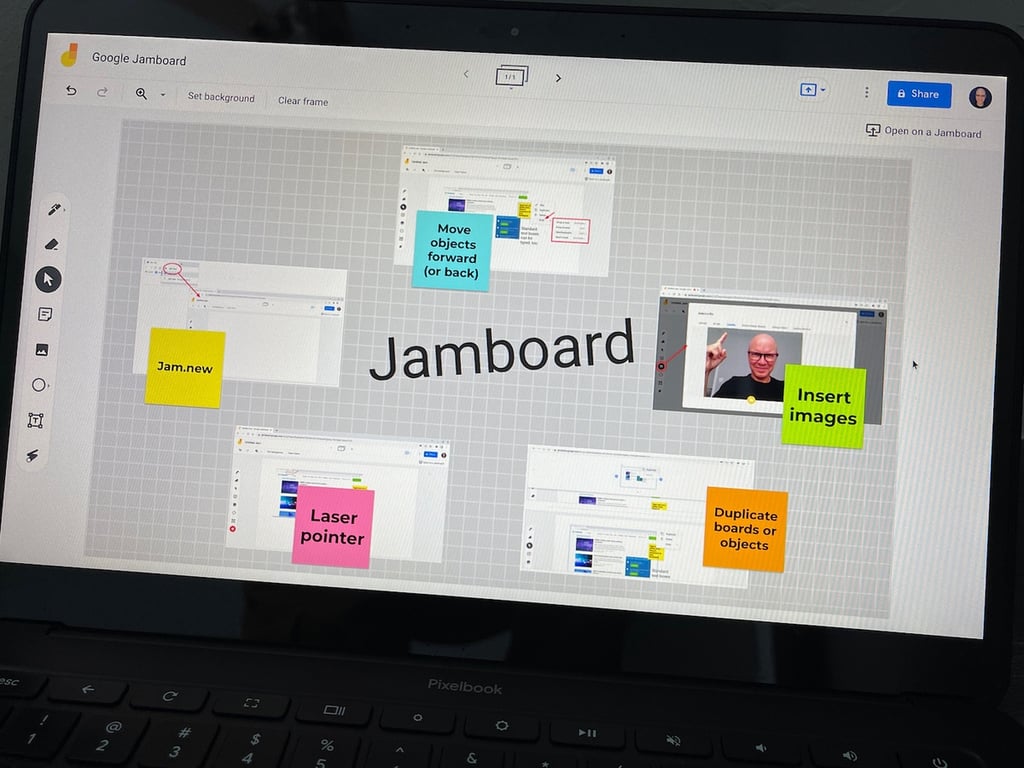
Even experienced users of Jamboard might have missed that you may now capture an image with your camera and add it to a board — and also move objects in front or behind others.
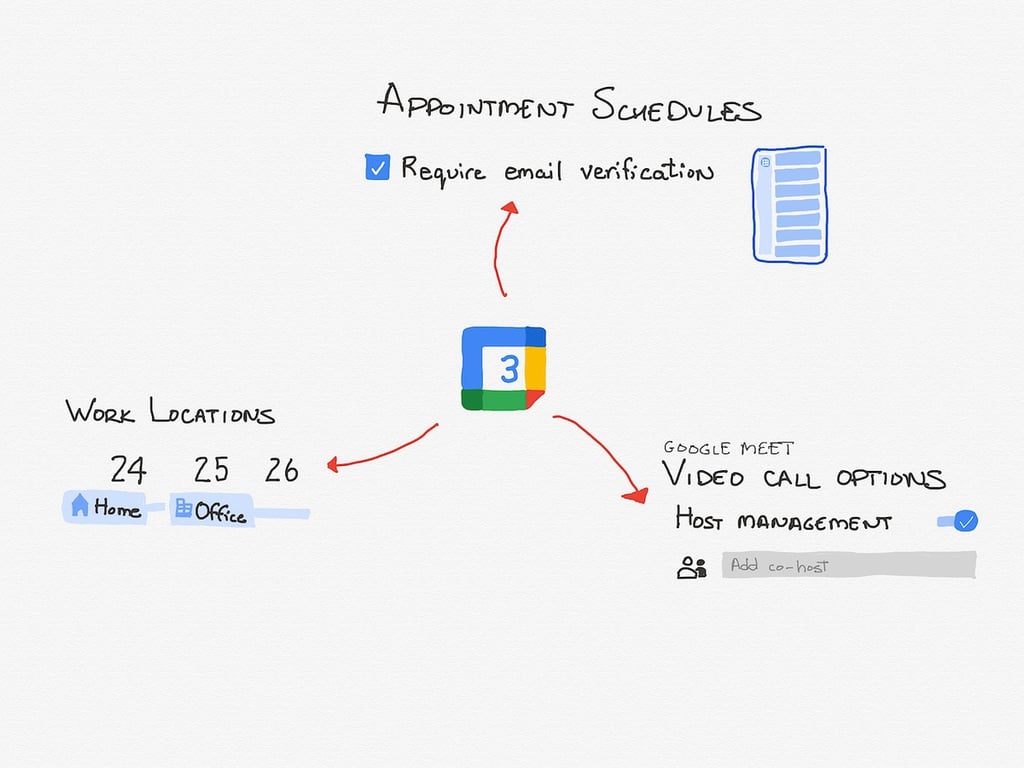
Learn how to apply these Google Calendar updates to display your work location, configure Google Meet options before a session, and require email verification to book an appointment session.
Google delivers document-first video conferencing: Display your document and Google Meet session side-by-side in one Chrome browser tab or minimize Meet to display as a picture-in-document overlay.
You can recover deleted items from Gmail, Drive, Calendar, Contacts, Keep and Google Photos, as well as restore recently closed tabs or windows in Chrome. Here’s how.