Erik Eckel is a managing partner at Louisville Geek and president of Eckel Media Corp. He previously served as Executive Editor at TechRepublic. He received Microsoft Engineer accreditation from Sullivan University and earned his Bachelor's Degree in English from the University of Louisville. He's earned Network+, Windows NT 4.0 MCP+I and MCSE, and Windows 2000 Professional MCP accreditations.
POP3 and IMAP email technologies are giving way to other, more competitive solutions. Here are the best email platforms for iOS, iPadOS and macOS users, depending upon need.
COVID-19 pushed millions into working from home for an extended period, and not everyone was ready. Mac users can boost their capabilities with these accessories.
Maintaining color consistency between applications and devices and when printing can be a challenge. If you’re unfamiliar with color matching in macOS, learn how to use the ColorSync Utility.
When you need to send a file to another Mac user, there are multiple options. Follow these steps to accomplish the task using macOS’ integrated Bluetooth File Exchange.
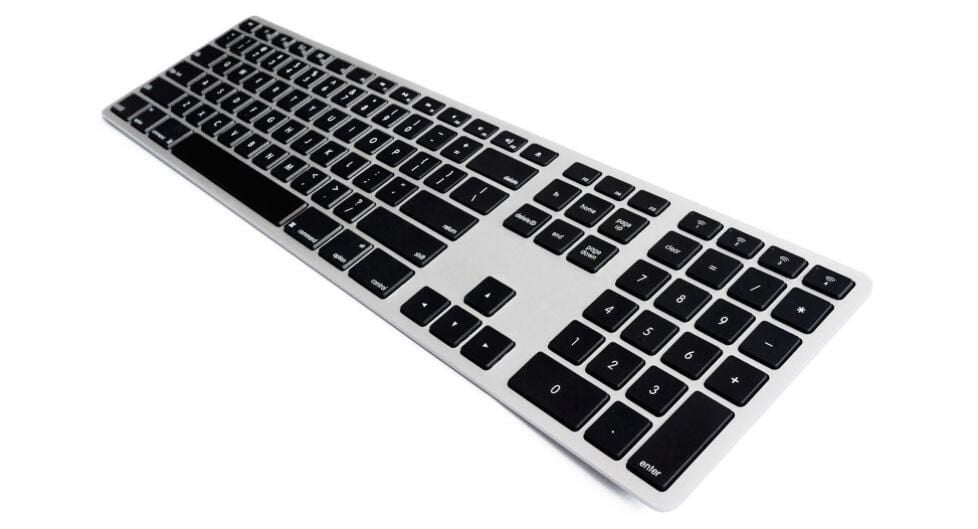
If you need a backlit, Mac-compatible keyboard that looks as good as Apple’s Magic Keyboard, look no further than the wireless aluminum alternative from Matias.
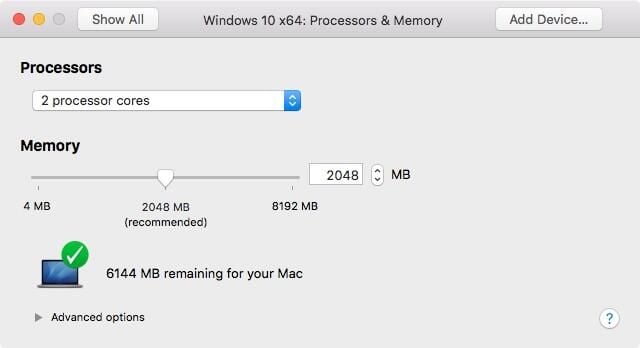
Upgrading to a new Mac doesn’t mean having to install and configure a whole new Fusion-powered Windows VM. Follow these steps to quickly copy an existing Windows Fusion install to a new Mac.
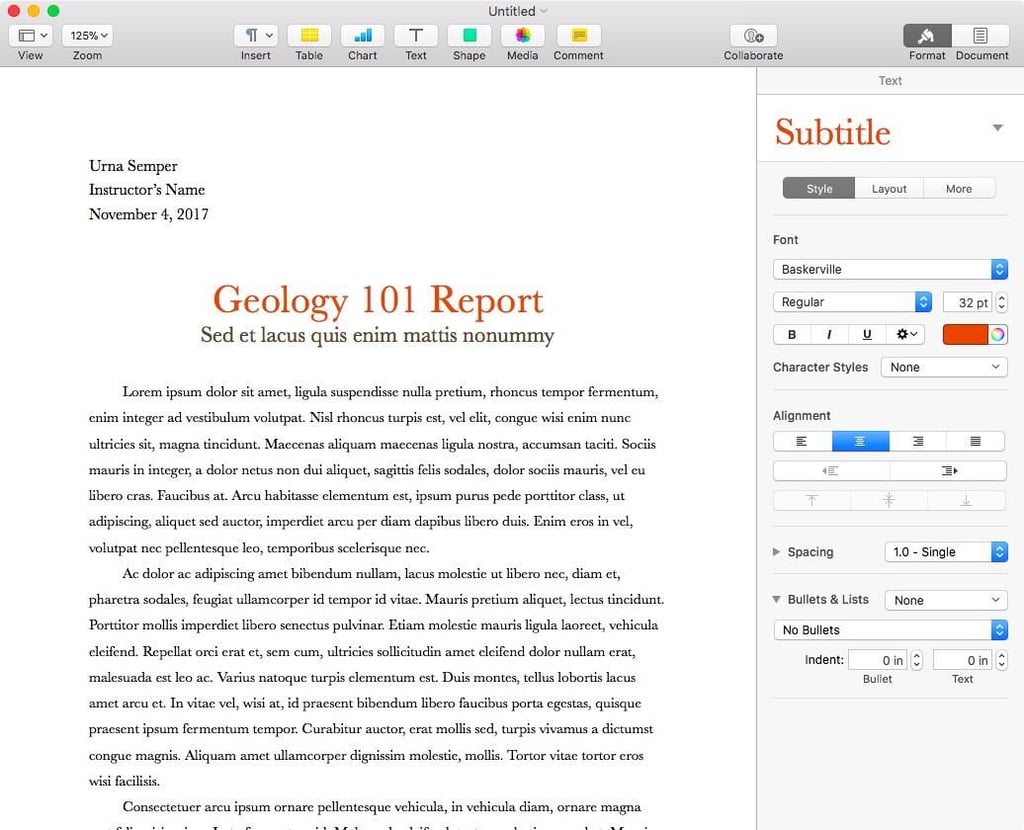
Pages is more than a potential Microsoft Word alternative–Apple’s word processing app offers advanced functionality, too. Here’s how to tap Apple’s Pages app to create arresting tables and charts.
Apple Watch Series 3 has the option of cellular connectivity. For business users who are already bogged down with tech, the prospect of not carrying their iPhone all the time could be attractive.
Apple makes adding comments, highlighting text, and adding a signature easy in macOS. Here’s how to annotate a variety of files, from JPGs to PDFs, using macOS’ integrated Preview.
Pages, Apple’s alternative to Microsoft Word, is deceptively simple. Here are three ways to get the most of Apple’s free word processing app, including a Pages cheat sheet.