


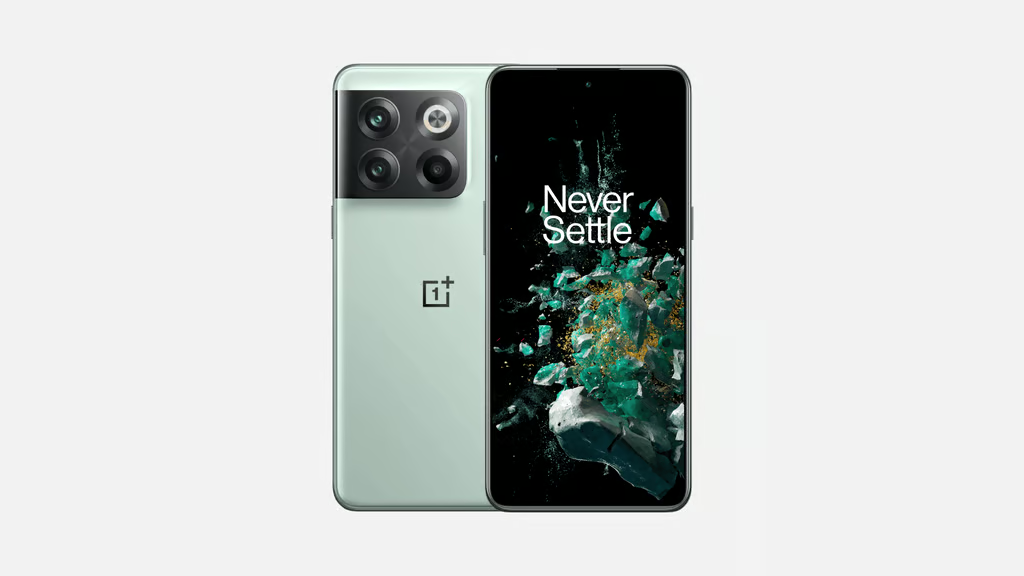
The OnePlus 10T has reached the end of its guaranteed security-support window, but that does not mean owners need to stop using it immediately.
OnePlus lists Aug. 1 as the end of the device’s product security update period. That means future vulnerabilities affecting the 10T may no longer receive manufacturer-provided fixes, increasing risk the longer the phone remains in service.
If your 10T is fully updated, it may still be reasonable to keep using for now. But anyone relying on it for work email, authentication, banking, passwords, or other sensitive data should start planning a replacement.
Check your OnePlus 10T security patch now
The latest official 10T rollout included the June 2026 Android security patch. Regional releases can differ, so your own handset is the best place to start.
- Open Settings > About device. Check the software version and security patch information installed on your phone.
- Install any update still waiting. A pending release may contain fixes your handset has not received yet.
- Note the security patch date. Keep it as a reference for how long the phone goes without another manufacturer-level update.
A support deadline does not mean your phone suddenly became unsafe. It means you can no longer count on the manufacturer to fix new security flaws discovered later.
Security risk grows after support ends
At launch, OnePlus promised “three major Android updates and four years of security updates.” Its product security schedule confirms that the advertised security period is now over.
Security patches become important when new flaws are found after devices are already in use. Future problems affecting Android or the handset’s own software could require a fix from the manufacturer, which no longer promises routine security updates for the 10T.
Normal day-to-day use does not stop when security support ends. Calls, apps, cameras and mobile data will continue working.
Keep using it carefully or plan a replacement
My recommendation depends on what you ask the phone to protect. A fully updated 10T used mainly as a spare handset does not need to be retired simply because its guaranteed support period is over.
I would make a different call for a daily work phone, though. If mine carried company email, authentication apps or confidential files, it’s safer to start planning a replacement rather than wait for an unpatched security problem to force the decision. Banking and password-management use would give me similar reasons to move sooner.
Replacement shopping should include remaining security support alongside price and hardware. The mobile maker currently lists the OnePlus 11 through February 2028, the OnePlus 12 through February 2029, and the OnePlus 13 through January 2031.
A working 10T can stay in service. Primary-phone users should now have an exit plan.
Related News: OnePlus Community users have until August 16 to preserve posts, images, guides, and other content tied to the North American platform.