As a consultant, Andy helps nonprofit organizations understand and leverage technology. He taught the Nonprofit and Government Technology class for Grand Valley State University's Public Administration program for several years.
Highlights
Jack Dorsey once Tweeted (remember Twitter?) a link to my article advocating the use of UTC for remote work.
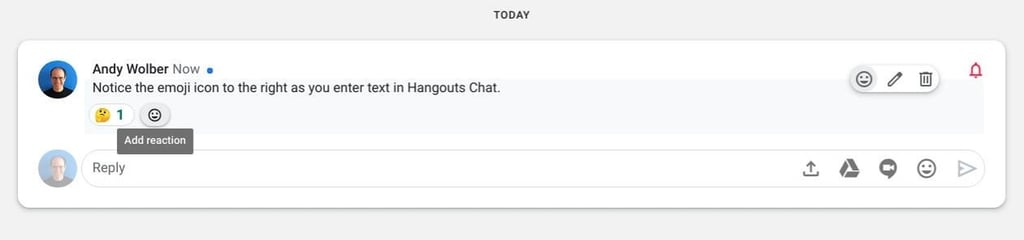
Sometimes, it’s more efficient—and meaningful—to add an emoji than to type more words. Here’s how to enable and add emoji in G Suite apps on multiple platforms.
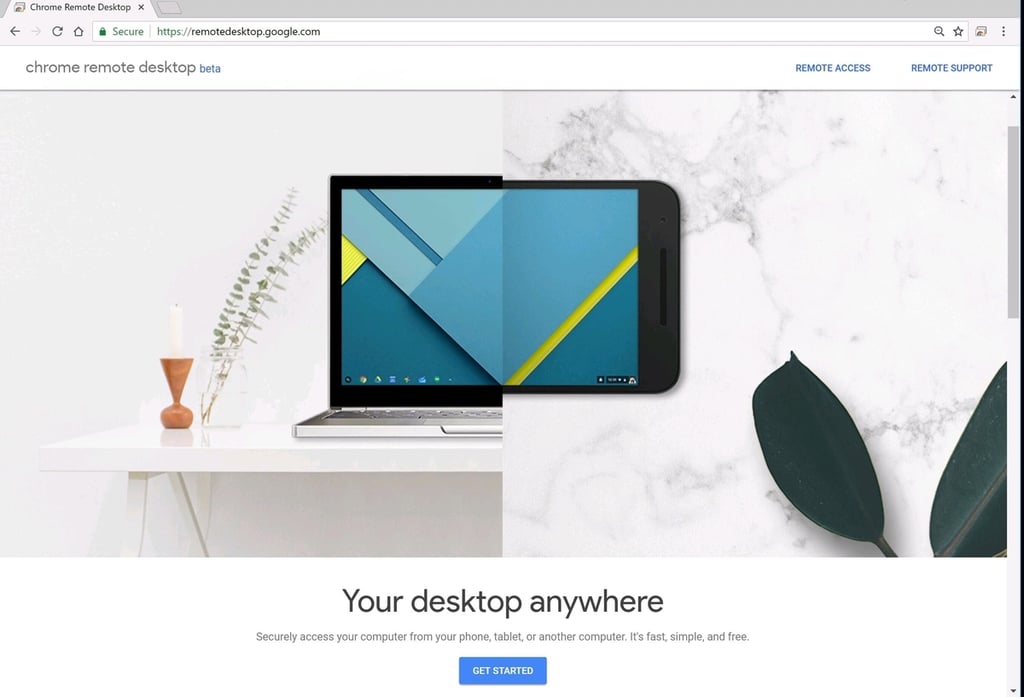
Start at https://remotedesktop.google.com to configure your Windows, macOS, or Linux system for long-term or single-use remote access with Chrome Remote Desktop.
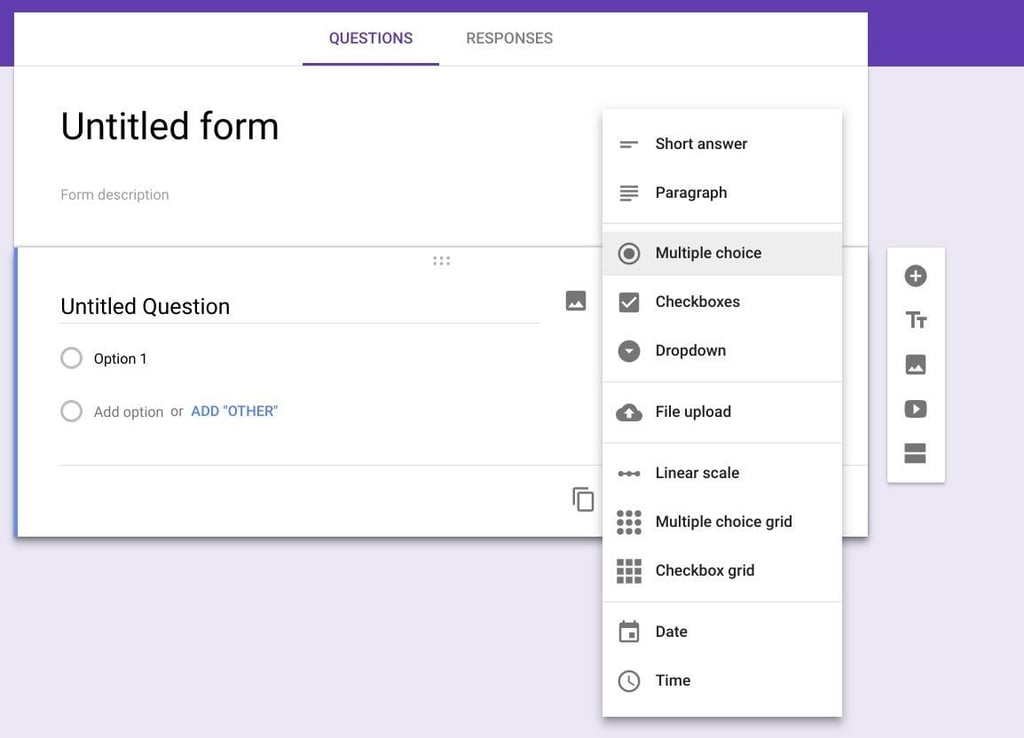
Google Forms lets you collect and tally information more efficiently than paper–and Forms supports video, photos, and files, too. Here’s how to get started.
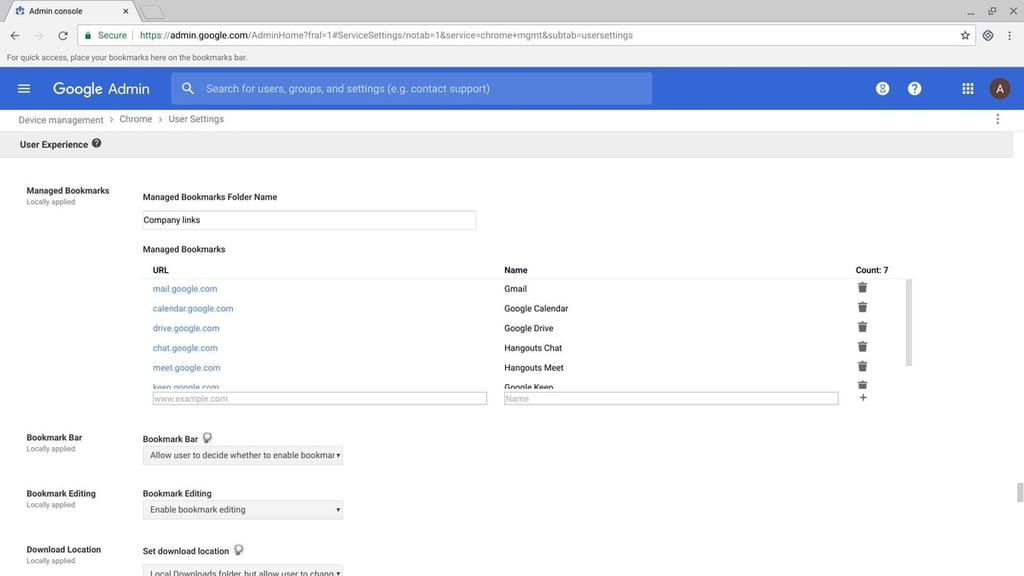
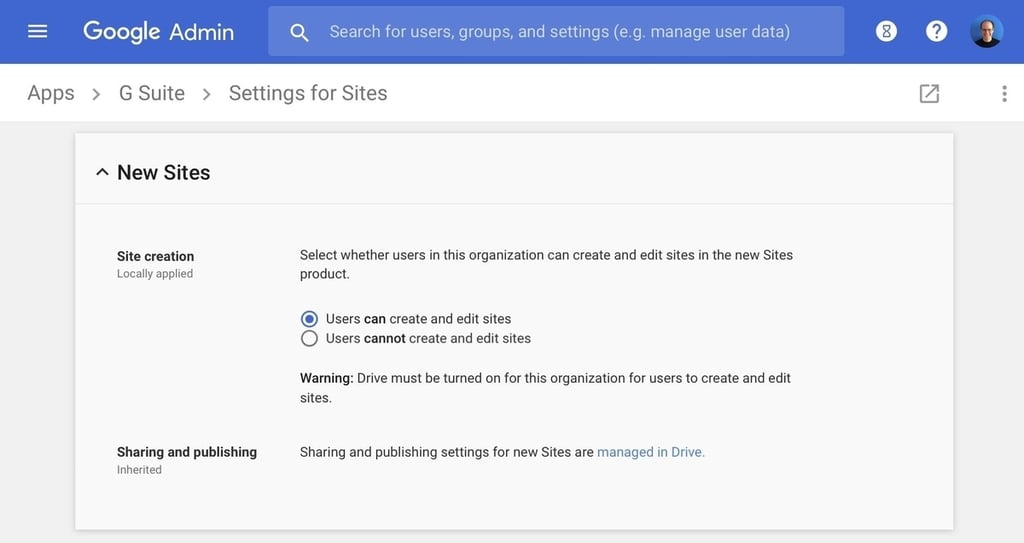
These steps will show you how to configure your Google Sites, G Suite admin settings, and your domain host records to use a Google Site as your organization’s website.
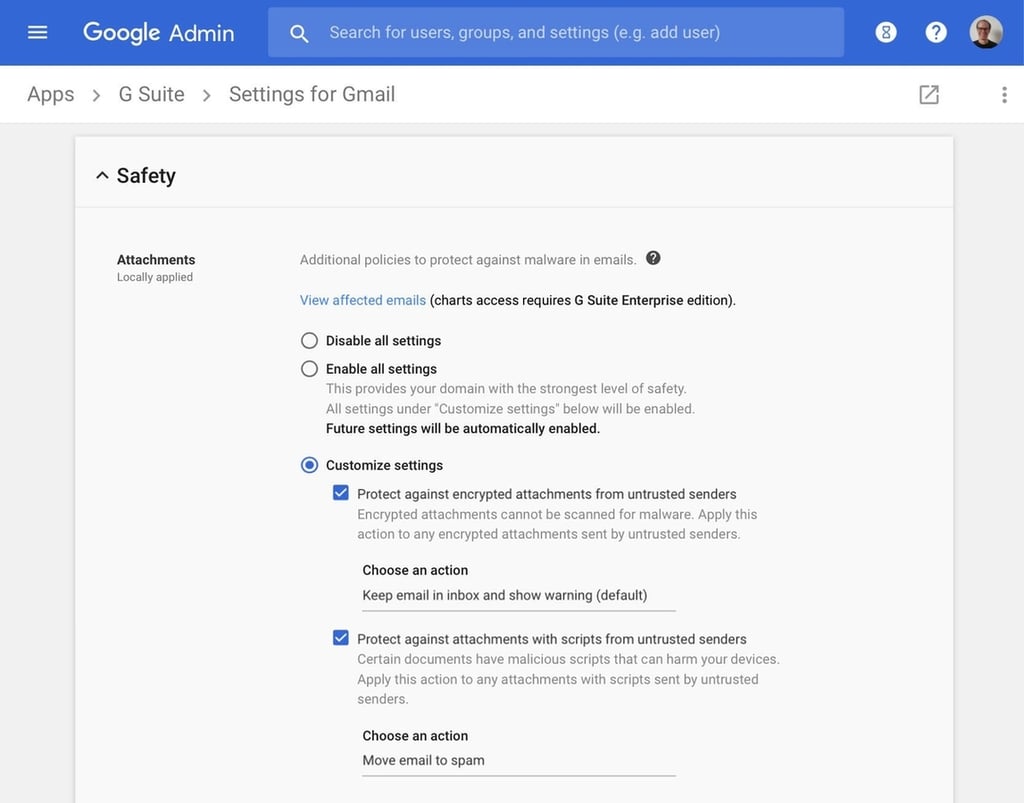
Google recently added new G Suite safety settings to give Gmail users an added layer of protection. Learn how to warn users of harmful emails, or simply send them straight to spam with these options.
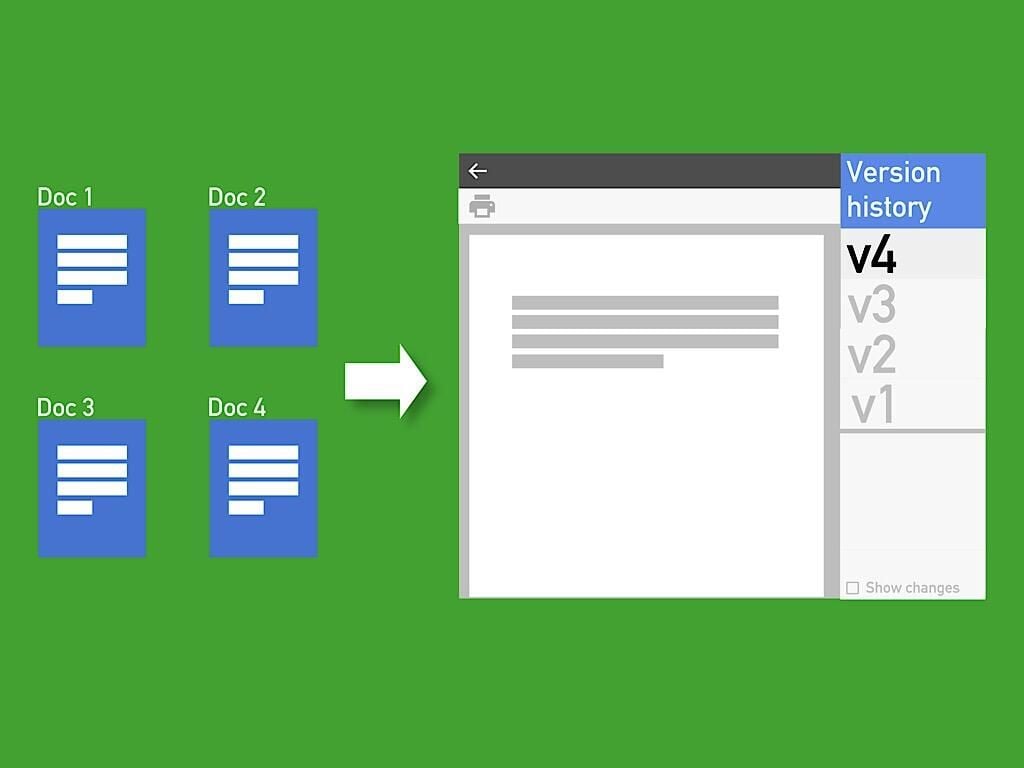
Rather than creating a new file, you may just need to create a named version of that file that you can refer to–or print–later. Here’s how to manage the file version from your desktop browser.