As a consultant, Andy helps nonprofit organizations understand and leverage technology. He taught the Nonprofit and Government Technology class for Grand Valley State University's Public Administration program for several years.
Highlights
Jack Dorsey once Tweeted (remember Twitter?) a link to my article advocating the use of UTC for remote work.
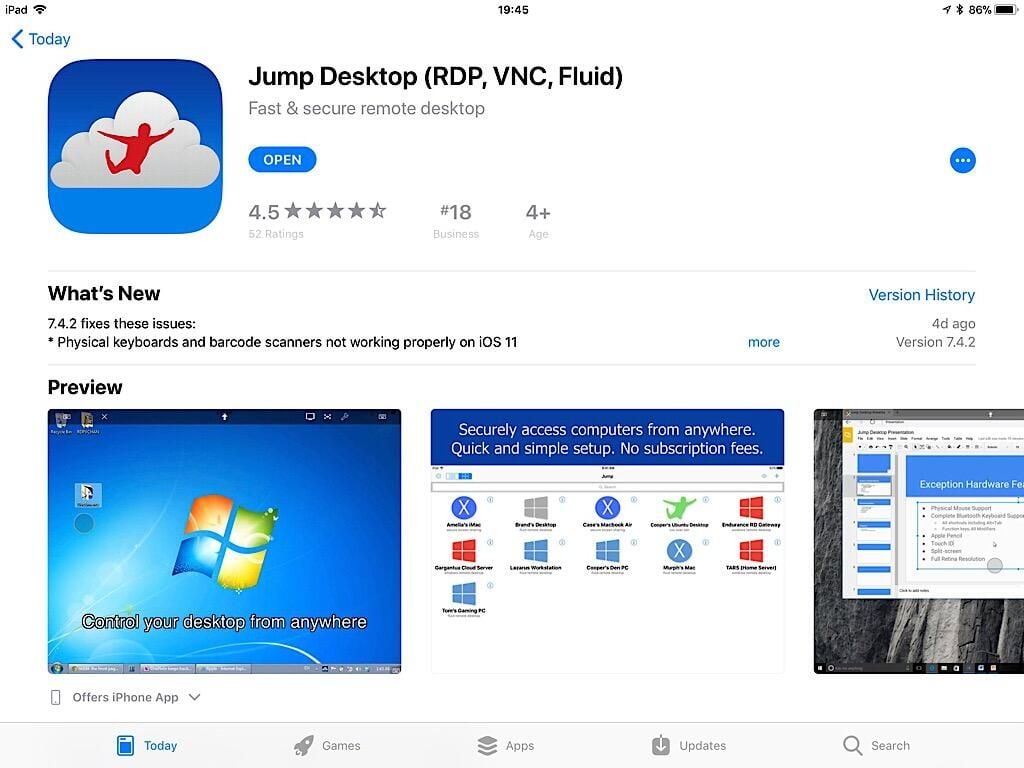
Now you can rely on the simplicity of Chrome OS for most work, and pay to access Mac or PC apps as needed with services like Fra.me, Paperspace.com, and MacinCloud.com.
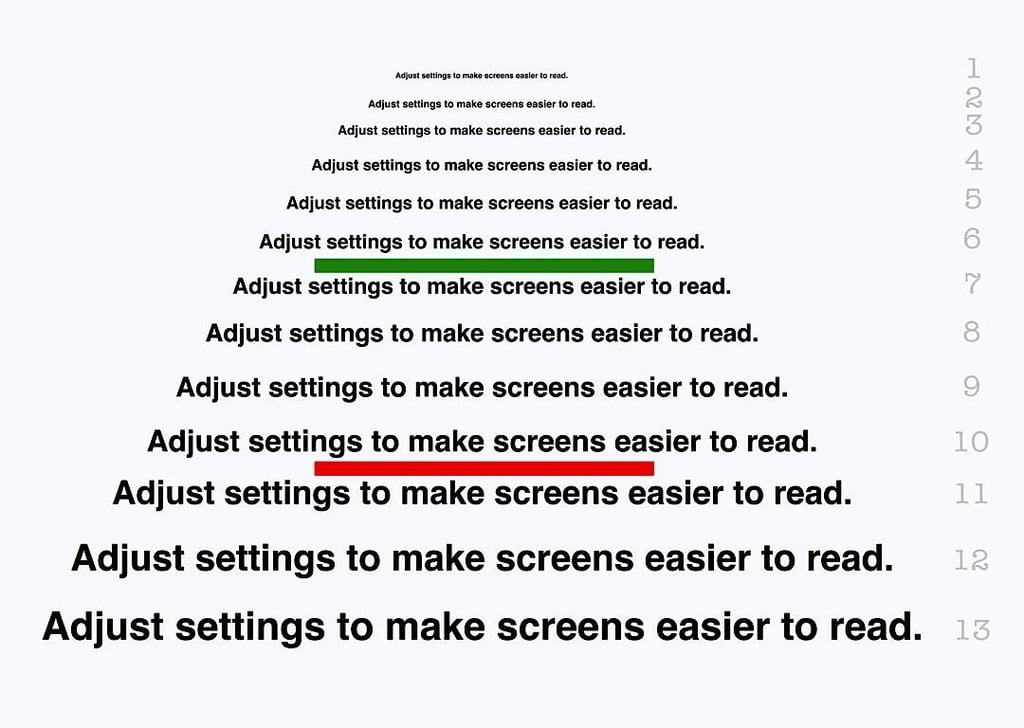
A long document might be easier to read in the EPUB format, since a reader can adjust the font, font size, margins, and more. Here’s how you can export to EPUB from Google Docs.
With Safari and Chrome—and a bit of knowledge—you can type in a Google Doc, browse the web, and watch YouTube all at once on an iPad. Andy Wolber shows you how.
Cloud technology is making many computing tools available in the browser. Andy Wolber looks at a few apps that let you create 3D objects on your Google Chromebook.
With Calendar, Inbox by Gmail, and Google Keep, Google has created a productivity suite focused on getting things done. Andy Wolber shows you how to be more productive with these apps.
The EFF recently published a “Guide to Chromebook Privacy Settings for Students.” Andy Wolber suggests three additional options to make your Chromebook activity even harder to track.