


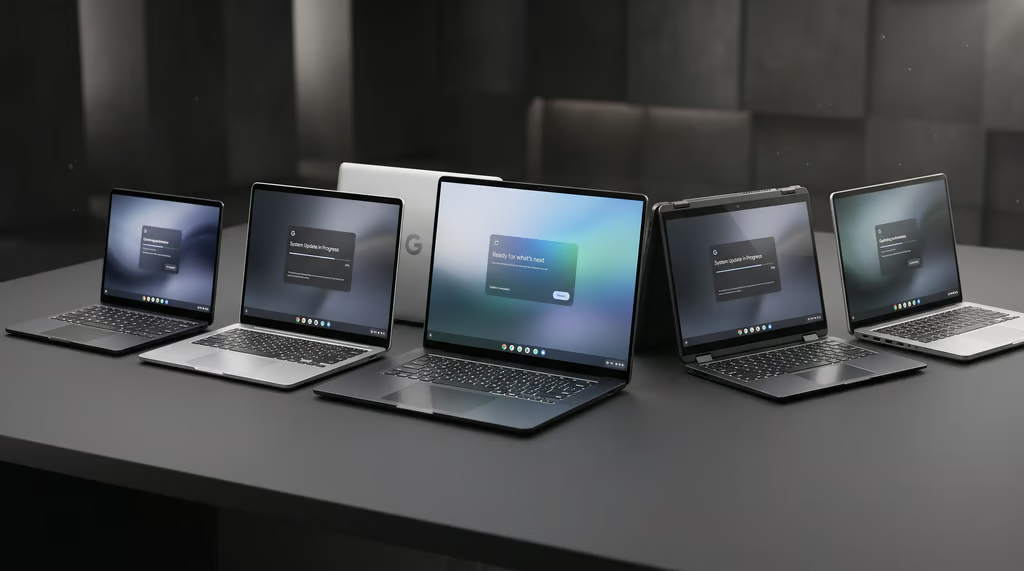
Googlebook laptops have barely settled into their new homes, and Google is already rolling out a major software update that could give certain models up to 6GB of system memory back.
The November release tackles approximately 30 problems across the five launch models, from video calls crashing at the worst possible moment to stubborn Bluetooth connections and external displays that refuse to cooperate. The fixes arrive barely a month after the laptops went on sale.
For early buyers, the update could mean fewer technical headaches and a smoother workday, although the improvements will depend on the model and configuration.
AI memory changes could improve Chrome performance
Certain 16GB configurations of the Acer Googlebook 14, ASUS Googlebook 14, and Lenovo Googlebook 15 could recover approximately 3GB to 6GB of system RAM following the update. All three are among the five laptops introduced at launch.
According to Google, engineers adjusted how the laptops’ AI-processing driver and AICore, a background service supporting on-device AI, manage memory. Previously occupied resources can now be reclaimed for Chrome and other running applications.
Owners who regularly work with numerous browser tabs or demanding applications could experience fewer unexpected page reloads and crashes. Actual improvements may vary depending on usage, since the update optimizes existing memory without physically increasing the laptop’s RAM.
Fixes address video calls, displays, and other laptop problems
Google’s November changelog includes corrections for several problems that have interrupted ordinary laptop use. Some affect the entire lineup, while others are specific to individual models.
- Video calls and audio. Zoom crashes triggered by virtual backgrounds and other visual effects have been addressed, and external USB microphones should now record properly. HP Googlebook 14 and Dell XPS Googlebook 13 also receive fixes for noticeable delays between video and Bluetooth headphone audio.
- External displays and laptop controls. HP and Dell models get corrections for black screens during video playback on connected monitors and crashes when unplugging certain USB-C equipment. Acer’s convertible laptop should respond properly when returning from tablet mode, while Dell’s touchscreen receives improved tap recognition.
- Bluetooth and keyboard input. Wireless mice should reconnect automatically after a restart, although owners who paired them using older software may need to remove and pair them again once. An issue that prevented some keystrokes from registering on the lock screen after waking the laptop has also been resolved.
Developers using the Linux Terminal preview receive improvements to sessions that previously disconnected when the laptop entered sleep mode. Remote SSH connections should remain stable, and system updates now preserve Linux files and custom settings. Additional safeguards prevent terminal commands and output from being saved in diagnostic logs.
Security improvements include the Nov. 1 Android patch, addressing approximately 60 vulnerabilities, with a correction for repeated restarts caused by interrupted installations.
Owners can check for Googlebook OS build CL3B.260622.286.R2 through Settings → System → Software updates → System update. A Wi-Fi connection and at least 75% battery charge are recommended before installation.
Businesses should test Googlebook before wider adoption
Improved stability could make Googlebook more attractive to professionals considering it as their primary work laptop.
Small businesses considering the laptops should start with a trial involving employees who depend on specific software and connected office equipment. Testing should reflect actual work, including signing into company accounts, completing essential tasks, and participating in video meetings.
Any recurring compatibility problems need to be assessed before committing to additional purchases, even when general system performance has improved.
IT departments face a separate obstacle involving enterprise management capabilities. Consumer Googlebooks still lack domain enrollment and full centralized device management, with the first major controls expected in the second half of 2027.
Organizations that depend on centrally enforced security policies and remote administration should retain their existing managed laptops until the necessary Googlebook controls become available.
More Google news: Google is making AI video creation cheaper, with its new Omni 1.2 Flash model generating clips up to 15 seconds at 30% lower prices.