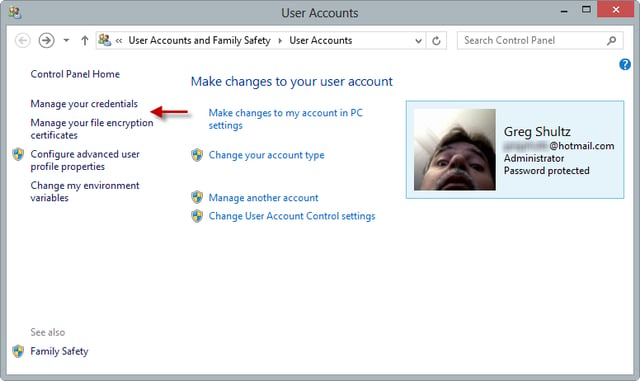
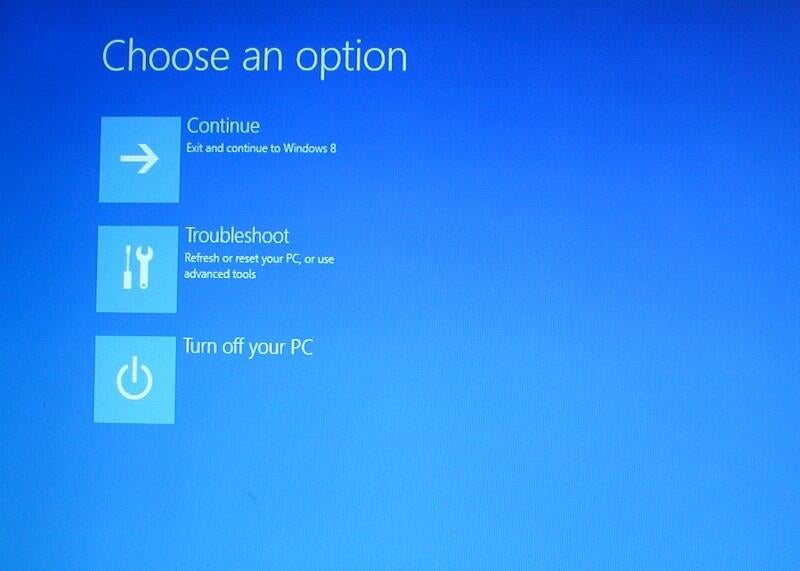
To reset a password in Microsoft Windows 8 you have to use the online version of the Reset your password tool.
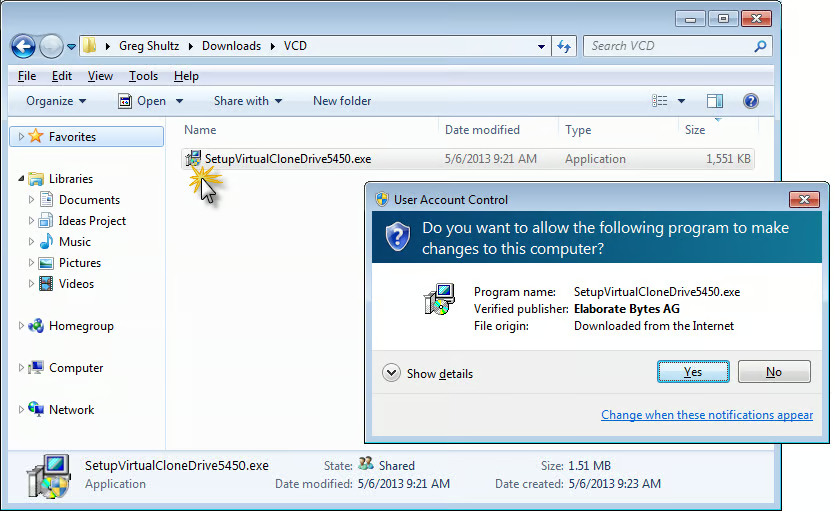
Virtual CloneDrive makes using ISO files in Windows XP, Windows Vista, and Windows 7, just as easy as it is in Windows 8.
It is possible to reconfigure the Windows 8 boot process to allow you to use the F8 key to access the Advanced Boot Options menu of old.
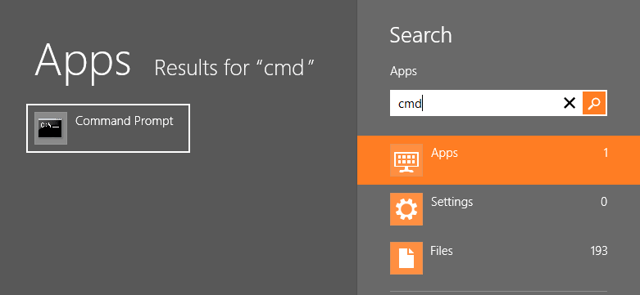
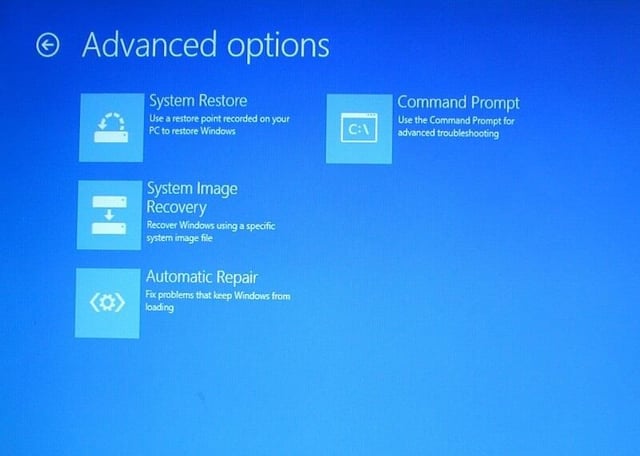
Access the Command Prompt from Windows 8’s Recovery Drive and use it to recover data. Greg Shultz shows you how it works.
A new feature in Windows 8 will produce a detailed report on your system’s battery usage.
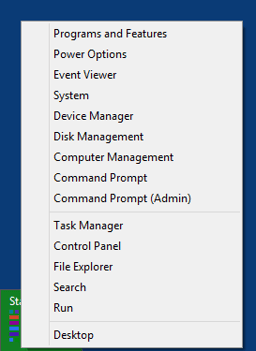
Greg Shultz shows you to create your own customized WinX menu for Windows 8.
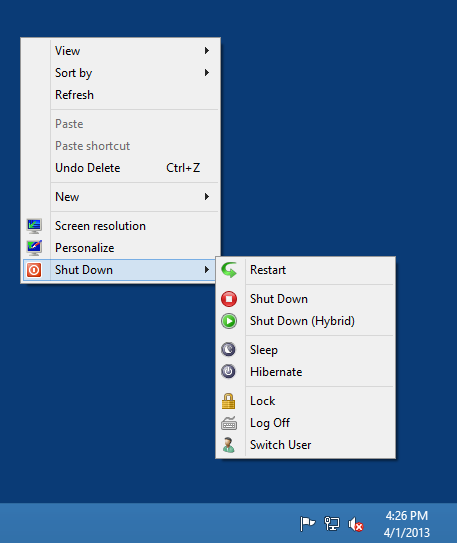
Greg Shultz shows you how to tweak the registry and add a cascading Shutdown menu to a Windows 8 context menu.
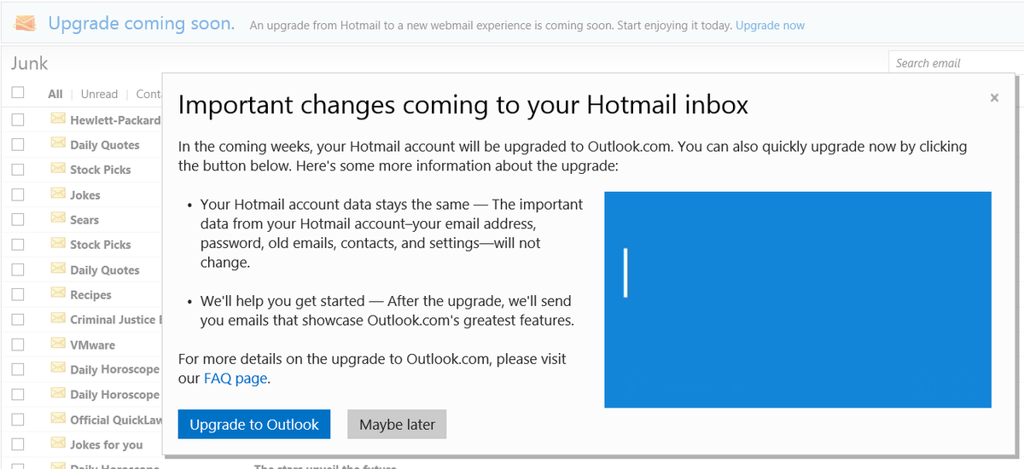
Greg Shultz shows you how to move from Hotmail.com to Outlook.com now instead of waiting for Microsoft to do it for you later.
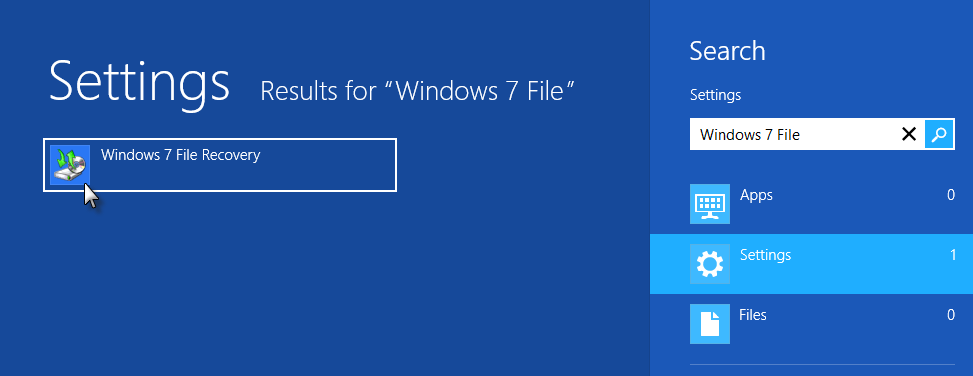
Greg Shultz shows you how to use System Image Recovery tool from the Recovery Drive to restore your hard disk.
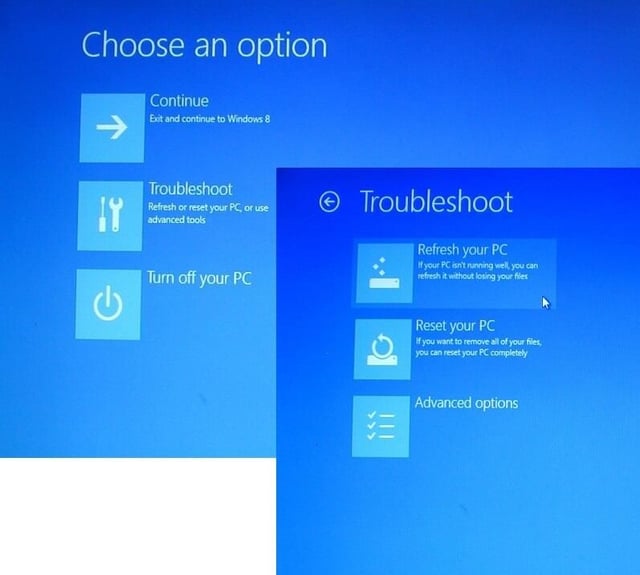
Reset your PC tool removes all of your data and settings and then reinstalls Windows 8. Greg Shultz shows you how it works.
Greg Shultz explains how to use the default mode of the Windows 8 Refresh your PC tool from the Recovery Drive.
Greg Shultz takes a look at the Automatic Repair from the Recovery Drive feature of Microsoft Windows 8.