Jesus Vigo is a Network Administrator by day and owner of Mac|Jesus, LLC, specializing in Mac and Windows integration and providing solutions to small- and medium-size businesses. He brings 19 years of experience and multiple certifications from several vendors, including Apple and CompTIA.
Installing applications on macOS and OS X computers is easy to do when deploying the apps as packages through the Terminal using the Installer command for quiet deployments across your network.
Apple’s newest file system, APFS, has modern advancements over the antiquated HFS+, but how does its pros and cons stack up in comparison to its venerable predecessor? Read on to find out.
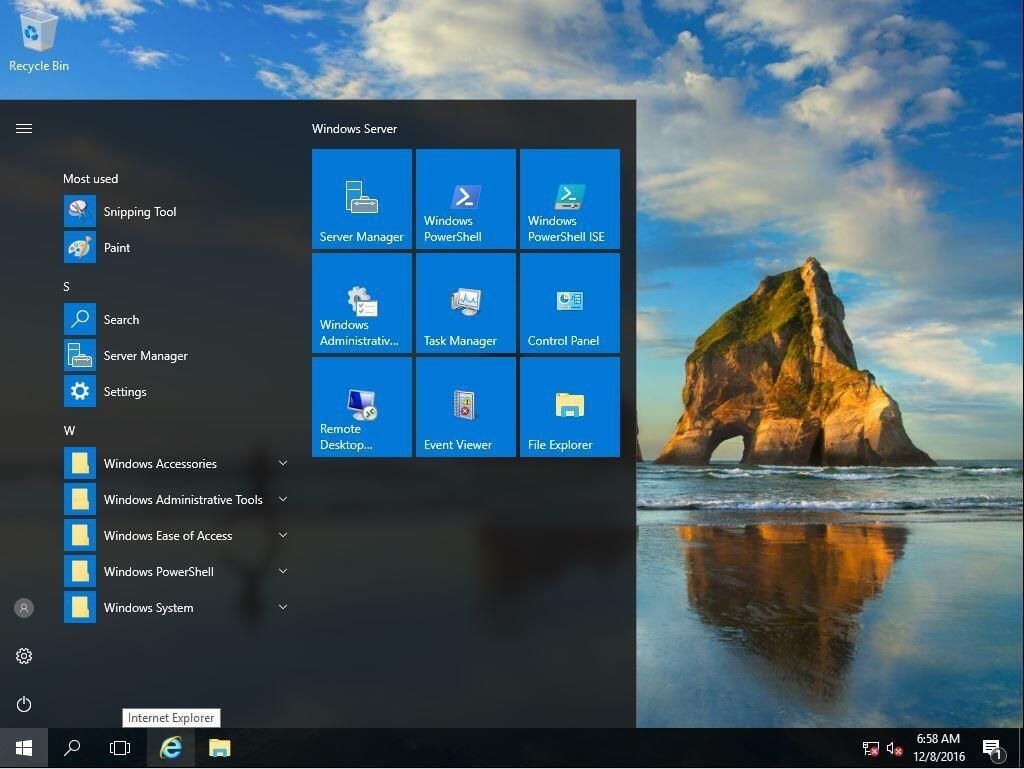
This cheat sheet covers details about Windows Server 2016, such as new features, minimum requirements, install options, and how Microsoft’s virtualized services seamlessly integrate with the cloud.
This walk-through explains how to establish a baseline of your Windows hardware’s “average use” so you can spot anomalies and deal with them before they become issues.
Create a DaRT-enabled recovery image for either a USB drive or optical media, and you’ll have enhanced troubleshooting and repair options at hand when you need them.
This walk-through will show you how to install VMware’s ESXi hypervisor on bare-metal hardware for the purpose of hosting client-based virtual machines.
Trying to get started with VMware’s virtualization app but lack an optical drive on your Apple computer? Here’s how to transform the ISO into a bootable flash drive for installing the hypervisor.