Mark W. Kaelin has been writing and editing stories about the information technology industry, software, hardware, gaming, finance, accounting, and technology geekdom for more than 30 years.
Featured In
TechRepublic
TechRepublic Premium
Breaking Modern
aNewDomain
Highlights
My complicated solution to overcome a bug in the Activision video game MechWarrior 2 was included verbatim in the public release as an addendum to the manual. (1995)
There is a way to display seconds in the Windows 10 system tray, but you will have to edit the Registry File to make it happen. We show you the necessary steps.
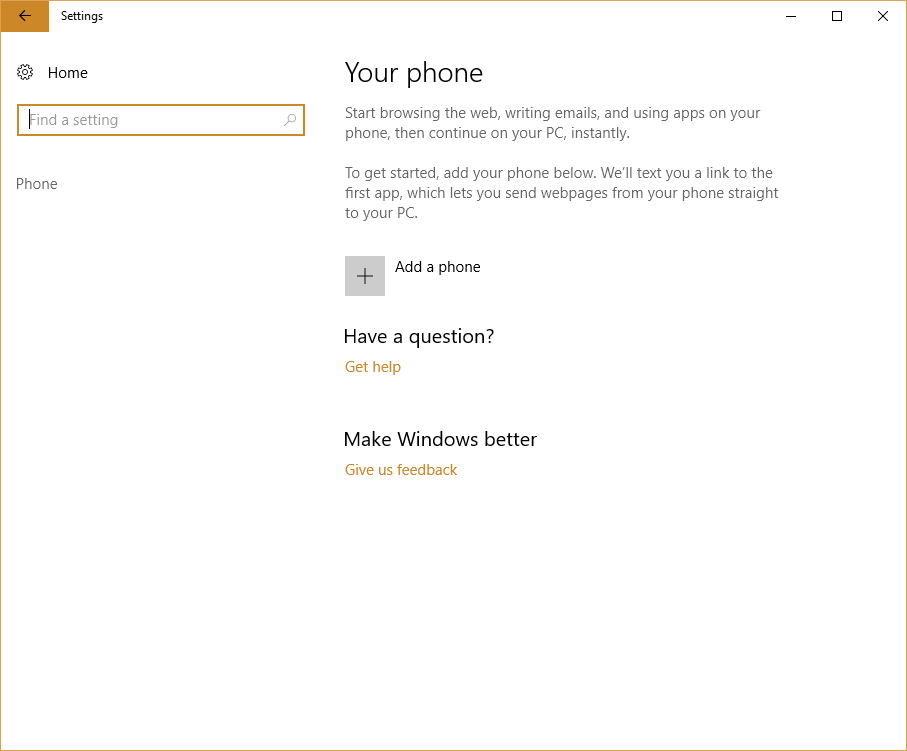
Connecting your Android smartphone to Windows 10 using the built-in app can improve your productivity. This tutorial shows you how to make the connection.
Microsoft says its new Edge web browser cannot be uninstalled, but that is simply not true. The right PowerShell command entered in the right folder can accomplish the task.
The Google Cloud Pricing Calculator can give businesses perspective on the overall cost of cloud services and help them make better and more informed decisions.
Identifying any color displayed on a screen is not as easy as it sounds. That once laborious process has been simplified with Windows 10 PowerToys Color Picker.
There is a way to change back to old-style Outlook notifications, but it’s convoluted because Microsoft hid it so well. Learn how to work around those restrictions.
Troubleshooting what can be tweaked, hacked, adjusted, and replaced requires detailed analysis. The Performance Monitor can provide that information in a visual format.
The Windows 10 Assessment Tool tests the components of your computer then measures their performance. But it can only be accessed from a command prompt.
Version 18 of Windows 10 PowerToys includes a new app called Keyboard Manager. We show you how to access it and how to use it to remap your standard keyboard.
The Microsoft Windows 10 Whiteboard app is fully integrated and can now be accessed by all users. Learn how to use it and share your whiteboard projects with others.
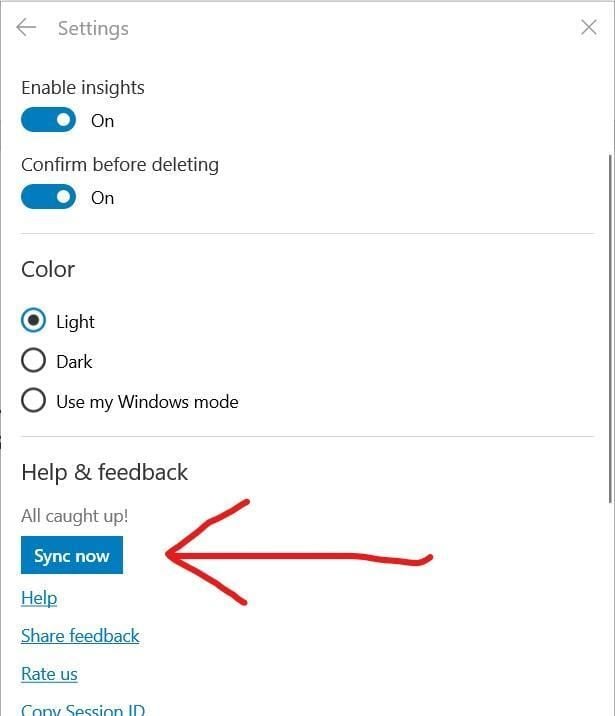
Windows 10 Sticky Notes allows you to store short notes and reminders that can be referred to over and over. Backing up those notes can be simple or complicated.