Mark W. Kaelin has been writing and editing stories about the information technology industry, software, hardware, gaming, finance, accounting, and technology geekdom for more than 30 years.
Featured In
TechRepublic
TechRepublic Premium
Breaking Modern
aNewDomain
Highlights
My complicated solution to overcome a bug in the Activision video game MechWarrior 2 was included verbatim in the public release as an addendum to the manual. (1995)
Users can access several key Microsoft applications with keyboard shortcuts and a standard keyboard, but increased efficiency is limited without some special tricks.
After the update to Windows 11, you may find one of your personalization tweaks is missing. We re-explain the process required to disable the Windows 11 lock screen.
An extensive list of keyboard shortcuts is available for online versions of Outlook. Users who take advantage of these shortcuts will be more efficient and productive.
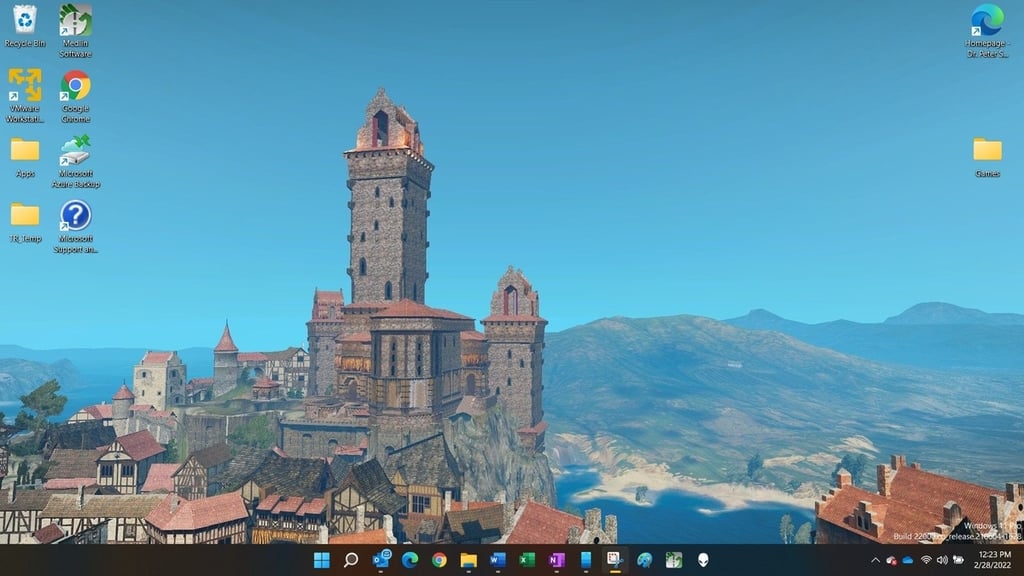
By default, Microsoft doesn’t allow users to change the distance between desktop icons on the Windows 11 desktop, but an edit of the Windows Registry will do the trick.
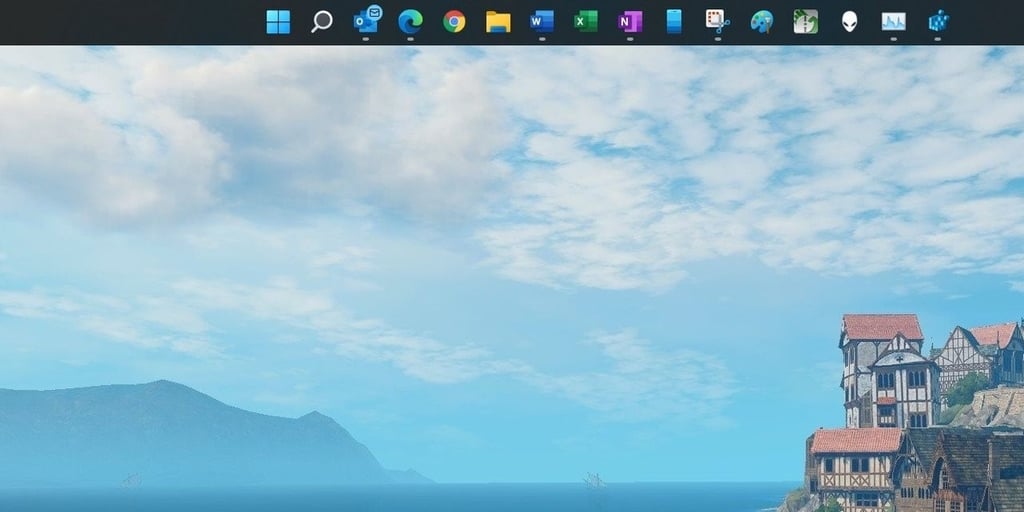
Microsoft does not make Windows 11 personalization as easy as it could. To move the taskbar to the top of your screen you will have to perform a deep edit of the Registry File.
Normally, Microsoft does not allow users to modify the relative size of the Windows 11 taskbar. But with a hack of the Registry File, we can make that possible.
Regardless of your activity on the internet, security is more important than ever. Changing default settings in Microsoft Edge can boost security performance significantly.
Users can restore the classic command ribbon to File Explorer in Windows 11 by hacking the Registry File and adding a specific string value to a new key.
Microsoft decided the Advanced Boot Options menu was no longer needed, but with the help of a command line prompt and BCDEdit, we can overrule that decision and add it back.
Using a little-known feature of Windows 10 and 11, we can automatically designate a specific drive letter to Microsoft OneDrive at startup every time we boot up our PC.
With an update to Microsoft Windows 11, you can no longer easily map OneDrive to a drive letter. Instead, you must resort to the ancient command line system known as DOS.