Mark W. Kaelin has been writing and editing stories about the information technology industry, software, hardware, gaming, finance, accounting, and technology geekdom for more than 30 years.
Featured In
TechRepublic
TechRepublic Premium
Breaking Modern
aNewDomain
Highlights
My complicated solution to overcome a bug in the Activision video game MechWarrior 2 was included verbatim in the public release as an addendum to the manual. (1995)
Depending on settings, turning off your Windows 11 PC the conventional way may not completely shutdown your system. That takes an extra step: I’ll show you how.
Whether it is ransomware or just basic wear and tear, all systems eventually fail. You should have a complete backup of personal data and settings ready for such occasions.
Backing up specific important folders, files and documents in Windows 11 does not require expensive third-party software when you know how to use the command line.
To prevent users from accidentally changing Windows 11 configuration settings, it is possible to hide those settings screens from users using group policies or registry edits.
Normal Microsoft Windows 11 updates do not always include every potential driver and firmware update. Those valuable updates require your personal participation.
You cannot uninstall Microsoft Edge from Windows 11 the conventional way – you must resort to a specific command entered in a specific folder using the system command prompt.
For SMBs, deploying a secure, integrated and mobile collaborative working environment that doesn’t break the bank is nearly impossible. Microsoft 365 is designed to make it not only possible, but easy.
Unless you change the default settings on your Privacy Dashboard, Microsoft Windows 11 will store your complete search history on your device and in the cloud.
Creating a USB recovery drive for Windows 11 is easy if you follow the preparation protocols. We explain what you need to completely recover from a catastrophic failure.
In certain circumstances, power users need to access more than the basic Windows 11 settings. Enabling god-mode will allow access to just about every setting available.
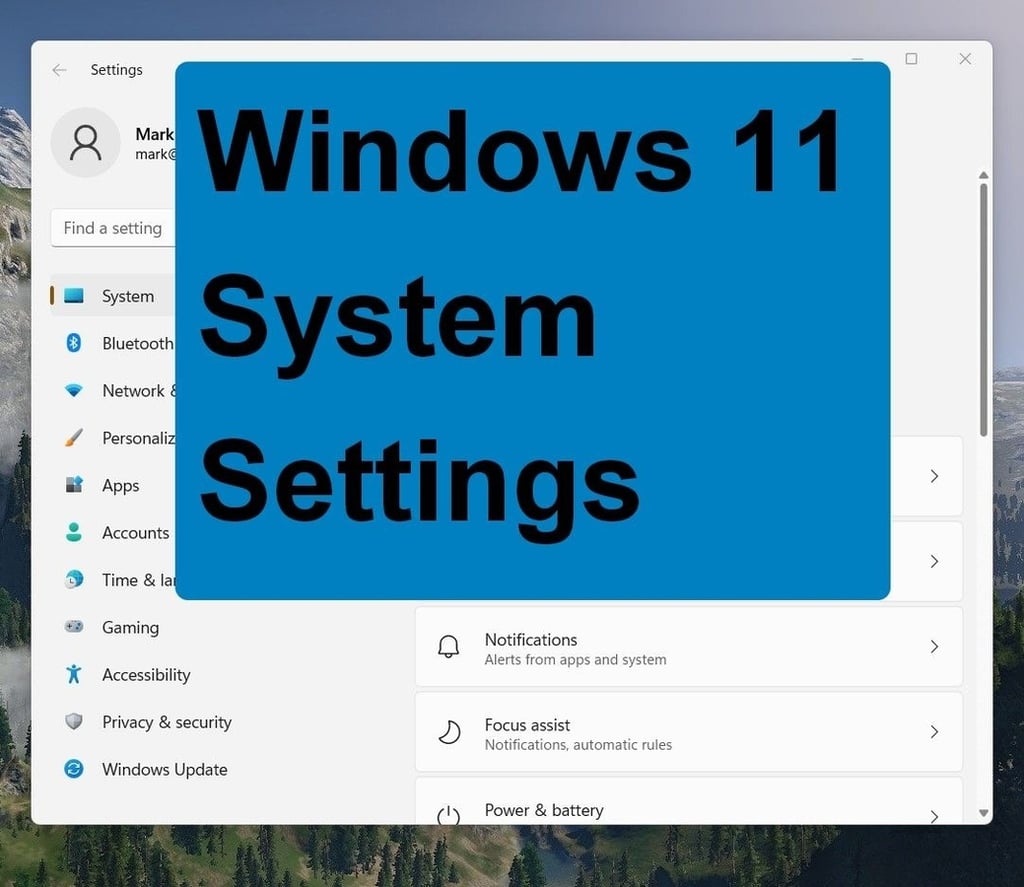
Not all personalization settings found in the Windows 11 system control panel are as useful as they should be. Here are a few we recommend you avoid at all costs