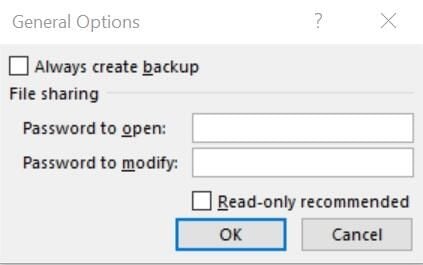
At the file level, you can password protect an Excel workbook in two ways: You can determine who can get in and who can save changes.
Sparklines are a great visual tool, but you can increase their impact with a little simple formatting.
Don’t leave your contacts hanging while you’re on vacation. Create an automated message including information about when you’ll return.
Learn how to keep an Excel macro button in sight and how to intervene when Word converts characters into something you never intended.
To change a document’s header or footer in a Microsoft Word document, you should add a section break first. Follow these step-by-step instructions.
You don’t need specialized skills to make a picture fit a specific space. A few basic skills–resizing and cropping–are all you need.
Header text often takes up too much space. Use these three formats to put headers on a diet when working in Excel.
The next time you need to generate dozens of letters, labels, or even emails, relax. Let Word’s mail merge feature do the work for you.
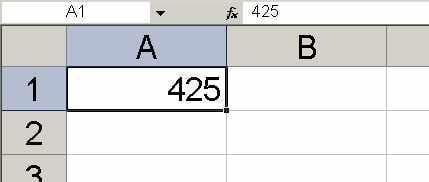
By default, Microsoft Excel won’t display or store leading zeros. Read this Excel tip to learn three handy ways to get around the problem.
The options in Office Picture Layout lets you create a professional picture layout with very little work.
Excel’s Find feature offers more than just finding values if you know the right steps.
Sharing information is one of Outlook’s best selling points and sharing contacts is no exception.