By: Anthony Sullivan
You know the feeling. You’re sitting there minding your own business, going about your computing day when… BAM! You’re computer goes wonky and you know something isn’t right. Maybe it reboots, maybe you start getting errors, or maybe files just start to disappear. One thing’s for sure: you’ve got a virus.
Or, maybe you don’t know what this is like. Perhaps you only know what it’s like for your computer to casually tell you that it has thwarted yet another attempt to infiltrate your system by some nefarious evil-doing snippet of code.
If either of these scenarios has happened to you, you already know how important virus protection is. But how do you choose the right anti-virus protection? There are tons of options out there.
Today, take a peek at Kaspersky Anti-Virus and decide for yourself if this is the option for you.
You can download your own trial copy of Kaspersky Anti Virus from the TechRepublic Software Library.
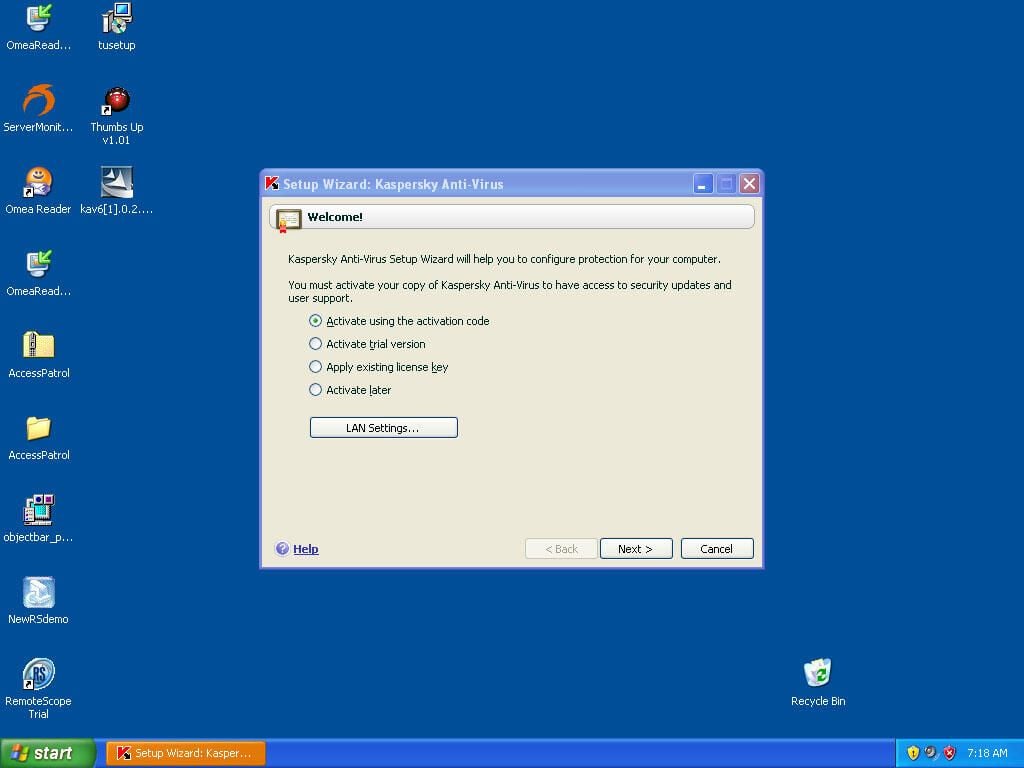
After installing Kaspersky you are asked it activate the software. Since we are just checking it out and haven’t bought a copy yet we’ll want to activate a trial.