


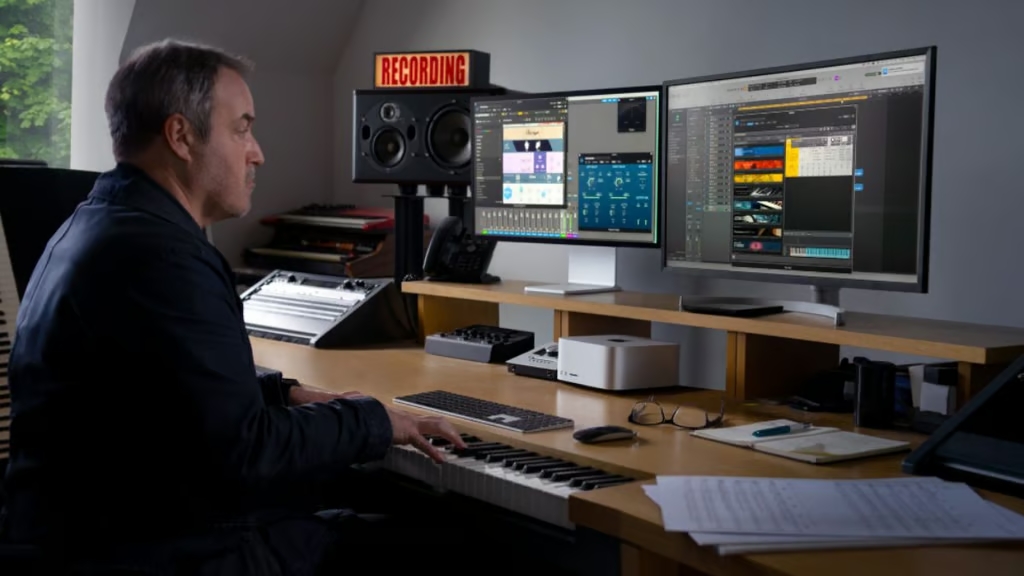
Buying a Mac Studio in 2026 raises an expensive question: Do you need the performance now, or can your current computer hold on until Apple’s next Ultra chip arrives?
With the recent discontinuation of the Mac Pro, the Mac Studio is now Apple’s undisputed, sole high-end desktop workstation. Apple currently sells it with either an M4 Max or M3 Ultra chip, but a recent report suggests an M5 Ultra version could arrive later in 2026. Apple has not announced the new model, leaving professional buyers to weigh an available workstation against a potentially faster replacement waiting just beyond the calendar.
For most buyers, the answer depends less on Apple’s chip roadmap than on whether their existing computer is slowing down the work that generates revenue.
What the current Mac Studio offers
The current Mac Studio starts at $2,499 for an M4 Max configuration with a 14-core CPU, 32-core GPU, 36GB of unified memory, and 512GB of storage.
Apple also sells an M3 Ultra configuration with a 28-core CPU, 60-core GPU, 96GB of unified memory, and 1TB of storage. Both models remain available to order, although customized configurations may have longer delivery estimates depending on location and availability.
The M4 Max can be configured with up to a 16-core CPU and a 40-core GPU, while supporting up to five displays. The M3 Ultra offers up to a 32-core CPU and an 80-core GPU, along with support for up to eight displays.
However, the memory configurations reveal a frustrating quirk in the current lineup. Apple’s current Mac Studio comparison page lists the lineup with between 36GB and 96GB of unified memory. When Apple introduced the current generation in 2025, it offered the M4 Max with up to 128GB and the M3 Ultra with up to 512GB. Amid an industry-wide memory shortage dubbed “RAMageddon,” Apple quietly discontinued those higher tiers. Today, the M4 Max is capped at 64GB, and the theoretically superior M3 Ultra is capped at a meager 96GB.
That change is particularly important for professionals considering the Mac Studio for large local AI models or other memory-intensive workloads. Buyers who need more than 96GB should confirm the available configurations before making purchasing plans.
Both current Mac Studio versions include Thunderbolt 5, HDMI, 10Gb Ethernet, two USB-A connections, an SDXC card slot, and a headphone jack.
Apple’s original 2025 Mac Studio announcement documented the former 128GB and 512GB memory limits.
What an M5 Ultra Mac Studio could change
Apple is reportedly planning an M5 Ultra Mac Studio for later in 2026, according to AppleInsider, citing Bloomberg’s Mark Gurman. The same report says Apple could follow it with an M7 Ultra model in 2028, reportedly skipping the entire high-end M6 generation (Pro, Max, and Ultra) to fast-track its AI ambitions.
The M5 Ultra update is expected to focus more on internal performance than on a redesigned enclosure. Apple has reportedly developed a better heat sink for the Mac Studio, which could improve thermal performance during sustained heavy workloads.
The report does not provide confirmed details on CPU, GPU, memory, storage, pricing, or release dates — though the ongoing memory crisis hints that a maxed-out 768GB version could easily push past $10,000. It also does not clearly address whether Apple will introduce an M5 Max version of the Mac Studio alongside the Ultra model.
Apple has not announced either the M5 Ultra or the M7 Ultra Mac Studio, so those plans could change. Buyers should treat the reported roadmap as a basis for evaluating timing, not as a guaranteed product schedule.
Who should buy a Mac Studio now?
Buying now makes sense when an older computer is already creating measurable bottlenecks.
A video production team losing hours to rendering, a developer repeatedly waiting for large projects to compile, or a designer struggling with complex 3D scenes may gain more from an immediate productivity improvement than from an unconfirmed future processor.
The current M4 Max model is likely the more sensible choice for many photographers, developers, musicians, and video editors. It delivers substantial professional performance without the significantly higher cost of an Ultra configuration.
The M3 Ultra becomes easier to justify when a workload can use its additional CPU and GPU cores, greater memory bandwidth, or expanded display support. Potential use cases include advanced visual effects, scientific analysis, large dataset processing, complex 3D rendering, and local AI inference.
However, the current 96GB unified-memory ceiling severely limits the appeal of the M3 Ultra for buyers who were previously considering configurations with 256GB or 512GB. Professionals planning to run particularly large AI models should confirm that their workloads fit within the available memory.
Businesses should also consider deployment schedules. If systems must be purchased, configured, secured, tested, and distributed before a project begins, waiting for an unannounced product may create more operational risk than buying known hardware.
Who should wait for M5 Ultra?
Waiting is the safer choice for buyers specifically considering an M3 Ultra configuration but who do not need a new workstation immediately.
The M3 Ultra remains Apple’s highest-performance Mac Studio chip, but buying late in a product cycle can mean paying a premium shortly before a faster replacement appears. An M5 Ultra could deliver better CPU, GPU, AI, or thermal performance and potentially provide a longer useful life.
Professionals working heavily with local AI models may have the strongest reason to wait. Every additional gigabyte allows larger models to run locally. If Apple successfully navigates the memory supply chain to offer 768GB with the M5 Ultra, or a staggering 1.5TB and data-center-class AI processing with the 2028 M7 Ultra, the wait will be worth it for data scientists.
However, there is no confirmation that the M5 Ultra will offer more than 96GB of unified memory at an affordable price. Buyers should not delay an urgent purchase based solely on the assumption that higher-memory options will return.
Owners of an M1 Ultra or M2 Ultra Mac Studio should also consider waiting unless their current machines are causing clear workflow problems. An M5 Ultra could provide a more meaningful generational upgrade than moving to the current M3 Ultra, which is set to be replaced shortly.
Must-read Apple coverage
- Nearly 7 in 10 iPhone Owners Plan iPhone 17 Upgrade
- Apple Prepares AI-Powered Siri Upgrade With Google Search Integration
- Apple’s Xcode 26 Beta Now Supports GPT-5 and Claude
- Apple’s Vision Pro Adoption Stalled As Content Released ‘Drip by Drip’
Should you buy or wait?
Buy the current Mac Studio when your existing hardware is costing you time, limiting active projects, or delaying revenue. The M4 Max and M3 Ultra models remain powerful professional workstations, and available hardware can solve problems that a rumored machine cannot.
Wait for the M5 Ultra when your current system still performs adequately, particularly if you are preparing to spend heavily on an Ultra configuration. Waiting may also be worthwhile if your workload requires more than the 96GB of unified memory Apple currently lists for the top-tier chip.
The smartest choice is not automatically the Mac with the newest chip. It is the machine that offers the right performance, memory, and delivery timing for the work that needs to get done.
Also read: For more on Apple’s broader hardware strategy, read our coverage of how reported iPhone 17 production cuts and rising component costs could shape the company’s next generation of devices.